Job Scheduling and Dispatch Automation: Assign by Skills, Location, and Availability
If your morning still opens with a spreadsheet, a WhatsApp group, and three technicians calling in late, you already know the cost. Every manual reshuffle after a no-show burns half an hour the customer never sees, while overtime and travel waste quietly erode same-day completion.
We build the dispatch automation that makes job assignment automatic.
Sound Familiar?
These are the exact issues our clients faced before dispatch automation:
- Your morning starts in Excel, a WhatsApp group, and three technicians calling in late before the first job is confirmed
- Jobs go to whoever answers first, not the tech with the right skills within the shortest drive
- Every no-show forces a half-hour reshuffle the customer never sees, while neighbouring jobs slip
- Overtime piles up on the same two senior techs while juniors sit under-utilised across town
- Same-day completion suffers because travel waste and wrong-skill assignments burn the afternoon window
Every no-show or overrun still costs 8–12 minutes of location calls alone, and dispatchers without GPS-linked boards burn about 2.8 hours a week just finding who is nearest. That is half a morning of reassignment the customer never sees, every single week.
What Dispatch Automation Actually Does
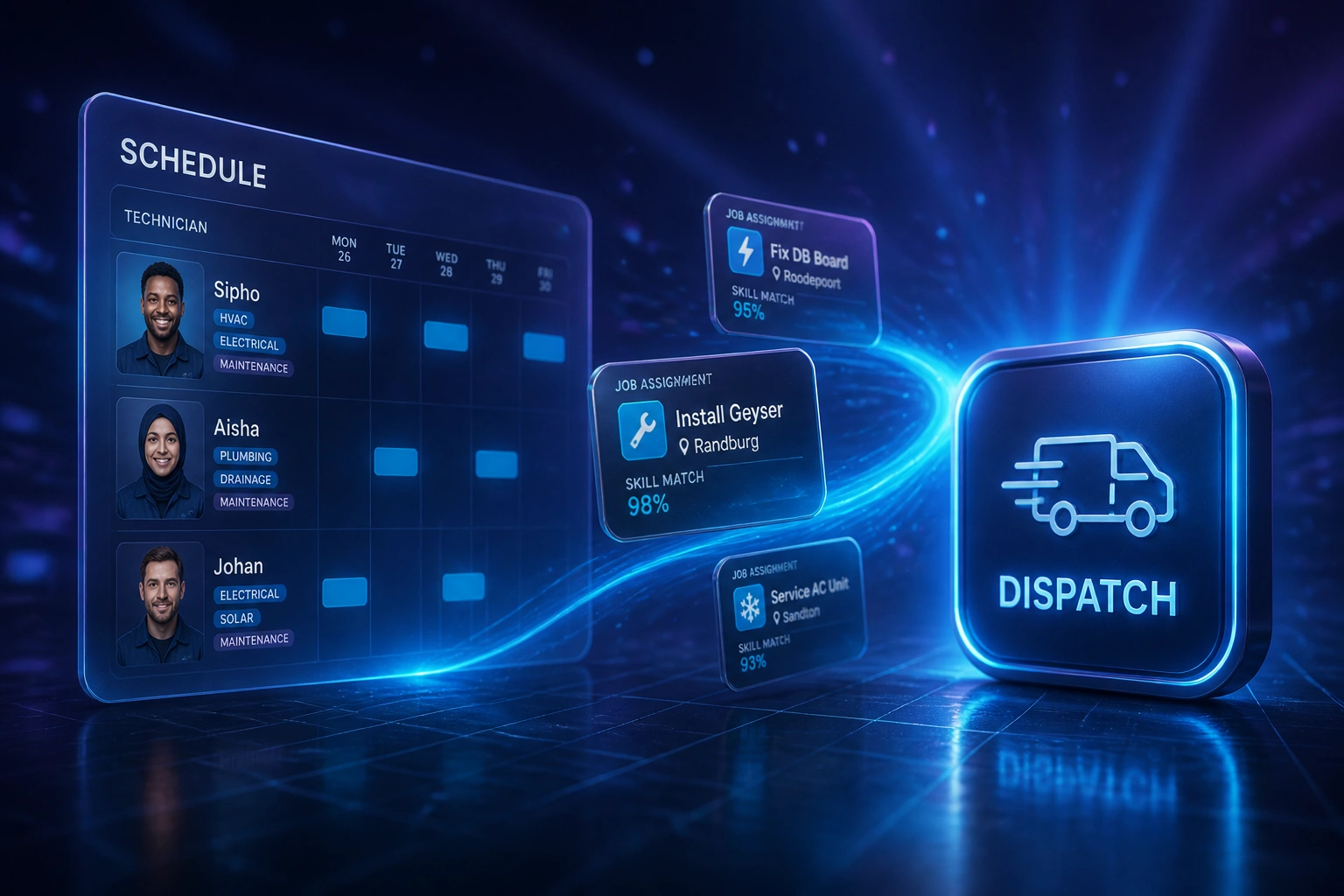
Job arrives → skills and location scored → technician notified → board updates. No human copying rows between sheets.
Job Hits the Board
Work order lands from phone, portal, or CRM with suburb, trade, and promised window
Skills and Location Match
Rules score certified skills, drive time, and remaining capacity across the crew
Tech Gets the Job
Assignment pushes to the field app or SMS; dispatcher only reviews exceptions
Board Self-Heals
Late calls and overruns trigger reassignment shortlists instead of another Excel rebuild
Everything You Need for Reliable Automated Job Assignment
Skills-Based Job Assignment
Each work order matches against certified skills, ticket history, and parts readiness, so the right technician gets the job before anyone picks up a phone.
Location and Drive-Time Matching
Live location and drive-time rules prefer the nearest qualified tech, cutting empty kilometres and protecting the afternoon same-day window.
Availability and Capacity Rules
Leave, unfinished jobs, and remaining capacity feed the board automatically, so you stop double-booking and stop guessing who is free.
No-Show and Exception Reassignment
When a tech runs late or a job cancels, the board proposes the next best match in seconds instead of another WhatsApp round-robin.
FSM and Work-Order Sync
Assignments write back into Jobber, ServiceTitan, Simpro, Fergus, or your custom FSM so the schedule, the field app, and the office stay on one truth.
Dispatcher Exception Dashboard
Automation handles the routine matches. You only see conflicts, SLA risks, and emergency inserts that need a human call.
Tools We've Connected for Field Dispatch
From 14 Hours/Week to 3 Hours/Week
How a Johannesburg HVAC and electrical ops lead cut dispatcher firefighting and lifted same-day completions by 18%.
The Manual Process
- Dispatcher rebuilt the day board in Excel every morning, then chased techs on WhatsApp
- No-shows triggered 20–30 minute reshuffles of neighbouring jobs by phone
- Senior techs absorbed overtime while juniors sat under-matched across town
- Same-day completion stalled whenever travel and wrong-skill assignments stacked
- Ops lead spent evenings reconciling who actually did what
The Automated Process
- Jobs score against skills, suburb drive time, and remaining capacity in seconds
- Exception shortlists replace WhatsApp round-robins when someone runs late
- Workload balances across trades instead of overloading the same two seniors
- Same-day window protected by fewer empty kilometres between jobs
- Dispatcher reviews exceptions; the board handles routine assignment
Before vs After Dispatch Automation
How It Works
From first conversation to live dispatch automation in 3–5 weeks.
Tell Us Your Setup
How many technicians, which skills matrix you use, where Excel and WhatsApp still run the morning board.
Free Scoping Call
30-minute call to map job intake → skills match → location check → dispatch → exception handling for your crew.
Build & Test
We encode assignment rules, connect your FSM or sheets, and run parallel against your current board for two weeks.
Go Live & Monitor
Switch off the spreadsheet reshuffle. Monitoring flags SLA risks and under-matched jobs before customers notice.
Frequently Asked Questions
How long does job scheduling and dispatch automation take to set up?
A standard skills and location dispatch build takes 3–5 weeks from scoping to go-live. Small crews already on Jobber or Fergus can be live in about two weeks. Larger teams with multi-trade skills matrices, live GPS, and custom FSM write-back typically take 4–6 weeks.
Which field service tools can you connect?
We have connected Jobber, ServiceTitan, Simpro, Fergus, Housecall Pro, FieldPulse, and custom FSM builds. If you still dispatch from Excel and WhatsApp, we can start there and migrate the board into a proper schedule system as part of the build.
Will dispatchers still control final assignments?
Yes. Automation proposes the best skills, location, and availability match. Dispatchers approve, override for VIP customers, and handle true emergencies. The point is to cut the hours spent assembling the first draft, not to remove judgement from the board.
How is this different from shift rostering or appointment booking?
Shift rostering fills office or retail shifts for the week. Appointment booking holds a calendar slot for a patient or client. This page is field job dispatch: matching work orders to technicians by trade skills, current location, and remaining capacity so the truck that leaves the yard is the right one.
What happens when a technician calls in late or a job overruns?
Exception rules re-score open jobs against remaining capacity and drive time, then surface a shortlist. Most mid-day reshuffles that used to take 20–30 minutes of calls finish in under a minute of review.
How much does job scheduling and dispatch automation cost?
Skills and location assignment on a single FSM starts from around R30,000. Multi-trade builds with live location, exception reassignment, and custom write-back typically range from R45,000 to R85,000. Most crews recovering ten or more dispatcher hours a week plus overtime leakage see ROI within two to three months.
Stop Dispatching from Spreadsheets and WhatsApp
If your ops lead still rebuilds the day board by hand every morning, you are spending money on a problem that skills-based job assignment already solves.
Tell us how many technicians you run, which trades you cover, and where Excel still owns the morning. We will show you exactly how automated job scheduling and dispatch would work for your board.