LinkedIn Lead Gen Forms Integration: Turn Expensive B2B Clicks into Same-Day Follow-Up
You are paying for LinkedIn Lead Gen Forms that capture real decision-makers, then watching those hot leads sit in Campaign Manager overnight. By morning the prospect has moved on, and your LinkedIn CRM handoff has already lost the race.
We build the instant CRM sync with full LinkedIn context that makes same-day sales follow-up automatic.
Sound Familiar?
These are the exact issues our clients faced before LinkedIn Lead Gen Forms CRM integration:
- LinkedIn Lead Gen Forms capture decision-makers, then sit in Campaign Manager until someone exports a CSV
- Sales only sees a name and email, with no campaign, creative, job title, or company context attached
- Overnight and weekend submissions wait until the next business morning, long after intent has cooled
- Native Lead Sync partners miss hidden fields, custom checkboxes, or profile links your CRM needs
- You are paying R1,400–R2,800 per LinkedIn lead while competitors reply in minutes
LinkedIn's own help centre still points unsupported CRMs to manual CSV download from Campaign Manager, and several native Lead Sync partners drop hidden fields, custom checkboxes, or profile links. If your B2B stack is not fully covered, expensive LinkedIn Ads leads keep dying in overnight exports while competitors reply the same day.
What LinkedIn Lead Gen Forms CRM Sync Actually Does
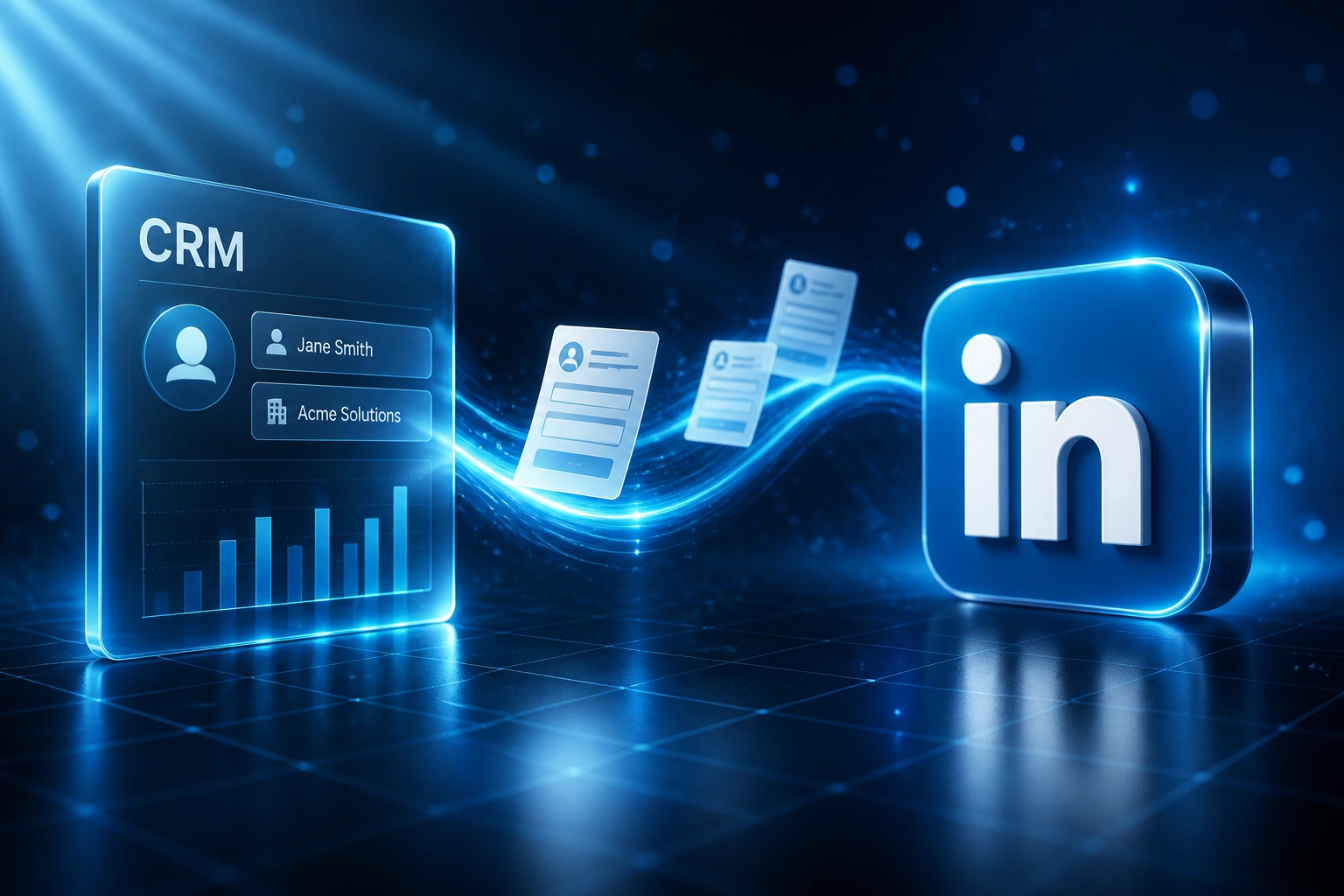
Form submitted → CRM record created → owner alerted → same-day follow-up. No human copying data out of Campaign Manager.
Lead Submits on LinkedIn
A decision-maker completes a Lead Gen Form inside LinkedIn Ads, often on mobile while scrolling
Contact Created in CRM
Name, company, job title, form answers, and campaign context mapped automatically
Owner Alerted Instantly
Rep assigned by rules, with Slack, Teams, email, or task ping within seconds
Same-Day Follow-Up
Sales reaches out while intent is high, with full LinkedIn campaign context in hand
Everything You Need for Reliable LinkedIn CRM Sync
Instant Lead Gen Form Capture
The moment someone submits a LinkedIn Lead Gen Form (Instant Form), the contact lands in your CRM with name, email, phone, job title, company, and form answers attached.
Campaign & Creative Context
Campaign name, form name, ad creative, and LinkedIn campaign IDs sync into CRM fields so marketing can see which LinkedIn Ads actually become pipeline.
Owner Assignment & Sales SLA
Round-robin or territory rules assign the right B2B rep instantly, with a hard first-touch SLA so expensive LinkedIn leads never sit in a shared inbox overnight.
Same-Day Outreach Triggers
Email, call task, or Slack/Teams alerts fire the second the lead arrives, while the prospect is still in a LinkedIn browsing session.
Hidden Fields & Full Mapping
We map every field your Campaign Manager form collects, including custom questions and hidden UTM-style values that many native Lead Sync partners drop.
Failure Alerts & Backfill
If a webhook misses a ping, the integration retries and alerts ops. Leads never disappear into a Campaign Manager export queue until someone remembers to download.
CRMs We've Integrated with LinkedIn Lead Gen Forms
From 16 Hours to Under 4 Minutes
How a B2B professional services firm stopped parking LinkedIn Lead Gen Forms in Campaign Manager overnight and more than doubled qualified pipeline from the same ad spend.
The Manual Process
- Marketing exported CSVs from Campaign Manager once or twice a day
- Leads cleaned in Sheets, then imported into HubSpot by hand
- Average first contact sat at 16 hours, often the next morning
- Only 9% of LinkedIn Lead Gen Form leads reached SQL
- Roughly 8 hours a week lost to export, dedupe, and chase-ups
The Automated Process
- Every LinkedIn Lead Gen Form submission creates a HubSpot contact in seconds
- Sales rep assigned by segment, with campaign, creative, job title, and company attached
- Automated Slack alert and first email fire while the prospect is still warm
- SQL rate climbed to 22% on the same LinkedIn Ads spend
- Ops time dropped to about 1 hour a week reviewing exceptions
Before vs After LinkedIn CRM Integration
How It Works
From first conversation to live LinkedIn Lead Gen Forms integration in 2–4 weeks.
Map Your Lead Flow
Which LinkedIn Lead Gen Forms and ad accounts, which CRM fields, who owns LinkedIn-sourced leads, and what first-touch fires first.
Free Scoping Call
30-minute call to design the LinkedIn CRM sync, sales SLA, campaign attribution, and failure alerts around your B2B funnel.
Build & Test
We wire the real-time connection, test with live Lead Gen Form submissions, and run parallel against your Campaign Manager CSV process before cutover.
Go Live & Monitor
Switch off manual Campaign Manager downloads. Monitoring confirms every lead arrives, gets an owner, and triggers follow-up.
Frequently Asked Questions
How is LinkedIn Lead Gen Forms CRM integration different from social inbox capture?
Organic LinkedIn DM and comment capture watches public posts for people who message or comment. LinkedIn Lead Gen Forms (also called Instant Forms) capture details inside a paid LinkedIn Ads form in Campaign Manager. This integration pushes those paid form submissions into your CRM in real time so sales can follow up while the decision-maker is still warm.
How fast do LinkedIn Lead Gen Forms reach the CRM?
With a proper webhook-based integration, leads typically land in the CRM within seconds of form submission. That matters because the MIT Lead Response Management Study found you are 21 times more likely to qualify a lead contacted within 5 minutes versus 30 minutes, and HBR research showed firms contacting within an hour are nearly 7 times as likely to qualify as those who wait another hour.
Why is downloading a CSV from Campaign Manager not enough?
CSV export depends on someone remembering to open Campaign Manager, download, clean, and import. By the time a once-a-day export lands in the CRM, a LinkedIn decision-maker has moved on and your R1,400–R2,800 cost-per-lead is competing against vendors who already replied. GrowthSpree LinkedIn Lead Gen Form benchmarks show first contact after 24 hours cuts net pipeline impact by about 75% versus a sub-5-minute response.
What if our CRM is not in LinkedIn's native Lead Sync partner list?
LinkedIn's own help docs say unsupported platforms fall back to manual CSV download from Campaign Manager. Some listed partners also drop hidden fields, custom checkboxes, or member profile links. We build a custom LinkedIn Lead Gen Forms to CRM sync that maps the fields your sales process actually needs, including campaign and creative context.
Which CRMs can LinkedIn Lead Gen Forms sync into?
We have connected LinkedIn Lead Gen Forms to HubSpot, Pipedrive, Salesforce, Zoho CRM, Monday.com, Freshsales, and custom CRMs. If your CRM has an API, we can create the contact, assign the owner, stamp the LinkedIn campaign source, and fire the first outreach automatically.
How much does LinkedIn Lead Gen Forms to CRM integration cost?
Simple one-way Lead Gen Form syncs start from around R15,000. Integrations with assignment rules, campaign attribution, hidden-field mapping, and failure alerts typically range from R25,000 to R60,000. Teams spending meaningful LinkedIn Ads budget usually see payback inside two to three months from recovered B2B conversions alone.
Stop Leaving LinkedIn Leads in Campaign Manager Overnight
If your B2B marketing and sales teams are still exporting LinkedIn Lead Gen Forms by hand, you are spending Rand on a speed problem that is already solved.
Tell us which LinkedIn ad accounts and CRM you use, how leads are routed today, and where first response stalls. We will show you exactly how instant LinkedIn CRM sync would work for your pipeline.