Microsoft 365 Email Integration via Graph API: Outlook CRM Sync Without BCC
Your team lives in Outlook, but deal context still dies in private inboxes. Asking reps to BCC the CRM or paste threads into notes is slow, incomplete, and insecure beside modern Microsoft Graph email integration.
We capture sent and received Microsoft 365 mail against contacts and deals automatically.
Sound Familiar?
These are the exact issues Microsoft 365 sales teams brought us before Outlook CRM integration:
- Reps still BCC the CRM or paste Outlook threads into notes after every call
- Managers coach from hollow contact records because Outlook mail never landed on the deal
- Shared mailboxes (sales@, tenders@) stay invisible to the CRM timeline
- Password IMAP scrapers break after Microsoft retired basic auth on Exchange Online
- Handovers fail when the real conversation lives in a private Outlook mailbox
Exchange Web Services in Exchange Online begins disablement in October 2026, with permanent retirement in April 2027. Microsoft already killed basic-auth IMAP. If your Outlook CRM connector still leans on passwords or ageing EWS, Microsoft Graph email integration is the path that survives the next audit.
What Microsoft Graph Email Sync Actually Does
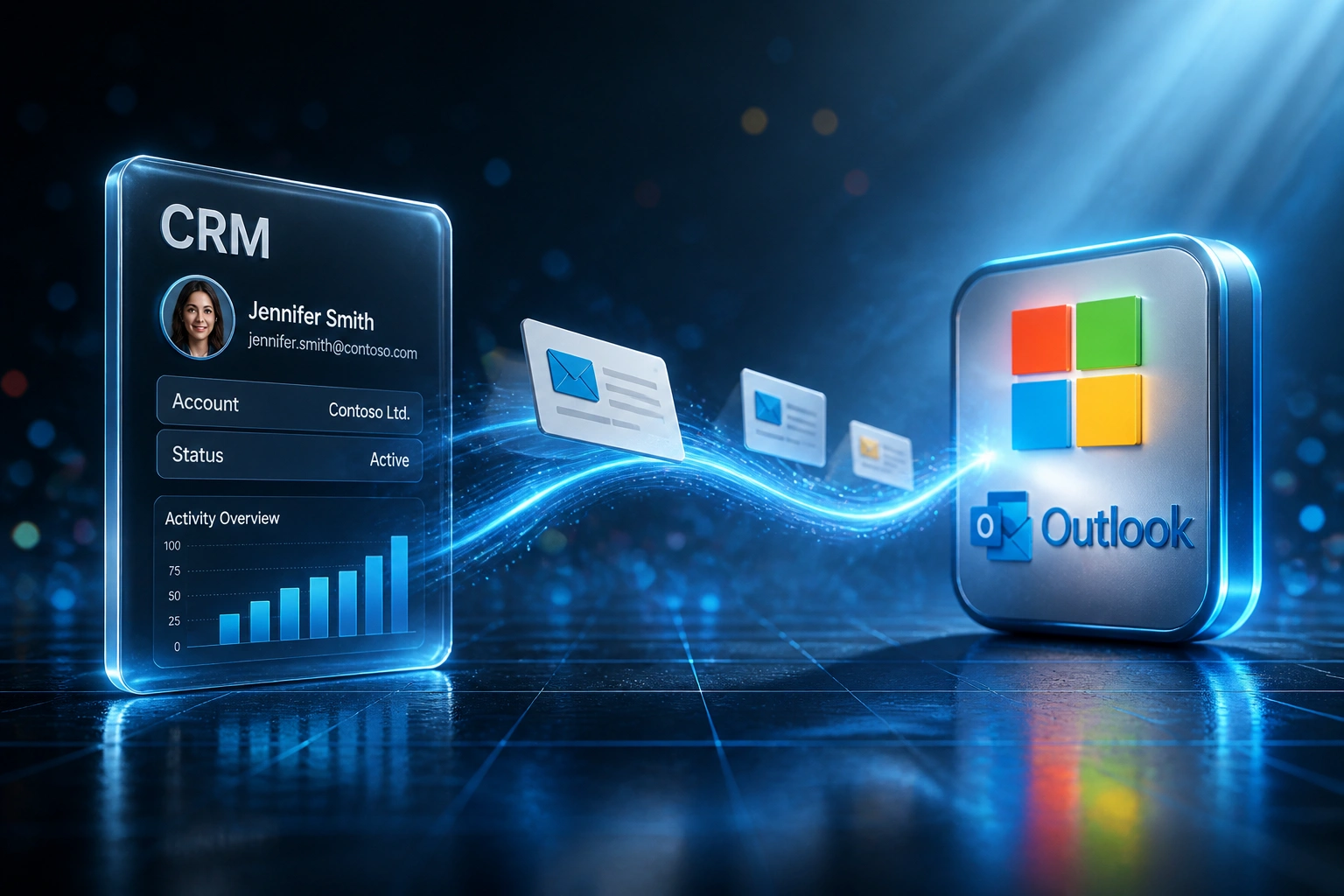
Outlook mail moves → matched to the contact → logged on the deal → ready for the next owner. No BCC theatre.
Mail Sent or Received
Rep works in Outlook or a shared Microsoft 365 mailbox as they always have
Captured via Graph
Microsoft Graph reads the mailbox under Entra ID consent, not password IMAP
Matched to CRM
Addresses and deals resolve so the thread lands on the right contact timeline
Visible to the Team
Managers coach from the real conversation, and handovers keep full history
Everything You Need for Reliable Outlook CRM Integration
Microsoft Graph Mail Capture
Sent and received Outlook messages sync to the right CRM contact and deal via Microsoft Graph, without BCC rituals or insecure password IMAP.
Entra ID Consent & Security
Modern OAuth through Entra ID: scoped consent, MFA-ready tokens, and a security posture that matches how Microsoft 365 shops already govern access.
Shared Mailbox Logging
Graph reaches shared and delegated mailboxes your team actually uses, so sales@ and tenders@ replies stop vanishing from the CRM.
Contact & Deal Matching
Addresses and domains resolve to the right CRM records so Outlook CRM integration builds a usable timeline managers can open without screenshots.
Historical Backfill
Pull recent months of relevant Microsoft 365 email sync history onto contacts at go-live, so coaching starts useful on day one.
Handover-Ready Timelines
When ownership changes, the full Outlook trail stays on the contact. New owners pick up mid-thread instead of restarting cold.
CRMs We've Connected to Microsoft 365 via Graph
From 5.5 Hours/Week to 30 Minutes
How a Cape Town Microsoft 365 sales team stopped BCCing the CRM, captured Outlook threads via Graph, and recovered R340,000 in year one.
The BCC Ritual
- Ten reps spent about 5.5 hours a week on CRM admin, roughly two of those on Outlook logging and inbox hunting
- BCC-to-CRM was “policy”, yet fewer than one in five client threads actually appeared on the deal
- Managers asked for Outlook screenshots before coaching sessions
- Shared tenders@ mail never reached personal CRM timelines
- An ageing IMAP scrape had already failed once after Microsoft retired basic auth
The Graph Timeline
- Microsoft Graph captures sent and received Outlook mail onto contacts within minutes
- 91% of relevant threads now sit on the right CRM record
- Entra ID consent replaced password scrapes and BCC reminders
- Shared mailbox replies appear beside personal mail on the deal
- Inbox hunting dropped to about thirty minutes a week per rep
Before vs After Microsoft Graph Email Integration
How It Works
From first conversation to live Microsoft 365 email sync in 2–4 weeks.
Tell Us Your Setup
Which CRM, Microsoft 365 tenant layout, shared mailboxes, and where Outlook threads disappear today.
Free Scoping Call
30-minute call to map Graph permissions, Entra ID consent, sync rules, and contact-matching logic.
Build & Test
We register the Graph app, wire Outlook CRM integration, then parallel-test with live Microsoft 365 mail.
Go Live & Monitor
Switch off BCC logging. Monitoring keeps tokens, Graph sync, and matching healthy.
Frequently Asked Questions
How long does Microsoft Graph email integration take to set up?
A standard Outlook CRM integration via Microsoft Graph takes 2–4 weeks from scoping to go-live. Personal mailbox capture onto contact timelines can be live within two weeks. Shared mailboxes, historical backfill, and multi-CRM matching typically take 4–6 weeks.
Which CRMs can receive Microsoft 365 email sync?
We have connected Microsoft Graph mail to HubSpot, Pipedrive, Salesforce, Zoho CRM, Monday.com, Freshsales, and custom CRMs. If your CRM has an API and your team runs on Microsoft 365, we can wire Outlook threads onto the right records.
Will our team still work in Outlook?
Yes. Reps keep writing from Outlook and Outlook on the web exactly as they do today. The difference is that every relevant sent and received message lands on the CRM contact automatically, so managers and teammates see the same conversation without forwarded digests.
How is this different from BCC rules or CRM sidebar add-ins?
BCC and sidebars depend on each rep remembering a ritual. Adoption of sidebars typically falls sharply within weeks, and audits often find fewer than half of client conversations logged even when sync is “on”. Microsoft Graph email integration captures at the mailbox level through Entra ID consent, so logging does not hang on individual behaviour.
Why does Microsoft Graph matter now for Outlook CRM integration?
Microsoft permanently disabled basic authentication for IMAP and related Exchange Online protocols from early 2023, and is retiring Exchange Web Services in Exchange Online from October 2026 with permanent removal in April 2027. Password IMAP scrapers and ageing EWS connectors are a dead end. Graph with Entra ID OAuth is the durable Microsoft 365 path.
How much does Microsoft Graph email integration cost?
Contact timeline logging for Microsoft 365 Outlook starts from around R15,000. Full Microsoft Graph email sync with shared mailboxes, historical backfill, and custom matching typically ranges from R25,000 to R60,000. Teams recovering even a few hours a week of inbox hunting usually see ROI within 2–3 months.
Stop BCCing Outlook Into the CRM
If your Microsoft 365 shop still asks reps to paste threads into notes, you are spending money on a problem Microsoft Graph already solves securely.
Tell us which CRM you run, how your Entra ID tenant is organised, and which shared mailboxes matter. We will show you exactly how Outlook CRM integration would work for your sales floor.