

Microsoft Teams Classroom Integration: Unified Communication for Education
Your campus already pays for Microsoft 365 Education, yet class WhatsApp groups, separate Zoom links, and manual LMS grade entry still run the week. Lecturers rebuild class teams every term while ICT cannot see which channels are official.
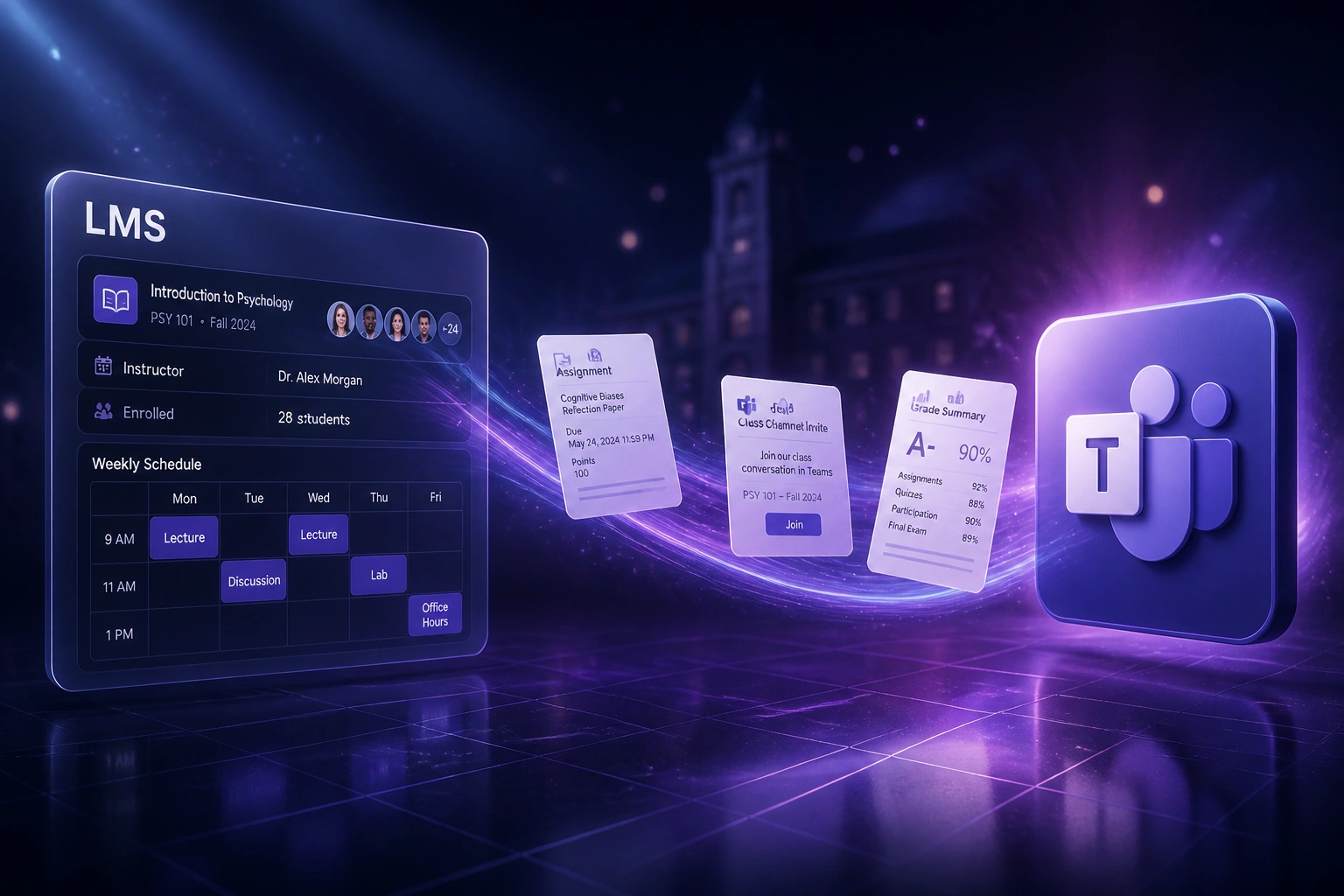
We connect Class Teams to your LMS and SIS so chat, meetings, files, Assignments, and grades live in one place.
Sound Familiar?
These are the exact issues principals, ICT directors, and teaching-and-learning leads bring us before Microsoft Teams LMS integration:
- Class WhatsApp groups still run on personal phones, with parent numbers visible to every member and no institutional audit trail
- Lecturers recreate Microsoft Teams class teams by hand every term, then chase roster changes when learners join or leave mid-term
- Separate Zoom links, LMS announcements, and Teams chats mean learners never know which channel is official
- Assignment marks entered in Teams Assignments get retyped into Moodle, Canvas, or Blackboard before report cards or SIS exports
- ICT still cannot answer which classes have live Class Notebooks, channels, and grade sync, because nothing is provisioned from the SIS
POPIA has applied to South African schools since 1 July 2021, and class WhatsApp groups that expose parent numbers without proper consent sit squarely in the risk zone lawyers and SGB advisors keep flagging. Official Microsoft Teams education channels are the institutional alternative you already licence.
What Microsoft Teams LMS Integration Actually Does
Roster changes → Class Team ready → Assignments graded → marks in the LMS. No duplicate class setup.
Roster Lands in SIS or LMS
SA-SAMS, d6, Edupac, Banner, or your LMS course list is the source of truth
Class Team Provisioned
School Data Sync or LMS Teams sync creates the class team, channels, and Class Notebook
Teach in Teams
Chat, meetings, files, video lessons, and Assignments stay inside the official class team
Grades Sync Back
Assignments scores and feedback pass into the LMS gradebook or SIS without retyping
Everything You Need for a Reliable Teams Classroom Sync
Class Teams Auto-Provisioning
School Data Sync (or LMS roster sync) creates Microsoft Teams for Education class teams from SA-SAMS, d6, Edupac, or your university SIS, then keeps memberships current through the term.
Channels, Chat & Meetings in One Place
Class channels, files, video lessons, and meetings live inside the official class team. Learners stop hunting across WhatsApp, email, and ad-hoc Zoom links.
Assignments with Grade Passback
Teams Assignments (via Microsoft 365 LTI) sync scores and feedback into Moodle, Canvas, Blackboard, or Brightspace so the LMS gradebook stays the system of record.
Class Notebook Provisioning
OneNote Class Notebooks can be created with roster-based sections and permissions when SDS or the LMS link enables them, without a lecturer building notebooks from scratch.
LMS & SIS Identity Matching
We map Entra ID users to LMS and SIS identities so grade passback, channel membership, and parent or guardian access resolve to the right people.
Exception Alerts Only
Failed roster syncs, unmatched learners, and blocked grade writes surface as alerts. Your ICT team handles exceptions, not every class.
Platforms We've Connected Around Teams for Education
From Three Days of Term-Start Chaos to Same-Day Class Teams
How a 42-educator independent college stopped rebuilding WhatsApp groups and hand-built Teams every term, and got Assignments marks into Moodle without retyping.
The Fragmented Process
- ICT and HODs spent the first three days of term creating Class Teams and chasing missing learners
- Most classes still used personal-phone WhatsApp groups for announcements and homework reminders
- Lecturers retyped Teams Assignments marks into Moodle before report cycles
- Zoom links lived in email threads that never matched the LMS calendar
- No single view of which classes had official channels versus informal chat
The Unified Process
- School Data Sync provisions Class Teams from the SIS roster on day one
- Class channels, files, and video lessons sit inside Microsoft Teams for Education
- Assignments grades pass into Moodle via Microsoft 365 LTI
- Class Notebooks open with roster-based sections instead of blank templates
- WhatsApp class groups retired for day-to-day teaching communication
Before vs After Teams Classroom Integration
How It Works
From first conversation to live Class Teams sync in 2 to 4 weeks.
Tell Us Your Setup
Which LMS and SIS you run, how Microsoft 365 Education is licensed today, and where class WhatsApp groups and manual Teams setup still dominate.
Free Scoping Call
30-minute call to map roster sources, Assignments grade passback, Class Notebook policy, and POPIA-safer channel rules for parents and learners.
Build & Test
We wire SDS or LMS roster sync to Class Teams, enable Assignments LTI where needed, and run parallel for a week against real courses before you retire manual setup.
Go Live & Monitor
Switch off hand-built class teams and informal chat groups. Monitoring catches roster and grade sync failures before the next assessment cycle.
Frequently Asked Questions
How does Microsoft Teams classroom LMS integration work?
Your SIS or LMS remains the roster source of truth. School Data Sync or LMS-native Teams sync creates Class Teams with the right educators and learners, keeps channels and Class Notebooks aligned as enrolments change, and Microsoft 365 LTI Assignments can pass grades and feedback back into Moodle, Canvas, Blackboard, or Brightspace. Chat, meetings, files, and video lessons stay inside the official Microsoft Teams for Education class team instead of scattered WhatsApp groups and pasted Zoom links.
Which LMS and school systems can connect to Teams for Education?
We have scoped Microsoft Teams education integrations for Moodle, Canvas, Blackboard Learn, and Brightspace (D2L), including Microsoft 365 LTI Assignments for grade sync. On the South African school side we commonly pull rosters from SA-SAMS, d6, or Edupac into School Data Sync, and we can follow Google Classroom sync patterns where that is already part of your stack. If your SIS can export OneRoster or CSV class memberships, we can usually automate Class Teams provisioning.
We already pay for Microsoft 365 Education. Why do we still need an integration?
Licensing gives you the tools. Integration makes Class Teams, Assignments, and Class Notebooks follow your real class lists. Without SDS or LMS roster sync, educators still rebuild teams every term, grades still get retyped, and unofficial WhatsApp groups fill the gap. Eligible South African schools can start on Office 365 A1 at no licence cost, with A3 faculty from about R58 per user per month (ex VAT on Microsoft's South Africa education pricing), yet many campuses never connect those licences to the LMS or SIS.
How does this help with POPIA and class WhatsApp groups?
POPIA applies to South African schools processing learner and parent information, with penalties of up to R10 million. Class WhatsApp groups often expose parent phone numbers to every member and make student-specific updates hard to control once screenshots circulate. Official Microsoft Teams class channels give you institutional accounts, access control, and an audit trail that personal-phone groups cannot match. We help you move day-to-day class communication onto those channels while keeping sensitive one-to-one matters off group chat.
Will this disrupt lecturers mid-term?
No. Educators keep teaching in Microsoft Teams and working inside the LMS they already use. The automation sits between the roster source and Class Teams (plus Assignments grade passback). We run parallel testing so every auto-created team, channel membership, and grade sync is checked before you retire manual WhatsApp groups and hand-built teams.
How much does Microsoft Teams classroom integration cost in South Africa?
Simple one-way Class Teams provisioning from SIS or LMS rosters starts from around R15,000. Bidirectional setups with Assignments grade passback, Class Notebook policy, and custom SIS mapping typically range from R25,000 to R60,000. Most schools and faculties that already licence Microsoft 365 Education see payback inside one teaching term against recovered lecturer admin time and fewer POPIA-exposed class chats.
Stop Paying Twice for Class Communication
If your educators still rebuild Class Teams, paste Zoom links, and run WhatsApp groups beside a Microsoft 365 Education licence, you are funding the problem and the unused solution.
Tell us which LMS and SIS you use, how Teams is licensed today, and where class chat and grades still fall apart. We will show you exactly how Microsoft Teams classroom integration would work for your campus.