Migrate Microsoft Access Database to a Modern System
Your whole operation still lives in a .mdb or .accdb file: one person locks it, remote work is a gamble, and the next corruption scare could wipe years of orders and stock. An Access database migration to cloud SQL keeps that history and finally lets the team work together.
We move you to a proper multi-user cloud database, with relationships preserved.
Sound Familiar?
These are the exact issues our clients faced before an Access to SQL migration:
- The whole business still lives in one .mdb or .accdb on a shared drive or a single laptop
- One person opens the file and everyone else hits "file in use" until they close it
- Weekend Compact and Repair rituals, and a quiet dread that the next corruption will stick
- No reliable remote work: VPN access to Access is a known corruption risk on Jet/ACE
- Years of orders, stock, and customer history sit behind a 2GB ceiling with no real backup story
Access 2016 and 2019 lost all Microsoft security updates on 14 October 2025, the same day Windows 10 support ended. Access 2021 follows on 13 October 2026. If your business file still sits on that stack, you are already past the safety net.
What an Access Database Migration Actually Does
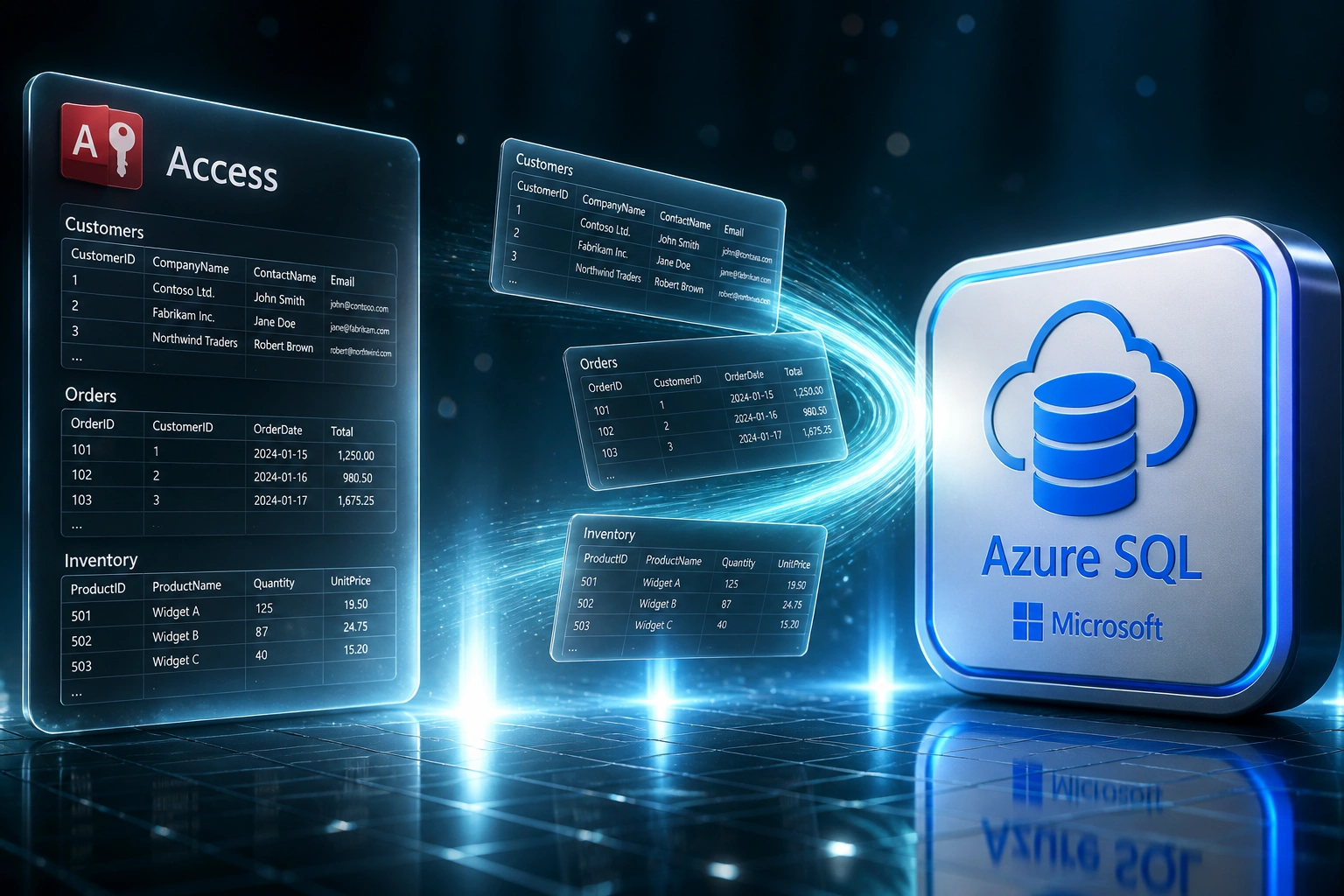
Extract the file → rebuild in cloud SQL → cut over with zero lost history. Your team keeps working through the move.
Audit the .accdb
Tables, relationships, VBA forms, and who still depends on the file every day
Extract & Clean
Export data, fix orphans and duplicates, map fields to a proper cloud schema
Load to Cloud SQL
Postgres, Azure SQL, SQL Server, or Firebase with real multi-user concurrency
Cut Over Live
Parallel run, reconcile counts, archive Access, open remote multi-user access
Everything You Need for a Reliable MS Access to Cloud Move
Full Table Extraction
We export every table, relationship, lookup, and attachment reference from your .mdb/.accdb so years of business data leave Access intact.
Schema Rebuild in Cloud SQL
Access tables become proper Postgres, Azure SQL, SQL Server, or Firebase collections with real foreign keys, indexes, and multi-user concurrency.
Data Cleaning Pass
Duplicates, orphaned child rows, broken lookups, and blank required fields get fixed before cutover, so the new system starts clean.
History & Relationships Preserved
Parent-child links, notes, and historical records map across. You keep the institutional memory Access was holding hostage.
Parallel Cutover
Access stays read-only while the cloud database runs live. We reconcile row counts and spot-check relationships before you retire the file.
Web or API Front End
Optional modern web screens or a clean API so staff work from any device, with role permissions and backups Access never offered.
Cloud Destinations We've Migrated Access Into
From 20 Hours/Week of File Locks to 2
How a Gauteng wholesale distributor moved 14 years of stock and orders out of Access and into Azure SQL without losing a relationship.
The Access File Trap
- Orders, stock, and suppliers lived in one .accdb on a shared folder
- Only two people could work the file at once before locks froze the rest
- Ops spent Friday evenings on Compact and Repair and CSV exports
- Remote staff VPN'd in and risked corrupting the file on every drop
- The file sat at 1.7GB, inches from Microsoft's 2GB hard limit
The Cloud SQL System
- Full schema rebuilt in Azure SQL with foreign keys and indexes
- Eight staff work the same data concurrently from desk or home
- Automated nightly backups replace the weekend Compact ritual
- Web screens replaced the VBA forms the "Access person" used to own
- Original .accdb archived read-only for audit, never touched for live work
Before vs After Access to SQL Migration
How It Works
From first conversation to live cloud database in 4–8 weeks for most Access systems.
Audit the Access File
We inventory tables, relationships, VBA forms, who still depends on the file, and how close you are to the 2GB limit.
Extract, Clean & Map
Export and clean the dataset, design the cloud schema, and agree what archives offline vs what goes live.
Load & Parallel Run
Import into cloud SQL, rebuild relationships, train the team, and keep Access read-only as a safety net.
Cut Over & Archive
Go live on the modern system, validate counts, then archive the .accdb as a read-only vault.
Frequently Asked Questions
Is Microsoft Access still supported, or should we migrate now?
Access itself is not discontinued, but Access 2016 and 2019 lost all Microsoft security updates on 14 October 2025, and Access 2021 reaches end of support on 13 October 2026. Combined with Windows 10 end of support on the same October 2025 date, many Access databases sit on unpatched OS and Office stacks. The bigger risk is architectural: a single-file database was never designed for multi-user cloud work. Migrating while the file still opens is far cheaper than recovering after corruption.
What can you migrate an Access database into?
We regularly move .mdb and .accdb backends into PostgreSQL, Azure SQL, SQL Server, MySQL, Firebase, and Supabase, then optionally wrap them with a modern web front end or API. Destinations are chosen for your team size, hosting preference, and how other systems need to consume the data.
How long does an Access to cloud SQL migration take?
A simple Access database under about 5,000 records can move in 1–2 weeks. Most mid-complexity solutions with related tables, lookups, and history run 4–8 weeks: audit, clean, map, parallel run, and cutover. Heavy VBA front ends that need a full web rebuild can stretch toward 10–12 weeks.
Will we lose relationships and years of history?
No. We rebuild foreign-key relationships in the new database and migrate notes and linked history where they exist in Access tables. The original .accdb is kept as a read-only archive for audit reference after go-live.
How much downtime should we expect?
A structured parallel cutover usually means zero business days of downtime. The team keeps using Access in read-only or dual-run mode while the cloud database is loaded and validated. Final cutover is typically a short weekend or evening freeze measured in hours, not days.
How much does Access database migration cost?
Scoped Access-to-cloud migrations typically land between R45,000 and R150,000 depending on table count, relationship complexity, cleaning effort, and whether you need a new web front end. Against even a single week of Access downtime or a failed Compact and Repair, most projects pay back inside the first quarter on risk reduction and recovered staff time alone.
Stop Betting the Business on One Fragile File
If your orders, stock, or customer history still live in a Microsoft Access database, you are one lock conflict or corrupted weekend away from a crisis that Compact and Repair may not fix.
Tell us how big the .accdb is, who still depends on it, and whether you need a web front end or just a solid cloud SQL backend. We'll show you a migration path that preserves years of business data.