Migrate from Bitrix24 CRM: Export Strategies That Recover What You Own
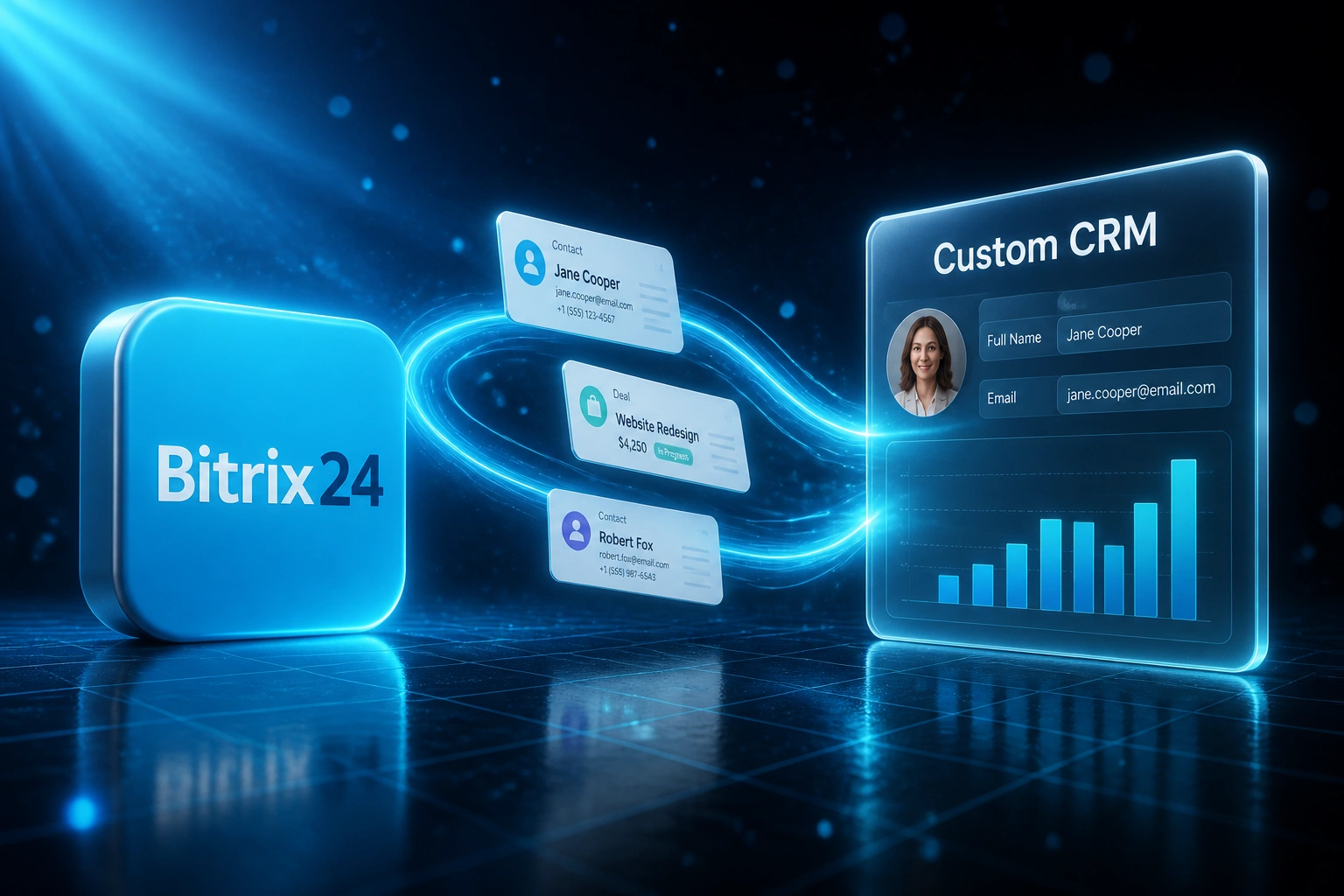
Bitrix24 sells an all-in-one suite, then makes a clean Bitrix export surprisingly difficult. Contacts and deals may leave as CSV. Activities, timeline files, and years of client context often do not, and the API rate limits punish anyone trying to pull it themselves.
We plan the migration that recovers the data you actually own, then leave Bitrix behind.
Sound Familiar?
These are the Bitrix migration pains CEOs and ops leads bring us when the suite starts feeling like a trap:
- You bought Bitrix24 for CRM, then inherited intranet, tasks, and telephony you barely use but still fund
- CSV export covers contacts and deals on some plans, but Bitrix itself confirms CRM activities cannot be exported that way
- Timeline comments, call logs, and attached files stay trapped unless someone builds a rate-limited API pull
- Cloud REST caps sit at about two requests per second per token, so a DIY dump of years of history stalls or errors out
- Professional sits near R44,000 a year on annual billing, and the Standard-to-Professional jump roughly doubles the bill when you need more seats or tools
Bitrix states CRM activity import and export is not available in the native tools, and its REST docs warn the API is not built for mass intensive data exchange. Exceed the intensity limits and you hit QUERY_LIMIT_EXCEEDED or OPERATION_TIME_LIMIT. A DIY leave Bitrix attempt usually ends with incomplete CSVs and a half-finished API script.
What a Bitrix24 Export Migration Actually Does
Audit the portal → rebuild the CRM → pull what CSV cannot → retire the Bitrix seat bill.
Portal Audit
We map CRM objects, activities, files, plan limits, and which suite modules you actually use
Custom CRM Build
Objects, stages, and permissions shaped to how you sell, not Bitrix's all-in-one menu
Full Data Move
Contacts, deals, activities, and files with associations rebuilt under rate-limit-aware pulls
Leave Bitrix
Team live on the new CRM, Bitrix cancelled at renewal, no more suite lock-in
Everything You Need to Leave Bitrix Cleanly
Contacts and Deals Intact
Companies, contacts, leads, and open deals land with ownership, stages, and custom fields mapped. Forecasts do not go dark on day one.
Activities CSV Will Not Give You
We pull timeline activities, notes, and communications through the API paths Bitrix documents for CRM, then rebuild the history against each record.
Files and Attachments Recovered
Deal folders, signed quotes, and email attachments move with the records they belong to, not as a separate drive dump nobody can search.
Rate Limits Handled for You
Batching, backoff, and off-peak runs respect Bitrix's two-requests-per-second token limit and portal caps so the extract finishes without QUERY_LIMIT_EXCEEDED noise.
Leave the All-in-One Lock-In
Keep the CRM you need. Drop the intranet, task suite, and telephony seat cost you never asked ops to run.
Custom CRM You Own
Objects, permissions, and workflows shaped to how you sell and deliver in South Africa, not to Bitrix's suite menu.
Bitrix24 Surfaces We've Migrated From
From Eight Hours of Export Workarounds to Under Two
How a 15-user services firm left Bitrix24 Professional after incomplete CSV exports and API rate limits made a DIY Bitrix alternative migration stall for months.
The Bitrix Lock-In
- Fifteen users on Professional at roughly R44,000 a year, mostly using CRM while funding tasks and intranet
- Ops exported contacts and deals, then discovered activities had no CSV path at all
- A homemade API script hit the two-requests-per-second ceiling and timed out on timeline history
- Sales rebuilt client context from email and chat because deal files never left cleanly
- Standard-to-Professional had already doubled the suite bill once; Enterprise looked worse
The Custom CRM
- Contacts, companies, deals, activities, and key files migrated with associations rebuilt
- Rate-limit-aware API pulls finished the history CSV could not touch
- Open pipeline never went dark: stages and ownership preserved through cutover
- No more paying for an all-in-one suite the firm only used as a CRM
- Bitrix cancelled at the next renewal; team trained in two weeks
Before vs After Leaving Bitrix24
How a Bitrix24 Migration Works
From first conversation to Bitrix cancelled, typically 8 to 14 weeks for a focused move.
Audit the Bitrix Portal
What you use versus what you pay for: CRM depth, tasks, intranet, telephony, storage, and which export paths are even unlocked on your plan.
Scope the Target CRM
30-minute call to map objects, stages, and must-keep history, then a fixed quote for migration plus build.
Export, Clean, and Load
CSV where it is complete, API where activities and files live, with rate-limit-aware pulls, cleaning, and parallel checks until spot audits pass.
Cut Over and Leave Bitrix
Team trains on the new CRM, Bitrix goes read-only, and seats cancel at renewal once history and open deals check out.
Frequently Asked Questions
Why is leaving Bitrix24 harder than a normal CRM export?
Bitrix24's own help centre states that importing and exporting CRM activities is not available through the native tools. Contacts and deals can export as CSV when your plan and permissions allow it, but timeline activities, many file associations, and deep history need the REST API. That API is capped at roughly two requests per second per OAuth token on cloud, and Bitrix notes it is not designed for mass intensive data exchange. Leaving without a plan usually means a partial spreadsheet and years of client context left behind.
Will we lose deal history, activities, and attached files?
Not when the migration is scoped properly. We take the CSV surfaces that are complete, then pull activities and related data through the documented CRM activity methods, rebuild associations to contacts and deals, and move the files that matter for open and recent work. Spot checks happen before Bitrix goes read-only so sales never starts from a blank timeline.
How long does a Bitrix24 migration take?
Most migrations we run take 8 to 14 weeks from scoping to cutover. Focused contact-and-deal moves with limited activity history sit toward the shorter end. Portals with years of timeline activity, heavy file libraries, and custom fields take closer to three to four months, phased so the team can sell in the new CRM before every archive year is perfect.
What does Bitrix24 really cost once you outgrow Standard?
At about R18.50 to the dollar, Professional is roughly R3,680 per organisation per month on annual billing ($199), or about R44,000 a year for up to 100 users. Enterprise for 250 users starts near R7,380 a month ($399), or about R88,500 a year. The jump from Standard ($99, about R1,830 a month) to Professional is roughly a 100% step-up when you hit the next user or feature band. Many South African teams pay that suite price while only using the CRM.
How much does a custom CRM plus Bitrix24 migration cost?
Focused builds with contacts, pipeline, activities, and a full Bitrix data migration typically land between R140,000 and R380,000. Deeper custom objects, multi-branch workflows, and accounting sync push higher. Against a Professional bill near R44,000 a year plus the weekly ops time spent on incomplete exports, many clients see payback inside 10 to 16 months.
Can we keep Bitrix24 running while the new CRM is built?
Yes. We parallel-run so sales keeps working in Bitrix while we validate the new CRM. Once open deals, activities, and files check out, Bitrix goes read-only and seats cancel at the next renewal. You choose the cutover pace.
Stop Paying for a Suite You Cannot Cleanly Exit
If CSV exports already failed on activities and the API keeps timing out, a planned Bitrix24 migration into a custom CRM is how you recover the data you own before the next renewal.
Tell us which plan you are on, roughly how many contacts and deals you hold, and whether activities and files must come across. We will show you an export path and a Rand payback estimate.