Migrate from Odoo CRM: Untangling the All-in-One
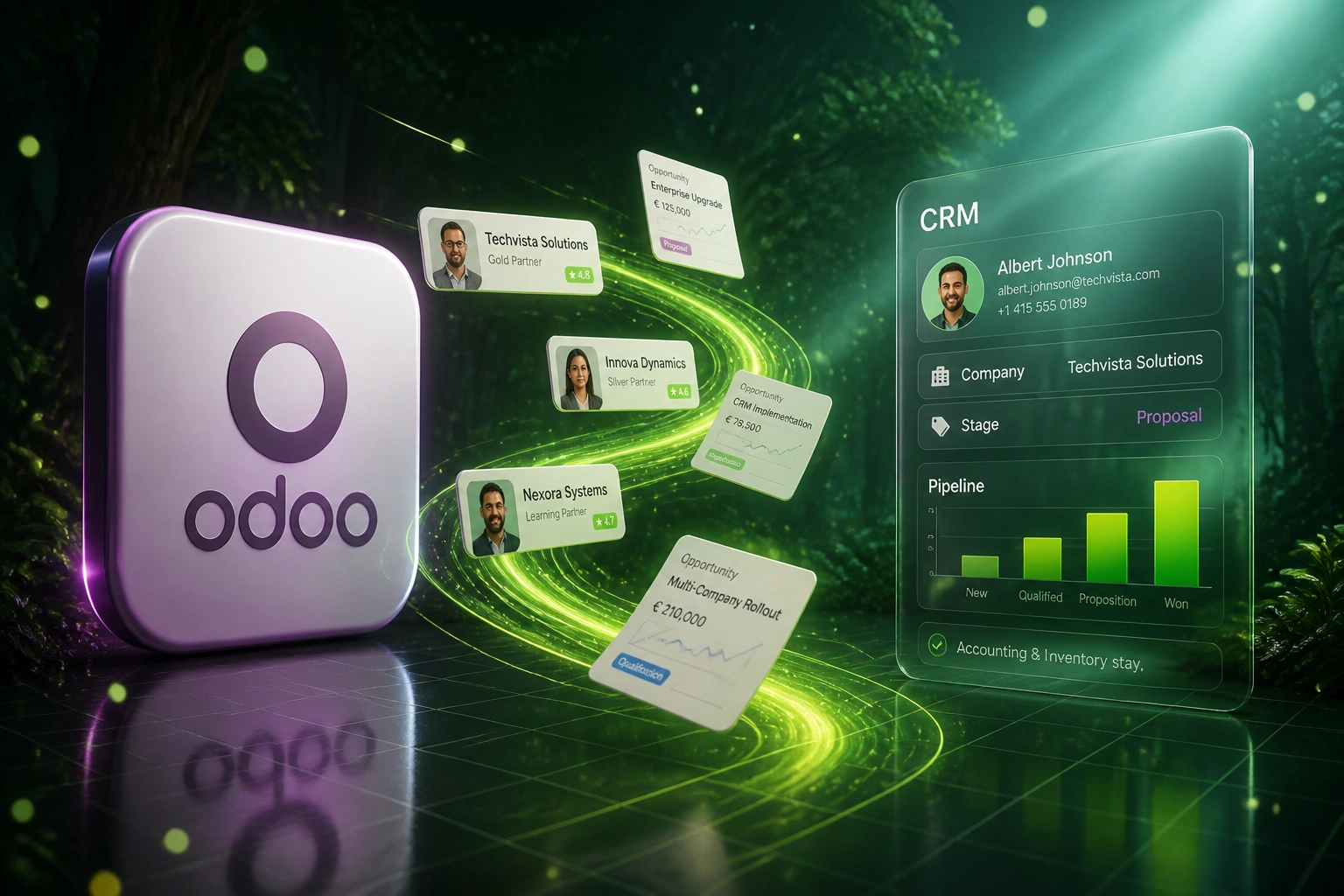
Your company grew on Odoo because the ERP covered everything. Then the sales team hit an interface shaped for inventory clerks, and CRM data turned out to be woven through Sales, Accounting, Project, and stock. An Odoo alternative for CRM does not mean throwing away the ERP; it means a careful Odoo export that extracts partners and opportunities without breaking the rest.
We untangle CRM from the ERP so sales gets a dedicated system and Odoo keeps running the back office.
Sound Familiar?
These are the Odoo CRM migration pains sales and ops directors bring us when the all-in-one starts blocking the pipeline:
- Odoo CRM shares partners, opportunities, and activities with Sales, Accounting, Inventory, and Project, so a naive export pulls half the ERP with it
- Contacts and companies live in one res.partner model; opportunities break when External IDs and parent-child links are not rebuilt module by module
- Sales reps navigate an ERP-shaped interface built for operations, not pipeline speed, and lose hours to screens that were never designed for selling
- DIY CSV exports flatten relationships: activities, mail threads, and stage history need separate pulls or the API, or open deals arrive orphaned
- You want a dedicated CRM for the sales team while keeping Odoo as the ERP for accounting and inventory, but nobody has mapped the clean cut
From April 2026, Odoo charges a 25% surcharge on Enterprise subscriptions still on legacy versions (Odoo 16 or older). Combined with annual indexation and the cost of keeping sales stuck in an ERP-shaped CRM, many teams use the upgrade window to untangle CRM rather than dig deeper into a stack that no longer fits how they sell.
What an Odoo CRM Export Migration Actually Does
Map module links → build the dedicated CRM → extract partners and opportunities cleanly → leave ERP on Odoo.
Entanglement Audit
We map which modules touch CRM partners, Studio fields, and Automated Actions
Dedicated CRM Build
Pipeline and objects shaped for how you sell, not for warehouse workflows
Module-by-Module Move
Partners, opportunities, and activities with External IDs and links rebuilt
ERP Stays on Odoo
Sales live on the new CRM; accounting and inventory keep running on Odoo
Everything You Need to Leave Odoo CRM Cleanly
Module-by-Module Untangling
We extract CRM objects in dependency order: partners first, then opportunities, activities, and mail, without ripping Accounting, Inventory, or Project.
Partner and Opportunity Links Intact
res.partner hierarchies, opportunity stages, and activity history land with associations rebuilt. Open deals keep their company and contact context on day one.
Keep Odoo for ERP
Accounting, inventory, and manufacturing stay on Odoo. Sales moves to a dedicated CRM, with a clean sync back where invoices or stock status still matter.
Sales UX Built for Selling
Pipeline boards, mobile follow-ups, and forecast views designed for sales leads, not warehouse clerks sharing an ERP login with the ops team.
Studio and Automation Audit
Undocumented Studio fields and Automated Actions get inventoried before cutover, so custom logic is rebuilt where it still earns its keep.
Parallel Run Until Spot Checks Pass
Sales keeps working in Odoo CRM while we validate the new system. Cut over when partners, opportunities, and activities reconcile cleanly.
Odoo Surfaces We've Migrated From
From Six Hours of ERP-Shaped CRM Admin to One
How a 12-person industrial sales team left Odoo CRM for a dedicated system while accounting and inventory stayed on Odoo.
The All-in-One Knot
- Fifteen Custom seats near R111,000 a year before Odoo.sh and partner fees
- Sales shared an ERP interface with warehouse and finance screens they never needed
- Ops tried a DIY CSV export; opportunities arrived without partner links and activities missing
- Studio fields and Automated Actions undocumented; nobody knew what a full cut would break
- Board asked for a dedicated CRM without a second ERP migration project
The Untangled Setup
- Partners, opportunities, and activities migrated with External IDs and associations rebuilt
- Accounting and inventory stayed on Odoo; invoice status synced where sales still needed it
- Pipeline and mobile follow-ups designed for sellers, not warehouse workflows
- Studio and automation inventory documented before cutover so nothing critical vanished
- Odoo CRM went read-only for sales after two weeks of parallel run
Before vs After Leaving Odoo CRM
How an Odoo CRM Migration Works
From first conversation to sales live on a dedicated CRM, typically 8 to 14 weeks for a focused untangle.
Map the Entanglement
Which modules touch CRM partners, what Studio customisations exist, and what must stay in Odoo versus what sales needs out.
Scope the Dedicated CRM
30-minute call to design the target pipeline, objects, and any Odoo sync for accounting or inventory, then a fixed quote.
Export, Clean, and Rebuild
Module-by-module extract with External IDs preserved, relationships rebuilt, and parallel-run until spot checks pass.
Cut Over Sales, Keep ERP
Team trains on the new CRM, Odoo CRM goes read-only for sales, and accounting and inventory keep running untouched.
Frequently Asked Questions
Can we leave Odoo CRM without replacing the whole ERP?
Yes. That is the usual path. Odoo is strong at accounting, inventory, and manufacturing. We migrate the sales side (partners, opportunities, activities) into a dedicated CRM and leave ERP modules on Odoo, with a sync where invoices or stock status still need to flow. You do not have to rip out the all-in-one to fix the CRM.
Why does a simple Odoo export break partner and opportunity relationships?
Odoo stores companies and people in one res.partner model with parent-child links, and opportunities reference those partners across Sales, Accounting, and other modules. A naive CSV flatten drops External IDs and relational fields. Activities and mail often need separate exports or API pulls. We export import-compatible data with External IDs and rebuild associations in dependency order so open deals stay attached to the right partners.
How long does an Odoo CRM migration take?
Most CRM-only untangling projects take 8 to 14 weeks from scoping to cutover. Light CRM usage with clean partners sits toward the shorter end. Databases with years of Studio fields, Automated Actions, and heavy cross-module links take closer to 3 to 4 months, phased so sales can work in the new CRM before every historical archive ships.
What does Odoo actually cost once CRM is tangled into the full stack?
At roughly R16.55 to the dollar (August 2026), Odoo Standard is about R412 per user per month ($24.90) and Custom about R619 ($37.40) on common published tariffs, with US Custom list prices nearer R1,010 ($61) on annual billing. A 15-user Custom team lands near R111,000 a year before Odoo.sh, partner fees, and Python customisation. From April 2026, Enterprise subscriptions on legacy versions (Odoo 16 or older) also face a 25% surcharge. The CRM module looks cheap inside the bundle; the productivity drag of an ERP-shaped sales UX is the hidden cost.
How much does a custom CRM plus Odoo CRM migration cost?
Focused builds with partners, pipeline, and a careful Odoo CRM extract typically land between R150,000 and R400,000. Deeper Studio rebuilds, multi-company partner trees, and live sync back to Odoo Accounting push higher. Against a year of seat time lost to ERP navigation plus avoided full-ERP rip-and-replace risk, many clients see payback inside 8 to 14 months.
Will accounting and inventory break when we move sales off Odoo CRM?
Not when the cut is planned. We leave Accounting, Inventory, and related modules on Odoo, map which CRM fields those modules still need, and only migrate sales-facing records. Where invoices or delivery status must stay visible to sales, we build a targeted sync instead of duplicating the ERP.
Stop Forcing Sales Through an ERP-Shaped Interface
If the CRM module no longer fits how you sell, but Accounting and Inventory still earn their keep on Odoo, a structured Odoo CRM migration into a dedicated system is the clean cut, not a full ERP replacement.
Tell us which Odoo edition you run, which modules touch partners and opportunities, and what sales cannot lose. We will show you an untangling path and a Rand payback estimate.