Migrate from Salesforce to a Custom CRM: Recover Ownership and Cut Seat Waste
Your Salesforce bill grows at every renewal: more seats, more add-ons, another list-price uplift. A Salesforce alternative you own turns that spiral into predictable costs, without throwing away pipeline history.
We plan the export, cleanse, and cutover so leaving Salesforce does not mean losing your CRM.
Sound Familiar?
These are the Salesforce licence and migration pains CFOs and ops leads bring to us:
- Every renewal adds seats, edition upgrades, or both, and the Salesforce bill climbs again
- Add-ons like CPQ, Marketing Cloud, and Premier Success stack on top of base licences
- Legacy features retire on Salesforce's timeline: Classic Knowledge, old APIs, Workflow Rules
- Data Loader exports miss attachments and nested relationships; Weekly Export is clumsy and incomplete
- Ops fears losing pipeline history, activity timelines, and account relationships in a rushed cutover
Salesforce raised Enterprise and Unlimited list prices by an average of 6% from 1 August 2025, after a broader uplift in 2023. Legacy APIs, Classic Knowledge, and Workflow Rules are being retired on Salesforce's calendar, not yours. If your renewal quote just jumped again, a planned CRM migration is often cheaper than another three-year lock-in.
What a Salesforce Migration Actually Involves
Audit → export and cleanse → parallel run → cutover. Pipeline history stays intact when the sequence is deliberate.
Audit the Estate
Seats, add-ons, custom objects, and the integrations sales and finance cannot lose
Export and Map
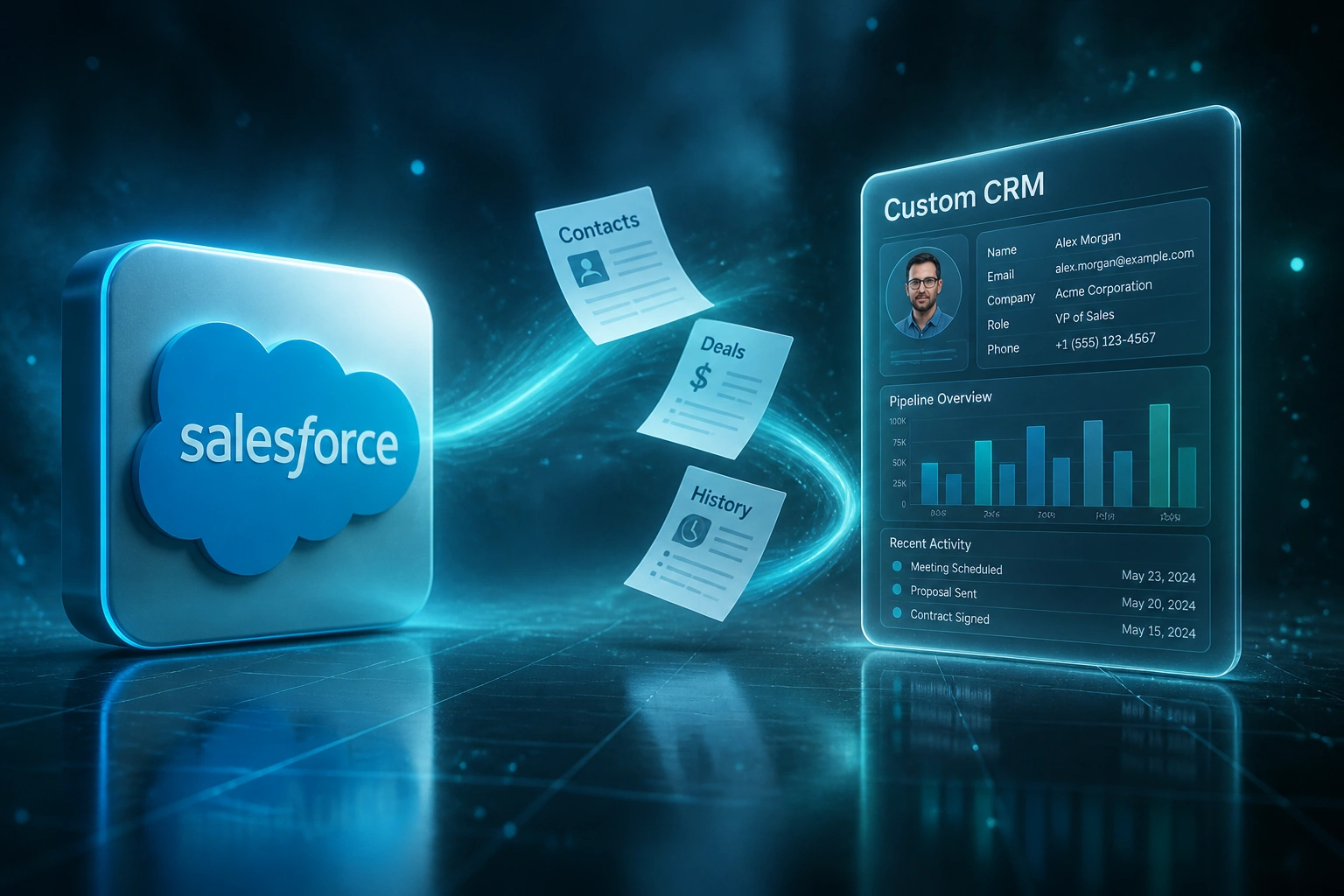
Structured extract of contacts, deals, and history, then field mapping into your custom CRM
Parallel Run
Sales keeps working in Salesforce while we validate records, relationships, and reports
Cutover
Go live on the CRM you own, then decommission seats on a timeline that protects cash
Everything You Need for a Clean Leave-Salesforce Plan
Structured Salesforce Export
Contacts, accounts, opportunities, activities, and custom objects pulled with validation, not a one-shot CSV dump. We plan for Data Loader limits and Weekly Export gaps before cutover.
Clean Mapping and Dedupe
Fields, picklists, and ownership rules mapped to your new model. Duplicates merged, orphaned records flagged, and relationship integrity checked before go-live.
Pipeline History Preserved
Deals, stage history, notes, and activity timelines move with you. Finance and sales keep the forecast trail they already trust.
Roles Without Seat Tax
Give warehouse, finance, and field staff the views they need without paying Enterprise list prices for every login.
Integrations You Actually Need
Connect Xero, PayFast, WhatsApp, or your warehouse system on your terms. No AppExchange surcharge for every connector.
Ownership and Predictable Cost
You own the CRM, the data, and the roadmap. Hosting and support replace per-seat renewals and add-on tax.
Sources We Commonly Migrate From
From R1.8M Salesforce Bill to Under R200K
How a 32-seat B2B distributor left Salesforce, kept every contact and deal history, and recovered R1.4M in year one.
The Licence Spiral
- 32 Salesforce Enterprise seats at roughly R2,900 each per month on list terms
- CPQ seats and Premier Success pushed add-ons toward half the total bill
- Annual CRM spend near R1.8M once add-ons and support were stacked
- Renewal quotes kept rising after the 2025 list-price uplift
- Ops stalled on leaving because a DIY Data Loader export felt too risky
The Owned CRM
- Custom CRM scoped to their pipeline, quoting rules, and finance handoffs
- Structured export preserved accounts, contacts, deals, and activity history
- Two-week parallel run caught mapping gaps before cutover
- Salesforce seats wound down over 60 days after go-live
- Hosting and support replaced per-seat renewals
Before vs After Leaving Salesforce
How It Works
From first conversation to live custom CRM in roughly 10 to 16 weeks for a typical mid-market Salesforce estate.
Audit Your Salesforce Estate
Seats in use, unused licences, add-ons, custom objects, and the integrations that must survive cutover.
Scope Migration and Build
Fixed quote for the custom CRM modules you need, plus the export, cleanse, and cutover plan.
Export, Clean, Parallel Run
Structured extract, field mapping, and a parallel period so sales keep working while we validate.
Cutover and Decommission
Go live on the system you own, train the team, then wind down Salesforce seats on your timeline.
Frequently Asked Questions About Salesforce Migration
How long does a Salesforce to custom CRM migration take?
Most mid-market migrations we run land between 10 and 16 weeks from audit to cutover. A focused contacts-and-pipeline move can be faster. Orgs with heavy custom objects, CPQ history, or many AppExchange dependencies take longer. We phase delivery so core selling continues during the parallel run.
Will we lose deal history, notes, and activity timelines?
No, not if the export and mapping are planned properly. We migrate accounts, contacts, opportunities, stage history, notes, and activities with spot-check validation before cutover. Attachments need a separate path because Data Loader does not export them cleanly, and we budget for that early.
What does Salesforce actually cost per seat in Rand terms?
Salesforce Sales Cloud Enterprise lists at about R2,900 per user per month, and Unlimited at about R5,800, billed annually (converted from USD list prices at roughly R16.50 per dollar). Add-ons often make up 40 to 60 percent of a mature bill, and Premier Success alone is typically priced near 30 percent of net licence spend. That is before implementation and admin time.
Is leaving Salesforce riskier than staying through another price hike?
Staying has a clear cost: the August 2025 list-price rise averaged 6 percent on Enterprise and Unlimited, on top of earlier uplifts. Leaving has project risk if you treat migration as a weekend CSV dump. A structured export, parallel run, and rollback plan keeps that risk manageable. We design for the second path.
How much does a Salesforce migration to a custom CRM cost?
Scoped migrations with a focused custom CRM usually land between R180,000 and R500,000+, depending on object count, custom fields, integrations, and how dirty the source data is. Against a 30-plus seat Salesforce estate, the first year of avoided licence and add-on spend often covers the project.
Who owns the CRM and data after we leave Salesforce?
You do. Source code, hosting arrangement, and customer data sit under your control. You are not locked into per-seat renewals, edition upgrades, or Salesforce's retirement calendar. Ongoing maintenance is typically a fraction of what mid-market teams pay annually for stacked Salesforce licences.
Stop Funding Another Renewal Spiral
If your Salesforce licence and add-on bill keeps climbing while half the seats sit idle, a custom CRM migration is a finance decision, not a hobby project.
Tell us your seat count, which add-ons you pay for, and what history you cannot lose. We will show you a cutover plan, a Rand cost model, and whether leaving Salesforce pays back inside year one.