

Online Assessment and Exam Platform Integration: Secure Digital Testing
Your exam office runs Inspera, Respondus, ProctorU, ExamSoft, or Questionmark as an island from the LMS and SIS. Manual candidate lists, separate proctoring logins, and hand-keyed results create integrity risk and delay result release when volume peaks.
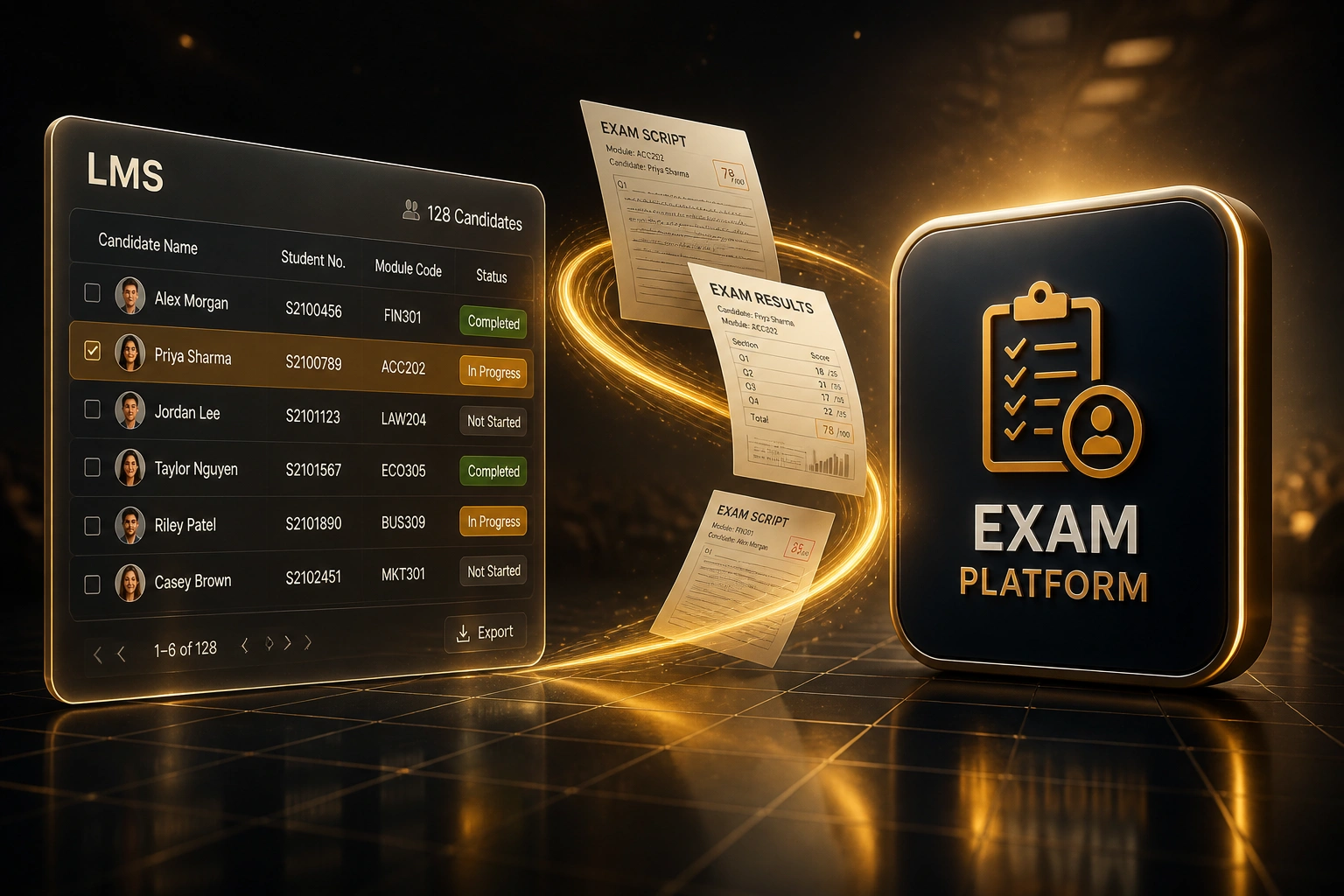
We build the online assessment integration that delivers the test, syncs the roster, hands off proctoring, and writes results back.
Sound Familiar?
These are the exact issues exam offices and academic integrity leads bring to us:
- Candidate lists are exported from the LMS or SIS as CSVs, then uploaded into Inspera, ExamSoft, or Questionmark by hand
- Students get a second login for ProctorU, Respondus, or the lockdown browser, and the exam office fields the access tickets
- Objective marks sit in the exam platform while the gradebook and student record still wait for someone to type them in
- Proctoring flags and integrity evidence live in a separate portal, so academic integrity officers rebuild packs by hand
- Result release slips by days during peak exam season because write-back is a bottleneck, not the marking itself
Exam season volume and POPIA scrutiny are rising together. South African institutions already run digital assessment at scale (UKZN selected Inspera after evaluating eight vendors; Unisa’s own proctoring specifications call out manual biometric identity comparison as “time consuming” and “inaccurate”). When face-match data is special personal information under POPIA, every disconnected portal is an integrity and compliance risk, not just an admin headache.
What Exam Platform API Integration Actually Does
Roster syncs → exam launches → proctoring hands off → results write back. Your team stops copying between systems.
Roster Syncs
LMS or SIS enrolments, accommodations, and module cohorts land in the exam platform before the sitting
Secure Delivery
Candidate launches from the LMS into the right digital exam with lockdown and timing rules already set
Proctoring Handoff
Identity check and invigilation session start with the exam; flags and completion status return to the office
Results Recorded
Confirmed marks and integrity artefacts write back to the gradebook and student record
Everything You Need for Reliable Digital Exams
Roster Sync from LMS and SIS
Enrolments, accommodations, and module cohorts flow into the exam platform before the sitting. No more stale CSVs and missing candidates on exam morning.
Secure Test Delivery Launch
Candidates start from the LMS course, land in the right digital exam with the right rules, and never juggle a second set of credentials.
Proctoring Handoff
Respondus, ProctorU, Inspera proctoring, or your chosen invigilation layer launches with the sitting, then returns session status and flags to the exam office.
Automated Grading Where It Fits
Objective items score in the platform and push through. Constructed responses stay with markers, then join the same results pipeline once confirmed.
Results Write-Back
Confirmed marks land in the LMS gradebook and, where required, the SIS student record, with a clear audit trail for appeals and moderation.
Integrity Evidence Packs
Proctoring outcomes, identity checks, and session logs travel with the result so academic integrity and quality assurance reviews stop living in email threads.
Platforms We've Connected for Digital Exams
From 18 Hours/Week to 3 Hours/Week
How a faculty exam office stopped hand-keying Inspera rosters and LMS results, and cut mark release lag by 11 days.
The Manual Process
- Exam officers exported LMS enrolments to CSV and rebuilt candidate lists in the exam platform
- Students received separate proctoring invitations; the helpdesk absorbed access failures every sitting
- Markers confirmed scores in the platform, then staff retyped totals into the gradebook and SIS
- Average 11 business days from confirmation to student-visible results during peak season
- Integrity reviews meant downloading flags from a second portal and assembling evidence by hand
The Integrated Process
- Roster sync populates the sitting from live enrolments, including accommodation flags
- Candidates launch once from the LMS; proctoring starts with the exam session
- Confirmed marks write back to the gradebook the same day, with SIS update where required
- Academic integrity officers open a single evidence trail instead of rebuilding packs
- Staff time shifts to exceptions, appeals, and quality assurance, not transcription
Before vs After Integration
How It Works
From first conversation to live digital exam delivery in 3–5 weeks for a standard stack.
Map Your Exam Stack
Which LMS, SIS, exam platform, and proctoring tools you run, plus how results and integrity packs move today.
Free Scoping Call
30-minute call with your exam office and academic integrity lead to design roster, launch, and write-back flows.
Build & Parallel Test
We wire LTI and API paths, test with a real module cohort, and run a parallel sitting before you switch off manual uploads.
Go Live for Exam Season
Switch on automated delivery and results recording. Monitoring covers failed syncs so your team only handles exceptions.
Frequently Asked Questions
How long does an online assessment platform integration take?
A standard LMS-to-exam-platform integration with roster sync and grade passback typically takes 3–5 weeks from scoping to go-live. Simple LTI launch with marks return can be live in about two weeks. Multi-system setups that also write to the SIS and pull proctoring evidence usually take 5–8 weeks, timed ahead of your next major exam window.
Which exam platforms and proctoring tools can you connect?
We have built and scoped integrations around Inspera, Respondus, ProctorU, ExamSoft, Questionmark, and similar digital exam tools, alongside Moodle, Canvas, Blackboard, and institutional SIS platforms. If the product exposes LTI Advantage or an API, we can connect it.
Will this disrupt an upcoming exam sitting?
No. We schedule build and parallel testing between major windows, then cut over on a controlled cohort first. Candidates keep using the LMS they already know. The automation sits behind the launch and the results write-back.
How do you handle accommodations, exemptions, and late enrolments?
Roster sync respects accommodation flags and exemption lists from the SIS or LMS, and late enrolments can refresh before the sitting opens. Your exam office keeps override controls for exceptional cases; the integration removes the routine retyping, not the judgement calls.
What about POPIA when biometric proctoring is involved?
Biometric verification is special personal information under POPIA. We design the handoff so identity checks, recordings, and flags move only where your policy allows, with retention and access aligned to your POPIA records of processing. The goal is a defensible evidence trail, not a second unmanaged data silo.
How much does online assessment and exam platform integration cost?
Focused LTI launch and grade passback work typically starts from around R25,000. Bidirectional roster sync, proctoring handoff, and SIS write-back usually land between R40,000 and R85,000 depending on platforms and exception rules. Most faculties running multiple sittings per year recover that cost inside one or two exam seasons through staff time and faster release cycles.
Stop Running Digital Exams as Islands
If your exam office is still moving candidate lists and results by hand between the LMS and the assessment platform, you are carrying integrity risk and release delays that integration already solves.
Tell us which exam platform, LMS, and proctoring tools you use, how results reach the student record today, and where exam season breaks. We will show you exactly how automated test delivery and results recording would work for your faculty.