Overtime Rules and Tracking Automation: Right Rules Before Payroll Locks
If managers still approve timesheets with overtime rules applied by hand, you already know the cost: underpayment disputes, overpayment leakage, and nothing clean to show a labour inspector. Ops, HR, and finance leads at SA employers feel it as compliance risk, not admin inconvenience.
We build the overtime tracking that encodes the rules and flags exceptions early.
Sound Familiar?
These are the exact issues our clients faced before overtime rules automation:
- Managers approve timesheets without seeing which BCEA or company OT rule should apply
- Daily and weekly thresholds, double time, and Sunday rates get applied inconsistently by hand
- Excessive hours only surface after payroll locks, when underpayment disputes or overpayment leakage are already locked in
- Finance and HR cannot prove which rule was used when a labour inspector or CCMA claim arrives
- Each OT exception burns hours across the employee, supervisor, and payroll clerk before anyone agrees on the rate
The Department of Employment and Labour inspected 169,295 workplaces against the BCEA in 2023/24, and found 11% non-compliant. Missing overtime on a payslip has already triggered Labour Court reinstatement orders. Hand-applied OT rules are now an enforcement risk, not just a spreadsheet chore.
What Overtime Tracking Automation Actually Does
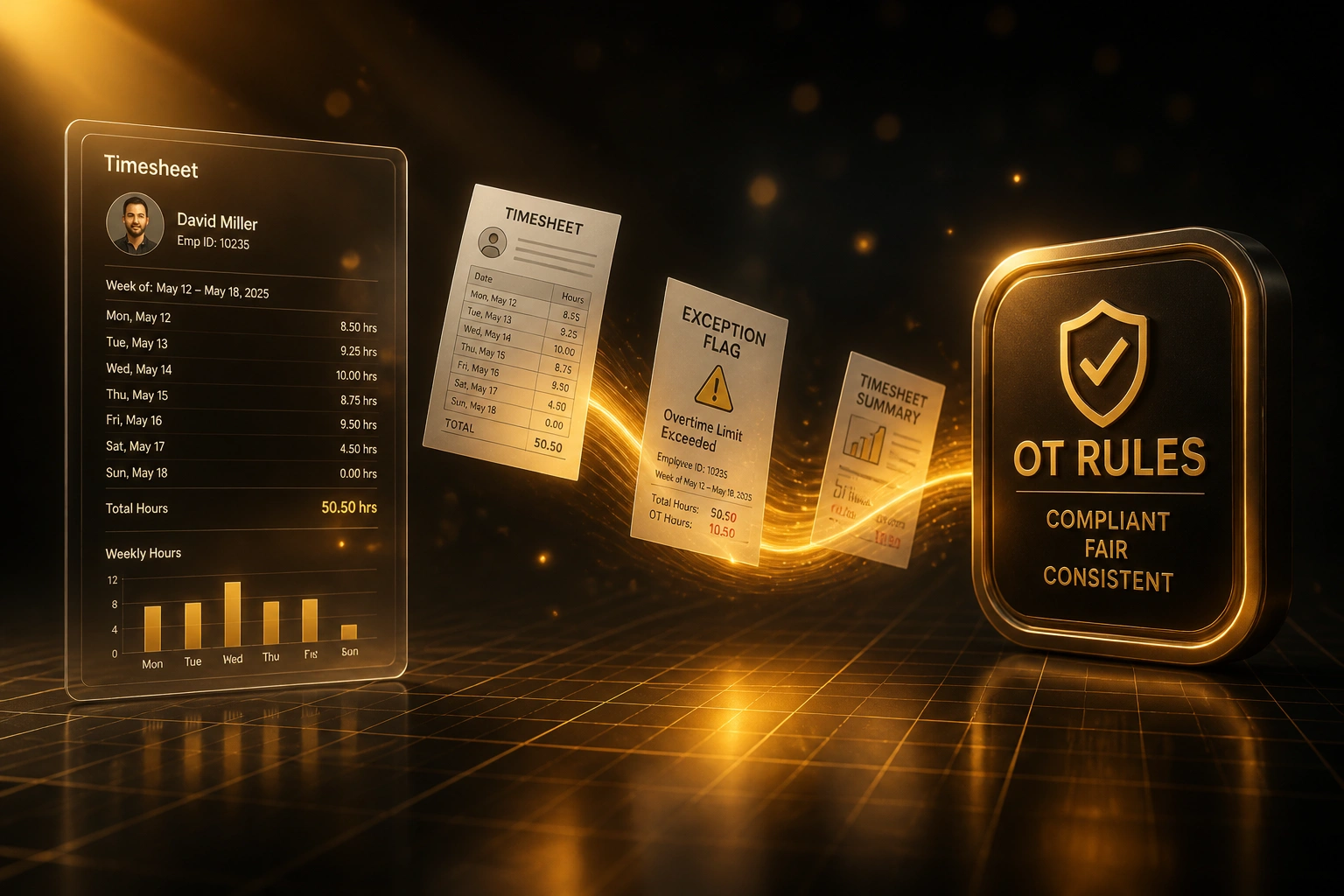
Hours clock → rules apply → exceptions flagged → managers review before pay lock.
Hours Land from Clock
Clock-in data, timesheets, or roster exports feed the rules engine each cycle
OT Rules Applied
Daily and weekly thresholds, 1.5× and double-time rates matched automatically
Exceptions Flagged
Cap breaches and rate mismatches queue for manager review before cut-off
Audit Trail Kept
Approved exceptions carry the rule, reviewer, and timestamp into payroll
Everything You Need for Reliable Overtime Tracking
Encoded OT Rules Pack
Daily and weekly thresholds, 1.5× weekday overtime, double time for Sundays and public holidays, and company overlays that pay above the statutory floor. One pack, every site.
Pre-Payroll Exception Flags
Hours that breach ordinary limits, the ten-hour weekly overtime cap, or the twelve-hour daily ceiling are flagged for manager review before the pay run locks.
Manager Review Queue
Supervisors see only the exceptions that need a decision: approve, reject, or send back. Clean timesheets pass through without another spreadsheet pass.
Rule Application Audit Trail
Every flagged hour stores which rule fired, who reviewed it, and when. Ready for Department of Employment and Labour inspections and Section 73A claims.
Threshold and Calendar Awareness
Earnings-threshold eligibility, public-holiday calendars, and Sunday ordinary-work patterns stop managers guessing which rate belongs on the timesheet.
Early Warning Before Cut-Off
Ops and HR see rising OT exposure mid-cycle, not after payslips go out. Cap breaches and rate mismatches surface while there is still time to correct them.
Platforms We've Connected for Overtime Tracking
From 9 Hours/Week to 2 Hours/Week
How a 180-person logistics employer stopped hand-applied OT rules, cut exception review time, and closed underpayment and overpayment leakage before payroll locked.
The Manual Process
- Site managers approved timesheets without seeing which OT rule should apply
- Payroll rebuilt weekday, Sunday, and public-holiday rates in Excel after the fact
- Cap breaches (10 hours OT/week, 12 hours/day) only surfaced after payslips went out
- Two underpayment disputes and one overpayment recovery in a single quarter
- No single audit trail when a labour query asked which rule was used
The Automated Process
- BCEA and company OT rules encode daily and weekly thresholds once
- Excessive hours and rate mismatches flag for manager review mid-cycle
- Clean timesheets pass through; only exceptions need a decision
- Payroll receives approved exceptions with rule, reviewer, and timestamp
- Underpayment disputes and silent overpayments drop before cut-off
Before vs After Overtime Rules Automation
How It Works
From first conversation to live overtime tracking in 2–4 weeks.
Tell Us Your Setup
How managers approve timesheets today, which OT rules you intend to apply, and where disputes or overpayment leakage hurt most.
Free Scoping Call
30-minute call to map hours → rules engine → exception flags → manager review → audit trail for your sites.
Build & Test
We encode BCEA and company rules, wire exception queues, and run parallel against your current approvals for two pay cycles.
Go Live & Monitor
Switch off hand-applied OT rules. Monitoring keeps exception rates and cap breaches visible before every cut-off.
Frequently Asked Questions
How is this different from overtime calculation automation?
Calculation automation focuses on the maths that lands on the payslip: applying 1.5× or 2× to approved hours. This build is the rules engine and tracking layer in front of that: encoding daily and weekly thresholds, double-time and Sunday rules, auto-flagging excessive hours for manager review, and keeping an audit trail before payroll locks. Most employers need both.
How long does overtime rules and tracking automation take to set up?
A standard rules pack with exception queues and audit trails takes 2–4 weeks from scoping to go-live. Single-site builds with clean clock data can be live in about two weeks. Multi-site builds with bargaining-council overlays, threshold splits, and custom review workflows typically take 4–6 weeks.
Which BCEA overtime rules can you encode?
We encode ordinary hours up to 45 per week, overtime at one and one-half times the ordinary wage, Sunday and public-holiday work at double where the Act requires it, the ten-hour weekly overtime cap, and the twelve-hour daily ceiling. Company or bargaining-council rules that pay more than the statutory minimum can be layered on top.
Will managers still approve overtime?
Yes. The engine applies the right rule and flags exceptions. Managers still decide whether the hours should have been worked. Automation removes the hand-applied rate guesswork, not the judgement call on the floor.
What happens when a labour inspector asks for overtime records?
You export a rule-application audit trail showing each flagged hour, which threshold or rate rule fired, the Sunday or public-holiday calendar flag, the clock source, and the reviewer. That is the evidence inspectors request under the BCEA, instead of three conflicting spreadsheets.
How much does overtime rules and tracking automation cost?
A focused rules engine with exception flags, manager review queues, and audit trails starts from around R25,000. Multi-site builds with threshold splits, bargaining-council overlays, and early-warning dashboards typically range from R40,000 to R70,000. Most clients recovering review time and cutting underpayment and overpayment leakage see ROI within two to three months.
Stop Approving Timesheets on the Wrong OT Rules
If managers are still applying overtime rules by hand, you are carrying underpayment disputes and overpayment leakage that a rules engine would catch before payroll locks.
Tell us how you capture hours, which BCEA and company rules you need encoded, and where exceptions hurt most. We will show you exactly how overtime tracking automation would work for your sites.