Track Partial Payments Against Invoices Automatically
Customers paying in instalments or short-paying invoices create tracking nightmares across bank, gateway, and ledger. Manual allocation hides outstanding balances until someone has time to chase them.
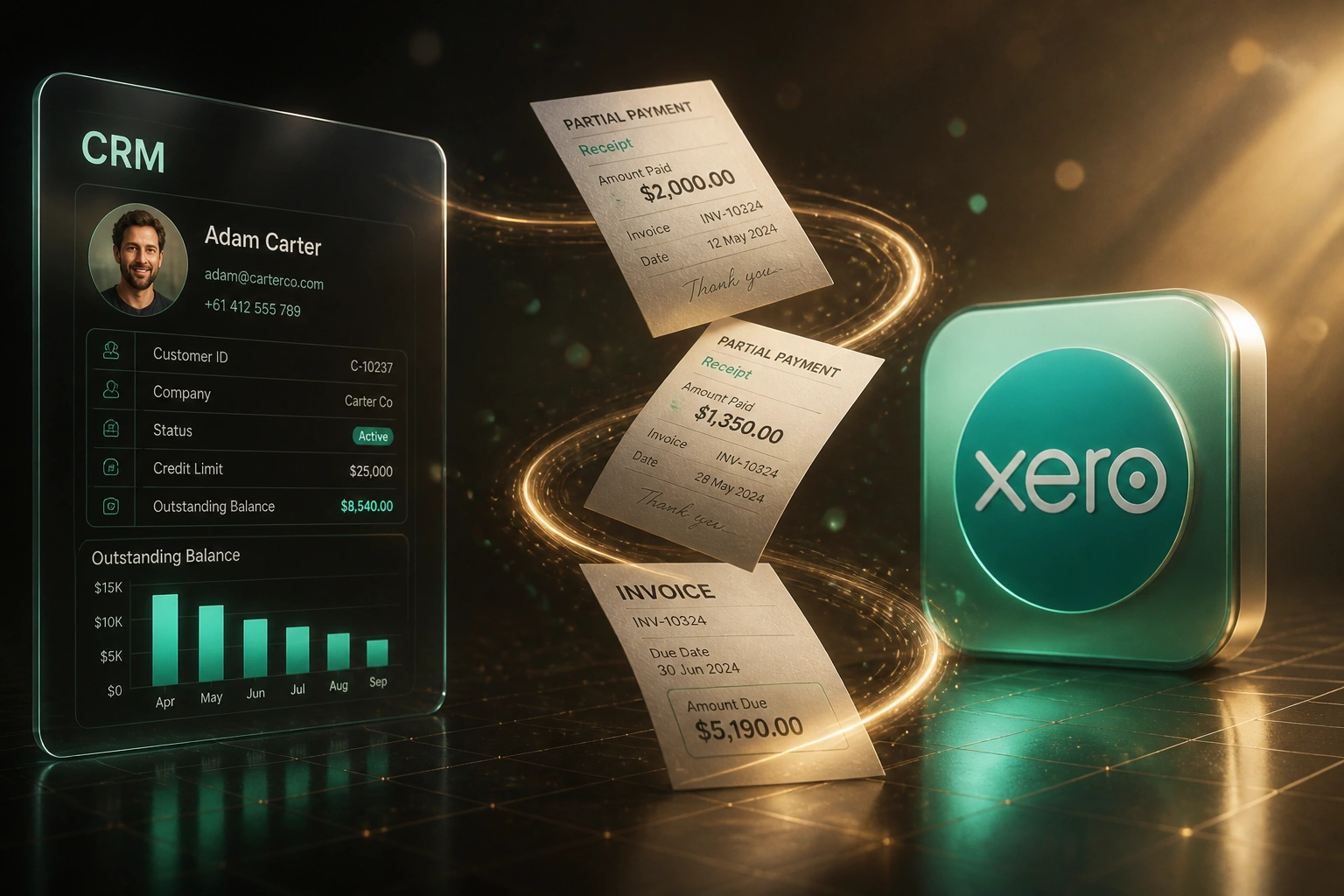
We build automatic payment allocation that updates invoice balances and CRM status in real time.
Sound Familiar?
These are the exact issues our clients faced before automatic allocation:
- Customers short-pay or pay in instalments, and the remaining balance vanishes into a suspense account
- Finance spends evenings matching bank lines, gateway settlements, and open invoices by hand
- CRM still shows "Paid" when only the first instalment cleared, so sales stops chasing the rest
- Outstanding balances in Xero or Sage disagree with what ops sees in the CRM
- Month-end close stalls while unallocated cash is investigated line by line
Unapplied cash distorts DSO and forecasts. Deloitte-benchmarked teams on manual cash application carry unapplied cash equal to 4.8% of monthly payment volume. That money is in the bank, but ageing still treats invoices as fully open, so CFOs borrow against working capital they already hold.
What Payment Allocation Actually Does
Receipt lands → matches open invoice → balance updates in ledger and CRM. No human retyping remittances.
Payment Arrives
EFT, card settlement, or instalment hits the bank feed or payment gateway
Matched to Invoice
Rules and remittance data allocate the amount against the correct open invoice in Xero or Sage
Balance Synced Back
Outstanding balance and payment status update on the CRM deal or account immediately
Collections Stay Accurate
Sales and finance chase the real remainder, not a ghost "Paid" status
Everything You Need for Reliable Instalment Tracking
Automatic Payment Allocation
Each partial payment or instalment receipt matches to the open invoice in Xero or Sage, with the remaining balance updated instantly.
Instalment Tracking
Scheduled instalment plans keep every receipt against the right invoice. Finance sees what is paid, what is due, and what is overdue without spreadsheets.
Live Outstanding Balances
Remaining balances sync back to the CRM deal or account record in real time, so sales and collections work from the same truth.
Multi-Channel Matching
Bank feeds, card gateways, EFT references, and remittance emails feed one allocation engine. Short-pays and split receipts are handled, not parked.
Exception Queues
Unmatched or disputed amounts route to finance with ranked match candidates. Your team reviews exceptions, not every line.
Ageing That Reflects Reality
AR ageing and DSO reports stop counting invoices as fully open when cash has already landed but not been allocated.
Platforms We've Connected for Payment Allocation
From 7 Hours/Week to 1 Hour/Week
How a mid-size wholesaler with instalment customers stopped losing remaining balances in suspense and cut DSO by nine days.
The Manual Process
- Bookkeeper matched every EFT and gateway batch to open invoices in Xero by hand
- Roughly 15 minutes per remittance when references were incomplete or amounts were short
- CRM marked deals "Paid" after the first instalment, so remaining balances went unchased
- Unapplied cash sat for days while month-end ageing looked worse than reality
- Finance and sales argued over who still owed what
The Automated Process
- Partial payments and instalments allocate to the right Xero invoice within minutes
- Outstanding balances sync to HubSpot so collections chase the real remainder
- Exceptions (missing remittance, disputed short-pays) queue for a short human review
- Ageing packs reflect allocated cash instead of inflated open balances
- Finance reviews exceptions once a day instead of rebuilding matches from scratch
Before vs After Payment Allocation
How It Works
From first conversation to live allocation in 2–4 weeks.
Tell Us Your Setup
Which ledger and CRM you use, how customers pay (instalments, EFT, gateways), and where allocation breaks today.
Free Scoping Call
30-minute call to map payment channels, matching rules, and the outstanding-balance fields that must stay live.
Build & Test
We build allocation logic, test against real remittances and short-pays, and run parallel until balances match.
Go Live & Monitor
Switch off manual allocation. Alerts fire only on true exceptions so finance stays in control.
Frequently Asked Questions
How does automatic payment allocation handle short-pays and instalments?
Incoming receipts are matched to open invoices using invoice number, amount, customer, and remittance detail. A short-pay or instalment posts against the invoice and leaves the remaining balance visible in Xero or Sage and in the CRM. Full settlement only marks the invoice paid when the balance hits zero.
Which accounting and CRM systems can you connect?
We routinely connect Xero, Sage Business Cloud, Sage Pastel, and QuickBooks to HubSpot, Pipedrive, Salesforce, Zoho CRM, and custom CRMs. If your ledger and CRM expose APIs (or a supported connector), we can build instalment tracking and payment allocation between them.
Will this disrupt month-end or our current bank reconciliation?
No. We design the integration to sit alongside your existing bank feeds and reconciliation habits. During parallel testing, finance compares automated allocations to the manual process before you switch off the old workflow.
What happens when a payment cannot be matched automatically?
Unmatched receipts land in an exception queue with suggested invoice candidates and the remittance context we already gathered. Typical resolution drops from around 45 minutes of detective work to a short review, and failed matches retry when new remittance data arrives.
How does this affect DSO and cash forecasting?
Manual posting delays of 24 to 72 hours inflate Days Sales Outstanding because invoices stay "open" after cash has already landed. Automatic allocation closes or reduces balances as soon as the receipt clears, so ageing packs and cash forecasts reflect reality instead of suspense accounts.
How much does partial payment and instalment tracking cost?
Simple one-way payment syncs start from around R15,000. Bidirectional allocation with CRM balance updates and custom matching rules typically ranges from R25,000 to R60,000. Most teams spending six or more hours a week on cash application see payback within two to three months.
Stop Losing Remaining Balances in Suspense
If partial payments and instalments still need a human to find the right invoice, you are paying for work that should already be automatic.
Tell us which ledger and CRM you run, how customers pay, and where outstanding balances go wrong today. We will show you exactly how automatic payment allocation would work for your team.