Project Management and CRM Integration: Turn Won Deals into Live Projects
Sales closes the deal. Delivery finds out days later via Slack or email. That handoff is where scope notes disappear, kickoffs stall, and clients wonder why nobody has started.
We build the deal to project automation that makes kickoff immediate.
Sound Familiar?
These are the exact issues our clients faced before CRM project management integration:
- Sales marks a deal won in the CRM, then Slack or email is the only way delivery finds out
- Ops rebuilds the project brief from memory: contacts, scope notes, and owners get lost
- Kickoff waits days while someone manually creates the Asana, Monday.com, or Jira project
- Delivery re-asks the client questions sales already answered on discovery calls
- Project owners, templates, and deadlines differ every time because there is no standard handoff
Native HubSpot–Asana and Monday.com CRM connectors create thin tasks, not full projects. Custom deal properties, multi-section templates, and owner routing usually need a third-party sync or custom build. Asana's deeper Salesforce sync also sits behind Advanced+ plans at roughly R410 per user per month.
What Project CRM Integration Actually Does
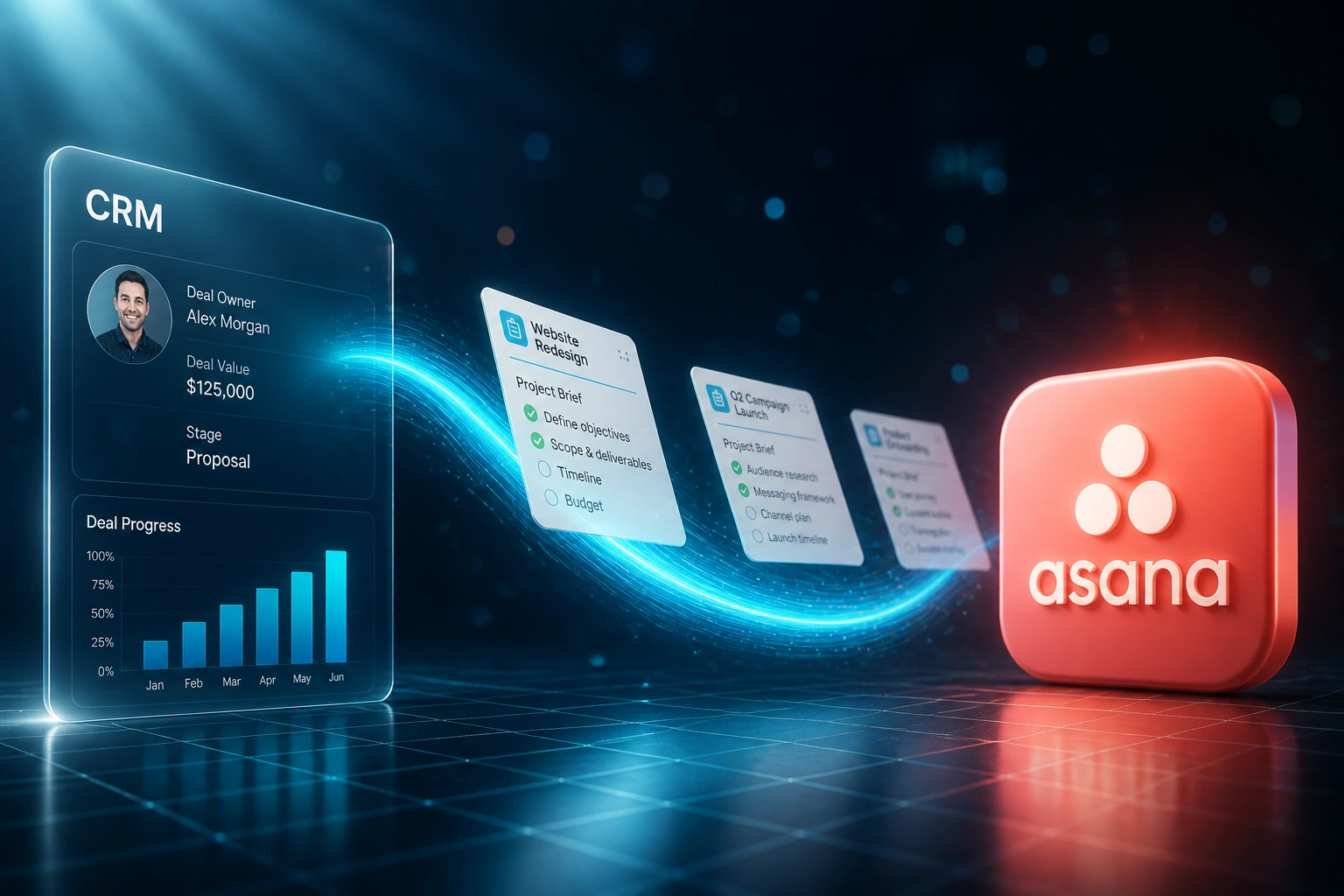
Deal closes → project created → team notified → CRM stays current. No copying briefs between systems.
Deal Closes in CRM
Sales marks the deal Closed Won in HubSpot, Pipedrive, or Salesforce
Project Spawns Automatically
Asana, Monday.com, Jira, or ClickUp project created with contacts, scope, and owner
Delivery Team Notified
Project lead gets the brief instantly, ready to schedule kickoff the same day
Status Syncs Back
Milestones update the CRM so sales and leadership see delivery progress live
Everything You Need for a Reliable Deal to Project Sync
Closed-Won Project Spawn
Deal moves to Closed Won → a project appears in Asana, Monday.com, Jira, ClickUp, or HubSpot Projects with the right template, owner, and due dates.
Full Deal Context Transfer
Contacts, company, scope notes, package sold, and commercial terms land on the project so delivery never starts from a blank page.
Owner & Team Assignment
Project lead and delivery roles map from CRM deal owner or custom fields, so the right people are notified the moment the deal closes.
Smart Error Handling
Duplicate project detection, automatic retries, and validation checks. Your team only gets alerted when a human decision is needed.
Custom Field Mapping
Your CRM deal properties map to project custom fields, sections, and checklist templates so every won deal starts the same way.
Status Sync Back to CRM
When delivery marks milestones complete, the CRM deal or company record updates so sales and leadership see progress without chasing ops.
Tools We've Connected for Deal to Project Flows
From 8 Days to Same-Day Kickoff
How a 25-person professional services firm stopped losing won-deal context between HubSpot and Asana.
The Manual Handoff
- Ops copied deal details from HubSpot into Asana after a Slack ping from sales
- Four hours per won deal: contacts, scope notes, owners, and template setup
- Average eight business days from Closed Won to the first kickoff call
- Delivery re-interviewed clients because sales context never made the brief
- Project structure varied by whoever happened to set it up that week
The Automated Handoff
- Closed Won → Asana project appears within seconds with the right template
- Contacts, scope notes, package sold, and owner land on the project automatically
- Delivery lead reviews and schedules kickoff the same day
- Rework from missing context dropped sharply because the brief travels with the deal
- Milestone progress syncs back to HubSpot without anyone chasing status
Before vs After Integration
How It Works
From first conversation to live deal to project automation in 2–4 weeks.
Tell Us Your Setup
Which CRM, which project tool, how deals become projects today, and where context goes missing.
Free Scoping Call
30-minute call to map the closed-won trigger, project templates, owners, and fields that must transfer.
Build & Test
We build the integration, test with real won deals, and run parallel for a week so kickoffs stay accurate.
Go Live & Monitor
Switch off Slack-and-spreadsheet handoffs. Monitoring and alerting keeps every deal-to-project flow reliable.
Frequently Asked Questions
How long does a project management CRM integration take to set up?
A standard deal-to-project sync takes 2–4 weeks from scoping to go-live. Simple one-way project creation can be live within a week. Bidirectional setups with custom templates, owners, and status sync-back take closer to 4–6 weeks.
Which CRMs and project tools can you connect?
We have connected HubSpot, Pipedrive, Salesforce, and Zoho CRM to Asana, Monday.com, Jira, ClickUp, and HubSpot Projects. If both systems have an API, we can build the CRM project management handoff you need.
Will this disrupt how sales and delivery already work?
No. Sales keeps closing deals in the CRM. Delivery keeps running work in Asana, Monday.com, or Jira. The automation sits between them. We run parallel testing before you switch off the manual handoff.
What if a deal is marked won with incomplete scope notes?
We set required-field checks on the Closed Won stage so incomplete deals pause with a clear alert instead of spawning a half-empty project. Your ops lead only steps in when something is genuinely missing.
How is this different from the native HubSpot–Asana app?
Native connectors usually create a basic task or thin project shell. They struggle with custom deal properties, multi-section templates, owner routing, and status sync-back. We build the full deal-to-project flow around how your firm actually delivers work.
How much does CRM project management integration cost?
Simple one-way deal-to-project syncs start from around R15,000. Bidirectional integrations with custom templates and status sync typically range from R25,000 to R60,000. Most firms closing 6+ deals a month see ROI within 2–3 months against recovered handoff time alone.
Stop Losing Weeks Between Closed Won and Kickoff
If sales and delivery still hand off by Slack and spreadsheet, you are paying for delay and lost context every time a deal closes.
Tell us which CRM and project tool you use, how deals become projects today, and where the handoff breaks. We will show you exactly how automation would work for your firm.