QuickBooks Online vs Desktop: CRM Integration Differences
QuickBooks Online has robust APIs for CRM integration. QuickBooks Desktop needs a Web Connector, SDK, or middleware on a Windows machine, which is slower to build and harder to keep alive. Choosing the wrong path wastes months.
We help you decide, then build the correct QuickBooks integration for the edition you keep.
Sound Familiar?
These are the exact blockers we hear before an Online vs Desktop decision:
- You are stuck on QuickBooks Desktop and every CRM connector breaks after a version upgrade
- Sales closes deals in the CRM, then finance waits for a scheduled Desktop sync that may not run
- Someone recommended a "QuickBooks integration" without asking whether you run Online or Desktop
- You are weighing a move to QuickBooks Online mainly because CRM tools barely support Desktop
- Month-end still means CSV exports because the Web Connector dropped mid-week again
Intuit is pushing Online hard. New US sales of Desktop Pro and Premier stopped on 30 September 2024. Desktop 2023 loses Intuit services after 31 May 2026. Desktop Web Connector syncs still fail on file locks, path changes, and version mismatches. If your CRM plan assumes a stable Desktop connector forever, that assumption is getting expensive.
From Edition Choice to a Working CRM Sync
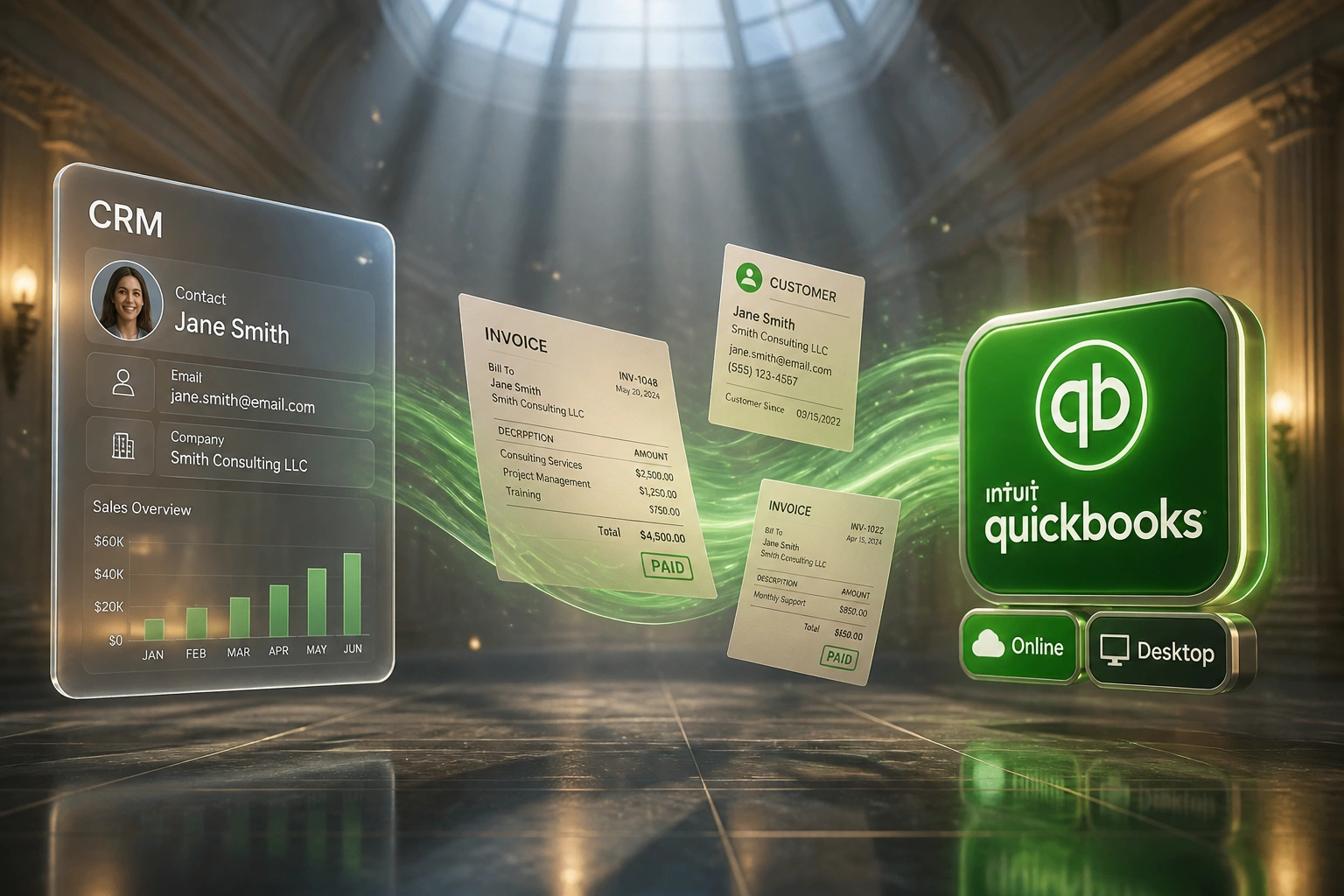
Decide the QuickBooks path → build the right connector → invoices and payments flow → books stay matched.
Pick Online or Desktop
We score API access, CRM app coverage, support risk, and your must-keep Desktop features
Build the Right Path
Online REST sync, or a monitored Desktop Web Connector against the company file
Deal Won → Invoice
CRM closes the deal; QuickBooks raises the invoice with the mapped tax and accounts
Payment Synced Back
Settlement in QuickBooks updates the CRM so sales stops chasing finance
Everything You Need Once the Edition Is Clear
Edition Decision First
We map whether QuickBooks Online or Desktop is the right home for your books before writing a single sync rule, so you do not pay twice.
QuickBooks Online REST Path
Cloud CRM to QBO with OAuth sign-in, near real-time invoice creation, and payment status written back the moment it lands.
Desktop Web Connector Path
If you stay on Desktop, we build a monitored connector around the company file: scheduled sync, hosting where needed, and alerts when the link drops.
Customer & Invoice Mapping
CRM products map to the right QuickBooks income accounts, tax codes, and classes on whichever edition you keep.
Payment Status Visibility
Finance settles an invoice in QuickBooks; sales sees Paid in the CRM without chasing a report.
Migration-Aware Design
Already planning Desktop to Online? We sequence migrate-then-integrate or integrate-then-migrate so CRM data does not get stranded mid-move.
CRMs We've Connected to QuickBooks Online and Desktop
From 9 Hours/Week to Under 1
How a Cape Town wholesaler stopped fighting a fragile Desktop connector, moved CRM sync onto QuickBooks Online, and recovered R140K in staff time in year one.
Wrong Path, Manual Patchwork
- HubSpot closed deals; a third-party Desktop Web Connector synced overnight when it worked
- After each QuickBooks upgrade the connector sat dead for days while support "caught up"
- Finance exported CSVs three mornings a week to keep invoices moving
- Average 3 business days from deal won to invoice in QuickBooks
- Sales never knew payment status without pinging the bookkeeper
Online Path, Built Once
- We scoped Desktop vs Online against their CRM roadmap and support risk
- Books migrated to QuickBooks Online; HubSpot connected on the REST path
- Won deals raise draft invoices the same day with mapped tax codes
- Payment status writes back to HubSpot without anyone asking finance
- No Windows host, no Web Connector queue, no upgrade blackouts
Desktop Connector Struggle vs Right-Path Integration
How It Works
From first conversation to live QuickBooks CRM sync in 2–6 weeks, depending on Online vs Desktop.
Tell Us Your Edition
Online or Desktop, which CRM, how invoices leave today, and what breaks most often.
Free Scoping Call
30 minutes to compare the Online API path vs a Desktop Web Connector path for your volume and risk.
Build & Test
We build the correct path, test against your real customers and products, then run parallel for a week.
Go Live & Monitor
Manual re-keying stops. Monitoring watches the sync, especially on Desktop connectors that need a live Windows machine.
Frequently Asked Questions
What is the real difference between QuickBooks Online and Desktop for CRM integration?
QuickBooks Online exposes a cloud REST API with OAuth sign-in and near real-time updates, so most CRMs and middleware connect cleanly. QuickBooks Desktop talks through the QuickBooks Web Connector or SDK on a Windows machine: sync runs on a schedule, needs that machine online, and often needs rework after Desktop version upgrades. Same CRM, two different integration projects.
Should we migrate to QuickBooks Online before connecting our CRM?
Often yes if you want the widest CRM app choice and near real-time sync. Intuit stopped selling new Desktop Pro and Premier subscriptions to new US buyers in September 2024, and Desktop 2023 loses Intuit services after 31 May 2026. That said, some teams have legitimate reasons to stay on Desktop (job costing, offline sites, Enterprise features). We will tell you honestly which sequence costs less for your books.
Is QuickBooks a good fit for South African businesses?
QuickBooks Online is available in South Africa and works for simpler service businesses, but Sage and Xero are usually stronger for local payroll, bank feeds, and SARS workflows. If you already run QuickBooks (common for groups with US or UK entities, or accountants who standardised on it), we integrate the edition you have. If you are choosing accounting software from scratch in SA, we will also flag when Xero or Sage is the better CRM path.
How long does each path take to build?
A standard CRM to QuickBooks Online sync takes 2–4 weeks from scoping to go-live. A Desktop path with Web Connector setup, hosting decisions, and upgrade-safe monitoring typically runs 4–6 weeks. Custom Desktop work without middleware regularly burns several engineer-weeks just on the connector layer.
Can you keep us on Desktop and still sync the CRM?
Yes. We build Desktop integrations regularly for teams that are not ready to migrate. Expect scheduled rather than instant sync, a Windows host that must stay reachable, and a monitoring plan for connector drops, file locks, and version mismatches. Hosting the company file on an always-on remote machine often makes Desktop sync more reliable than a laptop that sleeps overnight.
How much does Online vs Desktop CRM integration cost?
Online one-way invoice syncs start from around R15,000. Bidirectional Online setups typically sit between R25,000 and R45,000. Desktop connectors with monitoring and hosting considerations usually land between R30,000 and R60,000. Set that against R180–R360 of labour per manually processed invoice: most teams raising 20+ invoices a month see payback inside a quarter once the right path is live.
Stop Paying for the Wrong QuickBooks Path
If your CRM plan assumes Desktop connectors will keep working forever, or you are delaying Online because nobody has mapped the migration risk, you are spending money on indecision.
Tell us which QuickBooks edition you run, which CRM you use, and where sync fails today. We will recommend Online, Desktop, or migrate-then-integrate, and quote the build for that path only.