Recurring Task Automation: Stop Running Rituals on Memory
Weekly reports, monthly compliance checks, and quarterly reviews only happen when someone remembers to create the tasks. Under pressure that memory fails, and the ritual is missed until an audit or month-end scramble surfaces the gap.
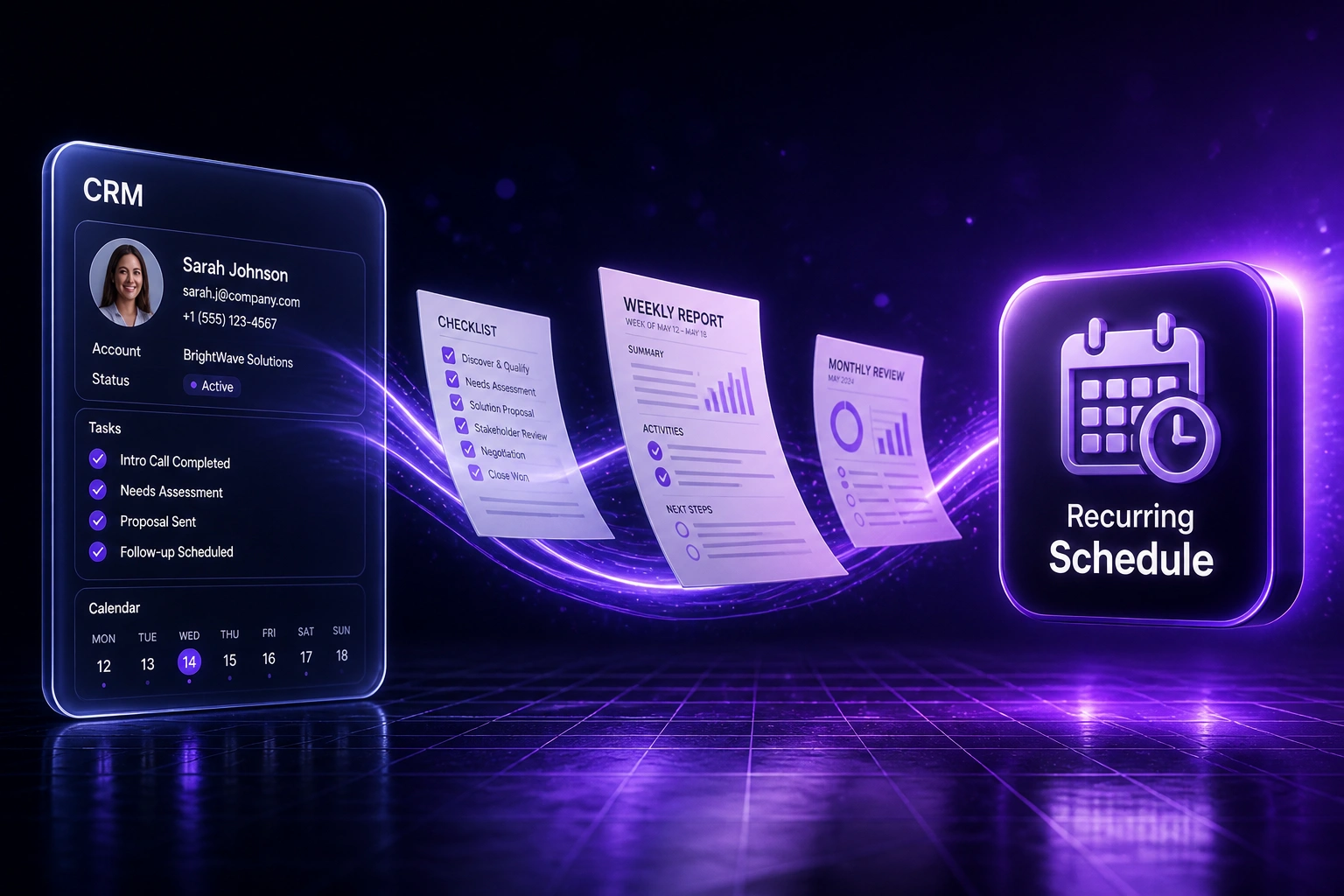
We build scheduled task creation that assigns and tracks every cycle without manual setup.
Sound Familiar?
These are the exact issues our clients faced before recurring task automation:
- Weekly report tasks only appear when someone remembers to recreate last week's checklist
- Month-end compliance checks start late because the checklist still lives in a shared drive folder
- Quarterly reviews get skipped when the ops lead is on leave or buried in delivery firefighting
- Native recurring features in Asana or Monday still need someone to configure owners, due dates, and subtasks every cycle
- Audit evidence is incomplete because missed rituals leave no completion record
Half of finance teams still take six or more business days to close, and industry research puts the average cost of non-compliance at roughly 2.7× the cost of doing compliance properly. Forgotten month-end checklists and missed audit windows are how that gap opens.
What Recurring Task Automation Actually Does
Schedule fires → tasks created and assigned → completion tracked → overdue rituals escalate. No human recreating the checklist.
Schedule Fires
Weekly, monthly, or quarterly cadence triggers at the time you set
Tasks Created
Full checklist appears with owners, due dates, and linked context
Work Tracked
Each cycle is a separate instance with completion history for audit
Gaps Escalate
Overdue items alert a manager before the compliance window closes
Everything You Need for Reliable Scheduled Task Creation
Scheduled Task Creation
Weekly, monthly, and quarterly schedules spawn the full task tree with owners, due dates, and checklists. Nobody recreates the ritual by hand.
Role-Based Assignment
Tasks land with the right role every cycle: ops lead, compliance owner, finance contact. Leave cover and role changes update the next run, not a forgotten spreadsheet.
Completion Tracking
Every instance is tracked separately. You see what ran, what is overdue, and who closed it, with an audit-ready history for each cycle.
Missed-Ritual Escalation
Overdue recurring tasks escalate to a manager before the compliance window closes. Memory is no longer the control.
CRM and Project Sync
Rituals that touch clients or projects write status back to CRM or the project board, so sales and delivery see the same completion state.
Calendar Cadence Control
Skip weekends, shift around public holidays, and pause a series without losing the schedule. The next cycle still fires on time.
Platforms We've Wired for Recurring Task Automation
From 6 Hours/Week to 20 Minutes/Week
How a 35-person professional services firm stopped missing month-end checks and recovered ops capacity for real delivery work.
The Manual Ritual
- Ops lead rebuilt weekly report tasks and month-end checklists from last cycle's board
- Roughly 6 hours a week spent recreating, assigning, and chasing the same items
- Two quarterly reviews slipped when the lead was on leave; auditors asked for missing evidence
- Month-end close stretched past six business days when checklists started late
- No reliable record of which cycles actually ran to completion
The Scheduled Process
- Schedules create weekly reports, month-end checks, and quarterly reviews automatically
- Role-based assignment lands work with the cover person when someone is away
- Overdue rituals escalate before the compliance window closes
- Each cycle leaves an audit-ready completion history
- Ops reviews exceptions instead of rebuilding checklists from scratch
Before vs After Recurring Task Automation
How It Works
From first conversation to live schedules in 2–4 weeks.
Map Your Rituals
Weekly reports, month-end checks, quarterly reviews, and any other cadence that currently depends on someone remembering.
Free Scoping Call
30-minute call to pick tools, owners, due-date offsets, and which missed tasks should escalate.
Build & Test
We wire the schedules, run parallel cycles against your manual checklists, and tune assignment and escalation rules.
Go Live & Monitor
Stop recreating tasks each cycle. Monitoring catches failed runs and overdue rituals before the window closes.
Frequently Asked Questions
How is this different from Asana or Monday recurring tasks?
Native recurring items create a single task or duplicate a group on a timer. Ops teams still wire owners, subtasks, CRM links, and escalations by hand, and many plans cap how many automations you can run. We build the full ritual: schedule, role assignment, checklist depth, completion tracking, and manager escalation across the tools you already use.
How is this different from a project template library or status reporting packs?
A template library stamps a project once when a deal closes. Status reporting automation digests live board data into scheduled packs. Recurring task automation creates the work itself on a weekly, monthly, or quarterly cadence so the checklist exists before anyone has to remember it.
Which tools can you schedule recurring tasks into?
We have built recurring task automation for Asana, Monday.com, ClickUp, Jira, HubSpot tasks, Notion databases, and calendar-backed reminders in Google Calendar and Microsoft To Do. If your project or CRM tool has an API, we can schedule into it.
Will this disrupt how our ops team already works?
No. Teams keep the same boards and checklists they already recognise. We encode those rituals once, then stop relying on memory to recreate them. We run parallel cycles before switching off manual setup.
What happens when someone is on leave or a role changes?
Assignments follow roles, not a single named person baked into a one-off task. Update the role map and the next scheduled run lands with the cover person. Overdue escalations still fire if the cover misses the window.
How much does recurring task automation cost?
A focused set of weekly and monthly rituals typically starts from around R15,000. Multi-cadence setups with role assignment, CRM sync, and escalation monitoring usually range from R25,000 to R60,000. Teams recovering several hours of ops time every week often see payback within two to three months.
Stop Running Compliance Rituals on Memory
If weekly reports, month-end checks, or quarterly reviews still depend on someone remembering to create the tasks, you are one busy week away from a missed window.
Tell us which rituals matter, which tools hold the work, and who owns each cadence. We will show you exactly how scheduled task creation, assignment, and tracking would run for your team.