

Re-Keying Data from Scanned Documents: Accurate Digital Capture at Scale
Your ops and finance teams are still typing from paper packs, faxed forms, and scanned PDFs into CRM and ERP fields. Each page burns 8–12 minutes, and manual re-keying quietly plants 1–4% field errors that audits and customers discover later.
We build the OCR plus human verification pipeline that digitises document capture without sacrificing accuracy.
Sound Familiar?
These are the exact issues our clients faced before verified digitisation:
- Ops and finance staff still retype fields from paper packs, faxed forms, and mixed-quality scanned PDFs into CRM and ERP screens
- Manual re-keying plants 1–4% field errors that only surface weeks later in audits, claims, or customer disputes
- Each document burns 8–12 minutes of clerk time, so a few hundred pages a week quietly consumes a full headcount
- POPIA and PAIA access requests land with a 30-day clock while someone digs through boxes and image folders
- OCR-only tools looked promising, then dumped 8–15% wrong fields into live systems because nobody verified low-confidence captures
POPIA and PAIA access requests give you roughly 30 days to produce the record. If the evidence still lives in a warehouse of boxes or an unsearchable scan dump, the clock runs out while staff dig. Digitised, verified fields with source-image links turn that scramble into a search.
What Document Digitisation Actually Does
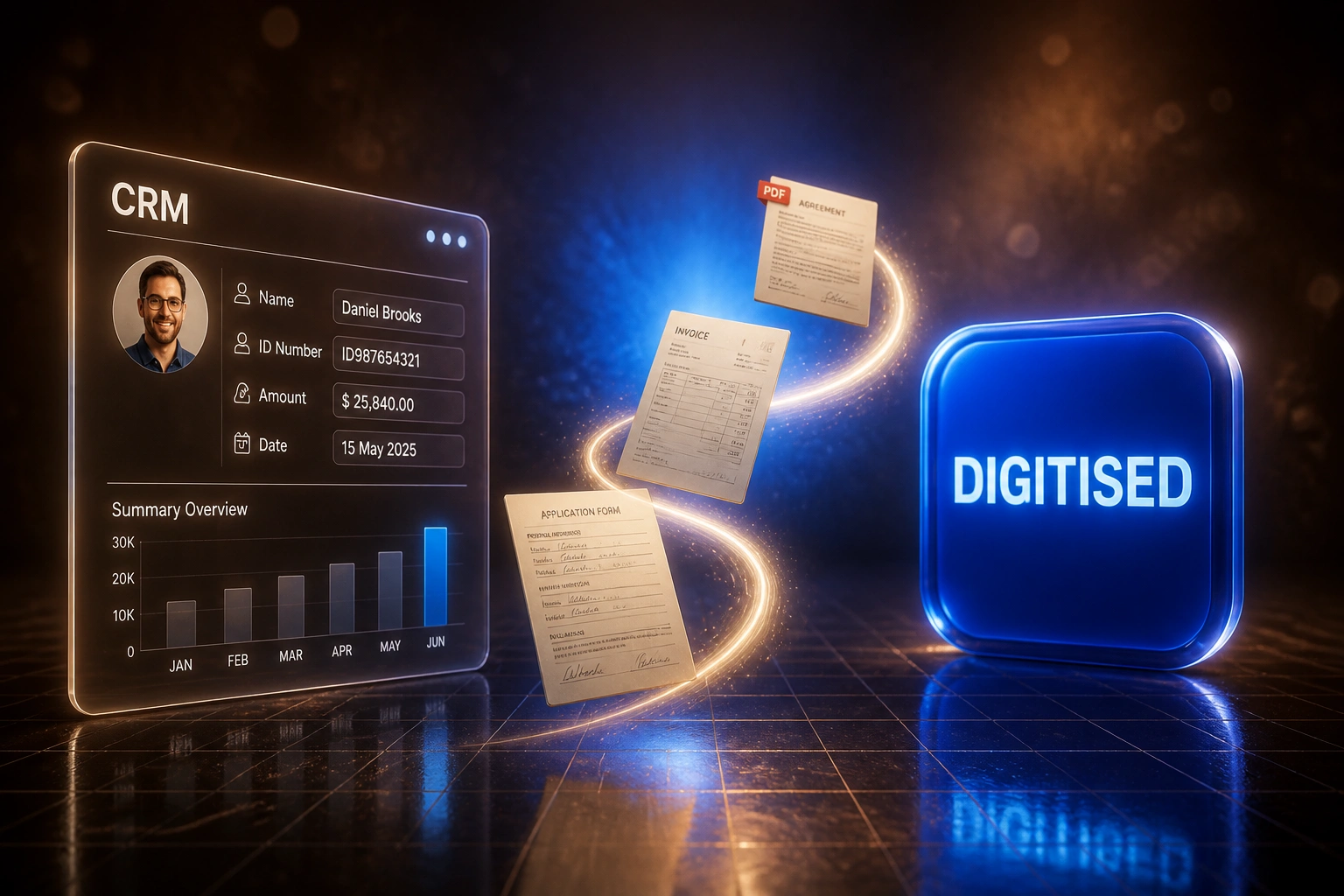
Scan arrives → OCR extracts → humans verify exceptions → CRM and ERP fields update. No full-page retyping.
Documents Arrive
Paper packs, faxed forms, and scanned PDFs land in a monitored intake folder or scanner queue
OCR Captures Fields
Recognition reads names, IDs, dates, amounts, and line items into structured draft records
Humans Verify Exceptions
Low-confidence fields queue with the source scan highlighted for quick confirm or correct
CRM / ERP Updated
Verified values write into the right system fields with a link back to the page image
Everything You Need for OCR Data Capture at Scale
OCR Plus Human Verification
Machines read the page at scale. Humans only confirm low-confidence fields. The pipeline targets audit-ready accuracy, not OCR vanity scores.
High-Volume Batch Capture
Paper archives, overnight fax queues, and mixed PDF dumps process in bulk with throughput built for hundreds or thousands of pages a week.
CRM and ERP Field Mapping
Captured values land in the exact HubSpot, Salesforce, Sage, Xero, or custom ERP fields your ops team already uses, not a disconnected spreadsheet.
Exception-Only Review Queues
Reviewers see the source scan highlighted beside the proposed value. They confirm or correct in seconds instead of retyping the whole page.
Mixed-Quality Document Handling
Skewed faxes, low-DPI photocopies, and multi-page packs get pre-processed before recognition so noisy archives stay workable.
Audit Trail and Source Links
Every structured field links back to the page image it came from, so auditors, claims handlers, and compliance officers can defend the record.
Sources and Systems We Connect for Document Digitisation
From 28 Hours/Week to 4 Hours/Week
How a Johannesburg logistics firm stopped retyping scanned archives and cut capture errors below half a percent.
The Manual Process
- Three clerks retyped customer, shipment, and claim fields from paper packs and faxed PDFs
- About 800 documents a month at roughly 10 minutes each
- Field errors around 2.5%, with rework costing close to R864 per incident
- Audit packs and POPIA lookups meant digging through boxes and image folders
- Month-end backlog forced overtime whenever a fax queue spiked
The Verified Capture Process
- OCR extracts draft fields; humans only review low-confidence exceptions
- Verified values write into CRM and ERP with a link to the source scan
- Pipeline field errors dropped below 0.5%
- Audit and access requests start with a search, not a warehouse hunt
- Clerks shifted to exception handling and customer follow-ups
Before vs After Verified Data Capture
How It Works
From first conversation to live capture in 2–4 weeks for a focused document set.
Tell Us Your Backlog
Document types, weekly volume, scan quality, and which CRM or ERP fields must be filled accurately.
Free Scoping Call
30-minute call to sample real pages, set confidence thresholds, and design the human verification queue.
Build & Test
We wire OCR, exception review, and write-back, then validate against your live paper, fax, and PDF samples.
Go Live & Scale
Staff stop retyping routine fields. Accuracy and exception rates stay visible as backlog volume clears.
Frequently Asked Questions
How is commercial data re-keying different from plain OCR?
Plain OCR reads characters. Commercial re-keying at scale combines OCR with human verification on uncertain fields, then writes clean values into CRM and ERP records. Traditional OCR alone often sits at 85–92% accuracy on real-world scans. A verified pipeline can reach about 99.9% end-to-end correctness, which is what finance and ops leaders actually need.
What document types can you digitise at volume?
We specialise in mixed business paper: legacy archive packs, faxed application forms, scanned contracts, delivery notes, claims files, and multi-page PDF dumps. Invoice-only AP OCR and identity KYC pipelines are separate product angles if that is your primary need.
Will this disrupt our ops or finance teams?
No. Teams keep their existing CRM and ERP screens. Automation removes the retyping so people spend time on exceptions, audits, and customer lookups. We run parallel testing before switching off the manual path.
How accurate is OCR alone versus human-verified capture?
Manual single-pass re-keying typically errs on 1–4% of fields. Traditional OCR without review often lands at 85–92% on mixed scans, which is worse for live systems. AI OCR improves the first pass, but pipeline-level accuracy of about 99.9% comes from confidence thresholds plus human verification on the uncertain minority.
How long does a re-keying and digitisation project take?
A focused OCR-plus-verification build for one or two document families typically takes 2–4 weeks from scoping to go-live. Large multi-year archives with many layouts usually sit closer to 4–8 weeks, often phased so high-value packs go live first.
How much does scanned document re-keying cost?
Focused pipelines for a defined document set typically start from around R25,000. High-volume digitisation with exception queues and CRM or ERP write-back usually sits in the R40,000–R75,000 range. Teams spending tens of hours a week on manual re-keying often recover the build cost within a few months against staff time and error rework.
Stop Burning Hours on Manual Data Re-Keying
If your ops and finance teams are still typing from scanned documents into CRM and ERP fields, you are paying full labour rates for a capture problem that OCR plus human verification already solves.
Tell us what volumes you process, which document types matter first, and where the structured data must land. We will show you exactly how a verified digitisation pipeline would work for your business.