Resource Allocation Across Projects: See Capacity Before It Breaks
Your spreadsheet says who is free. Reality does not. Overloaded seniors, idle bench time, and late conflict discoveries quietly erode utilisation, margins, and your best people.
We connect project tools, timesheets, and leave so team capacity planning stays live.
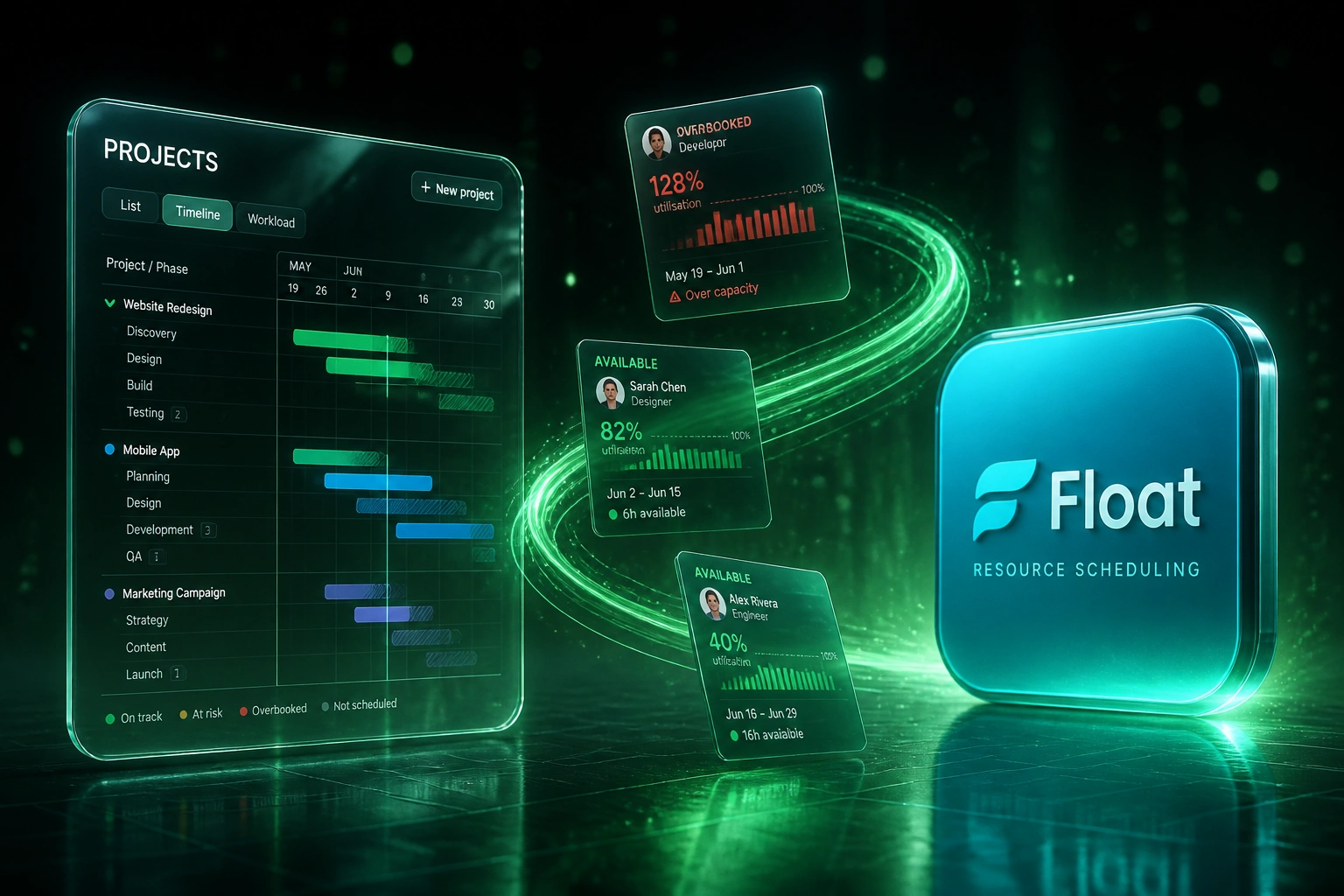
Sound Familiar?
These are the exact issues our clients faced before live capacity planning:
- The spreadsheet says someone is free, but they are already booked on three projects
- Senior people sit at 120% utilisation while juniors burn idle weeks on the bench
- Leave, public holidays, and timesheets live in different tools, so capacity is always stale
- PMO and delivery leads spend a full day each week rebuilding who-is-where reports
- Over-allocation only surfaces when a deadline slips or someone hands in notice
Professional services billable utilisation hit a record low of 66.4% in 2025, well below the 75% threshold linked to healthy profitability. Spreadsheet planning cannot close that gap when leave, timesheets, and project plans never meet in one live view.
What Live Resource Allocation Actually Does
Projects change → capacity updates → conflicts surface → utilisation holds. No Monday spreadsheet rebuild.
Plans Change in Project Tools
A PM shifts dates, adds scope, or books a specialist in Asana, Monday, or Jira
Capacity View Updates
Allocations sync into Float, Resource Guru, or your capacity board with leave already deducted
Conflicts Flag Early
Overbooks and skill gaps alert the PMO before the kickoff, not after a missed milestone
Utilisation Stays Honest
Bench time shrinks, overload cools, and margins stop leaking into invisible idle weeks
Everything You Need for Reliable Team Capacity Planning
Live Capacity Across Projects
Project plans, allocations, and remaining hours sync into one view so you see who is free, who is overbooked, and where the gaps sit.
Leave and Timesheet Sync
Approved leave, public holidays, and actual hours feed capacity automatically. Planned availability matches reality.
Conflict and Overbook Alerts
When a new assignment would push someone past capacity, the conflict surfaces before kickoff, not after a missed milestone.
Utilisation by Role and Client
Track billable utilisation, bench time, and client load by person, role, and team so margins stay visible week by week.
Skills and Role Matching
Match open work to the right skills and seniority, instead of booking whoever looks free on a Monday morning spreadsheet.
Forward Demand Visibility
Soft-book pipeline work against capacity so you can hire, subcontract, or rebalance before idle weeks open up.
Tools We've Connected for Resource Allocation
From 64% Utilisation to 73% Without Burning Anyone Out
How a 28-person digital consultancy stopped spreadsheet planning and recovered R1.8M in previously idle capacity.
The Spreadsheet Ritual
- PMO lead rebuilt a shared Excel capacity sheet every Monday from Asana and leave emails
- Seniors regularly hit 110–125% while juniors sat three weeks on the bench unnoticed
- Leave and public holidays lagged by days, so people looked free when they were not
- Overbooks surfaced mid-sprint, forcing weekend catch-up and client date slips
- Leadership never trusted the utilisation number enough to hire or subcontract early
The Live Capacity View
- Asana plans, Float allocations, and leave sync into one capacity board
- Conflict alerts fire before kickoff when a booking would push someone over target
- Bench windows appear two to four weeks ahead, so work or training fills the gap
- Role-level utilisation stays in a 70–80% band instead of feast-or-famine spikes
- COO reviews a live dashboard instead of chasing PMs for "who's free next week"
Before vs After Live Resource Allocation
How It Works
From first conversation to live capacity view in 2–4 weeks.
Tell Us Your Setup
Which project tools, timesheets, and leave systems you run, and where capacity goes dark.
Free Scoping Call
30-minute call to map allocation workflows, utilisation targets, and the highest-cost blind spots.
Build & Test
We connect the tools, validate capacity against real projects and leave, and run parallel for a week.
Go Live & Monitor
Switch off the spreadsheet ritual. Alerts keep over-allocation and bench risk visible as plans change.
Frequently Asked Questions
How long does a resource allocation integration take to set up?
A standard setup connecting project tools, leave, and a capacity platform takes 2–4 weeks from scoping to go-live. Spreadsheet-heavy firms with multiple project tools usually land closer to 4–6 weeks so we can clean historical allocations first.
Which tools can you connect for team capacity planning?
We regularly connect Float, Resource Guru, Monday Workload, Asana Workload, Teamwork, and timesheet tools such as Harvest and Clockify, plus leave and HR systems. If you still plan in Excel or Google Sheets, we can migrate allocations into a live tool and keep a controlled sync while you transition.
Will this disrupt how project managers currently plan?
No. Project managers keep working in their existing tools. The integration pulls plans, leave, and actuals into a shared capacity view, so the PMO sees conflicts without asking everyone to rebuild a weekly spreadsheet.
How do you handle leave, public holidays, and part-time capacity?
Approved leave and public holidays reduce available hours automatically. Part-time contracts, contractors, and role-based FTE percentages are mapped during setup so utilisation math reflects real availability, not a full-time assumption.
What utilisation target should we aim for?
SPI Research treats roughly 75% billable utilisation as a healthy professional-services benchmark, with sustained rates above about 85% linked to burnout risk. We help you set role-specific targets and alert thresholds so you protect both margin and people.
How much does a resource allocation integration cost?
Simple one-way syncs from project tools into a capacity platform start from around R15,000. Bidirectional setups with leave, timesheets, and conflict alerts typically range from R25,000 to R60,000. Most mid-size agencies recover that cost within a quarter once idle capacity and over-allocation fire drills drop.
Stop Planning Resources in Spreadsheets
If your PMO still rebuilds who-is-where every Monday, you are paying for over-allocation and bench time that a live view would catch earlier.
Tell us which project tools, timesheets, and leave systems you run, and where utilisation goes dark. We will show you how connected resource allocation would work for your team.