Roster to Payroll Integration: Accurate Pay for Hours Worked
When your roster or timeclock does not feed payroll, every pay run risks miscalculated overtime, missed Sunday premiums, and shift allowances that never reach the payslip. Ops and finance leads feel that gap as rekeying marathons, staff disputes, and under/overpayment leakage.
We build the roster payroll sync that ends the retyping.
Sound Familiar?
These are the exact issues ops and finance leads bring us when roster hours still get retyped into payroll:
- Payroll retypes clocked hours from the roster or timeclock into SimplePay, Sage, or PaySpace every pay run
- Sunday shifts and public holidays get keyed as ordinary overtime, so staff are underpaid or overpaid against BCEA rates
- Shift allowances and night premiums vanish when someone copies hours without the allowance flags
- Overtime disputes land on your desk after payslips go out, and you spend days reconstructing who worked what
- Month-end corrections stack up: clawbacks, top-ups, and CCMA exposure when hours and premiums do not match the timeclock
Global roster tools keep retiring or migrating native payroll connectors, and few of them offer a reliable SimplePay, Sage Payroll, or PaySpace link for South African pay rules. When the export breaks, or never existed for SA premiums, a custom roster-to-payroll sync is the path that keeps shift pay accurate.
What Roster Payroll Sync Actually Does
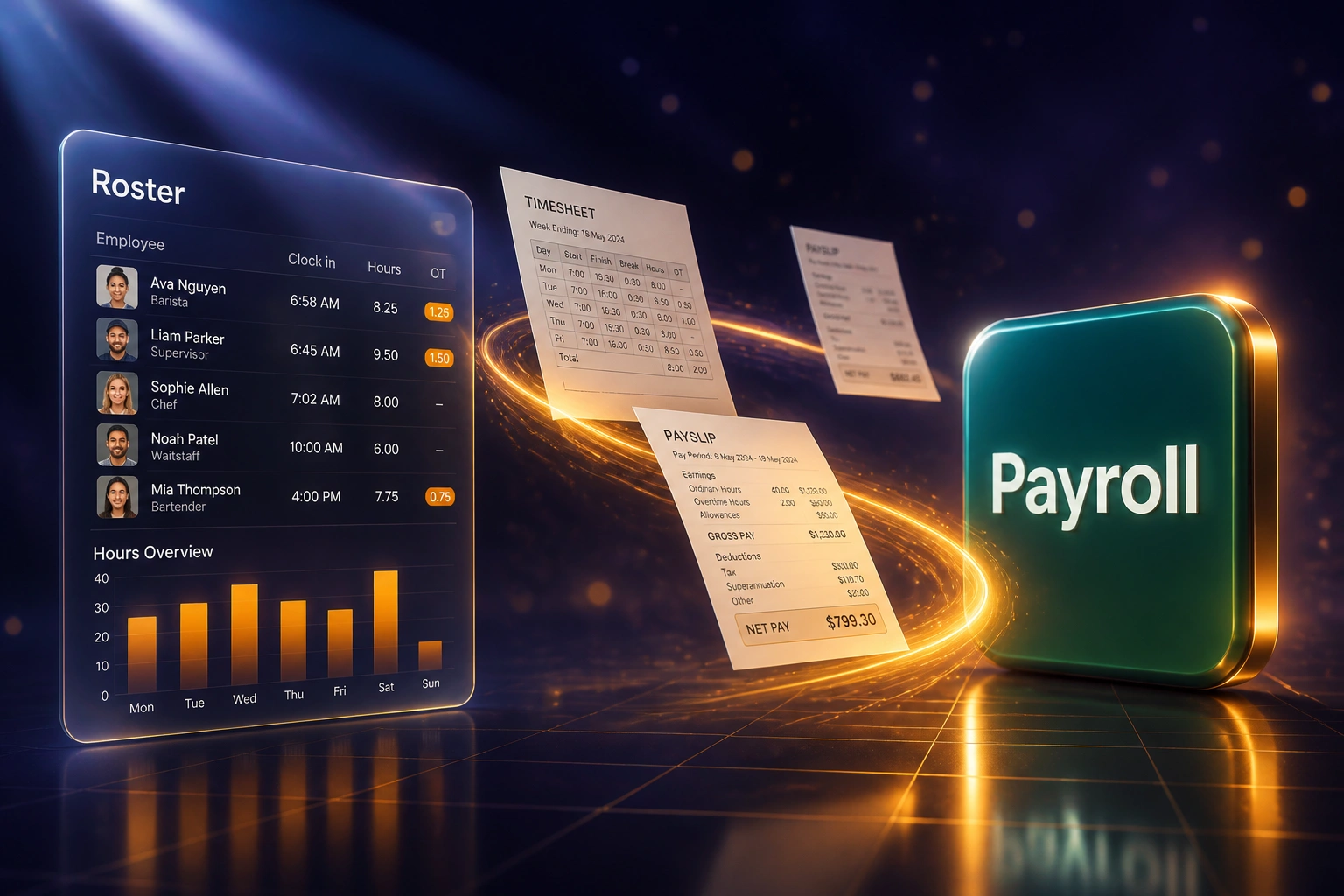
Hours clocked → premiums applied → payroll updated → payslip matches the shift. No rekeying between timeclock and pay run.
Hours Approved
Managers approve clocked shifts in your roster or timeclock before payroll cut-off
Premiums Calculated
Overtime, Sunday, public holiday, and shift allowances mapped to the right earning codes
Written to Payroll
Hours and premiums land in SimplePay, Sage, or PaySpace ready for review
Pay Run Closes Clean
Finance reviews exceptions, not 100 retyped lines, and disputes drop sharply
Everything You Need for Reliable Shift Pay Automation
Worked Hours → Payroll Sync
Approved roster and timeclock hours write into SimplePay, Sage Payroll, or PaySpace before cut-off, so payslips reflect hours actually worked.
Overtime and Premium Mapping
Weekday overtime at 1.5×, Sunday work at 1.5× or 2×, and public holiday premiums map to the correct earning codes automatically.
Shift Allowance Carry-Through
Night, Sunday, and sector shift allowances travel with the hours. Payroll stops reconstructing who earned which premium from a spreadsheet.
Pay-Run Exception Alerts
Missing punches, unmatched employees, and unusual overtime spikes surface before you finalise the run, not after staff open their payslips.
Earning Code Mapping
Ordinary hours, overtime, Sunday, public holiday, and allowance lines map to your SimplePay, Sage, or PaySpace codes and tax treatment.
Audit-Ready Hours Trail
Every pay line traces back to a clocked shift. When someone disputes overtime, you have the source record, not a retyped cell.
Roster, Timeclock, and Payroll Platforms We've Connected
From 12 Hours a Pay Run to 1
How a multi-site Gauteng retailer and warehouse group stopped retyping roster hours into SimplePay and ended weekly overtime disputes.
The Manual Process
- Payroll clerk exported hours from the roster, then retyped ordinary, OT, and Sunday lines into SimplePay
- Roughly seven minutes per timesheet across ~100 hourly staff: about 12 hours every fortnight
- Sunday and public holiday shifts often landed on the weekday overtime code at 1.5× instead of 2×
- Eight to ten overtime or allowance disputes a month after payslips went out
- Finance reconstructed shifts from WhatsApp photos when staff challenged their pay
The Automated Process
- Approved clocked hours and premium flags write into SimplePay before cut-off
- Payroll reviews exceptions only: about one hour per pay run
- Sunday, public holiday, and shift allowance codes match the day and shift on the timeclock
- Overtime disputes dropped to near zero within two cycles
- Every disputed line traces back to a clocked shift, not a retyped cell
Before vs After Timesheet Integration
How It Works
From first conversation to live roster-to-payroll sync in 2–4 weeks.
Tell Us Your Setup
Which roster or timeclock and payroll you use, how overtime and Sunday premiums are coded, and where disputes hurt most.
Free Scoping Call
30-minute call to map clocked hours → premium rules → payroll write-back, and design the cut-off timing.
Build & Test
We build the roster-to-payroll sync, map earning codes, and run parallel for one full pay cycle against your current rekeying process.
Go Live & Monitor
Switch off the manual timesheet rekey. Monitoring flags missing punches and premium mismatches before the next pay run.
Frequently Asked Questions
How long does a roster-to-payroll integration take to set up?
A standard roster-to-payroll sync takes 2–4 weeks from scoping to go-live. Simple one-way hours exports into SimplePay can be live within a week. Full setups with overtime and Sunday premium rules, shift allowances, and multi-site employee mapping typically take 3–5 weeks.
Which roster tools and SA payroll systems can you connect?
We have connected workforce tools such as Deputy, When I Work, 7shifts, and Homebase, and we sync hours into SimplePay, Sage Payroll, PaySpace, and custom timeclocks. If you still export from Excel or a proprietary timeclock, we can start from that file and harden it into a repeatable sync.
How is this different from shift scheduling automation?
Shift scheduling automation builds the roster: availability, skills, and BCEA rest rules. This page is about what happens after people have already worked: feeding clocked hours, overtime, Sunday premiums, and shift allowances into payroll accurately so pay matches hours worked. Many teams need both, but they solve different problems.
How do you handle BCEA overtime, Sunday, and public holiday premiums?
We encode weekday overtime at least at 1.5× ordinary wage, Sunday pay at 2× (or 1.5× when Sunday is an ordinary working day), and public holiday treatment per BCEA section 18. Bargaining-council overlays for night and shift allowances can be added where your sector requires them. The goal is that the day and premium on the payslip match the day on the timeclock.
Will this disrupt our current pay run?
No. We design the sync to land before your payroll cut-off, and we run a full parallel cycle before switching off manual rekeying. Payroll managers keep their existing review and finalisation steps; the hours arrive cleaner and earlier.
How much does roster-to-payroll integration cost?
Simple one-way hours syncs start from around R15,000. Builds with custom overtime and Sunday premium logic, shift allowances, and multi-site mapping typically range from R25,000 to R60,000. Most multi-shift retailers and warehouses recovering a full day of payroll admin per pay run plus under/overpayment leakage see ROI within two to three months.
Stop Retyping Roster Hours into Payroll
If your ops and finance teams are still copying clocked hours into SimplePay, Sage, or PaySpace every pay run, you are paying for rework and disputes that roster payroll sync already solves.
Tell us which roster or timeclock you use, which payroll runs the payslips, and where overtime disputes hurt most. We will show you exactly how shift pay automation would work for your sites.