

SA Banking EFT File Repair: Fixing Rejected Batch Payment Files
When a salary or supplier batch bounces, every hour spent hunting CDV errors is another hour of late pay, angry suppliers, and a finance team stuck in the bank portal. Rejected payment correction should not mean rebuilding the file from scratch.
We diagnose and repair the batch so the re-upload clears, then harden validation so the next run does not fail the same way.
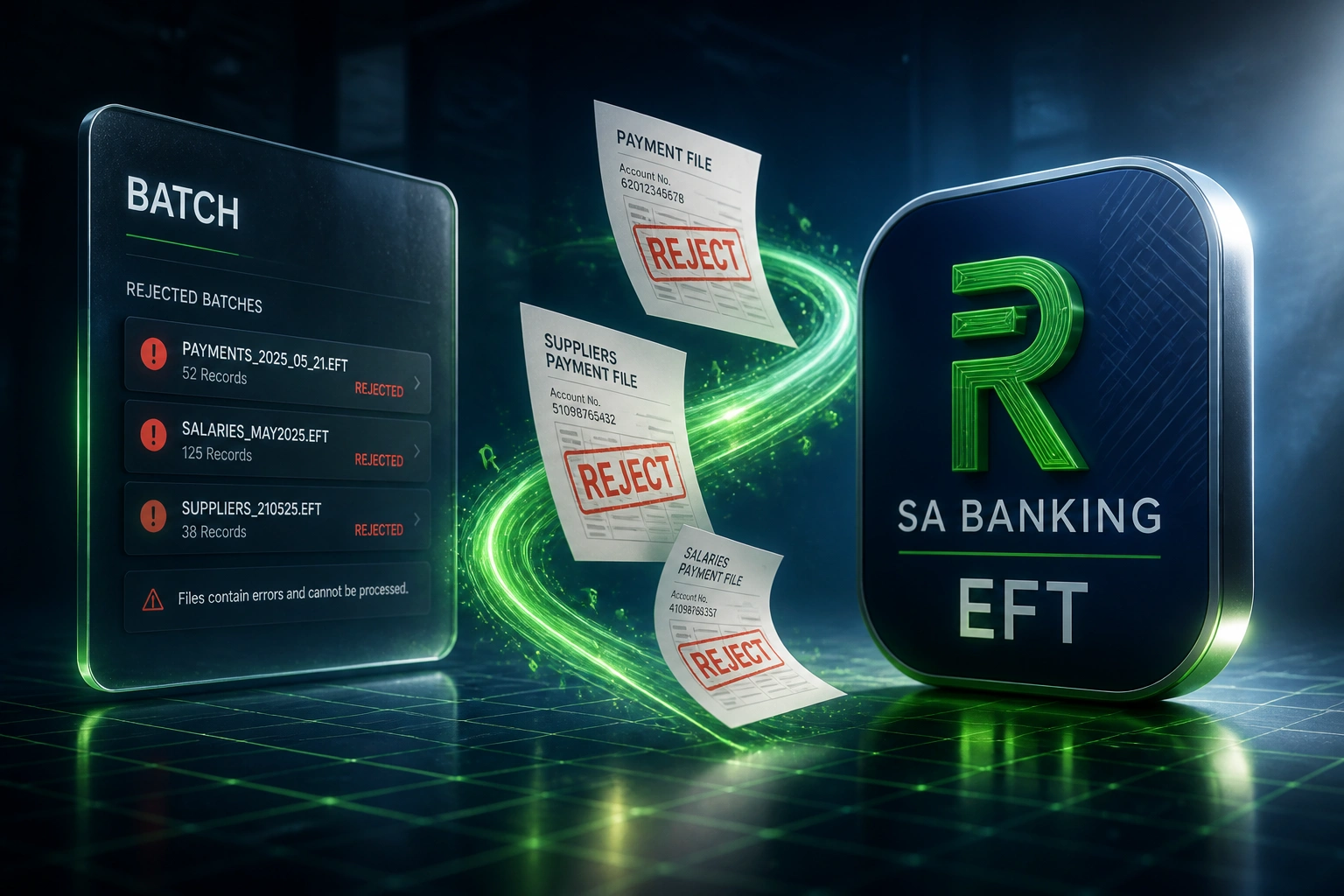
Sound Familiar?
These are the exact issues our clients faced before professional EFT file repair:
- Salary or supplier EFT batches bounce at FNB, Standard Bank, Absa, or Nedbank with cryptic CDV and branch-code errors
- Finance spends half a day tracing which of hundreds of lines failed Check Digit Verification
- Wrong branch codes, truncated account numbers, and off-by-one record lengths reject the whole upload
- Payroll slips past the expected 25th payday while the file is rebuilt line by line
- The same formatting and CDV failures recur next month because nothing was hardened upstream
CDV is mandatory on every outbound EFT, and South Africa's payment rails keep tightening under DebiCheck and the SARB Payments Ecosystem Modernisation programme. Portals are less forgiving of stale branch codes and hand-edited Bankserv files. A rejected batch on the 24th is a payroll crisis, not an IT ticket.
What SA Banking File Format Repair Actually Does
Reject arrives → lines diagnosed → file repaired → re-upload clears. No overnight rebuild in Excel.
Bank Rejects the Batch
FNB, Absa, Standard Bank, or Nedbank returns CDV, branch, or format errors
We Map Every Failure
Each reject line is traced to CDV, account length, branch code, or record padding
File Is Repaired
Formatting, universal branch codes, and check-digit fixes applied to the batch
Re-Upload Clears
Salaries and suppliers pay on time; validation hardens so the next batch stays clean
Everything You Need for Reliable Rejected Payment Correction
Rejected Batch Diagnosis
We read the bank reject report and map every failure to the exact line: CDV fail, invalid branch, wrong account length, or hash-total mismatch.
Bankserv Format Repair
Fixed-width ACB records are corrected to the 181-character Bankserv layout your corporate portal expects, including CR/LF and field padding.
CDV and Branch Code Fixes
Account numbers are revalidated against bank CDV rules and universal branch codes (FNB 250655, Absa 632005, Standard Bank 051001, Nedbank 198765).
Same-Day Re-Upload File
You get a cleaned batch ready for the portal so salaries and suppliers clear in the current cut-off window, not tomorrow.
Upstream Validation Hardening
We add pre-upload checks so the next payroll or supplier run fails early in your system, not after the bank rejects it.
Bank-Specific Quirk Handling
Standard Bank 11-digit account rules, Absa CDV variants, Nedbank cryptic rejects, and FNB Online Banking Enterprise import rules are handled explicitly.
Banks and Formats We Repair
From 10 Hours Per Reject to Under an Hour
How a Gauteng manufacturer with 180 staff stopped missing the 25th payday after three consecutive FNB payroll rejects.
The Manual Repair Spiral
- Payroll export looked fine in Excel, then FNB rejected the Bankserv upload
- Finance spent 8 to 12 hours matching cryptic CDV codes to employee accounts
- Stale branch codes and truncated account numbers kept slipping through
- Two months in a row, salaries cleared a day late and suppliers chased remittances
- Nothing was fixed at source, so the next run repeated the same failures
The Repaired Process
- Rejected file and bank report diagnosed within hours of the bounce
- CDV, universal branch codes, and 181-character padding corrected in one pass
- Re-upload cleared the same day; salaries hit accounts before the 25th
- Pre-upload validation now flags bad accounts before the portal sees them
- Zero payroll rejects in the six months after hardening
Before vs After EFT File Repair
How It Works
From first reject to a cleared re-upload, usually the same day for urgent payroll.
Send Us the Reject
Share the rejected file and the bank error report. Tell us which portal and whether it is payroll or suppliers.
Free Scoping Call
30-minute call to triage urgency, map reject patterns, and confirm which bank quirks apply.
Repair & Validate
We fix formatting, CDV, and branch codes, then validate against the bank rules before you re-upload.
Harden Next Month
Optional validation gates go into your payroll or payables flow so the same reject does not return.
Frequently Asked Questions
What causes SA banking EFT batch files to be rejected?
The most common causes are CDV failures (branch code and account number fail the bank's check-digit rules), invalid or outdated branch codes, account numbers that are too short or non-numeric, wrong fixed-field lengths in Bankserv ACB files (records must be 181 characters including CR/LF), and hash-total mismatches. Standard Bank also rejects 11-digit accounts that are not paired with universal branch 051001 or that do not start with 1.
Which banks and file formats can you repair?
We repair rejected batch payment files for FNB, Standard Bank, Absa, and Nedbank. That covers Bankserv ACB flat files and, where your portal uses them, ISO 20022 pain.001 credit-transfer files. If your host-to-host or Online Banking Enterprise import publishes a layout, we can match it.
How quickly can a rejected payroll file be fixed?
Urgent payroll rejects are typically diagnosed and repaired the same day once we have the file and the bank error report. Complex multi-bank or multi-contra batches may need a second pass, but the goal is always to clear the current cut-off so salaries land on the expected payday.
Will you also stop the next batch from failing?
Yes. Repair alone is not enough if the same CDV or formatting bugs live in your payroll or ERP export. We harden pre-upload validation (account length, numeric checks, universal branch codes, hash totals) so rejects are caught before the portal upload.
Is this the same as generating a new EFT batch from scratch?
No. Batch generation builds a clean file from approved bills or payroll lines. This service repairs a file the bank already rejected: formatting errors, invalid account numbers, wrong branch codes, and CDV failures. Many clients use both: generation for normal runs, repair when an exceptional reject still lands.
How much does EFT file repair cost?
One-off emergency repairs for a single rejected batch typically start from around R15,000. Ongoing validation hardening with bank-specific rules, plus a retained repair path for future rejects, usually ranges from R25,000 to R55,000. Teams burning 8 to 12 hours per reject usually recover the cost within one or two payroll cycles.
Stop Losing Days to Rejected EFT Files
If your payroll or supplier batches keep bouncing on CDV, branch codes, or Bankserv formatting, you are spending money on a problem that can be repaired and then prevented.
Tell us which bank rejected the file, whether it is salaries or suppliers, and how soon the cut-off closes. We will show you exactly how the repair and validation harden would work for your finance team.