Sage 300 People Integration: Unlock the HR Master Without Replacing It
Sage 300 People (the platform many SA teams still call VIP or Pastel Payroll) is excellent at HR and payroll for 100+ employee companies. The problem is the island around it: CRM, accounting, leave portals, and SSO still wait on CSV exports and dual-keying.
We build the Sage HR API bridges that make onboarding, leave, journals, and access flow into the tools people already use.
Sound Familiar?
These are the exact issues mid-to-large SA companies face when Sage 300 People sits apart from the rest of the stack:
- New hires land in Sage 300 People, but CRM, email, and SSO accounts still wait on a Friday CSV and an IT ticket
- Payroll journals leave Sage as a spreadsheet every month-end, then someone re-keys them into Xero, Sage Intacct, or Sage 200
- Leave approvals live in a portal or spreadsheet that never quite matches VIP / 300 People balances before cut-off
- Sales commission and headcount reports in the CRM drift from the HR master within weeks of each pay run
- HR and IT dual-key the same employee fields into three systems, then spend hours chasing which version is correct
Sage 300 People has a Public API, but it is self-hosted, SSL-secured, and often unused while teams keep exporting CSVs. On Managed Cloud, API and file paths need deliberate design. Waiting for a native connector to every cloud tool is usually slower than building the bridges you actually need.
What Sage 300 People Integration Actually Does
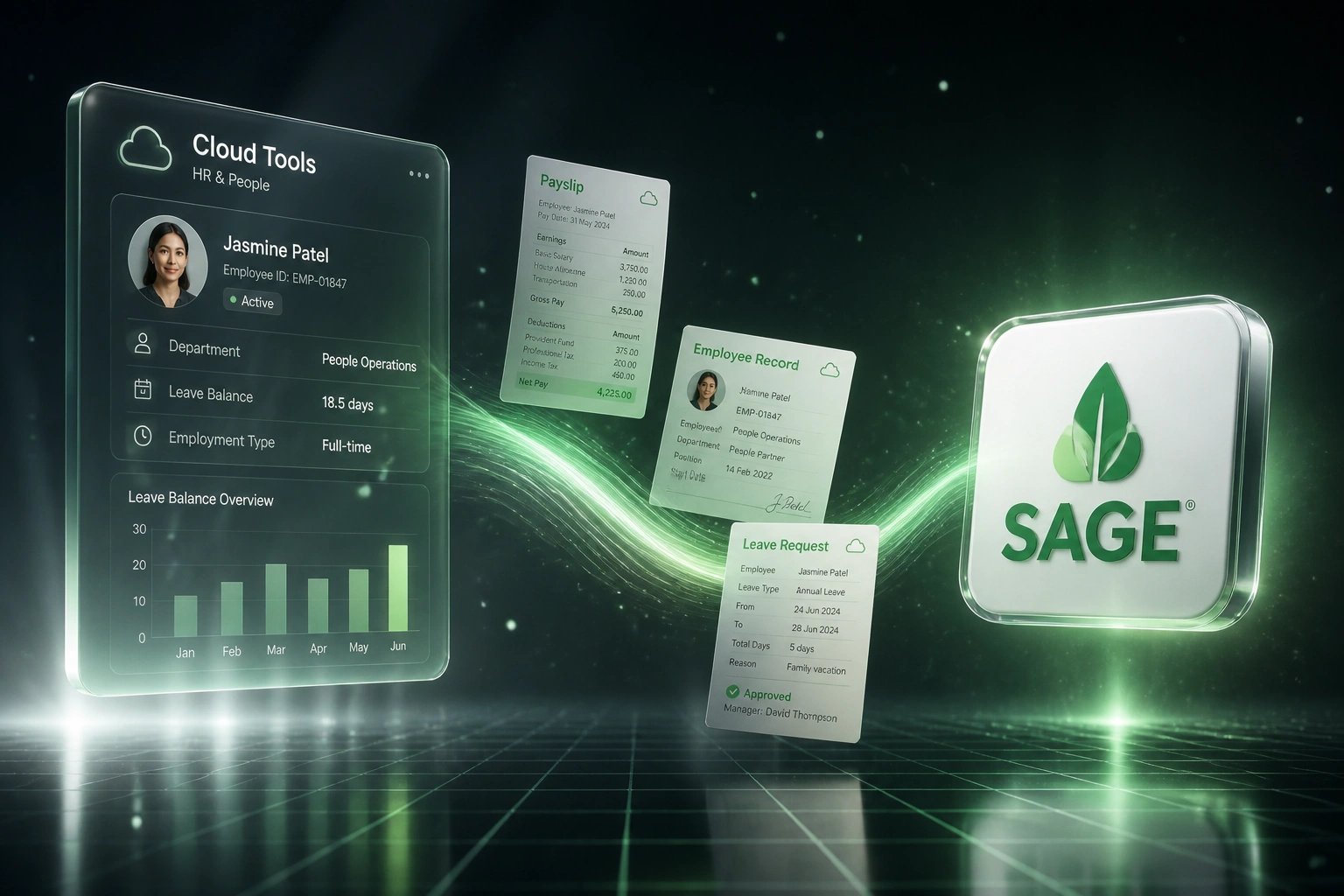
Hire activates → access and CRM update → leave and journals sync → finance and IT stop re-typing. Sage stays the master.
Change in Sage 300 People
A hire, termination, leave approval, or pay run is confirmed in the HR and payroll master
Mapped to Downstream Tools
Fields map to CRM, Xero or Sage Intacct, leave portals, and Entra ID or Okta
Sync-Back Where Needed
Leave balances, cost centres, and status corrections write back before the next cut-off
One Source of Truth
HR, finance, and IT work from the same employee reality without another CSV ritual
Payroll Integration SA Teams Actually Need
HR Master Sync
Employee records, cost centres, and status changes leave Sage 300 People once and land in CRM, accounting, and identity tools without a second keystroke.
Onboarding & Access Provisioning
When a hire is activated in Sage 300 People, email, SSO, CRM, and tool access can be provisioned the same day, with offboarding reversing access on termination.
Payroll Journal Automation
Pay-run journals post into Xero, Sage Intacct, or Sage 200 with the right GL codes and cost centres, instead of a month-end CSV import ritual.
Leave & Balance Write-Back
Approved leave and unpaid days flow between leave portals and Sage 300 People before cut-off, so payslips and leave liability stay aligned.
Bank File & Payment Feeds
Bank payment files and Netcash-style payment feeds leave Sage cleanly, with exception alerts when account or ID checks fail before money moves.
Exception Monitoring
Failed syncs, missing employee maps, and cut-off misses alert HR and IT before the pay run finalises, not after employees open payslips.
Systems We Connect Around Sage 300 People
From 12 Hours/Week of CSVs to 90 Minutes of Review
How a 320-person industrial services firm kept Sage 300 People as the HR master and stopped dual-keying into CRM, Xero, and Entra ID.
The Manual Process
- HR exported employee and leave CSVs from Sage 300 People every Friday
- Payroll re-keyed journals into Xero for half a day after each pay run
- IT created email and SSO accounts from ticket queues, often 3–5 days after start date
- Sales commission reports in HubSpot drifted from headcount in payroll within weeks
- Leave portal balances and VIP / 300 People balances were reconciled by hand before cut-off
The Integrated Process
- New and changed employees sync from Sage 300 People into HubSpot and Entra ID
- Payroll journals post into Xero with mapped GL codes after each run
- Same-day access provisioning when a hire is activated; revocation on termination
- Leave approvals write unpaid days back before payroll cut-off
- HR reviews exceptions for about 90 minutes a week instead of rebuilding spreadsheets
Before vs After Sage 300 People Integration
How It Works
From first conversation to live Sage 300 People integration in 2–8 weeks, depending on scope.
Tell Us Your Setup
On-premise or Managed Cloud, which cloud tools you use, and where dual-keying hurts most each week.
Free Scoping Call
30-minute call to map the Sage 300 People API or export paths, cut-offs, and the first integrations worth building.
Build & Test
We build against your Public API or controlled exports, map fields, and run parallel for a pay cycle before switching off manual CSVs.
Go Live & Monitor
Switch off the Friday export ritual. Monitoring and alerts keep onboarding, leave, and journals flowing.
Frequently Asked Questions
How long does a Sage 300 People integration take to set up?
A focused one-way sync (for example new-hire provisioning or payroll journals) typically takes 2–4 weeks from scoping to go-live. Broader setups that cover CRM sync, leave write-back, SSO provisioning, and accounting journals usually take 4–8 weeks, depending on whether you run on-premise or Sage Managed Cloud.
Does Sage 300 People have an API we can use?
Yes. Sage 300 People exposes a self-hosted Public API (the same service used by Web Self Service) that accepts authenticated employee, payslip, and related updates with business-rule validation. Where API access is constrained on Managed Cloud, we design controlled export and import paths that stay inside your security and cut-off rules.
Will this replace Sage 300 People?
No. The point is to keep Sage 300 People as your HR and payroll master while unlocking the systems people use every day: CRM, accounting, leave portals, and identity. Integration bridges the island; it does not force a rip-and-replace.
We still export CSVs from VIP / 300 People every week. Can that stop?
That is usually the first win. Once employee, leave, and journal flows are connected, the recurring CSV exports and re-imports become exception handling instead of the operating model. Most clients keep a manual override path for edge cases and retire the weekly dual-key habit.
Which systems can you connect to Sage 300 People?
We have connected Sage 300 People workflows to HubSpot, Salesforce, Xero, Sage Intacct, Sage 200, Microsoft Entra ID, Okta, leave portals, and bank or Netcash payment feeds. If the other system has an API or a reliable file interface, we can usually bridge it.
How much does Sage 300 People integration cost?
Simple one-way syncs start from around R15,000. Bidirectional setups with onboarding, leave, journal posting, and identity provisioning typically range from R25,000 to R60,000, with larger multi-system programmes scoped above that. Most mid-to-large SA teams recover the investment within a few months against dual-keying time and payroll correction costs.
Stop Running HR on CSV Exports
If your team still moves employee and payroll data out of Sage 300 People by hand every week, you are paying for an island problem that integration already solves.
Tell us whether you run on-premise or Managed Cloud, which CRM and accounting stack you use, and where dual-keying hurts most. We will show you how Sage 300 People integration would work for your business without replacing the payroll system you already trust.