Sage 50 CRM Integration: Bridging Desktop Accounting
Your CRM closes the deal in the cloud. Sage 50 (formerly Peachtree) still lives on a Windows desktop. Every won deal that waits for someone to re-key it is another day of delayed invoices, stretched cash, and a customer master nobody trusts.
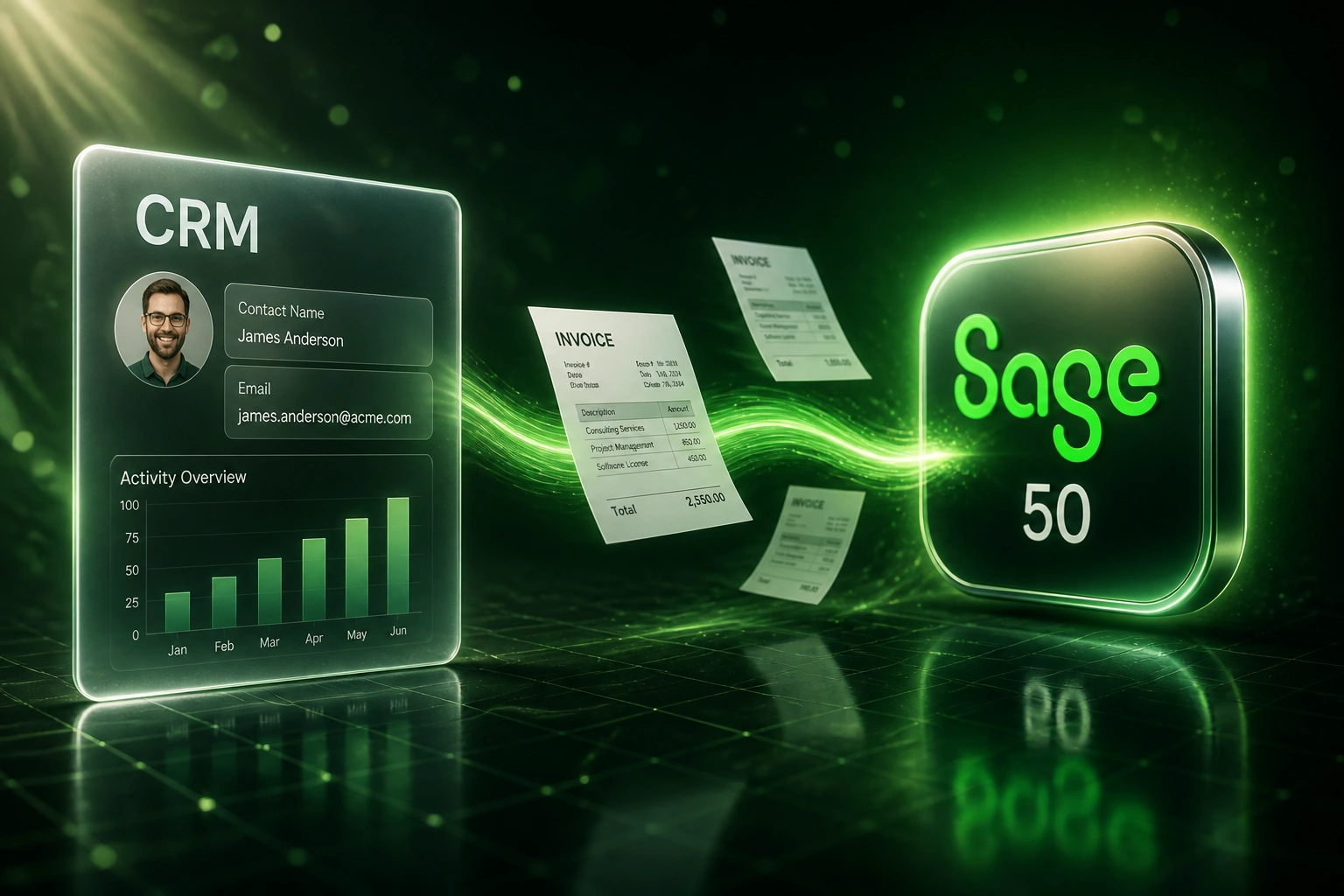
We build the middleware bridge that pushes customers and invoices into Sage 50 without upgrading off the desktop product.
Sound Familiar?
What we hear from finance and ops leads still running Sage 50 on Windows:
- Deals close in the CRM, then staff re-key customers and line items into desktop Sage 50 on a Windows PC
- CSV imports into Sage 50 fail or create duplicates, so finance stops trusting the customer master
- Invoices leave days after the deal is won, stretching Days Sales Outstanding while cash sits with the client
- Sales has no view of Sage 50 payment status without walking over to the accounts desk
- Zapier and Make cannot reach on-premise Sage 50, so the usual "just connect it" advice does not apply
Sage decommissioned SData for Sage 50 integrations in September 2025. Connectors that still depended on it now break silently with each desktop release. Meanwhile Sage 50 2024 support ended in March 2026, and Windows 10 mainstream support ended in October 2025. If you are staying on desktop Sage 50, the bridge has to be built against the modern SDK path, not a retired connector.
Sage 50 CRM Integration: What the Bridge Actually Does
Deal closes → customer and invoice land in desktop Sage 50 → payment status syncs back. No CSV exports.
Deal Closes in CRM
Sales marks a deal as "Won" in HubSpot, Pipedrive, or your CRM
Bridge Writes to Sage 50
On-premise agent creates or matches the customer and raises the invoice
Payment Synced Back
Receipt allocated in Sage 50 → CRM deal updates to "Paid"
Cash Moves Faster
Same-day invoicing shortens DSO without leaving the desktop product
Everything You Need for a Reliable Desktop Bridge
Desktop Bridge Connector
A secure on-premise agent sits beside your Sage 50 company file and talks outward only. Cloud CRM data reaches desktop accounting without exposing the ledger to the internet.
Automated Invoice Push
Deal moves to "Closed Won" and a draft invoice appears in Sage 50 with the right customer, line items, tax treatment, and payment terms. No CSV export in between.
Customer Master Sync
New and updated CRM contacts become Sage 50 customers with consistent spelling, tax numbers, and addresses, so the customer master stops drifting.
Payment Status Write-Back
When a receipt is allocated in Sage 50, the CRM deal updates. Sales knows who has paid without chasing finance.
Smart Error Handling
Duplicate detection, validation before write, and automatic retries. Your team only gets alerted when a human decision is needed.
Version-Aware Maintenance
Sage 50 annual upgrades and SDK changes break brittle connectors. We build for that and keep the bridge current when you move versions.
CRMs We've Bridged to Sage 50
From 8 Hours/Week to 1 Hour/Week
How a 35-person wholesale distributor stopped CSV exports into desktop Sage 50 and shortened its payment cycle by 11 days.
The Manual Process
- Ops exported won deals from Pipedrive and re-keyed them into Sage 50 on a shared Windows PC
- 40–50 minutes per order: customer match, stock codes, tax, and terms
- Roughly one in four CSV imports needed cleanup for duplicates or wrong tax codes
- Average 4 business days from deal close to invoice leaving Sage 50
- Sales constantly phoning accounts to ask whether an invoice had been paid
The Bridged Process
- Deal closes → bridge creates or matches the Sage 50 customer and raises a draft invoice
- Finance reviews and posts in Sage 50 with one confirmation
- Import errors dropped to near zero because the bridge validates before write
- Same-day invoicing from the desktop company file
- Payment status visible in Pipedrive without leaving the CRM
Before vs After Peachtree Integration
How It Works
From first conversation to a live desktop bridge in 3–5 weeks.
Tell Us Your Setup
Which CRM, which Sage 50 edition (US, UK, or Peachtree heritage), and where the company file lives.
Free Scoping Call
30-minute call to map the desktop bridge, identify quick wins, and design the sync rules.
Build & Test
We build against a copy of your company file, never production, then run parallel for a week to validate accuracy.
Go Live & Monitor
Switch off manual re-keying. Monitoring and alerting keeps the Sage 50 bridge running smoothly.
Frequently Asked Questions
Does Sage 50 even have an API we can integrate with?
Not a public REST API for the desktop product. Sage's cloud APIs target Sage Business Cloud Accounting, not Sage 50 (formerly Peachtree) on Windows. Write access typically needs the Sage SDK or COM libraries on the same machine as the company file, or a middleware bridge that wraps those libraries. That is why off-the-shelf Zapier connectors do not cover desktop Sage 50, and why a purpose-built bridge is the reliable path.
We run Sage 50 on a Windows desktop in the office. Can a cloud CRM still reach it?
Yes, without opening inbound ports to your ledger. We install a small bridge agent on the network that can see the Sage 50 company file. It makes outbound connections only, polls for work, and pushes customers and invoices in. Your accounting data stays on-premise.
Which CRMs can connect to Sage 50?
We have built desktop accounting bridges with HubSpot, Pipedrive, Salesforce, Zoho CRM, Monday.com, Freshsales, and custom-built CRMs. If your CRM has an API, we can connect it to Sage 50 through the bridge.
Will this disrupt our current Sage 50 workflows?
No. Your finance team keeps using the same Sage 50 company file on Windows. The automation creates or updates records the way a careful clerk would, and we run parallel testing before switching off manual re-keying.
What happens when Sage 50 upgrades or our old connector dies?
Annual Sage 50 releases and SDK changes can break integrations built against a single version. Sage also decommissioned SData for Sage 50 integrations in September 2025, so connectors that still depended on it are at risk with every new release. We build the bridge so the desktop layer is maintainable, and we keep it current when you upgrade.
How much does a Sage 50 CRM integration cost?
Desktop bridges sit above simple cloud syncs because of the on-premise agent and SDK work. A one-way push of customers and invoices from won deals starts from around R25,000. Bidirectional setups with payment write-back and monitored bridging typically range from R40,000 to R85,000. Most clients processing 20+ invoices a month see ROI within 2–4 months against the cost of re-keying and delayed cash.
Stop Re-Keying CRM Wins into Desktop Sage 50
If your finance team is still exporting CSVs or typing invoices into Sage 50 by hand, you are paying for an air gap that a middleware bridge already solves.
Tell us which CRM you run, which Sage 50 edition sits on your Windows machines, and where the re-keying hurts most. We will show you exactly how the desktop bridge would work for your business.