Migrating Salesforce Custom Objects: Rebuild the Schema, Not Just Contacts
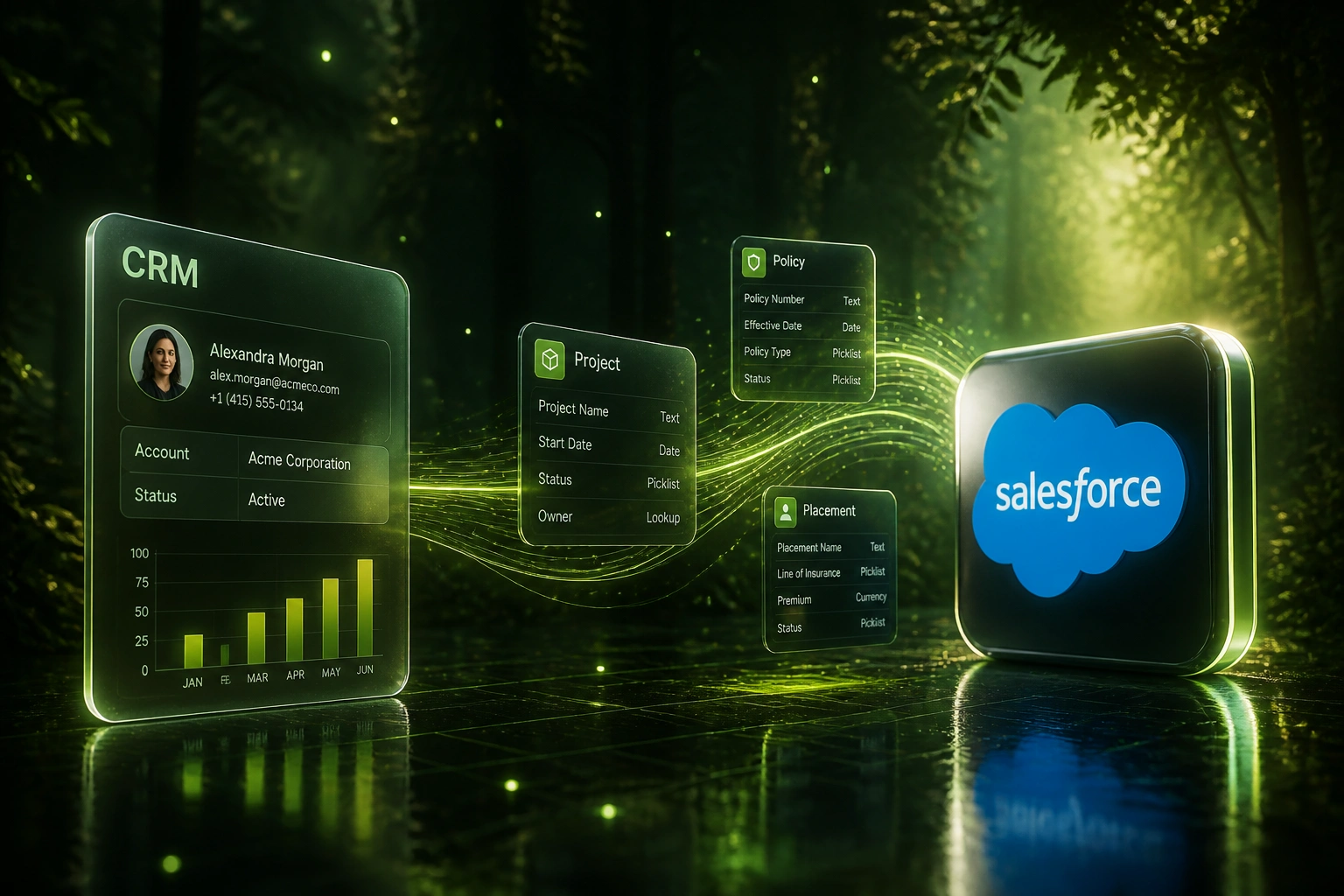
Your competitive process lives in custom objects: projects, policies, placements, assets. A standard Contact and Account export leaves that business hollow. Object migration means reverse-engineering the schema, relationships, and validation rules, then rebuilding them in the target CRM.
We plan the schema first so the most valuable tables never silently drop.
Sound Familiar?
These are the exact issues CTOs and ops leads face when Salesforce custom objects never make the cutover plan:
- Contact and Account exports land cleanly, but Projects, Policies, and Placements never appear in the new CRM
- Related lists arrive as orphan rows: child records with no parent, because master-detail links were never mapped
- Destination CRMs lack 1:1 custom-object parity, so teams flatten unique process tables into Deal fields and lose reporting
- Validation rules and required fields on custom objects reject loads that a flat CSV never warned about
- Ops discovers weeks later that the competitive process data that made Salesforce useful never left the old org
Destination CRMs rarely match Salesforce object parity. HubSpot Custom Objects are Enterprise-only and capped at 10 per portal. Without a schema migration plan, the most valuable tables are the ones that silently never arrive.
What Salesforce Object Migration Actually Does
Schema inventory → target model → relationship rebuild → validated cutover. Contacts alone are not enough.
Schema Inventory
Custom objects, lookups, master-detail links, and validation rules mapped from Schema Builder
Target Model Design
Each object kept, merged, or retired against HubSpot, Pipedrive, Zoho, or bespoke limits
Objects & Links Built
Tables and associations created first; parents load before children with External IDs
Integrity Validated
Counts and related lists match before ops switches off the Salesforce org
Everything You Need for Schema Migration That Holds
Schema Reverse-Engineering
We inventory every custom object, field, lookup, and master-detail link via Schema Builder and metadata before any record moves.
Relationship Graph Rebuild
Parent-child and many-to-many links rebuild in the target so related lists stay intact and orphaned rows never hollow out reporting.
Destination Parity Planning
HubSpot caps custom objects at 10 (Enterprise only). Pipedrive and Zoho need different shapes. We design the target model before cutover.
Validation Rule Translation
Required fields, picklist constraints, and object-level rules that blocked bad data in Salesforce are recreated where the target supports them.
Object Triage, Not Blind Copy
Dormant custom objects (often a dozen unused tables with tens of thousands of abandoned records) get retired. You migrate the live process.
Parallel Integrity Checks
Record counts, External ID coverage, and relationship integrity spot-checks run before go-live so silent table drops never reach production.
Targets We've Rebuilt Salesforce Custom Objects Into
From a Hollow Contact Export to 11 Live Process Objects
How a CTO leaving Salesforce kept projects, placements, and related lists intact instead of discovering hollowed tables after cutover.
The Standard Export Plan
- Vendor scoped Contacts, Accounts, and Opportunities only; 23 custom objects were "out of scope"
- Projects and Placements (the competitive process) had no home in the HubSpot Professional plan
- Related-list children would have arrived as orphans with no parent IDs
- Ops expected to "add custom objects later" after sales was already live
- Board reporting on project pipeline would have gone dark on day one
The Schema-First Rebuild
- Schema Builder inventory: 23 custom objects triaged; 12 dormant tables retired with their abandoned records
- HubSpot Enterprise unlocked; 11 live objects rebuilt within portal capacity, with associations intact
- Parents loaded before children; External IDs enabled safe retries without duplicates
- Related-list integrity hit 98% on parallel validation before dual-licence cutover
- Ops kept project and placement reporting from week one in the new CRM
Before vs After Schema Migration
How It Works
From Schema Builder inventory to live custom objects in 6 to 12 weeks for most mid-market orgs; complex schemas take 3 to 6 months.
Map the Salesforce Schema
Every custom object, relationship, validation rule, and related list that encodes your live process.
Design the Target Model
Decide keep, merge, or retire per object against HubSpot, Pipedrive, Zoho, or bespoke CRM limits.
Rebuild and Load
Create objects and associations first, then load parents before children with External IDs for safe retries.
Validate and Cut Over
Reconcile counts and relationships in parallel. Switch ops only when the process data proves intact.
Frequently Asked Questions
Why do Salesforce custom objects get lost in a standard CRM migration?
Most migration tools and DIY CSV exports focus on Contacts, Accounts, and Opportunities. Custom objects are separate tables with their own fields, relationships, and validation rules. Without a schema plan, those tables never get created in the destination, so the competitive process data (projects, policies, placements, assets) stays behind while the standard objects look fine on day one.
How many custom objects do mid-market Salesforce orgs typically run?
Enterprise Edition allows up to 200 custom objects per org; Unlimited allows up to 2,000. Mature mid-market and enterprise orgs commonly run between 30 and 300 custom objects. HubSpot, by contrast, allows only 10 custom objects on Enterprise plans and none on Professional. That parity gap is why a schema redesign must happen before records move.
Can HubSpot, Pipedrive, or Zoho receive Salesforce custom objects 1:1?
Rarely. HubSpot Custom Objects require Enterprise and cap at 10 definitions per portal. Pipedrive has no true custom-object model, so process tables often flatten into Deal or Organisation fields. Zoho supports custom modules with different limits and association rules. We map each Salesforce object to the closest target construct, or recommend a bespoke CRM when parity cannot be recovered.
How long does a Salesforce custom object migration take?
Orgs with a handful of live custom objects and clean relationships often finish in 6 to 10 weeks. Mid-market teams with complex schemas, multiple integrations, and dozens of custom objects should plan for 3 to 6 months, including parallel-run validation. The single biggest variable is how many objects encode a live process versus abandoned workflows.
How much does Salesforce custom object migration cost?
Focused schema audit and rebuild for a small set of live objects typically starts around R200,000. Migrations with custom objects and complex associations commonly land between R660,000 and R1.65 million (about $40,000 to $100,000 at R16.54 to the dollar, August 2026), matching specialised Salesforce-to-HubSpot scopes. Against the cost of discovering hollowed process data after cutover, most CTO and ops leads see the schema plan pay for itself in the first quarter.
Should we migrate every Salesforce custom object we have?
No. Pre-migration audits routinely find unused objects from departed employees or abandoned workflows (one logistics audit found 14 custom objects with over 40,000 records tied to a dead process). We keep the objects that encode your competitive process and leave the rest behind so the destination CRM stays within plan limits and usable for the team.
Stop Leaving Salesforce Custom Objects Behind
If your competitive process lives in custom objects, a Contacts-only export will hollow the business. That schema problem is already solvable.
Tell us which Salesforce objects encode your live process, which CRM you are moving to, and where destination parity looks thin. We will show you exactly how a schema-first migration would work for your org.