Salesforce to HubSpot Migration: Mapping the Differences
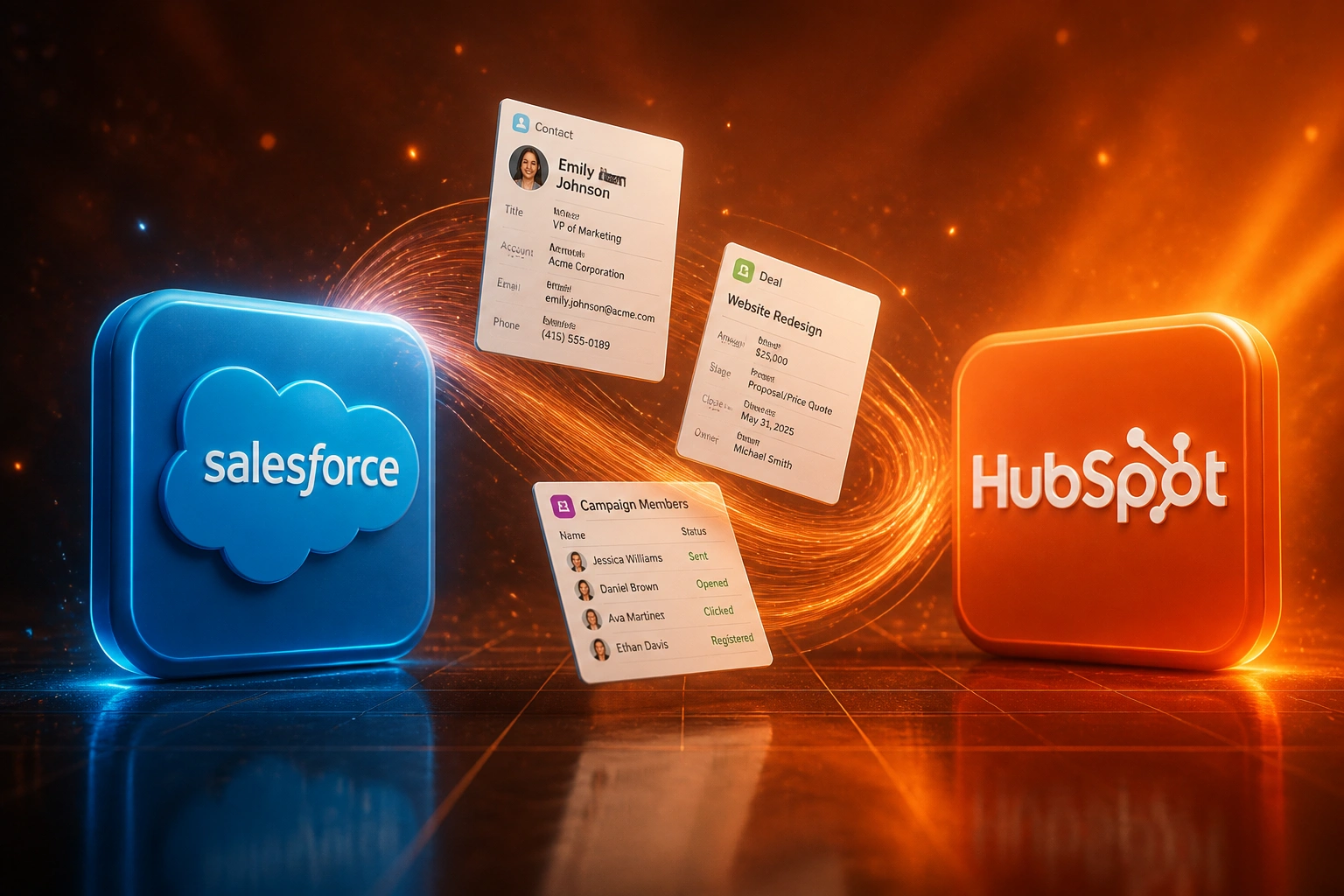
Moving from Salesforce to HubSpot means adapting to a different philosophy. Objects, associations, workflows, and reporting all need rethinking, not just data copying. Treat it as a CSV dump and you lose campaigns, links, and forecast models on day one.
We map the philosophy change so marketing and sales arrive intact.
Sound Familiar?
These are the exact issues marketing and sales leads face when a Salesforce HubSpot migration is treated as a file copy:
- CSV exports flatten Accounts, Contacts, and Opportunities and strip the associations that make reporting work
- Salesforce lookups and role picklists do not land as HubSpot association labels without deliberate redesign
- Process Builder, Workflow Rules, and Flows silently disappear; nothing auto-converts into HubSpot workflows
- Campaign members and attribution history get left behind, so marketing ROI reports go blank after go-live
- Forecast models, stage history, and OpportunityHistory velocity metrics break when stages are force-mapped 1:1
Salesforce Workflow Rules and Process Builder reached end of support on 31 December 2025. Most migrating orgs still carry legacy automation across three tools. Catalogue and rebuild it for HubSpot now, or watch lead routing and nurture logic vanish at cutover.
What a Salesforce to HubSpot Switch Actually Does
Audit → philosophy map → sequenced migrate → rebuild workflows. No blind CSV import.
Audit the Estate
Objects, fields, associations, automations, campaigns, and licence stack documented
Map the Philosophy
Leads to lifecycle Contacts, lookups to association labels, stages to HubSpot pipelines
Migrate in Order
Companies, Contacts, Deals, activities, then campaign history with association checks
Rebuild and Go Live
HubSpot workflows live, attribution validated, Salesforce held read-only through stabilisation
Everything You Need for a Reliable CRM Switch
Object Philosophy Mapping
Accounts become Companies, Leads collapse into Contacts with lifecycle stages, Opportunities become Deals. We redesign the model for HubSpot, not copy Salesforce clutter field-for-field.
Association Rebuild
Lookups and master-detail relationships become labelled associations. Primary contacts, economic buyers, and champions stay linked so account-level reporting still works.
Workflow Rebuild
Every active Workflow Rule, Process Builder process, and Flow is catalogued, then rebuilt as HubSpot workflows with the right triggers, conditions, and actions.
Campaign and Attribution Carryover
Campaign members and engagement history move as HubSpot timeline events so closed-loop attribution survives the CRM switch.
Pipeline and Forecast Redesign
Opportunity stages map to HubSpot deal pipelines with exit criteria your sales lead can defend. Stage timestamps preserve velocity reporting.
Formula and Rollup Unwind
Salesforce formula fields do not migrate. We unwind each one into a HubSpot calculation property, a workflow write-back, or a deliberate delete.
What We Typically Move in a CRM Switch
From Salesforce Seat Spiral to HubSpot Hubs in 8 Weeks
How an 18-person SA services firm mapped objects and workflows to HubSpot and cut licence-plus-Marketing-Cloud spend by R390K+ a year.
The Salesforce Reality
- 18 Sales Cloud Enterprise seats at about R2,900 each per month
- Marketing Cloud Growth add-on around R24,800 per month for nurture and campaigns
- Process Builder and Flow sprawl nobody fully owned after staff turnover
- Marketing and sales argued over which report was the forecast source of truth
- Renewal pressure kept rising while HubSpot already looked cheaper for mid-market GTM
The HubSpot Model
- Marketing Hub Professional plus Sales Hub Professional for the same 18 seats
- Accounts → Companies, Leads → lifecycle Contacts, Opportunities → Deals with labelled associations
- 42 automations rebuilt as HubSpot workflows; 11 retired as dead Process Builder debt
- Campaign members preserved so closed-loop attribution survived go-live
- One shared CRM for marketing and sales, with forecast views sales leadership trusts
Before vs After a Salesforce HubSpot Migration
How It Works
From first conversation to live HubSpot portal in 6 to 10 weeks for most mid-market estates.
Audit Salesforce and HubSpot Fit
Objects, associations, automations, campaigns, and licence spend. We decide what to keep, remodel, or retire before a single record moves.
Map Philosophy, Not Just Fields
Field triage, association labels, lifecycle stages, and pipeline design signed off by marketing and sales leads.
Migrate in Sequence and Rebuild Workflows
Companies first, then Contacts, Deals, activities, and campaigns. Automations rebuilt and paused until validation passes.
Validate, Train, Cut Over
Association rates, attribution spot-checks, and a parallel window. Salesforce stays read-only until HubSpot is trusted.
Frequently Asked Questions
Is a Salesforce to HubSpot migration just a data export?
No. Salesforce and HubSpot express the same business ideas differently. Lookups become association labels, Leads become Contacts with lifecycle stages, and Process Builder logic must be rebuilt as HubSpot workflows. Teams that treat the switch as a CSV dump lose campaigns, associations, and forecast models on day one.
How long does a Salesforce to HubSpot migration take?
A structured mid-market migration with a proper audit typically runs 6 to 10 weeks with a partner. Complex estates with many custom objects, heavy automation, or large volumes often need 8 to 12 weeks. DIY enterprise moves can stretch to 14 to 20 weeks, and fixing a failed DIY cutover often costs three to four times a planned project.
What happens to Process Builder and Workflow Rules?
Nothing converts automatically. Salesforce ended support for creating new Workflow Rules and Process Builder processes years ago, and both reached end of support on 31 December 2025. We catalogue every active automation, map the business intent, and rebuild it as HubSpot workflows before go-live. Apex has no HubSpot equivalent and needs a redesign.
Will we lose campaign attribution and contact-to-company links?
Not if migration order and validation are planned. Companies migrate first, then Contacts with associations, then Deals, then activities and campaign history. If more than about 15% of Salesforce contacts are unassociated to accounts, we remediate that before cutover. Attribution is the highest-consequence silent failure, so we spot-check it before go-live.
How do Salesforce and HubSpot licence costs compare in Rand?
Salesforce Sales Cloud Enterprise lists at about R2,900 per user per month, and Marketing Cloud Growth starts around R24,800 per organisation per month (converted from USD list at roughly R16.54 per dollar). HubSpot Marketing Hub Professional starts around R14,700 per month including three core seats, and Sales Hub Professional is about R1,650 per seat per month. For mid-market SA teams buying marketing and sales together, HubSpot hub pricing often undercuts Salesforce seat-plus-add-on stacks once Marketing Cloud is in the mix.
How much does a Salesforce to HubSpot migration cost?
Scoped mid-market migrations typically land between R80,000 and R250,000, depending on object count, custom fields, automation volume, and data quality. Against an 18-seat Salesforce estate with Marketing Cloud, the first year of avoided licence spend often covers the project several times over.
Stop Paying Salesforce Prices for a Philosophy You Have Outgrown
If your marketing and sales leads chose HubSpot for mid-market economics, the migration still has to respect how HubSpot thinks about objects, associations, and workflows.
Tell us how many Salesforce seats you run, what Marketing Cloud or Pardot add-ons sit on top, and which reports the board cannot lose. We will show you the object map, the rebuild list, and a realistic cutover plan.