Give Customers a Self-Service Portal to View and Pay Invoices
Your finance team spends hours every week emailing invoice copies and answering "what's outstanding?" calls. Customers wait on replies while their AP teams chase documents, and your days sales outstanding quietly stretches.
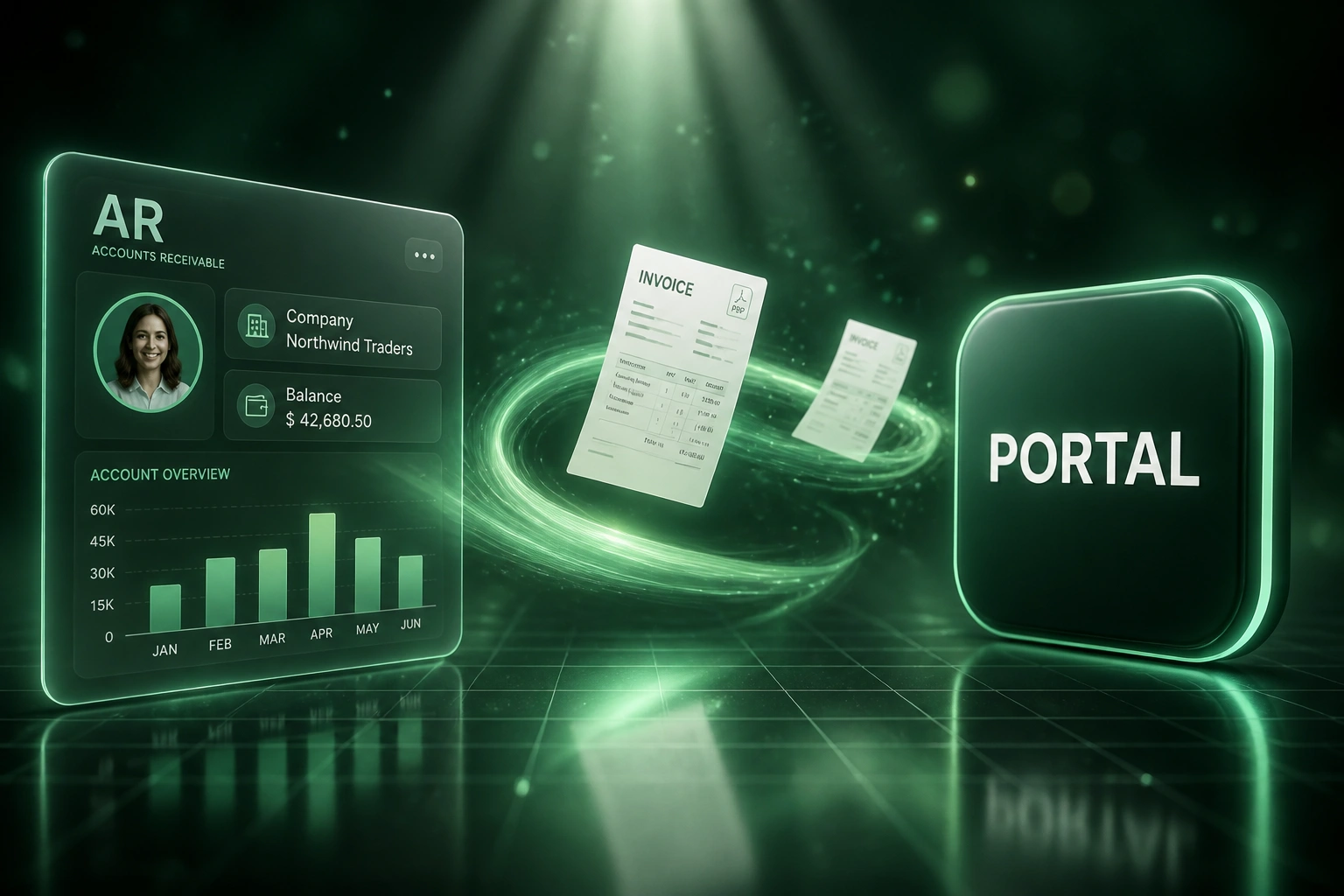
A branded customer portal puts history, PDFs, balances, and payment in their hands.
Sound Familiar?
These are the exact issues our clients faced before they offered a customer portal:
- Customers email or call every week asking for invoice PDFs their AP team already lost
- Finance spends 30 to 60 minutes a day hunting files and forwarding copies instead of collecting
- "What's outstanding?" status calls interrupt AR mid-chase and pull people into the same spreadsheet again
- Clients cannot see their balance or payment history without waiting for someone in finance to reply
- Payment waits on a PDF attachment that never arrives, so days sales outstanding quietly stretches
Ten copy requests a day at ten minutes each is over an hour and a half of AR time with zero cash collected. For a team of five, that is roughly one full-time person's productive capacity spent on clerical reprint work that a portal eliminates overnight.
What the Self-Service Billing Portal Actually Does
Invoice posts in accounting → client logs in → downloads or pays. Finance never forwards another PDF.
Invoice Posts to Ledger
Xero, Sage, or QuickBooks raises the invoice as usual from your billing process
Appears in the Portal
The client's account shows the new invoice, running balance, and PDF ready to download
Client Views or Pays
They download copies for AP, check what is outstanding, and settle via Instant EFT or card
Ledger Marks Paid
Payment syncs back to accounting. AR stops answering status calls about that invoice
Everything You Need in a Customer Portal
Branded Customer Portal
Clients log into a portal under your brand to view open invoices, payment history, and account balance without calling finance.
Instant PDF Downloads
Every tax invoice and statement is available as a downloadable PDF. Copy-request tickets stop landing in the AR inbox.
Pay Outstanding Balances
Customers settle one invoice or the full balance from the portal via Instant EFT or card, with paid status synced back to accounting.
Live Account Balance
Outstanding totals, ageing buckets, and credit notes stay visible 24/7 so clients stop asking "what do we owe?"
Accounting Source of Truth
Invoices and payments pull from Xero, Sage, or QuickBooks. The portal never drifts from the ledger.
Access Control and Audit Trail
Invite the right AP contacts, revoke access when staff leave, and keep a log of views, downloads, and payments.
Platforms We've Connected to Customer Portals
From 9 Hours/Week of Copy Requests to Under 1
How a mid-size wholesale distributor cut AR support load and pulled days sales outstanding down by 14 days with a branded invoice portal.
The Manual Process
- Two AR clerks fielded 12 to 18 invoice-copy emails and "what's outstanding?" calls every day
- Each request took 5 to 10 minutes: find the PDF, email it, confirm the balance in Xero
- Customers waited hours (sometimes overnight) for documents their AP team needed same day
- Payment stalled whenever the original invoice email was lost or filtered
- DSO sat at 52 days even though terms were Net 30
The Portal Process
- Customers log in, download any invoice PDF, and see the live outstanding balance
- Outstanding invoices pay from the portal via Instant EFT; Xero marks paid automatically
- Copy-request volume dropped by more than half within the first billing cycle
- Roughly a third of portal payments arrived after hours, when AR was not online
- Finance only handles exceptions and disputes, not routine document hunting
Before vs After a Customer Portal
How It Works
From first conversation to a live customer portal in 3 to 6 weeks.
Map Your Billing Touchpoints
Which accounting system holds invoices, how clients request copies today, and who should see the portal.
Free Scoping Call
30-minute call to design portal screens, payment methods, branding, and how paid status writes back.
Build and Test
We connect the ledger, stand up the branded portal, and dry-run downloads and payments with a pilot customer group.
Go Live and Hand Off
Invite your customer base, turn off the copy-request email habit, and watch inquiry volume drop in the first billing cycle.
Frequently Asked Questions
How is a self-service invoice portal different from a Pay Now link on the email?
A payment link settles one invoice from one email. A customer portal is the full account view: invoice history, PDF downloads, outstanding balance, and the ability to pay what is open without calling finance. Clients who need copies for audits or AP packs use the portal instead of your inbox.
Will this replace our Xero or Sage customer statements?
No. The portal reads from your accounting system and presents the same invoices and balances in a branded, always-on interface. Finance still owns the ledger. Clients simply stop needing you to dig out PDFs and re-send statements.
Which systems can power the portal?
We typically sync invoices, credit notes, and payments from Xero, Sage Business Cloud, Sage Pastel, or QuickBooks, and take payment through PayFast, Ozow, Peach Payments, or Stripe ZA. If your stack has a reliable API or export, we can drive the same self-service experience.
How do we control who sees which invoices?
You invite named contacts per customer account, with roles for view-only or pay. Access can be revoked when an AP clerk leaves. Every download and payment is logged so finance has an audit trail if a dispute arises.
Will customers actually use a portal instead of emailing us?
Yes, when it is faster than waiting for a reply. Industry benchmarks show self-service portals cut inbound AR inquiries by 40 to 60%, and 30 to 35% of portal payments arrive outside business hours because clients can act when their AP team is ready, not when yours is online.
How much does a self-service invoice portal cost?
A branded portal tied to one accounting system with PDF download and balance view typically starts from around R35,000. Builds that add Instant EFT or card pay, multi-user access, and statement packs usually range from R45,000 to R85,000. Most AR teams processing 10+ copy requests a day recover the cost within two to three months through hours returned and faster collections.
Stop Emailing Invoice Copies by Hand
If your AR team is still hunting PDFs and answering balance questions, you are spending money on a problem a self-service portal already solves.
Tell us which accounting system you use, how many copy and status requests you field each week, and how clients pay today. We will show you exactly how a branded invoice portal would work for your customers.