

SETA ATR Submission Automation: Streamline Annual Training Reports
Every April your SDF matches last year's WSP plan to actual LMS completions, attendance registers, and certificates. That year-end scramble produces mismatched OFO codes, incomplete evidence, rejected SETA submissions, and lost mandatory grants.
We build the training compliance automation that closes the ATR loop before the deadline.
Sound Familiar?
These are the exact issues L&D managers and SDFs describe before ATR automation:
- LMS completions, paper attendance registers, and HR employee lists never match when April arrives
- OFO codes on certificates differ from the codes planned in last year's WSP
- SETA queries for missing attendance sheets or certificates stall the mandatory grant
- The SDF spends March and April chasing departments for evidence that should already live in the LMS
- A late or rejected SETA ATR submission forfeits the 20% mandatory grant for the full levy year
SETA portals congest in the final hours of 30 April, and non-compliant ATR evidence (wrong OFO codes, incomplete attendance, missing certificates) triggers queries or rejection. Unclaimed mandatory grants roll into discretionary pools. There is no retrospective recovery for the levy year you miss.
What SETA ATR Automation Actually Does
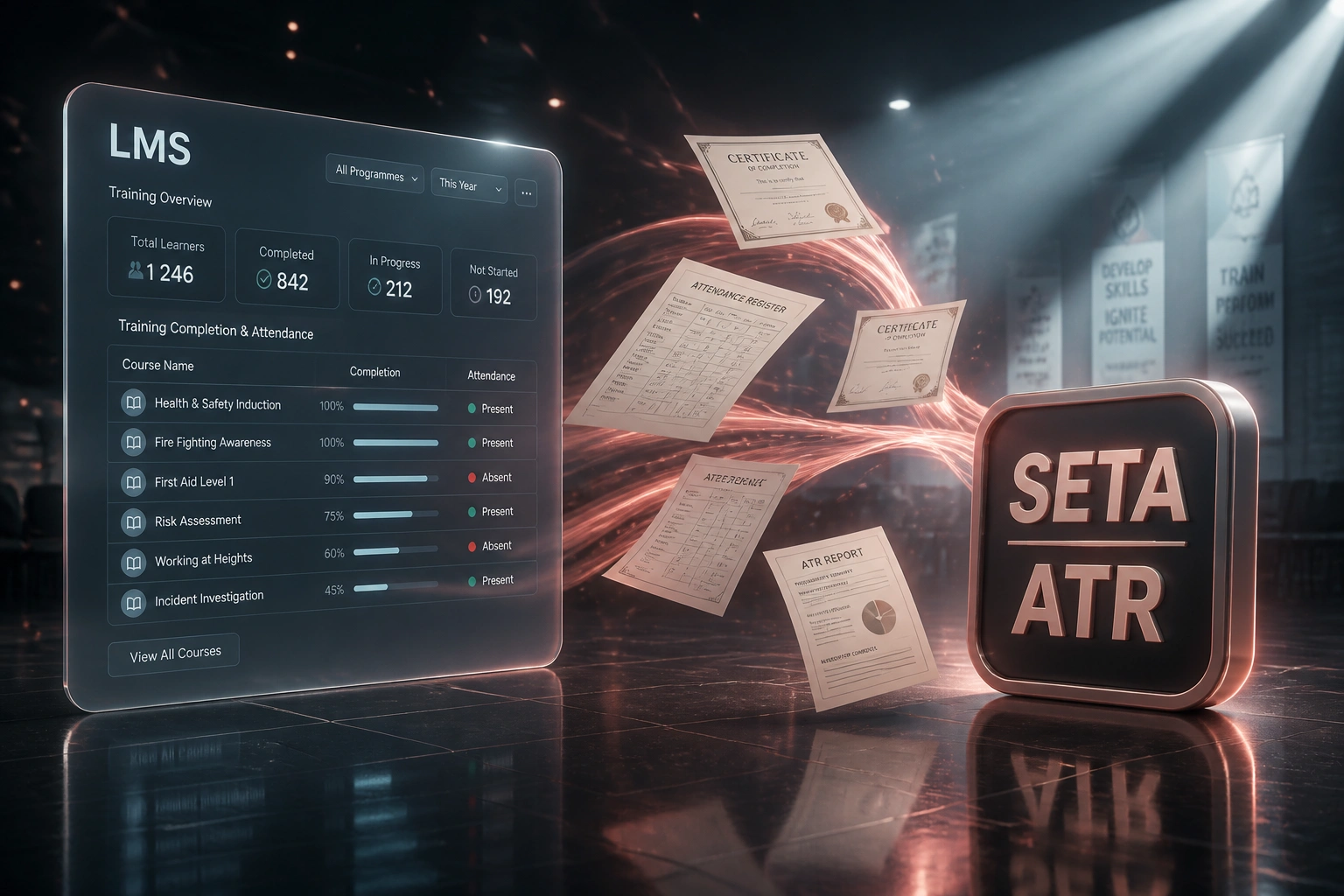
Completions land → evidence attaches → ATR rows compile → SDF reviews and submits. No year-end spreadsheet archaeology.
Training Completes in LMS
Learners finish courses; attendance and certificates are captured in source systems
Records Matched to WSP
Actual interventions map to planned WSP lines, OFO codes, and employee demographics from HR
ATR Draft Compiled
SETA-ready Annual Training Report rows and evidence packs assemble for PIVOTAL and non-PIVOTAL training
SDF Reviews & Submits
Your facilitator signs off, uploads to the SETA portal, and protects the mandatory grant
Everything You Need for Reliable ATR Compilation
LMS Completion Pull
Course completions, pass marks, and learner IDs flow from Moodle, TalentLMS, or your corporate LMS into SETA ATR rows without retyping.
Attendance & Certificate Capture
Registers, certificates, and statements of results attach to each intervention so evidence packs are ready when your SETA samples proof of training.
WSP-to-ATR Matching
Planned interventions from last year's WSP map to actual delivery so you see gaps early, with space for reasons where implementation fell short.
OFO & Demographics Alignment
HR employee records supply race, gender, disability, and current OFO codes so ATR lines match the employment profile your SETA expects.
SETA-Ready Export
Outputs follow your SETA portal templates (PIVOTAL and non-PIVOTAL ATR) so the SDF reviews and uploads instead of rebuilding spreadsheets.
Year-Round Evidence Trail
Completions land as training happens. By February the ATR is largely built, well ahead of the 30 April SETA submission deadline.
Systems We've Connected for ATR Feeds
From April Panic to a Review Week
How a mid-size manufacturer's SDF stopped chasing paper registers and secured the mandatory grant on a R20 million payroll.
The Manual ATR Scramble
- SDF exported LMS completions into Excel, then hunted attendance sheets by department
- Certificates lived in shared drives with OFO codes that did not match the prior WSP
- HR headcount and demographics were pasted in late, after payroll reconciliation
- SETA raised queries on incomplete attendance and mismatched interventions
- Team worked nights in the last fortnight of April to hit Submit
The Automated ATR Process
- LMS completions and attendance sync into ATR draft rows through the year
- Certificates and registers attach to each intervention as evidence
- HR demographics and OFO codes refresh from the employee master
- Gap report flags WSP lines below implementation before the portal opens
- SDF reviews, consults the training committee, and submits mid-April
Before vs After ATR Automation
How It Works
From first conversation to live ATR feeds in 3–5 weeks.
Tell Us Your Setup
Which SETA you report to, which LMS and HR systems hold completions and employee data, and where April hurts most.
Free Scoping Call
30-minute call to map WSP interventions to LMS courses, OFO fields, attendance evidence, and your SETA portal format.
Build & Test
We wire the feeds, map fields, and run a parallel ATR against last year's submission until the SDF signs off on accuracy.
Go Live & Monitor
Switch off the year-end scramble. Completions and attendance feed the ATR through the year so April is a review, not a rebuild.
Frequently Asked Questions
How is SETA ATR submission automation different from writing the WSP?
The WSP is the plan for the coming year. The Annual Training Report is the proof of what was actually delivered against last year's plan. This integration pulls LMS completions, attendance registers, certificates, and HR employee records into SETA-compliant ATR formats so the SDF closes the loop on actuals, not forecasts.
Which systems can feed a SETA ATR?
We commonly pull from Moodle, TalentLMS, Cornerstone, SAP SuccessFactors Learning, Sage HR, BambooHR, and Excel or SharePoint attendance packs. If your LMS or HR system has an API or reliable export, we can map completions, certificates, and demographics into your SETA's ATR template.
Will this replace our Skills Development Facilitator?
No. The SDF still owns consultation, sign-off, and the SETA portal submission. We remove the manual collation of LMS, attendance, and HR data so the SDF reviews a coherent ATR instead of rebuilding it under deadline pressure.
What about OFO mismatches and missing certificates?
Wrong OFO codes, incomplete attendance registers, and missing certificates are common rejection and query triggers. The integration surfaces gaps while there is still time to correct codes, chase registers, or attach certificates before you hit Submit on the SETA portal.
When should we start if the deadline is 30 April?
SETA windows typically open in February and close at midnight on 30 April. Portals are notoriously congested in the final hours. We recommend an internal cut-off around mid-April, with evidence flowing from the LMS all year so you are not gathering twelve months of records in six weeks.
How much does SETA ATR automation cost?
Focused LMS-to-ATR pulls with attendance and certificate attachment typically start from around R35,000. Builds that also sync HR demographics, OFO mapping, WSP matching, and multi-SETA export formats usually sit in the R45,000–R85,000 range. On a R20 million payroll the mandatory grant alone is about R40,000 a year, so many clients recover the build within one submission cycle against grant risk and SDF time.
Stop Losing Mandatory Grants to Year-End Scrambles
If your SDF still rebuilds the Annual Training Report from LMS exports, paper registers, and HR spreadsheets every April, you are gambling with money your levy already paid for.
Tell us which SETA you report to, which LMS and HR systems hold completions and employee data, and where evidence gaps hurt most. We will show you how training compliance automation would work for your ATR submission.