Shopify Inventory Sync: Stop Selling Stock You Do Not Have
Your warehouse and POS update stock by hand or by nightly CSV. Shopify keeps selling units that already left the shelf. Cancelled orders destroy reviews, burn ad spend, and eat your margins.
We build the bidirectional Shopify integration that keeps online and offline stock aligned.
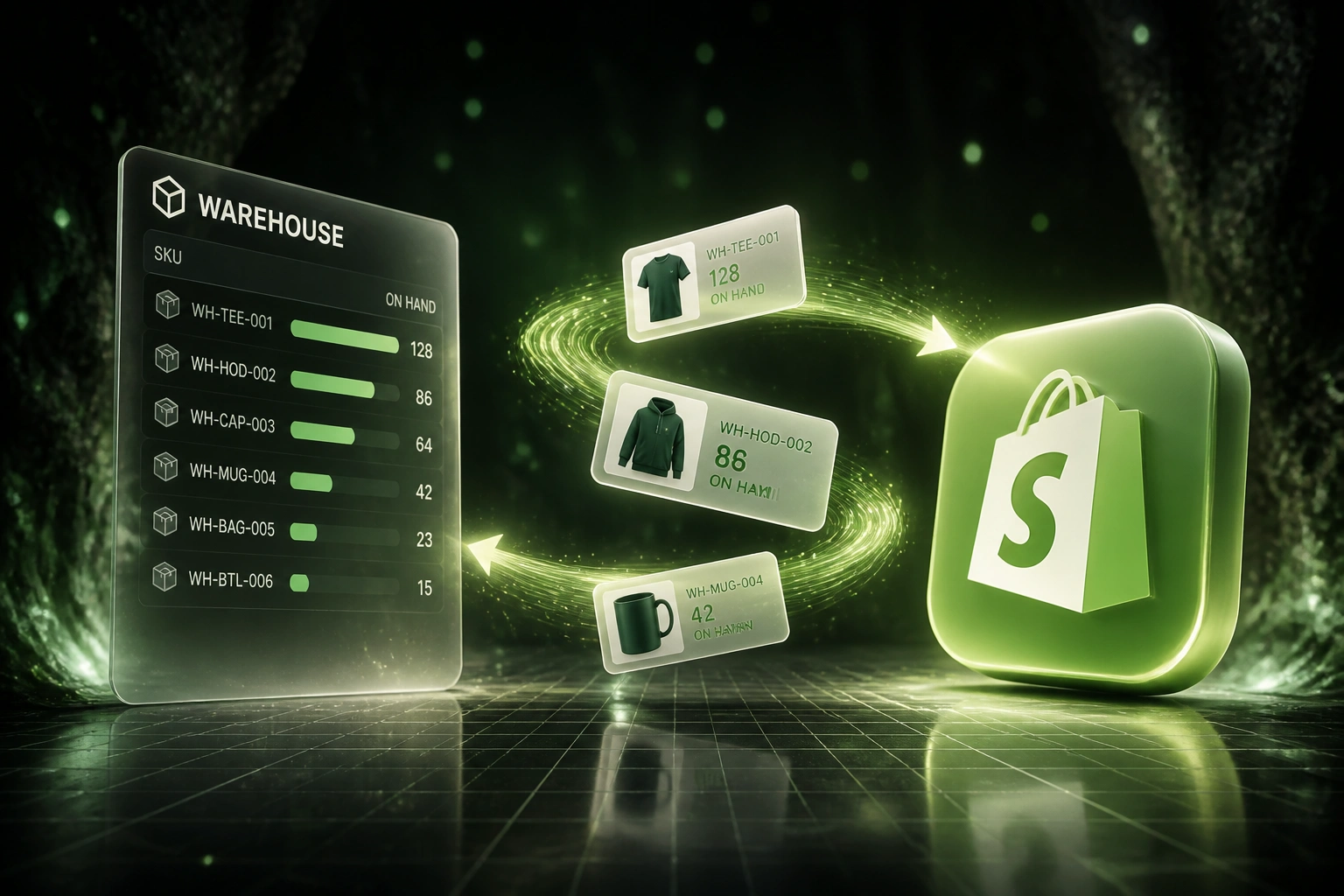
Sound Familiar?
These are the exact issues our clients faced before Shopify inventory sync:
- Shopify shows stock that the warehouse already sold or transferred
- Oversells force cancellations, apology vouchers, and one-star reviews
- Nightly CSV uploads leave a 4–24 hour window where online and offline stock disagree
- POS sales and online orders hit the same SKU with no shared real-time count
- Ops spends hours every week reconciling warehouse sheets against Shopify Admin
Multi-location Shopify inventory plus a separate POS or warehouse without real-time sync is the classic oversell trap. Each channel draws from counts that are hours apart. The first busy weekend after you open a second location is when the cancellation emails start.
What Shopify Inventory Sync Actually Does
Sale or receive happens → stock updates everywhere → oversells stop. No human uploading CSVs between systems.
Stock Moves Offline
Warehouse receives, picks, or POS sells a unit at a mapped location
Shopify Qty Updates
Available-to-sell at that Shopify location adjusts within seconds
Online Sale Syncs Back
Shopify order decrements warehouse or POS availability automatically
One Stock Truth
Online, in-store, and warehouse counts stay aligned, so you stop selling ghosts
Everything You Need for Reliable Shopify Sync
Bidirectional Stock Sync
Warehouse picks, receives, and adjustments push to Shopify. Online and POS sales push back so every location stays aligned.
Multi-Location Mapping
Each warehouse, store, and 3PL maps to the right Shopify location. Available-to-sell stays honest per site, not one blurry total.
Oversell Protection
Safety buffers and near-real-time decrements stop you selling units that left the shelf minutes ago.
Variant-Level Accuracy
Sizes, colours, and SKUs sync individually. Bundle components decrement correctly so phantom stock cannot creep in.
Smart Error Handling
Failed updates retry automatically. Your team only gets alerted when a SKU needs a human decision.
Stock Health Visibility
Low-stock alerts, sync lag monitors, and location drift reports so ops sees problems before customers do.
Systems We've Synced with Shopify Inventory
From 22 Oversells a Month to Two
How a Cape Town fashion retailer stopped cancelling orders after opening a second store and a shared warehouse.
The Manual Process
- Warehouse exported a CSV every evening and uploaded it into Shopify Admin
- POS sales during the day never reached Shopify until the next upload
- Busy weekends produced 18–25 oversell cancellations a month
- Support spent hours on apology vouchers, refunds, and angry reviews
- Ops spent about eight hours a week fixing stock mismatches by hand
The Automated Process
- Warehouse receives and POS sales update Shopify locations within seconds
- Online orders decrement warehouse and store availability automatically
- Oversell cancellations dropped to one or two a month
- Support stopped burning evenings on stock apology tickets
- Ops reviews exceptions for about one hour a week
Before vs After Shopify Inventory Sync
How It Works
From first conversation to live Shopify inventory sync in 2–4 weeks.
Tell Us Your Setup
Shopify locations, warehouse or POS system, how stock is updated today, and where oversells hurt most.
Free Scoping Call
30-minute call to map locations, SKU rules, buffers, and the sync direction that fits your ops.
Build & Test
We build the Shopify inventory sync, test with real SKUs, and run parallel against your CSV process.
Go Live & Monitor
Switch off nightly uploads. Monitoring and alerts keep online and offline stock aligned.
Frequently Asked Questions
How long does a Shopify inventory sync take to set up?
A standard bidirectional sync takes 2–4 weeks from scoping to go-live. Simple one-way warehouse-to-Shopify pushes can be live within a week. Multi-location setups with POS, ERP, and custom buffers typically take 4–6 weeks.
Which warehouse, POS, and ERP systems can connect to Shopify?
We have connected Shopify inventory to warehouse WMS platforms, Pastel, Sage, SAP Business One, Lightspeed POS, custom ERPs, and CSV or FTP feeds. If your stock system can expose quantities, we can sync it.
Will this disrupt our current fulfilment workflows?
No. We design the sync to sit behind your existing pick, pack, and POS processes. Your team keeps using the same tools. We run parallel testing against your current CSV or manual updates before switching them off.
How do you stop overselling during high-traffic periods?
Near-real-time decrements close the window that nightly uploads leave open. We also set safety buffers per SKU or location so Shopify marks items unavailable before physical stock hits zero during flash sales or dual-channel peaks.
How do you handle multi-location Shopify inventory?
Each physical warehouse, retail store, and 3PL maps to its Shopify location. Transfers, receives, and sales update the right pool. Online routing and in-store availability stay consistent with what is actually on the shelf.
How much does Shopify inventory sync cost?
Simple one-way stock pushes start from around R15,000. Bidirectional Shopify inventory integrations with multi-location logic typically range from R25,000 to R60,000. Most retailers with recurring oversells see ROI within 2–3 months from avoided cancellations and recovered staff time.
Stop Wasting Margin on Cancelled Orders
If Shopify, your warehouse, and your POS still disagree on stock, you are paying for a problem that bidirectional sync already solves.
Tell us how many Shopify locations you run, what updates stock today, and where oversells hurt most. We will show you exactly how a Shopify inventory integration would work for your retail operation.