Shopify POS and Online Store Sync: One Stock Count Across Every Channel
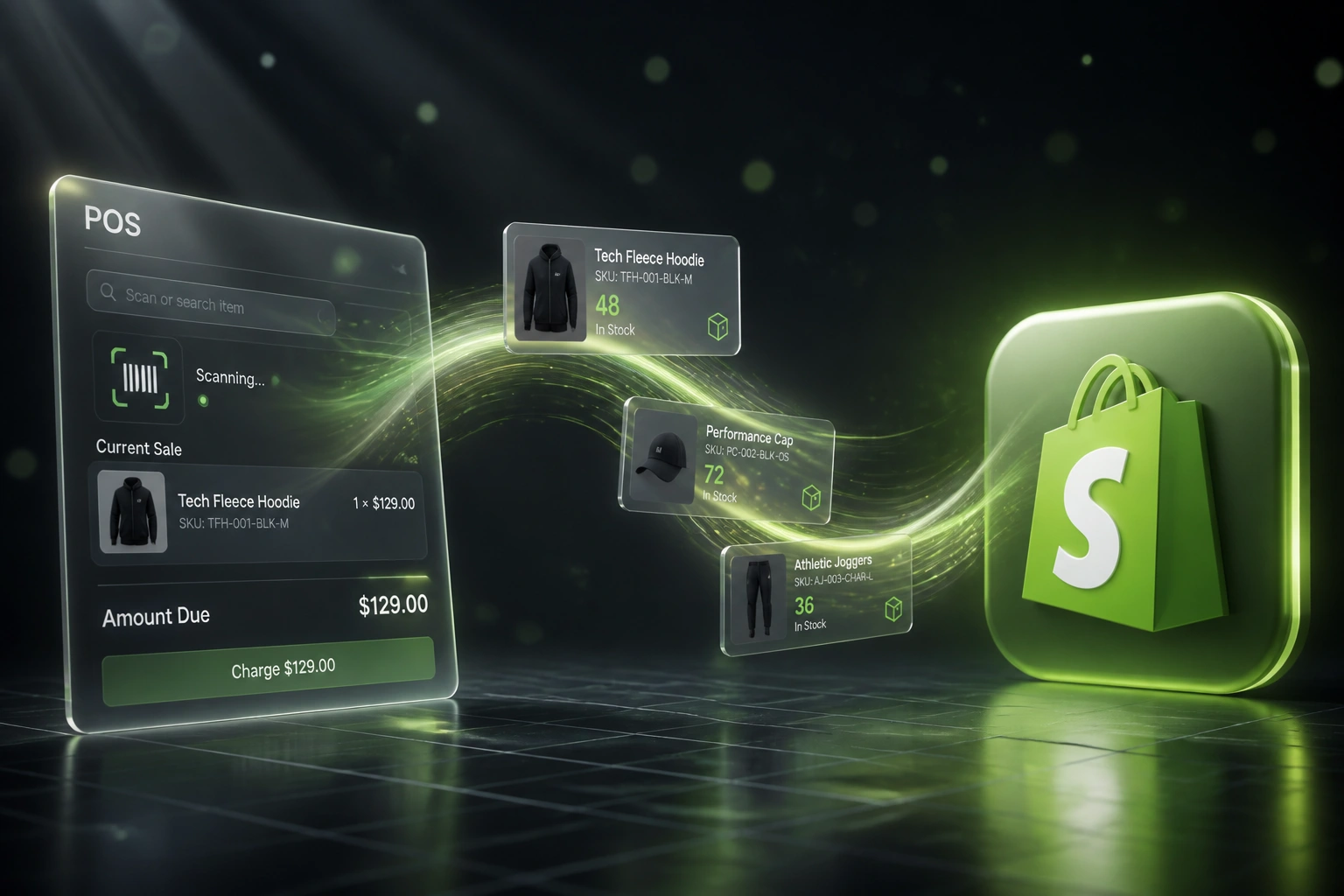
Your retail stores ring sales on Shopify POS. Your website keeps selling the same units. Oversells cancel weekend orders, burn trust, and leave floor staff stuck adjusting stock in Admin instead of serving customers.
We build the retail online sync that keeps in-store and ecommerce inventory honest in real time.
Sound Familiar?
These are the exact issues retail ops leads faced before omnichannel Shopify sync:
- An in-store sale lands, but the online store still shows that SKU as available for another hour
- Weekend oversells force cancellation emails, apology vouchers, and burned ad spend
- Floor staff manually adjust Shopify Admin after every busy shift to keep channels honest
- Buy Online, Pick Up In Store orders reserve nothing, so walk-in customers buy the same unit
- Ops spends Saturday mornings reconciling POS till reports against online stock counts
Shopify POS offline mode queues sales locally until the till reconnects. During that window your online store still shows pre-offline stock. Pair that with multi-location routing mistakes or "Continue selling when out of stock," and Saturday foot traffic becomes Monday cancellation emails.
What Omnichannel Shopify Sync Actually Does
In-store sale updates online. Online order reserves store stock. No human patching Admin between channels.
Sale Rings on POS
Floor staff complete a till sale at a mapped store location
Stock Drops Online
Available-to-sell updates on the online store within seconds
Online Orders Reserve
Website and BOPIS checkouts lock units at the right location
Channels Stay Honest
Transfers, returns, and offline catch-up keep every location aligned
Everything You Need for Reliable Retail Online Sync
Real-Time POS Decrement
A till sale at any store location drops available-to-sell online within seconds, so your website stops promising stock that just walked out the door.
Online Order Stock Reservation
Online and BOPIS checkouts reserve units at the fulfilling store location so floor staff cannot sell the same item to a walk-in customer.
Multi-Location Mapping
Each retail store, pop-up, and warehouse maps to the right Shopify location. Routing rules decide which pool online orders draw from.
Offline-Mode Catch-Up
When POS reconnects after Wi-Fi drops, queued sales flush cleanly with conflict checks so overnight blind spots do not become Monday cancellations.
Transfer & Adjustment Sync
Store-to-store transfers, returns, and stocktakes update every channel. Phantom stock cannot hide in a location your website still thinks is full.
Oversell Alerts & Buffers
Safety buffers on fast movers and lag alerts give ops a chance to act before customers see a broken promise on the product page.
Shopify Retail Setups We Support
From Eight Hours a Week to Under One
How a two-store apparel retailer stopped weekend oversells and freed floor staff from stock admin.
The Manual Process
- Managers reconciled POS till reports against Shopify Admin after every busy shift
- Online kept selling units that had already left the Cape Town and Johannesburg floors
- Roughly ten weekend oversell cancellations a month, each costing apology vouchers and support time
- BOPIS orders were not reserved, so walk-ins bought reserved pickup stock
- Floor staff spent peak hours adjusting quantities instead of serving customers
The Automated Process
- Till sales decrement the mapped store location and update online availability in seconds
- Online and pickup checkouts reserve units so walk-ins cannot double-sell them
- Offline-mode sales flush on reconnect with conflict checks and buffer protection
- Weekend oversell cancellations from channel lag dropped to near zero
- Ops reviews exception alerts for under an hour a week
Before vs After Shopify POS Sync
How It Works
From first conversation to live omnichannel sync in 2–4 weeks.
Tell Us Your Setup
How many stores, how Shopify locations are configured, where oversells hurt most, and how staff reconcile stock today.
Free Scoping Call
30-minute call to map POS locations, online fulfilment routing, BOPIS rules, and the sync logic your retail ops need.
Build & Test
We build the Shopify POS and online sync, test with live SKUs across stores, and run parallel against your manual adjustments.
Go Live & Monitor
Switch off manual stock admin. Monitoring catches offline-mode lag and location drift before customers do.
Frequently Asked Questions
How long does Shopify POS and online store sync take to set up?
A standard omnichannel sync takes 2–4 weeks from scoping to go-live. Single-store setups with clear location mapping can be live within a week. Multi-store retailers with BOPIS, ship-from-store, and custom buffers typically take 4–6 weeks.
Is this different from Shopify's native POS inventory sync?
Shopify POS already syncs when locations and routing are configured correctly. We harden what breaks in the real world: offline-mode catch-up, misrouted online orders pulling from the wrong store, third-party apps that lag, and safety buffers so peak weekends do not oversell.
Will this disrupt our till or fulfilment workflows?
No. Floor staff keep ringing sales on Shopify POS as usual. Online orders keep flowing through Admin. The sync sits behind those workflows. We run parallel testing before switching off manual stock adjustments.
How do you handle Buy Online, Pick Up In Store?
BOPIS and local pickup orders reserve inventory at the pickup location the moment checkout completes. That unit is no longer available to walk-in customers or other channels until the order is fulfilled or cancelled.
What happens when POS goes offline on the shop floor?
Shopify POS queues sales locally while offline. Other channels keep seeing the pre-offline count until reconnect. We add buffers on high-velocity SKUs, reconnect alerts, and catch-up reconciliation so a Wi-Fi blip does not become a weekend of cancellations.
How much does Shopify POS and online sync cost?
Simple single-store hardening starts from around R15,000. Multi-location Shopify POS Pro setups with BOPIS reservation, offline catch-up, and custom buffers typically range from R25,000 to R60,000. Most retailers with recurring weekend oversells see ROI within 2–3 months.
Stop Losing Weekend Sales to Channel Disagreement
If your Shopify POS and online store still fight over the same units, you are funding cancellations and stock admin that a proper retail online sync already solves.
Tell us how many stores you run, how Shopify locations are set up, and where oversells hurt most. We will show you exactly how omnichannel inventory would work for your retail operation.