Single Customer View: Unify Client Data Scattered Across Multiple Systems
Your CRM, Xero or Sage, helpdesk and email platform each hold a different version of the same client. Sales asks finance who has paid. Support cannot see open invoices. Marketing emails people who already churned.
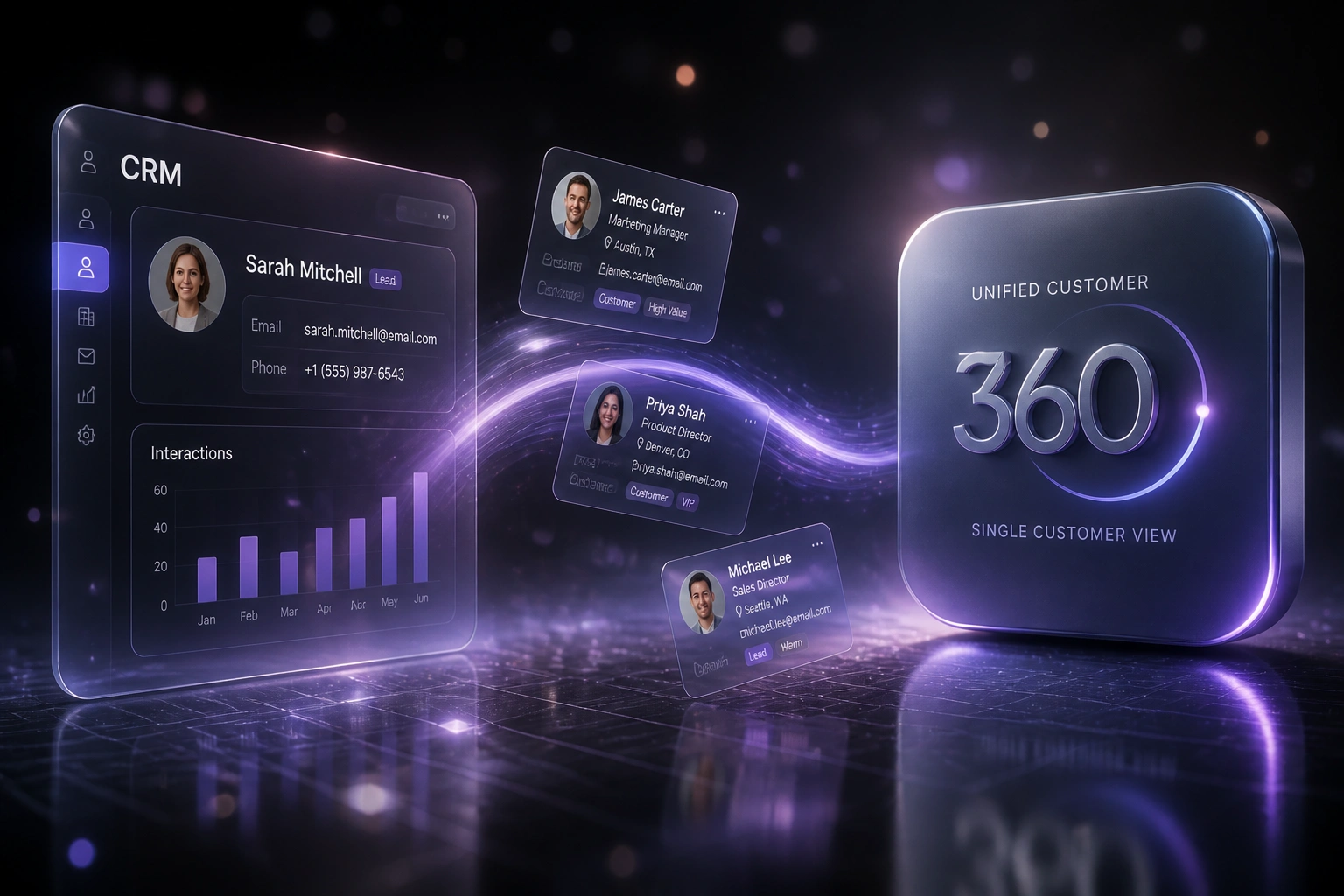
We build the single customer view that gives every team one trusted client profile.
Sound Familiar?
These are the exact issues our clients faced before they had a single customer view:
- Sales, finance, support and marketing each argue over which system holds the "right" client record
- Duplicate contacts multiply after every form import, mail merge, or helpdesk ticket
- Support agents cannot see open invoices, so they escalate instead of resolving
- Marketers email churned or overdue customers because Mailchimp never learned what Xero already knows
- Customer success spends half an hour assembling a briefing before every renewal call
API-fed CRM imports create duplicates at an alarming rate: research on Salesforce estates found around 80% of new integration-sourced records were duplicates before merge rules ran. Every new form, helpdesk sync or marketing list makes the problem worse until you fix the root cause.
What a Unified Data Integration Actually Does
Client updates in one system → golden record refreshes → every team sees the same truth.
Event Hits Any System
New deal, invoice, ticket or unsubscribe lands in CRM, Xero, Zendesk or Mailchimp
Match & Merge
Integration matches the person or company and updates the golden customer 360 record
Push Context Out
Balances, stage, tickets and suppression flags sync back to the tools each team uses
One Truth Everywhere
Sales, CS, support and marketing stop arguing and start working from the same profile
Everything You Need for a Reliable Customer 360
Unified Customer 360 Profile
One golden record that merges CRM contacts, Xero or Sage balances, helpdesk history, and marketing engagement into a single customer view.
Cross-System Deduplication
Match on email, company name, VAT number and phone so HubSpot, Pipedrive, Zendesk and Mailchimp stop creating ghost duplicates.
Live Balance & Ticket Context
Support and sales see outstanding invoices, payment status and open tickets without leaving the CRM or helpdesk.
Marketing Suppression Sync
Churned, overdue or opted-out clients are suppressed in email tools automatically, so campaigns stop embarrassing the brand.
Field Mapping & Master Rules
You choose which system owns each field. Updates flow both ways with conflict rules your team can explain in plain language.
Audit Trail & POPIA Controls
Every merge and update is logged. Consent and purpose flags travel with the record so your single customer view stays compliant.
Platforms We've Wired Into a Single Customer View
From 45-Minute Briefings to 8 Minutes
How a 35-person Cape Town professional services firm stopped arguing about which system was right and recovered over 420 hours a year.
Four Versions of Every Client
- HubSpot, Xero, Zendesk and Mailchimp each held different emails, stages and balances
- CSMs spent 45 minutes hopping tabs to prepare a renewal briefing
- Support escalated billing questions because agents could not see open invoices
- Marketing nurtured accounts that finance had already marked overdue or churned
- Ops estimated roughly 18% duplicate contacts after two years of form and ticket imports
One Customer 360 Profile
- Golden record merges CRM stage, Xero balance, open tickets and marketing status
- Briefings open in about 8 minutes with the full context already assembled
- Support sees invoice status in the ticket sidebar before the first reply
- Churned and overdue clients are suppressed in Mailchimp automatically
- Duplicate rate on new records dropped below 2% with match rules on create
Before vs After a Single Customer View
How It Works
From first conversation to a live single customer view in 3–6 weeks.
Map Your Systems
Which CRM, ledger, helpdesk and marketing tools hold client data, and where the versions already conflict.
Free Scoping Call
30-minute call to define the golden record, match keys, and pick the first use cases that pay back fastest.
Build & Validate
We wire the sync, deduplicate a pilot set, and run parallel for a week so every team trusts the unified profile.
Go Live & Monitor
Switch off the tab-hopping. Monitoring and alerts keep the single customer view fresh as new records arrive.
Frequently Asked Questions
What is a single customer view, and how is it different from just using a CRM?
A single customer view (also called customer 360) is one trusted profile that pulls live data from every system that touches the client: CRM, accounting, support and marketing. Your CRM alone only knows what sales typed in. The unified profile shows pipeline stage, open invoices, ticket history and campaign engagement in one place.
Which systems can feed a unified customer 360 profile?
We regularly connect HubSpot, Pipedrive, Salesforce and Zoho CRM with Xero or Sage, Zendesk or Freshdesk, and Mailchimp or ActiveCampaign. If a platform has an API, we can usually include it. South African stacks with PayFast, Sage Pastel and local helpdesks are common.
Will this replace our existing tools?
No. Teams keep working in the systems they already know. The integration keeps those systems aligned behind the scenes, so nobody has to copy-paste or argue about which export is current.
How do you handle duplicate contacts across systems?
We define match keys (email, company name, VAT number, phone) and merge rules before go-live. New records are checked on create. Historical duplicates are cleaned in a controlled pass so sales history and ticket threads stay attached to the surviving golden record.
How long does a single customer view project take?
Most mid-market stacks go live in 3–6 weeks: one week of mapping and rules, two to four weeks of build and parallel testing, then a monitored cutover. Broader enterprise landscapes with many custom fields take longer.
How much does a single customer view integration cost?
Focused two-system syncs start from around R25,000. Full customer 360 builds across CRM, accounting, support and marketing typically land between R45,000 and R90,000 depending on field complexity and data cleanup volume. Most clients recover the investment inside a quarter once briefing time and duplicate cleanup drop.
Stop Asking Which System Is Right
If your team still opens four tabs to answer one client question, you are paying for fragmentation every week.
Tell us which CRM, ledger, helpdesk and marketing tools you run, and where the records already disagree. We will show you what a single customer view would look like for your stack, and what it would cost to build.