SLA Breach Alert Configuration: Warnings Before the Deadline
If you find out about SLA misses in the Monday report, the customer already lived the delay. Proactive SLA alerts at 50%, 75%, and 90% of the clock give your service delivery team time to act before a breach notification becomes a credit claim.
We configure the early-warning layer your helpdesk is missing.
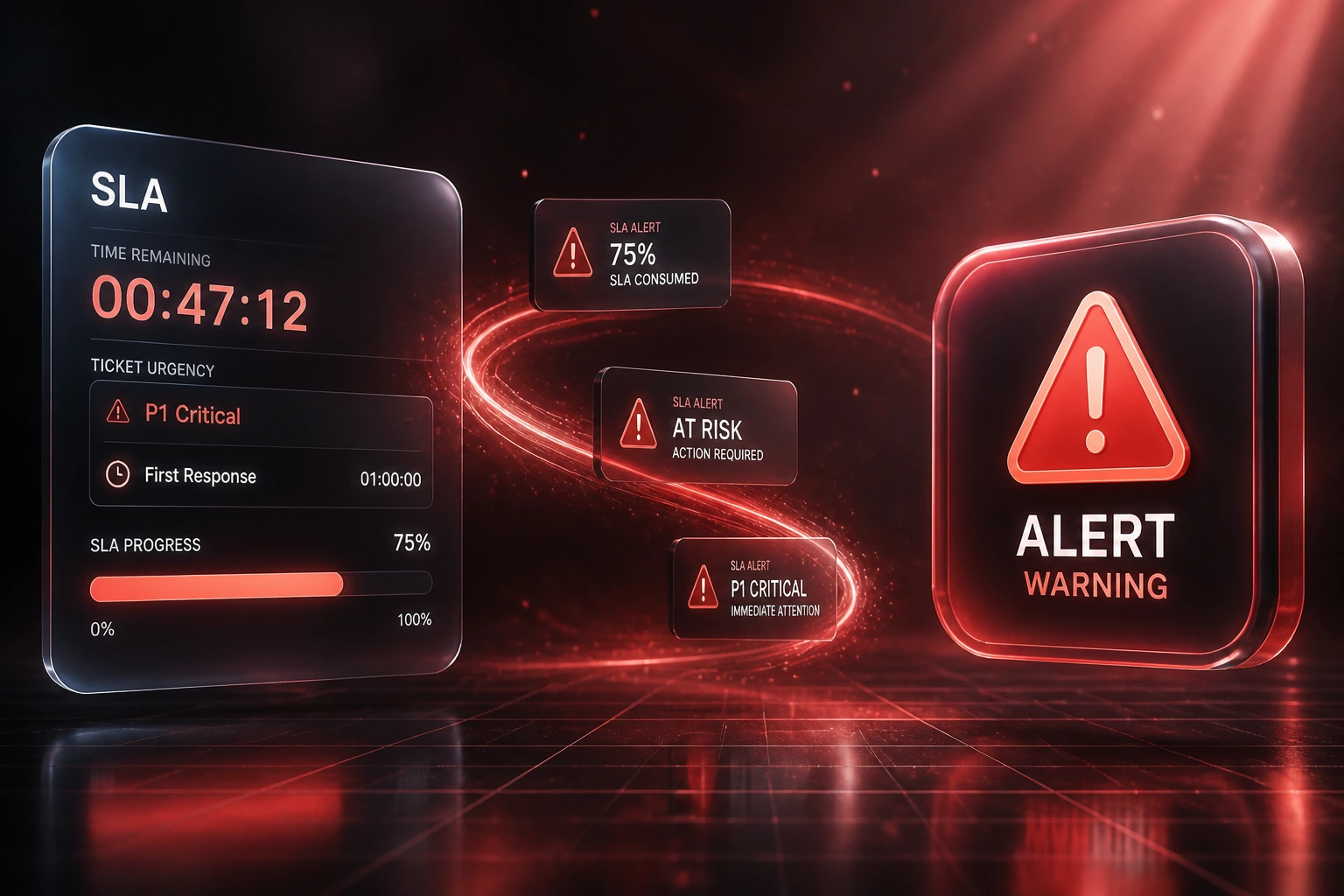
Sound Familiar?
These are the exact issues support ops and service delivery managers bring us:
- You learn about SLA misses in the Monday compliance report, after the customer already felt the delay
- Zendesk or Freshdesk shows a red breached flag, but nobody was warned while time remained to act
- Managers only see risk when agents escalate late, so P1 tickets burn through the clock unnoticed
- Contractual service credits and renewal objections pile up because breach notification arrives after the deadline
- Teams sit at 10%+ breach rates while top performers stay under 2%, with no early-warning layer between them
Zendesk still cannot natively notify agents at the exact moment an SLA is about to breach. Automations run hourly, and many teams only watch Hours since last SLA breach (reactive). Without Hours until next SLA breach rules and percentage-style warnings on ServiceNow or custom layers, your first signal is already a miss.
What SLA Warning Configuration Actually Does
Ticket clocks run → thresholds fire → managers intervene → breach rates fall. No Monday surprise.
Clock Starts
P1 or enterprise ticket lands; first-response and resolution timers begin on the helpdesk
50% / 75% Warnings
SLA alerts notify the assignee and queue owner while there is still room to respond
90% Escalation
Near-breach notification hits the service delivery manager with channel urgency
Breach Avoided
Intervention lands before the deadline; CSAT and contract credits stay protected
Everything You Need for Reliable SLA Alerts
50 / 75 / 90% Warning Thresholds
SLA alerts fire when the clock hits half consumed, three-quarters, and near-breach. Assignees and queue owners get time to intervene, not a post-mortem.
Channel-Tiered Breach Notification
Early warnings land in Slack or Teams. Near-breach hits email and SMS. Actual breach pages the service delivery lead. Noise stays low; urgency stays clear.
Priority-Aware Alert Rules
P1 tickets warn earlier and escalate harder than P3. Enterprise queues get tighter SLA warning windows than standard support.
Deduped Alert Hygiene
Tag-based nullifying rules stop the same ticket pinging every hour. One clear warning per threshold, so managers trust what they see.
Helpdesk and Chat Routing
Alerts route to the assignee, then the group lead, then the support ops manager. Works across Zendesk, Freshdesk, ServiceNow, Jira Service Management, and custom queues.
Audit-Ready Alert History
Every SLA warning and breach notification is timestamped. When a client disputes a credit, you can show when the team was warned and what happened next.
Platforms We've Configured SLA Warnings On
From 11% Breach Rate to 2%
How a Johannesburg B2B support team stopped learning about SLA misses on Monday mornings and cut enterprise breaches by more than 80%.
Monday Report Reality
- Service delivery manager opened a weekly spreadsheet to find which enterprise tickets had already breached
- Zendesk automations only notified after Hours since last SLA breach, so warnings arrived too late
- Enterprise queue sat at an 11% breach rate, well above the 3–5% industry average
- Each miss burned about four hours of escalation labour plus service-credit talks
- CSAT on affected accounts sat near 71%, in the band teams see below 80% SLA attainment
Early-Warning Reality
- 50%, 75%, and 90% SLA alerts fire to assignees, leads, and the service delivery manager
- Chat for early risk, email and SMS near breach, paging only when the clock is nearly gone
- Enterprise breach rate fell to 2%, inside the top-performer band under 2%
- Proactive customer updates before deadlines recovered most of the CSAT damage on at-risk tickets
- Monday reports became confirmation, not discovery
Before vs After SLA Warning Configuration
How It Works
From first conversation to live SLA alerts in 2–4 weeks.
Map Your Clocks
Which priorities, first-response and resolution targets, and where Monday reports currently reveal misses too late.
Free Scoping Call
30-minute call to design 50/75/90% thresholds, recipients, and channels against your real ticket volumes.
Build & Pilot
We wire SLA alerts into your helpdesk, pilot on one enterprise queue, and tune thresholds so noise stays low.
Go Live & Monitor
Roll out across priorities. Breach rates and warning response times stay visible every day, not every Monday.
Frequently Asked Questions
How is this different from full SLA management automation?
Full SLA management covers timers, policies, escalation ladders, and dashboards end to end. This page is narrower: proactive SLA warning and breach notification that fire before the deadline (typically at 50%, 75%, and 90% of the clock) so a service delivery manager can still intervene. If you already have clocks but only discover misses after the fact, this is the layer you are missing.
Does Zendesk support real-time SLA alerts natively?
Zendesk does not send native agent notifications at the exact moment an SLA is about to breach. You rely on hourly automations with conditions like Hours until next SLA breach, plus tag-based dedupe so the same ticket does not spam the inbox. We configure those carefully, and where minute-level precision matters we add a lightweight layer on top of the helpdesk.
What about ServiceNow percentage thresholds?
ServiceNow supports percentage-based escalations through Flow Designer and SLA workflows. A common pattern is awareness at 50%, stronger escalation at 75%, and urgent manager notification at 90%. We configure those thresholds, recipients, and channels so warnings arrive while there is still time to act.
Will early warnings create alert fatigue?
Not if thresholds and channels are tiered. Early warnings stay in chat, near-breach uses email or SMS, and breach pages leadership. Deduping tags prevent hourly repeats. Most teams see fewer noisy pings than their current ad-hoc Slack chases, because risk is signalled once per threshold.
Will this disrupt how agents already work?
No. Agents keep working in the same helpdesk. We add SLA warning rules and breach notification behind the scenes. Most rollouts start on one enterprise or P1 queue so leaders can prove the breach-rate drop before expanding.
How much does SLA breach alert configuration cost?
Focused warning-threshold setups on one helpdesk start from around R15,000. Multi-queue configurations with channel-tiered escalation, CRM write-back, and audit history typically range from R25,000 to R55,000. Teams that were losing five-figure Rand credits and four hours of escalation labour per breach usually recover the investment within one to two months.
Get Warned Before the SLA Breaches
If your first signal is a red breached flag, you are managing damage, not delivery. Early-warning SLA alerts change that.
Tell us which helpdesk you run, how enterprise SLAs are written, and when managers currently hear about risk. We will show you exactly where 50%, 75%, and 90% thresholds should fire for your queues.