SLA Management and Automation: Hit Response Times Before They Breach
Your contracts promise first-response and resolution windows. Without automated SLA management, your team only learns they missed when a customer complains, a credit is claimed, or a renewal turns cold.
We build breach-before escalation that protects retention.
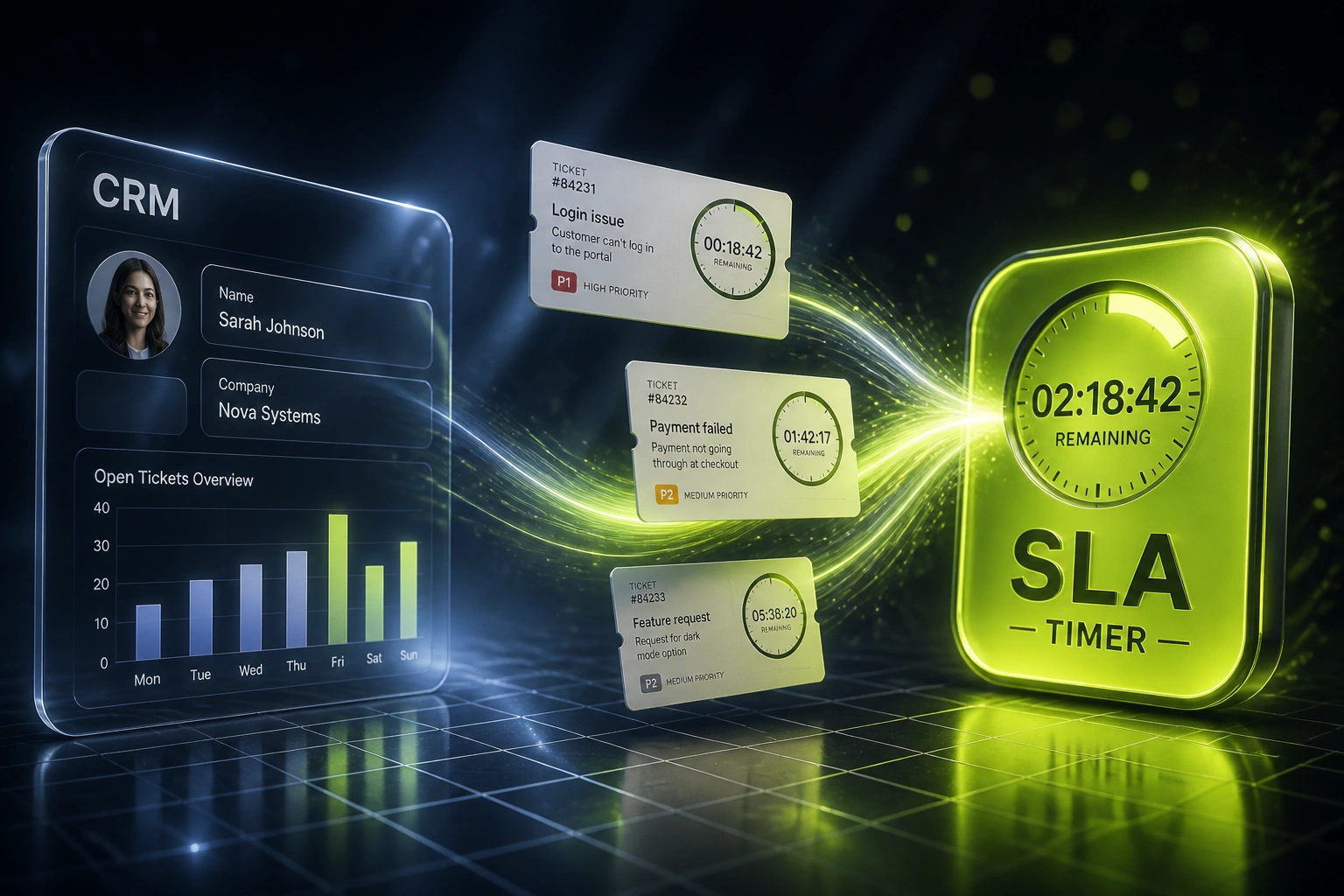
Sound Familiar?
These are the exact issues heads of support and CS leaders faced before SLA automation:
- Contracts promise first-response and resolution times the team cannot prove they hit
- Priority tickets sit unnoticed until a customer complains or a renewal call turns hostile
- Managers discover SLA breaches in a Friday spreadsheet, hours after the clock has already expired
- Escalation means Slack pings and WhatsApp chases, so the same firefight burns 10–15 hours a week
- Enterprise clients claim service credits and cite support quality as a renewal objection
Global support SLA attainment averages only 86%, and SaaS teams sit closer to 84%. Manual spreadsheet tracking is retrospective: it tells you about yesterday’s breach, not the ticket ten minutes from missing. That gap is where renewals quietly erode.
What SLA Automation Actually Does
Ticket arrives → clock starts → warning fires → escalation ladder protects the customer promise.
Ticket Lands
Customer opens a ticket in Zendesk, Freshdesk, Intercom, or your helpdesk
SLA Clock Starts
First-response and resolution timers apply by priority and business hours
Breach Warning Fires
Assignee and queue owner get alerted while there is still time to respond
Escalation Ladder
If needed, ownership climbs automatically and CRM account risk updates
Everything You Need for Reliable SLA Management
First-Response and Resolution Timers
Every ticket gets a clock the moment it lands. P1, P2, and P3 targets respect business hours so overnight time does not invent false breaches.
Breach-Before Escalation Alerts
Warning thresholds fire while there is still time to respond. Assignees and queue owners see the risk before the customer feels the miss.
Multi-Level Escalation Ladders
Missed first response escalates to the team lead, then the head of support, then the CS lead if needed. Every step is timed, logged, and auditable.
Helpdesk and CRM Sync
SLA status, breach flags, and escalation history write back to HubSpot, Salesforce, or your CRM so account owners see risk before renewal talks.
Live Compliance Dashboards
Heads of support see attainment by priority, channel, and agent in real time. No end-of-week spreadsheet rebuild required.
Contract-Ready Audit Trails
Pause reasons, reassignments, and escalation timestamps are recorded. When a client disputes a credit, you have the evidence.
Helpdesks and CRMs We've Wired for SLA Automation
From 78% to 97% First-Response SLA Attainment
How a Cape Town B2B SaaS support team stopped discovering breaches in spreadsheets and protected R2.4M in renewals.
The Manual Process
- Team lead rebuilt first-response attainment in a shared spreadsheet every Friday
- P1 tickets regularly breached before anyone noticed the countdown
- Escalation meant Slack and WhatsApp chases across shifts
- Two enterprise accounts cited support SLAs in renewal objections
- Head of support could not prove contract compliance without a weekend rebuild
The Automated Process
- Every ticket gets first-response and resolution clocks at creation
- Breach-before alerts fire to assignee and queue owner with time still left
- Escalation ladders climb automatically when thresholds are missed
- CRM account records show open SLA risk before renewal conversations
- Live dashboard replaced the Friday spreadsheet rebuild
Before vs After SLA Automation
How It Works
From first conversation to live SLA automation in 2–4 weeks.
Map Your SLAs
Which priorities, first-response and resolution targets, business hours, and who owns each escalation step.
Free Scoping Call
30-minute call to design timers, breach thresholds, and escalation ladders against your real ticket volumes.
Build & Pilot
We wire SLA automation into your helpdesk and CRM, pilot on one queue, and tune thresholds with your leads.
Go Live & Monitor
Roll out across priorities. Breach dashboards and escalation alerts keep attainment visible every day.
Frequently Asked Questions
How is this different from internal task SLA tracking?
Internal task SLAs protect work between your own departments. This page is about customer-facing support SLAs: first response, resolution timers, breach warnings, and escalation ladders tied to your helpdesk and CRM, so contracted response times are measurable and enforceable before a renewal is at risk.
Which helpdesks and CRMs can you automate SLAs on?
We have built SLA management across Zendesk, Freshdesk, Intercom, HubSpot Service Hub, Salesforce Service Cloud, Jira Service Management, and custom ticketing systems. If your team already logs customer tickets somewhere, we can usually put clocks, breach alerts, and escalations on that queue.
Will this disrupt how agents already work?
No. Agents keep using the same helpdesk. We add timers, warning thresholds, and escalation rules behind the scenes. Most rollouts start with one priority tier so leaders can see the benefit before expanding.
What happens when a ticket is about to breach?
A warning alert goes to the assignee and queue owner before the deadline. If the SLA still breaches, the escalation ladder kicks in automatically: team lead, head of support, then CS leadership. Every step is timestamped for audit and renewal conversations.
How do you handle business hours versus calendar clocks?
We configure business-hours SLA clocks so overnight and weekend time does not inflate breach counts. Teams without business-hours rules typically see higher effective breach rates from clock drift alone, which makes attainment look worse than the team's real performance.
How much does SLA management automation cost?
Simple timer-and-alert setups on one helpdesk start from around R15,000. Multi-priority automation with escalation ladders, CRM write-back, and compliance dashboards typically ranges from R25,000 to R60,000. Most mid-size support teams recover that cost within one to two quarters through reduced chase time and fewer renewal objections tied to missed SLAs.
Stop Discovering SLA Breaches After They Happen
If your support team still tracks service level agreements in spreadsheets, you are betting retention on a process that only reports damage after the fact.
Tell us which helpdesk you run, what first-response and resolution targets your contracts promise, and where escalations break down. We will show you exactly how SLA automation would work for your queue.