SLA Tracking for Internal Tasks: Timers, Breach Alerts, Escalation
Your IT, finance, HR, and ops queues have no agreed response times and no escalation path. Work expands to fill the chaos, departments block each other, and managers only discover breaches when someone complains.
We build the SLA tracking that gives internal work the same accountability as client work.
Sound Familiar?
These are the exact issues ops directors face when internal request queues have no SLA:
- IT tickets, finance approvals, and HR requests sit in shared inboxes with no agreed response time
- Managers only hear about a stuck request when someone escalates by phone or WhatsApp
- Departments block each other: payroll waits on IT access, ops waits on finance sign-off
- Nobody can say which queues are breaching until the end-of-month complaint lands
- Escalation means chasing people manually, so the same chase burns 10–15 hours a week
Shared services are now the operating system for internal work. Freshservice's 2025 benchmark shows roughly 10 business agents for every 14 IT agents already using service platforms for HR, finance, and facilities. Teams without timers and escalation are falling behind peers who treat internal queues like client work.
What Internal SLA Management Actually Does
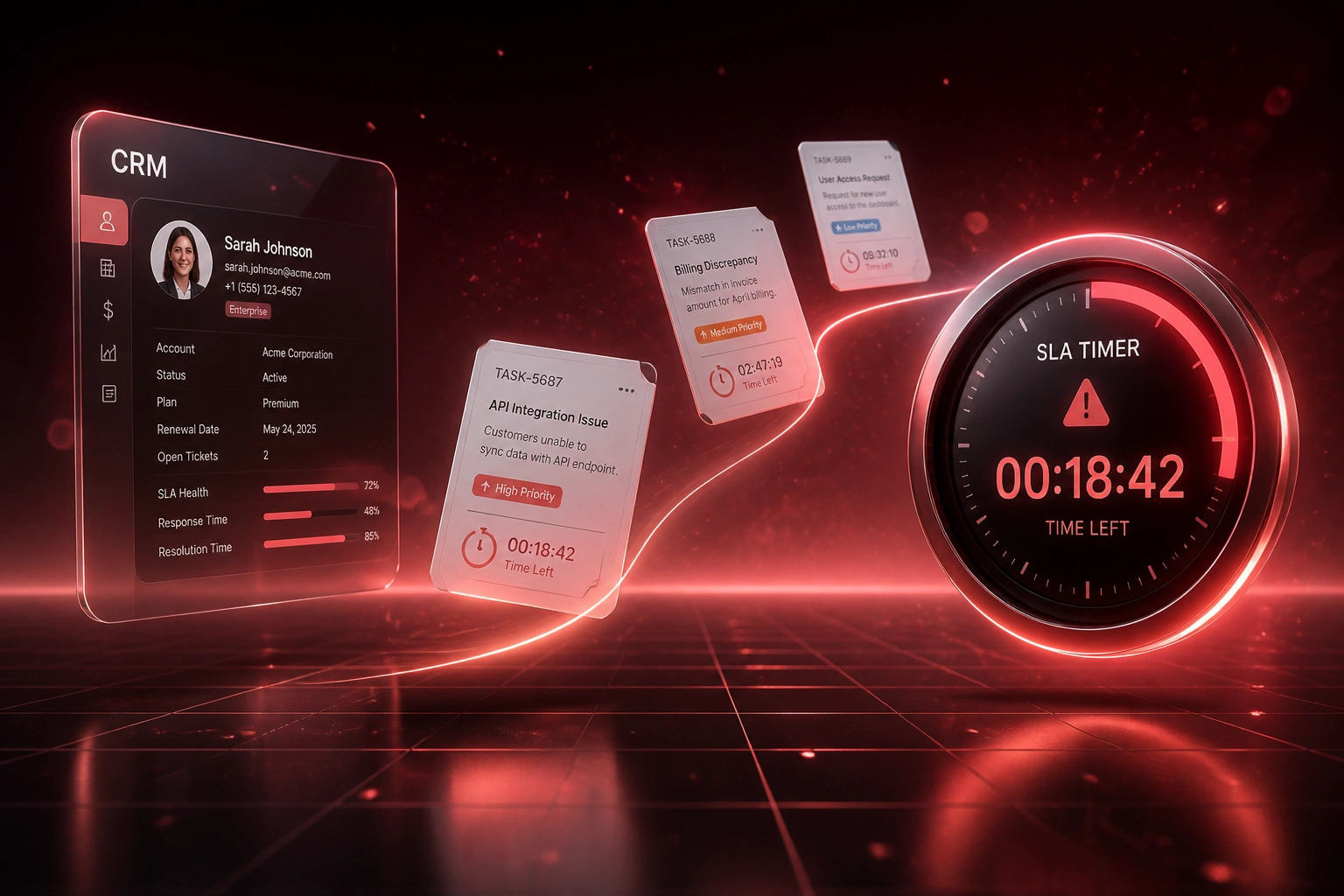
Request logged → timer starts → warning before breach → escalation if needed. No more silent queues.
Request Hits the Queue
IT ticket, finance approval, HR request, or ops hand-off is logged in your existing tool
SLA Timer Starts
Response and resolution clocks begin against the priority and business-hours rules you set
Breach Warning Fires
Assignee and queue owner get alerted while there is still time to act
Escalation Chain Runs
If the SLA still breaches, ownership climbs automatically with a full audit trail
Everything You Need for Task SLA Accountability
SLA Timers on Every Queue
Response and resolution clocks start the moment a task hits IT, finance, HR, or ops. Business-hours rules stop overnight clock drift from inventing false breaches.
Breach Alerts Before Clients Feel It
Warning thresholds fire when a task is approaching breach. Managers see the risk while there is still time to reassign, not after the deadline has passed.
Multi-Level Escalation Chains
Missed first response escalates to the queue owner, then to the department head, then to the COO if needed. Each step is timed, logged, and auditable.
Cross-Department Hand-Off Tracking
When finance needs IT, or HR needs ops, the SLA travels with the hand-off. Ownership never disappears into a shared mailbox.
Queue Health Dashboards
Live views of open tasks, time remaining, breach rate, and backlog age per department. Ops directors see which queues need capacity before the week collapses.
Audit-Ready History
Every pause, reassignment, and escalation is recorded with timestamps. Internal response-time audits stop being a spreadsheet reconstruction exercise.
Platforms We've Put SLA Tracking On
From 18% Breach Rate to Under 3%
How a 90-person South African services firm put timers and escalation on IT, finance, and HR queues, and stopped departments blocking each other.
The Silent Queue
- IT, finance, and HR requests lived in shared mailboxes and chat threads
- No agreed first-response or resolution targets between departments
- Roughly one in five internal tasks missed the informal "this week" expectation
- Ops director spent Fridays chasing blockers that should have escalated days earlier
- Audit prep for internal response times meant reconstructing email trails
The Accountable Queue
- Every internal request starts a response and resolution timer on open
- Breach warnings hit assignees and queue owners 25% before deadline
- Missed SLAs escalate to department heads automatically, with a logged trail
- Cross-department hand-offs keep ownership visible instead of vanishing
- Weekly queue-health review replaces Friday chase sessions
Before vs After Internal SLA Tracking
How It Works
From first conversation to live SLA tracking in 2–4 weeks.
Map Your Queues
Which departments, what response and resolution targets, and who owns each escalation step.
Free Scoping Call
30-minute call to design timers, breach thresholds, and escalation chains against your real request volumes.
Build & Pilot
We wire timers and alerts into your tools, pilot on one or two queues, and tune thresholds with your managers.
Go Live & Monitor
Roll out across departments. Breach dashboards and escalation alerts keep accountability visible every day.
Frequently Asked Questions
How is internal task SLA tracking different from customer support SLAs?
Customer SLAs protect external clients. Internal task SLAs protect the work between your own departments: IT tickets, finance approvals, HR requests, and ops hand-offs. The timers, breach alerts, and escalation chains work the same way, but the "customer" is another team inside the business.
Which tools can you put SLA timers on?
We have built SLA tracking across Jira Service Management, ServiceNow, Freshservice, Monday.com, Asana, ClickUp, HubSpot task queues, and custom request systems. If your team already logs work somewhere, we can usually put clocks and escalations on that queue.
Will this disrupt how departments already work?
No. Teams keep using the same tools. We add timers, thresholds, and escalation rules behind the scenes. Most rollouts start with one queue so managers can see the benefit before expanding.
What happens when a task is about to breach?
A warning alert goes to the assignee and queue owner before the deadline. If the SLA still breaches, the escalation chain kicks in automatically: team lead, department head, then senior ops. Every step is timestamped for audit.
How do you handle business hours versus calendar clocks?
We configure business-hours SLA clocks so overnight and weekend time does not inflate breach counts. Teams without business-hours rules typically see 15–25% higher effective breach rates from clock drift alone.
How much does internal SLA tracking cost?
Simple timer-and-alert setups on one or two queues start from around R15,000. Multi-department tracking with escalation chains and dashboards typically ranges from R25,000 to R60,000. Most mid-size teams recover that cost within one to two quarters through reduced chase time and fewer cross-department delays.
Stop Letting Internal Work Expand Into Chaos
If your department queues have no timers and no escalation, you are flying blind on the work that keeps the business running.
Tell us which queues hurt most (IT, finance, HR, ops), what response times you want, and who should own each escalation step. We will show you exactly how SLA tracking would work in your tools.