SQL Database Crash Recovery: Restoring Operations After Unexpected Failures
Your production SQL database went offline after a power outage, hardware failure, or software bug. Orders stop, staff wait, and every hour of database failure recovery burns money you cannot get back.
We repair transaction logs, rebuild indexes, and bring production back with a clear recovery timeline.
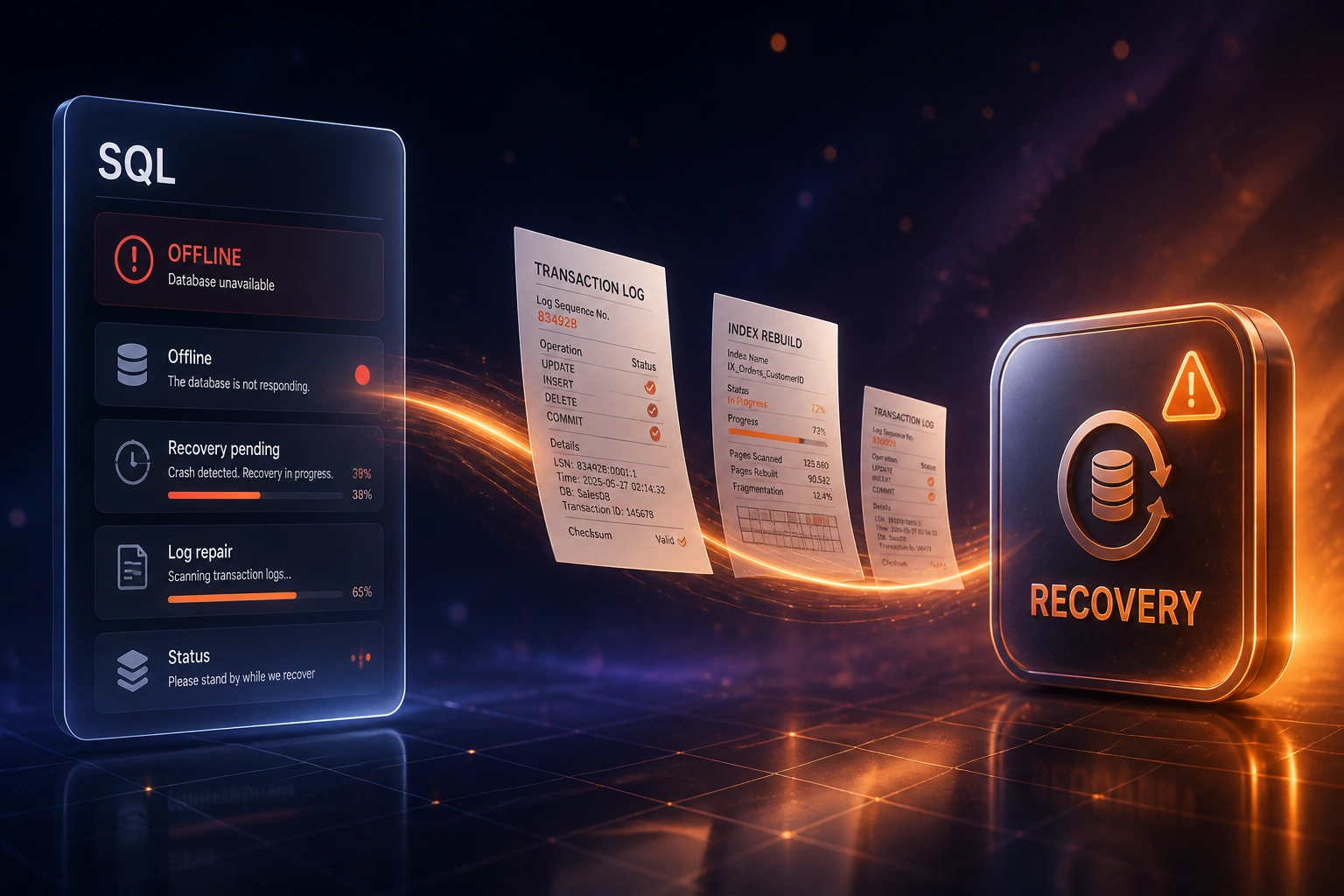
Sound Familiar?
These are the exact pressures CTOs and ops leads face when SQL crash recovery stalls:
- Production SQL is stuck in recovery after a power cut, SAN blip, or unclean shutdown, and nobody can say when it will come back
- Transaction logs refuse to replay cleanly, so the instance stays offline while orders and invoices pile up
- Indexes are fragmented or marked suspect after the crash, and query performance collapses even if the database eventually starts
- Ops is guessing at lost transactions because there is no clear recovery timeline or commit-point report for the business
- Every hour offline costs hundreds of thousands of rand in missed shipments, stalled payments, and idle staff
Power remains the leading cause of impactful outages (45% in Uptime Institute's 2025 analysis). Even a brief UPS, transfer-switch, or SAN failure can leave SQL in an unclean shutdown that takes many hours to unwind while transaction logs replay and indexes recover.
What SQL Crash Recovery Actually Does
Crash hits → logs repaired → indexes rebuilt → operations resume. Speed and a clear timeline, not overnight improvisation.
Crash Detected
Power cut, hardware fault, or software bug leaves SQL offline or stuck in recovery
Transaction Logs Repaired
Committed work replays; incomplete work rolls back; last-good commit point is reported
Indexes Rebuilt
Suspect and fragmented indexes are rebuilt so queries perform under live load
Operations Restored
Apps reconnect, trading resumes, and hardening reduces the next recovery window
Everything You Need for Fast Database Restore
Emergency Crash Triage
We diagnose the failure mode fast: power outage, hardware fault, software bug, or unclean shutdown, then set a recovery order that prioritises getting trading systems online.
Transaction Log Repair
Damaged or incomplete logs are repaired and replayed so committed work lands, incomplete work rolls back cleanly, and you know which transactions were lost.
Index Rebuild Pass
Suspect and fragmented indexes are rebuilt so the database is not only online but usable under production load.
Accelerated Recovery Hardening
Where the platform supports it, we enable faster crash recovery patterns so the next unclean restart does not take an hour of offline undo.
Recovery Timeline Report
CTOs and ops leads get a clear RTO-style timeline, last-good commit point, and residual risk so leadership can communicate with customers and staff.
Post-Recovery Validation
Integrity checks, smoke tests on critical tables, and application cutover checks before you declare production restored.
SQL Platforms We Recover
From 14 Hours Offline to Under 3 Hours Online
How a regional distributor restored SQL Server after a UPS failure, repaired transaction logs, rebuilt indexes, and cut the next recovery window dramatically.
The Crash Night
- UPS transfer failed during load shedding; SQL Server shut down uncleanly mid-batch
- Database stuck in recovery overnight while transaction logs crawled through undo
- Orders, dispatch, and invoicing frozen for a full trading morning
- Ops could not give leadership a commit-point or ETA
- Estimated exposure at R400K+ per hour over a 14-hour outage
The Recovered Path
- Emergency triage set a recovery order within the first hour
- Transaction log repair completed roll-forward and clean undo
- Indexes rebuilt before apps reconnected under live load
- Leadership received a last-good commit report for finance reconciliation
- Accelerated recovery settings enabled so the next crash undo is minutes, not an hour
Before vs After Database Failure Recovery
How It Works
From first WhatsApp to production restored, with hardening so the next crash is shorter.
Emergency Intake
What crashed, when, which apps are down, and what backups or replicas you still trust.
Free Triage Call
30-minute call with your CTO or ops lead to set a recovery path and an honest time estimate.
Repair and Rebuild
We repair transaction logs, roll forward and back as needed, rebuild indexes, and validate data integrity.
Restore and Harden
Applications come back online, then we harden recovery settings so the next crash is shorter.
Frequently Asked Questions
How is SQL crash recovery different from corruption diagnosis?
Crash recovery is about speed after an unexpected failure: power outage, hardware fault, or software bug that left the database offline. We repair transaction logs, rebuild indexes, and restore operations with a clear timeline. Corruption diagnosis is a slower forensic pass when pages or structures are damaged beyond a clean crash recovery path.
Which SQL platforms do you recover?
We work with Microsoft SQL Server, MySQL and MariaDB, PostgreSQL, Oracle, Azure SQL, Amazon RDS, and on-prem SQL deployments. The recovery steps differ by engine, but the business goal is the same: production back online with minimal lost transactions.
How long does database failure recovery usually take?
Simple unclean-shutdown recoveries can finish in under a few hours once we have access. Long-running transaction undo without accelerated recovery can run an hour or more on its own, and severe log damage or multi-terabyte databases take longer. We give you a timeline after triage, not a vague promise.
Will we lose data?
Committed transactions that reached the log are the priority to keep. Uncommitted work at the moment of the crash is rolled back by design. We report the last-good commit point and any gaps so finance and ops can reconcile, instead of discovering missing rows days later.
Can you help after a SAN failure or load-shedding event?
Yes. Power and storage events are among the most common unclean-shutdown triggers. We recover the SQL instance, repair logs where needed, and advise on UPS, checkpoint, and recovery settings so the next outage does not strand you overnight.
How much does SQL crash recovery cost?
Emergency triage and a focused restore typically start around R35,000. Complex log repair, multi-database recovery, and hardening across SQL Server, MySQL, or PostgreSQL usually lands between R55,000 and R120,000. Against hourly downtime measured in hundreds of thousands of rand, most mid-market teams recover the fee inside a single avoided multi-hour outage.
Get Production SQL Back Online
If your database is stuck after a crash, every hour spent guessing costs more than a focused recovery engagement.
Tell us which SQL engine you run, what failed, and what apps are down. We will outline a recovery path, a timeline, and how transaction log repair and index rebuilds get you trading again.