SugarCRM Data Extraction and Migration: Keep Modules, Relationships, and Audit Trails Intact
Your Sugar instance is heavily customised. Native SugarCRM data export flattens relate fields, skips junction tables, and leaves audit history behind. Incomplete files turn a planned switch into orphaned deal history.
We extract every module, relationship, and audit trail so migration does not orphan your data.
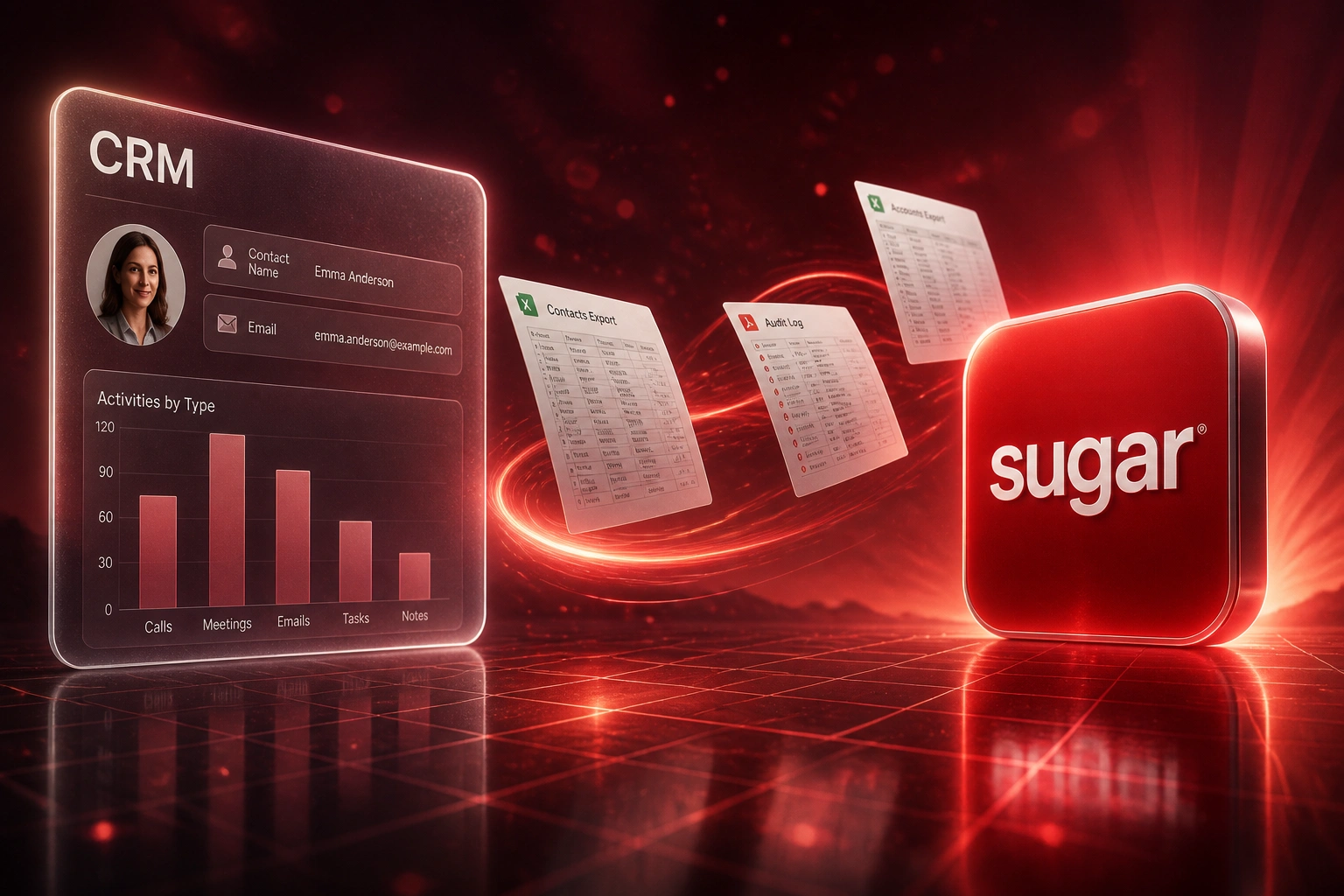
Sound Familiar?
These are the exact issues sales ops and IT leads hit when a Sugar CRM extract is treated like a spreadsheet download:
- Module-by-module SugarCRM data export produces flat CSVs that flatten relate fields and omit junction tables like accounts_contacts
- Many-to-many links never appear in list-view downloads, so contacts orphan from accounts the moment you import elsewhere
- Change history lives in Sugar's audit tables and needs a separate API pull; CSV never carries who changed stage, amount, or owner
- SugarBPM Process Definitions and workflow history do not ride out with a module export, so process context disappears at cutover
- Instances over roughly 50,000 records often time out on web export, leaving ops with incomplete files and no reliable checksum
Sugar stores many-to-many links in junction tables that module CSV never includes, and audit change history needs a separate API pull. Teams that skip both discover orphaned contacts and missing stage history only after the destination import is already live.
What SugarCRM Migration Extraction Actually Covers
Inventory → pull modules and joins → capture audit trails → validate counts. No blind CSV handoff.
Map the Sugar Model
Modules, custom fields, junction tables, and audit coverage listed before anything is exported
Extract Modules and Joins
API or database pull of records plus relationship tables CSV leaves behind
Pull Audit Trails
Field-level change history captured so deal stage disputes still have evidence
Validate and Package
Counts and relationship samples signed off before the target CRM import starts
Everything You Need for a Reliable Sugar Extract
Full-Module Extraction
Accounts, Contacts, Opportunities, Cases, activities, custom Module Builder objects, and _cstm field tables come out as a complete inventory, not a partial list-view dump.
Junction Tables Included
Many-to-many relationships live in tables CSV never exports. We pull accounts_contacts and every other join so relate fields survive the Sugar CRM extract.
Audit Trails Preserved
Field-level change history (who changed what, and when) comes via Sugar's audit export path, so disputed deal stages still have a paper trail after migration.
SugarBPM History Documented
Process Definitions and workflow run history are inventoried before cutover. You know what must be rebuilt, instead of discovering gaps after go-live.
API and Database Paths
When web CSV times out past 50,000 records, we use REST export endpoints or direct database extraction so large Sugar Sell and Enterprise instances finish cleanly.
Validation Before Handoff
Record counts, relationship samples, and audit-row checksums are compared source-to-extract so IT signs off before anyone touches the destination CRM.
Sugar Editions We've Extracted
From Twelve Weeks of CSV Rework to a Six-Week Validated Extract
How a 35-person industrial distributor stopped orphaning deal history when leaving a heavily customised Sugar Sell instance.
The CSV-Only Attempt
- Ops exported 18 modules by hand over three weeks of list-view downloads
- Junction tables skipped; roughly four in ten contacts lost their account links after a trial import
- No audit trails for disputed opportunity stages or owner changes
- SugarBPM history absent from every file, so process context vanished
- Web export timed out past 50,000 records, leaving incomplete CSVs with no checksum
The Complete Extraction
- API and database pull of every module, _cstm table, and junction relationship
- Audit trails packaged beside the records they explain
- Sample validation showed zero orphaned relate fields in the signed-off set
- SugarBPM inventory documented for rebuild, not pretended into a CSV
- Handoff package ready for the destination CRM import team in six weeks
Before vs After a Complete SugarCRM Extract
How It Works
From first conversation to a validated extraction package in three to six weeks for most mid-size instances.
Inventory the Instance
Modules, custom fields, junction tables, audit coverage, SugarBPM processes, and where web CSV already fails.
Free Scoping Call
30-minute call to size the extract, flag relationship risk, and quote a fixed SugarCRM migration data package.
Extract and Validate
API or database pull of modules, joins, and audit trails, then count and sample checks against live Sugar.
Handoff Package
Clean extracts, relationship maps, and audit archives ready for your target CRM import or parallel migration build.
Frequently Asked Questions
What does a SugarCRM data export miss when we only use CSV?
List-view CSV is one module at a time and flattens relate fields. Junction tables such as accounts_contacts never appear in those downloads, so many-to-many links are lost unless you export them separately. Audit change history needs Sugar's dedicated audit export API. SugarBPM Process Definitions and workflow history do not travel with module CSVs either. That is why incomplete exports orphan deal history during a SugarCRM migration.
Do we need a full platform switch, or just a clean extract?
This service is the data-integrity job: full-module extraction with relationships and audit trails intact, whether you are leaving Sugar next quarter or archiving a trustworthy copy first. If you also need a destination CRM rebuild, we scope that separately. Start with extraction when the risk is lost history, not the new UI.
How long does SugarCRM data extraction take?
Focused extracts for mid-size Sugar Sell instances typically land in three to six weeks, including inventory, pull, and validation. Heavily customised Enterprise installs with deep Module Builder work and large audit tables sit toward six to eight weeks. Manual relationship rebuilding after a CSV-only attempt often burns two to four weeks on its own, before anyone fixes orphaned links.
What happens when our Sugar instance has more than 50,000 records?
Sugar's web export frequently times out on large databases. We switch to REST export endpoints or direct database extraction, pull junction tables and custom _cstm data explicitly, and validate counts so you are not left with half-finished CSV files and no checksum.
Will audit trails and SugarBPM history come with us?
Audit rows are extracted via Sugar's module audit export path so stage, owner, and amount changes stay attributable. SugarBPM definitions and run history are documented in discovery; process logic is rebuilt in the target system rather than pretending a CSV can carry it. You leave with evidence, not a black hole where deal history used to be.
How much does SugarCRM data extraction and migration packaging cost?
Complete extraction packages with relationships and audit trails typically range from R40,000 to R120,000 depending on custom modules, record volume, and on-prem versus cloud access. Against two to four weeks of manual relationship rebuild (often R45,000 to R90,000 in loaded staff time at mid-market rates) plus the downstream cost of orphaned deals, most clients see payback inside one to two quarters.
Stop Losing Deal History to Incomplete Sugar Exports
If your SugarCRM migration plan still starts with list-view CSV downloads, you are gambling with relationships and audit trails your sales team cannot afford to lose.
Tell us which Sugar edition you run, how customised the modules are, and whether audit history must travel. We will show you exactly what a complete extract covers for your instance.