Support Workflow Automation Design: Free Agents for Complex Issues
Your agents are burning hours on status updates, customer nudges, and closures. That ticket automation gap is not a staffing problem. It is a workflow design problem costing you capacity every week.
We design the support automation layer that recovers that capacity without hiring.
Sound Familiar?
These are the exact issues Heads of Support bring us before we redesign their ticket workflows:
- Agents burn 20–40 minutes a day updating statuses, tagging tickets, and nudging customers who went quiet
- Pending tickets sit for days because nobody owns the follow-up, then reopen as angry escalations
- Solved tickets stay open until someone remembers to close them, clogging capacity and skewing reports
- Every agent invents their own mini-process, so the same routine request takes three different paths
- Headcount grows with volume because the team is stuck on hygiene work, not complex issues
59% of agents report fatigue from answering the same routine questions and chores repeatedly. Hiring more people into a broken lifecycle just multiplies burnout. Designed support automation is how you scale without burning the team you already have.
What Support Workflow Automation Actually Does
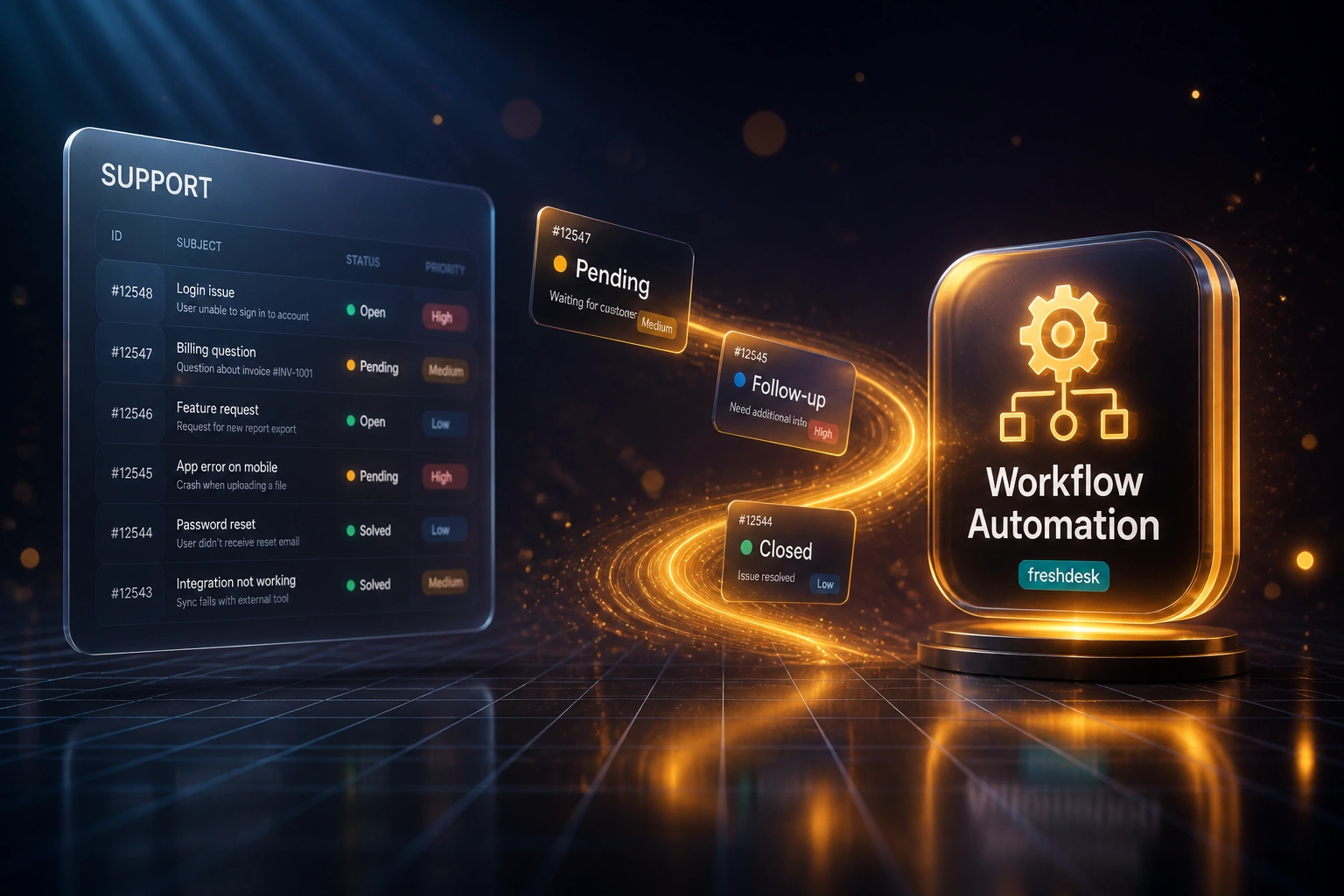
Ticket lands → status and follow-ups run themselves → closures free capacity. Agents keep the complex work.
Ticket Enters Lifecycle
New ticket gets tags, priority, and an initial status from your designed rules
Status & Follow-Ups Run
Pending waits trigger timed nudges; replies reopen tickets without agent clicks
Auto-Close & Release
Silent solved tickets close on schedule and free messaging capacity
Agents Do Complex Work
Exception queues surface only tickets that need human judgment
Everything You Need for Reliable Ticket Automation
Status Transition Automation
Ticket events move statuses automatically: Open to Pending on a customer question, Pending to Open on reply, Solved to Closed after silence. No agent clicks required.
Scheduled Customer Follow-Ups
Pending tickets get timed nudges at 24, 48, and 72 hours. If the customer never replies, the workflow closes or escalates on your rules.
Auto-Closure & Capacity Release
Stale solved tickets close on schedule. Messaging sessions end so agent capacity frees up without a four-day wait on default platform timers.
Lifecycle Workflow Design
We map your ticket journey end to end: intake tags, waiting states, reopens, CSAT triggers, and exception queues so automation matches how you actually work.
Exception Queues Only
Agents see tickets that need judgment. Everything routine (status hygiene, nudges, closures) runs in the background with alerts only when a rule fails.
Reporting That Matches Reality
Statuses and closures stay consistent, so handle-time, backlog, and SLA dashboards stop lying about what the team actually finished.
Platforms We've Automated
From 29 Hours/Week to 5 Hours/Week
How a 14-agent South African e-commerce support team recovered agent capacity by redesigning status updates, follow-ups, and closures on Freshdesk.
The Manual Lifecycle
- Agents spent ~25 minutes a day each on status hygiene, customer nudges, and closing stale tickets
- Pending tickets waited until someone remembered to chase, then reopened as escalations
- Solved tickets clogged capacity for days after the customer went silent
- Every agent ran a slightly different process, so reports never matched reality
- Head of Support was about to hire a 15th agent just to keep the backlog flat
The Designed Workflow
- Status transitions, 24/48/72-hour follow-ups, and auto-closures run without agent clicks
- Agents work an exception queue for complex and VIP cases only
- Handle time on remaining tickets dropped in line with the 30% workflow-automation benchmark
- Dashboards finally reflected closed work, not abandoned solved tickets
- Volume grew ~20% and the deferred hire stayed deferred
Before vs After Support Automation
How It Works
From first conversation to live support automation in 2–4 weeks.
Map Your Ticket Lifecycle
Which statuses you use, where follow-ups stall, and which closures still happen by hand.
Free Scoping Call
30-minute call to quantify admin hours, pick the highest-ROI automations, and agree the workflow design.
Build & Parallel Test
We build the automations, test on live tickets, and run parallel for a week so agents trust the outcomes.
Go Live & Tune
Switch off the manual hygiene. Monitoring, exception alerts, and a review pass keep the design sharp as volume changes.
Frequently Asked Questions
How is this different from ticket routing or escalation rules?
Routing decides who gets the ticket. Escalation decides when a manager steps in. Support workflow automation design covers what happens after assignment: status updates, customer follow-ups, auto-closures, and capacity release across the full ticket lifecycle. Most teams already have basic routing and still lose hours to hygiene work.
Which platforms can you automate?
We design and build workflow automation on Zendesk, Freshdesk, Intercom, HubSpot Service, Jira Service Management, and custom helpdesks. If your platform supports triggers, automations, or webhooks, we can wire the lifecycle.
Will this replace our agents?
No. It removes the repetitive status, follow-up, and closure work so agents spend time on complex, relationship-sensitive issues. The goal is recovered capacity without hiring, not a thinner team for the same quality.
How long does support workflow automation take to set up?
A focused lifecycle design (status rules, follow-ups, closures) typically takes 2–4 weeks from scoping to go-live. Broader designs that also touch Slack alerts, CRM sync, and custom exception queues take closer to 4–6 weeks.
Will customers notice the automation?
They should notice faster, more consistent follow-ups and cleaner closures, not robotic replies. We keep human judgment on sensitive cases and use your tone of voice in every automated nudge.
How much does support workflow automation design cost?
Focused lifecycle automation starts from around R25,000. Broader designs with custom exception queues, multi-brand rules, and CRM sync typically range from R35,000 to R60,000. Most teams recovering 15+ admin hours a week see payback within 2–3 months.
Stop Burning Agent Hours on Ticket Hygiene
If your team still updates statuses, chases silent customers, and closes tickets by hand, you are paying premium rates for work a designed workflow already solves.
Tell us which helpdesk you run, where follow-ups stall, and how many hours a week go to status and closure admin. We will show you exactly what support workflow automation would recover for your team.