Task Assignment Rules Automation: Route Work Without the Manager Bottleneck
You personally assign every new task. Matching skill, workload, and availability eats your mornings, work still waits in the queue, and the team that grew past your headcount still depends on you to decide who owns what.
We build the automatic task routing rules that assign fairly in seconds.
Sound Familiar?
These are the exact issues our clients faced before task assignment rules:
- Every new Asana, Monday, or Jira task waits for you to pick an owner before work starts
- You assign by who you remember is free, not by skill, location, or real open workload
- Hybrid and remote teams make "who has capacity" invisible until someone complains
- Misrouted work gets bounced 15–25% of the time, adding nearly 47 minutes per bounce
- One person becomes the permanent bottleneck as the team grows past a dozen people
Once a team grows past about a dozen people, or goes hybrid, one manager can no longer assign fairly by memory. Industry data shows 15–25% of manually triaged tickets get reassigned at least once. Each bounce adds about 47 minutes before real work resumes.
What Automatic Task Routing Actually Does
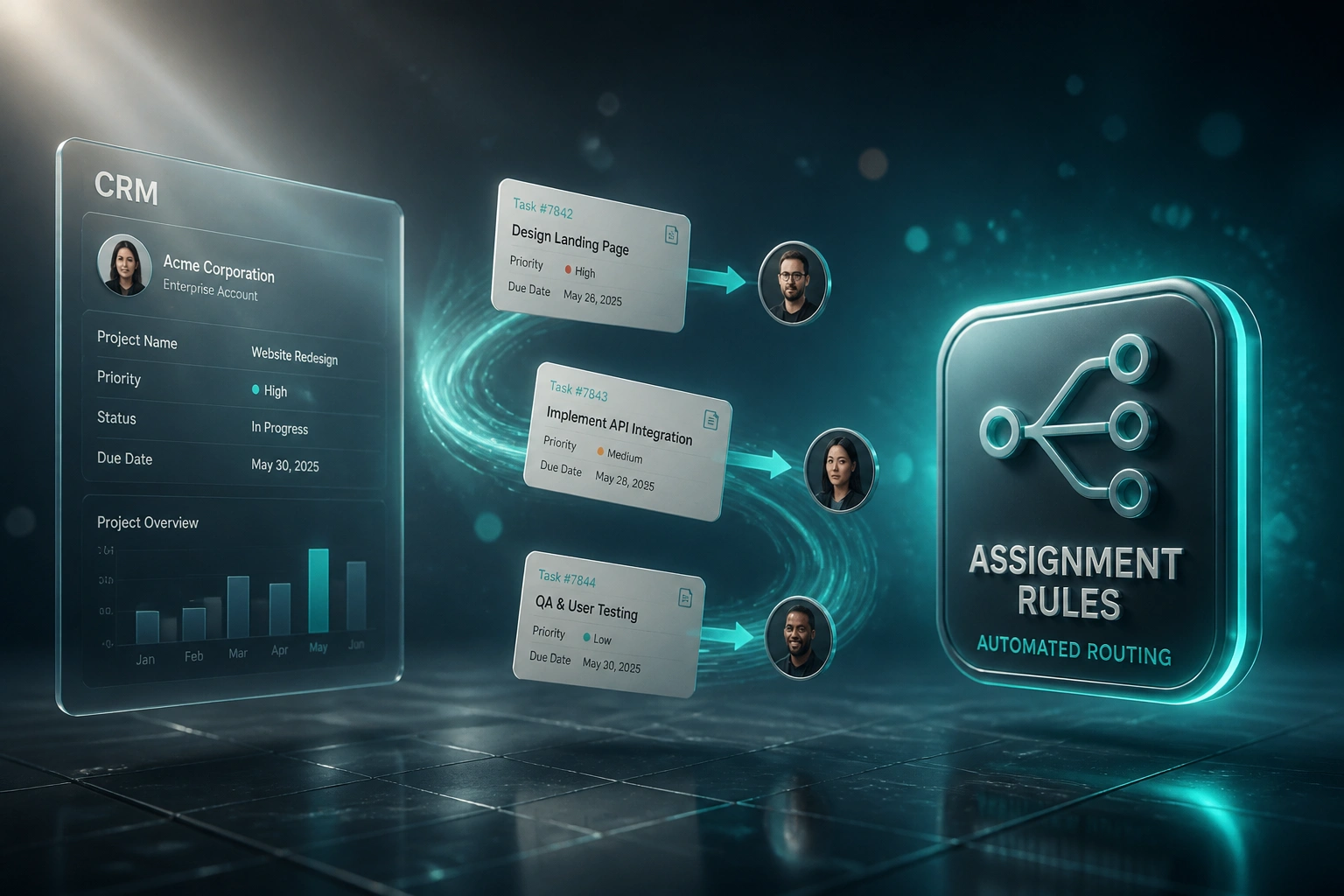
Task arrives → rules match → owner assigned → work starts. No manager sitting in the middle of every queue.
Task Is Created
A form, CRM win, email, or ServiceNow ticket creates work in Asana, Monday, Jira, or ClickUp
Rules Evaluate
Skill tags, open workload, location, leave, and round-robin order decide the best owner
Assignee Set Instantly
The right person is notified in seconds, with priority and context already attached
Exceptions Escalated
No match or full capacity? A lead gets the alert. Everything else never needed you.
Everything You Need for Fair Task Allocation
Skill-Based Task Routing
Match task type, client, or language tags to the person with the right skills, so work lands with someone who can finish it first time.
Workload Balancing
Assign to the person with the fewest open tasks or remaining capacity, instead of overloading the same reliable names every week.
Round-Robin Distribution
Rotate fair share across a pool for similar work so nobody becomes the default dumping ground for unglamorous tasks.
Location and Shift Rules
Route by office, region, or on-call rotation so after-hours and multi-site work reaches someone who can act now.
Exception Escalation
When no rule matches, or capacity is exhausted, the task escalates to a manager with full context instead of sitting unowned.
Cross-Tool Assignment Sync
Rules can read CRM deal fields, form intake, or ServiceNow categories and write the assignee into Asana, Monday, Jira, or ClickUp.
Tools We've Wired for Task Assignment Rules
From 6 Hours/Week to 45 Minutes/Week
How an 18-person services ops team stopped making their delivery lead the human router for every Monday.com and Jira task.
The Manual Process
- Ops lead opened every new task and picked an owner from memory
- Average 18–25 minutes of matching per batch of morning intake
- Same seniors got overloaded while juniors waited for "easy" work
- Roughly one in five tasks bounced after a wrong first assignment
- Hybrid staff sat unassigned for hours because capacity was invisible
The Automated Process
- Skill, workload, and round-robin rules assign owners in seconds
- Ops lead only reviews exceptions and capacity overrides
- First response dropped from hours of queue time to near-immediate ownership
- Reassignments fell sharply because the first match was usually right
- Leave and overload exclusions kept load fair across the hybrid team
Before vs After Task Assignment Rules
How It Works
From first conversation to live assignment rules in 2–4 weeks.
Tell Us Your Setup
Which project tools you use, how tasks arrive today, and what makes a fair assignment in your team.
Free Scoping Call
30-minute call to map skills, pools, workload signals, and the highest-cost manual assignment paths.
Build & Test
We encode the rules, test against real tickets and projects, and run parallel so you can compare outcomes.
Go Live & Monitor
Switch off the daily assign ritual. Dashboards and alerts keep misroutes and capacity gaps visible.
Frequently Asked Questions
How long does task assignment rules automation take to set up?
A standard skill and workload routing setup in one project tool takes 2–4 weeks from scoping to go-live. Multi-tool rules that also read CRM or ServiceNow fields usually land closer to 4–6 weeks so we can validate edge cases with your team.
Which project and task tools can you automate assignment for?
We regularly build assignment rules for Asana, Monday.com, Jira, ClickUp, ServiceNow, Linear, and Teamwork. If your intake starts in a CRM, form, or email mailbox, we can score and route into the project tool your delivery team already lives in.
Will managers lose control of who gets which tasks?
No. Rules follow the policies you already use informally. Managers still override, reassign, and define exception paths. The difference is routine matching happens in seconds, so leadership time goes to exceptions and coaching, not every new ticket.
How is this different from CRM lead routing?
Lead routing decides which salesperson owns a deal. Task assignment rules decide who inside delivery, ops, or IT owns the work item: by skill, open workload, location, shift, or round-robin. Same idea, different tools and different fairness problems.
What happens when someone is on leave or already overloaded?
We exclude people on approved leave and apply capacity caps so overloaded people drop out of the pool. If nobody qualifies, the task escalates to a designated lead instead of landing on a silent queue.
How much does task assignment automation cost?
Simple one-tool round-robin or skill routing starts from around R15,000. Multi-rule setups with workload balancing, leave awareness, and CRM or ServiceNow intake typically range from R25,000 to R60,000. Most teams recovering five or more manager hours a week see payback within a quarter.
Stop Being the Bottleneck on Every New Task
If you personally assign every ticket, you are burning manager time on matching that rules can do better and faster.
Tell us which project tools you use, how tasks arrive today, and what "fair" assignment means for your team. We will show you how skill, workload, location, and round-robin routing would clear the queue without you.