Task Automation from Form Submissions: Create Tracked Work Instantly
Your Typeform, Google Form, and website request forms still land in a spreadsheet. Every hour a customer service or maintenance request sits unconverted is an hour of wait, and a real risk the job never becomes a task at all.
We build the request form automation that creates the right task with priority and owner on submit.
Sound Familiar?
These are the exact issues facilities, ops, and CS managers bring us before form to task automation:
- Maintenance, CS, and internal request forms dump into a Google Sheet or email inbox
- Someone has to open each row and create the Asana, Jira, or Monday task by hand
- Priority and owner are guessed later, so urgent jobs wait behind routine ones
- Weekend and after-hours submissions sit until Monday morning before anyone owns them
- Requests get lost between spreadsheet tabs, chat threads, and half-written tickets
Typeform's native Asana integration only maps task name and description. Priority, assignee, and custom fields still need a human or a fragile Zapier lookup table. If your form to task pipeline stops at a spreadsheet row, urgent work is waiting on someone's inbox habits.
What Form to Task Automation Actually Does
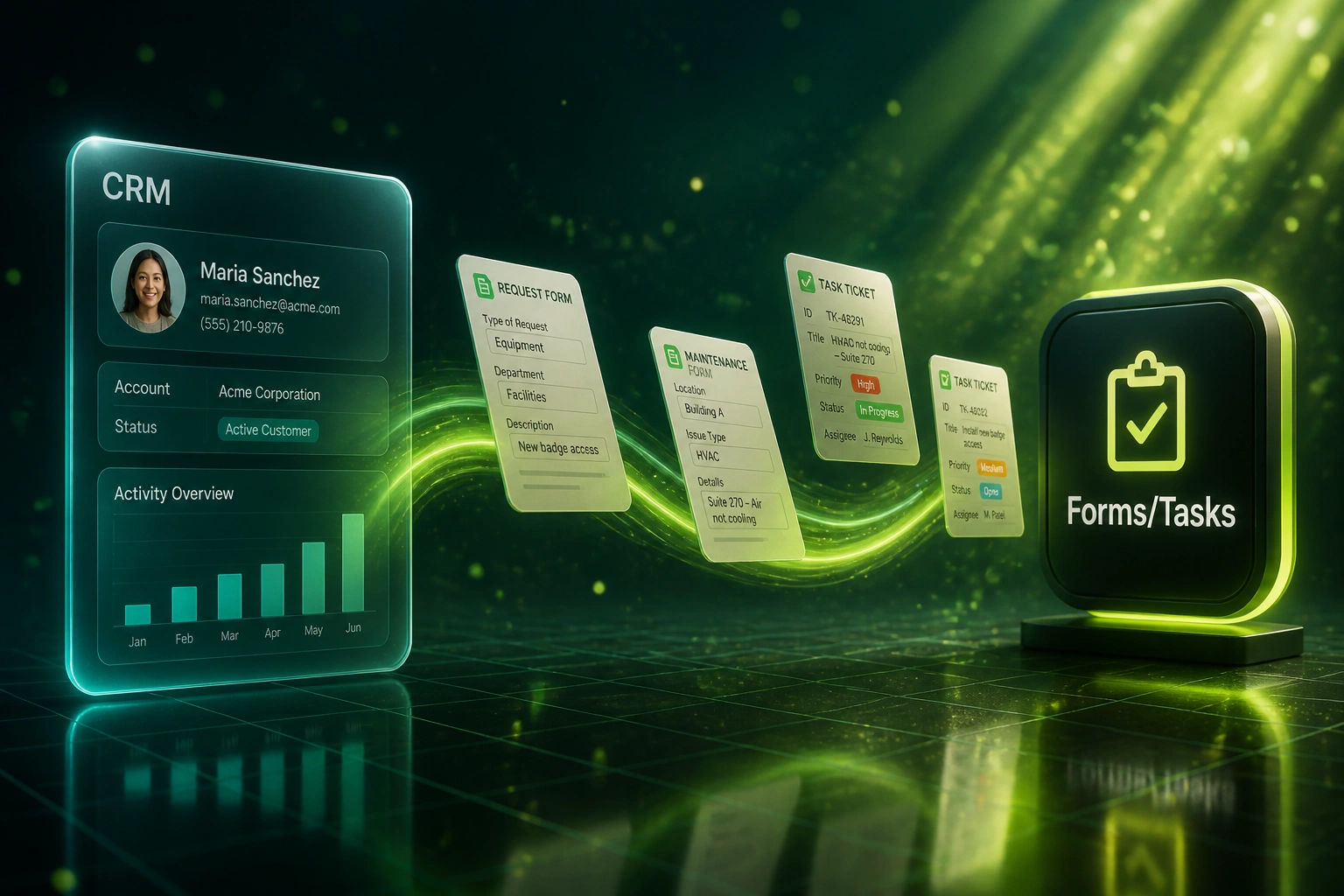
Form submits → task created with priority and owner → work starts. No coordinator copying rows by hand.
Request Form Submitted
Tenant, customer, or staff completes Typeform, Google Form, or your website form
Task Created Instantly
Asana, Jira, Monday, or CRM task opens with mapped fields, attachments, and source
Priority & Owner Set
Urgency and routing rules assign the right person and priority without a triage meeting
Work Starts Faster
First action in minutes, not hours, with a full audit trail from form to closed task
Everything You Need for Reliable Task Creation Automation
Instant Task Creation
Every Typeform, Google Form, Jotform, or website request creates a tracked task in Asana, Jira, Monday, or your CRM within seconds of submit.
Priority from Form Answers
Urgency, location, asset type, or impact fields map to High, Medium, or Low so the queue orders itself without a coordinator reading every row.
Automatic Assignee Routing
Route by site, department, skill, or round-robin so the right person owns the work before anyone opens a spreadsheet.
Full Field Mapping
Custom fields, attachments, requester details, and SLA tags transfer intact. Native Typeform-to-Asana only maps task name and description.
Multi-Form Intake
Maintenance, customer service, IT, and facilities forms feed one ruleset, with form name and source preserved on every task.
Failure Alerts & Audit Trail
Failed creates retry and alert ops. Every submission leaves a timestamped trail so nothing vanishes between form and workboard.
Forms and Task Tools We've Connected
From 8 Hours of Lag to Under 2 Minutes
How a multi-site facilities team stopped losing maintenance and CS requests in a spreadsheet and got tracked Asana tasks on every submit.
The Manual Process
- Google Forms and Typeform dumps landed in Sheets three times a day
- ~4 minutes per row to create an Asana task, set priority, and pick an owner
- Average 8 hours from submit to first assignment on busy days
- High-urgency HVAC and access requests waited behind routine jobs
- Weekend submissions sat until Monday before anyone owned them
The Automated Process
- Every form submit creates an Asana task within seconds
- Priority and assignee map from site, impact, and request type
- First assign under 2 minutes, including after hours via on-call rules
- Ops coordinator reviews exceptions instead of typing every ticket
- Zero silent losses between the form and the workboard
Before vs After Request Form Automation
How It Works
From first conversation to live form to task automation in 2–4 weeks.
Map Your Forms
Which request forms you run, where tasks should land, and how priority and ownership should be decided.
Free Scoping Call
30-minute call to design field mapping, assignee rules, and the highest-cost manual conversion paths.
Build & Test
We wire form-to-task creation, run parallel with live submissions, and verify priority, owner, and fields before cutover.
Go Live & Monitor
Switch off the spreadsheet ritual. Alerts catch failed submits so no request is silently lost.
Frequently Asked Questions
How is form to task automation different from lead capture form automation?
Lead capture creates CRM contacts and deals for sales follow-up. Form to task automation creates tracked work items for facilities, customer service, IT, and internal ops: maintenance jobs, service requests, and staff requests with priority and assignee. Same form trigger, different destination and different problem.
Why not use the native Typeform or Google Forms integrations?
Typeform's native Asana connection only maps task name and description. It does not set custom fields, priority, or assignee reliably. Google Forms has no native Asana link, so teams fall back to Zapier lookups for every enum ID. We build the mapping once so priority, owner, attachments, and SLA tags land correctly every time.
How fast does a form submit become a tracked task?
Typically under ten seconds from submit to a task with title, description, priority, and assignee. That matters because traditional ticketing averages over eight hours to first assignment, while automated flows land in under two minutes, and each hour of delay costs roughly 1.7 CSAT points.
Which form platforms and task tools can you connect?
We regularly connect Typeform, Google Forms, Jotform, Gravity Forms, and custom website forms into Asana, Jira, Monday.com, ClickUp, and HubSpot or Salesforce tasks. If the form can POST and the work tool has an API, we can create the task.
What happens to submissions after hours or on weekends?
The task still creates instantly with the right priority and owner (or an on-call pool). Escalation rules can notify a standby lead for High priority while Medium and Low wait for the next shift. The request never sits only in an unread sheet row.
How much does request form automation cost?
Simple one-way form-to-task syncs start from around R15,000. Builds with priority mapping, multi-form intake, and assignee rules typically range from R25,000 to R60,000. Teams processing 30+ requests a week usually see payback inside two to three months from recovered triage time and faster first action.
Stop Losing Requests in Spreadsheets
If your team still converts form rows into Asana or Jira tasks by hand, you are paying for delay and lost work on a problem that is already solved.
Tell us which forms you run, where tasks should live, and how priority and ownership should work. We will show you exactly how task creation automation would land for facilities, CS, and internal ops.