Task Automation Triggers and Actions: Status Changes That Fire Themselves
A task hits Done and you still chase the next handoff by Slack ping, email thread, or memory. Workflow automation should turn that status change into reliable notifications, dashboard updates, and follow-up tasks, not another item on your mental checklist.
We build the task status triggers that make downstream actions automatic.
Sound Familiar?
These are the exact issues our clients faced before status-change triggers:
- When a task moves to Done, you still Slack, email, or WhatsApp the next person by hand
- Client and exec dashboards stay stale until someone remembers to refresh the numbers
- Follow-up tasks only appear if the closer creates them, so handoffs vanish into the queue
- Native Asana Rules, Jira Automation, and Monday recipes stop at the board edge
- Zapier status triggers burn task quota every time a multi-step handoff fires across tools
Native board rules are capped, and cross-tool handoffs still fail silently. Asana hard-limits you to 50 rules per project. Monday Basic and Standard plans often stop at 250–500 automation actions a month. Jira Cloud usage and service limits can pause rules mid-month. When the next action lives in Slack, HubSpot, or a client dashboard, custom task automation triggers are the reliable path.
What Task Status Triggers Actually Do
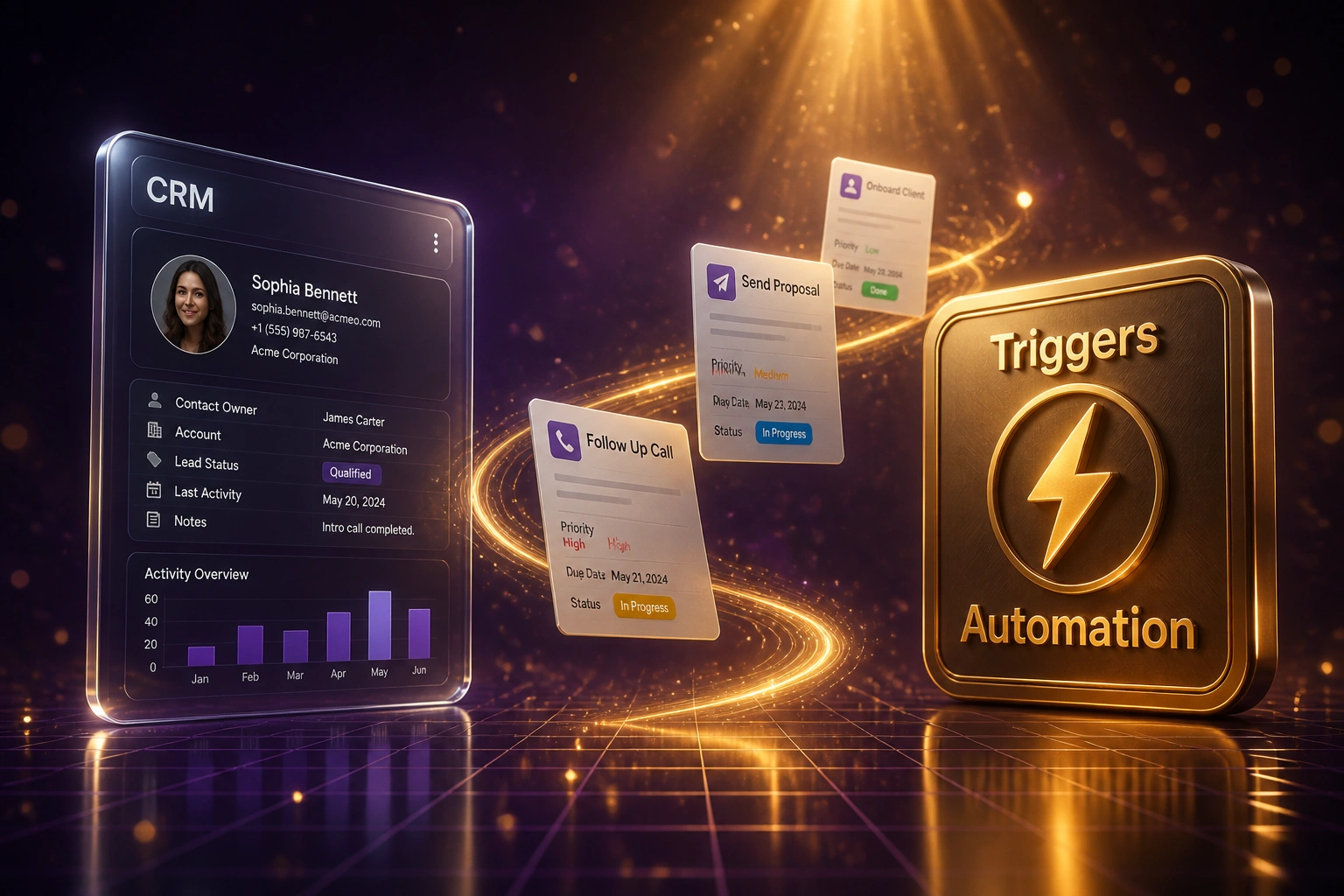
Status changes → actions fire → systems sync → handoff completes. No human copying the news between tools.
Status Changes
Someone moves a task in Asana, Monday, Jira, or ClickUp (for example In Progress → Done)
Actions Fire
Notify stakeholders, refresh dashboards, create the follow-up task, or call an external system
Systems Sync Back
CRM stage, client portal, or reporting pack updates from the same event in near real time
Handoff Complete
Next owner already has context. Your ops lead only sees the exceptions that need judgement.
Everything You Need for Reliable Status Triggers
Status-Change Triggers
When a task moves (for example In Progress → Done), the exact downstream actions fire: notify, update, create, or sync. No memory required.
Stakeholder Notifications
The right people get Slack, Teams, email, or WhatsApp the moment status changes, with task context already attached.
Dashboard and CRM Sync
Delivery boards, client portals, and CRM stages update from the same status event so reporting is never a Friday chase.
Follow-Up Task Creation
Done on one task can spawn the next checklist with owner, due date, and brief already filled. Handoffs stop depending on who remembered.
Cross-Tool Actions
Status in Asana, Monday, or Jira can invoice, update HubSpot, open a support ticket, or push a warehouse step outside the native board.
Retry and Exception Alerts
Failed actions retry automatically. Your ops lead only sees the exceptions that need a human decision.
Platforms We've Wired for Status-Change Triggers
From 8 Hours/Week to 1 Hour/Week
How a 22-person agency stopped making their delivery lead the human notification system every time a Monday.com or Asana task changed status.
The Manual Process
- Delivery lead watched boards and manually pinged account managers when work hit Done
- Client dashboards lagged until someone exported and updated them by hand
- Follow-up QA and onboarding tasks only appeared if the closer remembered to create them
- Missed handoffs sat for days in the ownership gap between teams
- Native Monday recipes ran out of monthly actions on busy weeks
The Automated Process
- Status change → Slack and WhatsApp notify the next owner with full task context
- Client and exec dashboards refresh from the same event within minutes
- Follow-up tasks spawn with owner, due date, and brief already filled
- CRM stage updates without a separate finance or sales chase
- Delivery lead only reviews failed actions and genuine exceptions
Before vs After Task Status Triggers
How It Works
From first conversation to live status triggers in 2–4 weeks.
Map Status Transitions
Which status changes matter, who must be notified, and which follow-ups or integrations should fire every time.
Free Scoping Call
30-minute call to design triggers, destinations, and the handoffs that currently live in your head.
Build & Test
We wire status triggers, run parallel against your manual pings, and tune retries before anyone depends on them.
Go Live & Monitor
Stop chasing status by memory. Monitoring catches silent failures before a client or handoff notices.
Frequently Asked Questions
How is this different from Asana Rules, Jira Automation, or Monday recipes?
Native rules are strong inside one board, but they hit hard caps and rarely reach CRM, finance, messaging, or client dashboards reliably. Asana limits you to 50 rules per project. Monday Basic and Standard plans often allow only 250–500 automation actions a month. We build status-change triggers that keep working across the tools your handoffs already touch.
How is this different from recurring task automation or assignment rules?
Recurring automation creates work on a calendar (weekly reports, month-end checks). Assignment rules decide who owns a task when it is created. Task automation triggers watch status changes: when work moves, for example In Progress → Done, they notify stakeholders, refresh dashboards, spawn follow-ups, or fire an external integration.
Which tools can fire and receive status-change actions?
We regularly wire Asana, Monday.com, Jira, and ClickUp as trigger sources, then notify via Slack, Teams, email, or WhatsApp, update HubSpot or other CRMs, refresh client dashboards, and create the next task in the same or a sibling tool. If both sides have an API, we can connect them.
Will this disrupt how delivery already uses the board?
No. Teams keep the same statuses and boards they already know. We encode the pings and handoffs you already do manually, then stop relying on memory. We run parallel before switching off the manual chase.
Why not just use Zapier for every status trigger?
Zapier works for light volumes, but each successful action step consumes a task. Professional plans start around R330 per month for 750 tasks (about R490 billed monthly), and a busy multi-step handoff burns several tasks per status change. At delivery volume, teams hit overages or pause at three times their plan limit. Custom triggers keep critical paths off that meter.
How much does task automation trigger work cost?
A focused set of status-change notifications and follow-ups typically starts from around R15,000. Multi-tool setups with dashboard sync, CRM write-back, and exception monitoring usually range from R25,000 to R60,000. Teams recovering several hours of ops chase every week often see payback within two to three months.
Stop Being the Human Status Notification System
If handoffs, stakeholder pings, and dashboard updates still wait on someone noticing a status change, you are spending money on a problem that workflow automation already solves.
Tell us which project tools you use, which status transitions matter, and which follow-ups currently depend on memory. We will show you exactly how task automation triggers would fire for your delivery team.