Ticket Routing Rules Configuration: Auto-Assign the Right Agent
When tickets bounce between queues, customers wait twice and agents waste the morning on triage. Well-designed support routing cuts reassignment hops, protects VIP accounts, and speeds first response without guessing.
We configure the deterministic rules that make auto-assign trustworthy.
Sound Familiar?
These are the exact issues our clients faced before ticket routing rules were configured properly:
- Tickets bounce between queues while the first-response clock keeps running
- VIP accounts land in the same pile as general enquiries
- Language, product line, and skill mismatches force manual reassignment
- Round-robin is missing, so some agents drown while others sit idle
- Support ops spends mornings fixing triage instead of protecting SLAs
HDI's 2025 State of Tech Support report found the average organisation handles over 10,000 tickets a month, and a third of teams still see volumes rising year on year. Manual triage does not scale when every bounce burns nearly 47 minutes of resolution time.
What Ticket Routing Rules Actually Do
Ticket arrives → rules evaluate → right queue or agent → VIP and SLA protected. No guessing, no ML black box.
Ticket Arrives
Email, chat, form, or CRM-linked case hits Zendesk, Freshdesk, or your helpdesk
Rules Evaluate
Skills, priority, VIP tier, language, product line, and workload checked in order
Auto-Assign
Ticket lands in the correct queue or with the next available specialist
First Response Faster
Fewer reassignment hops, tighter FRT, VIP customers protected by design
Everything You Need for Reliable Support Routing
Skills-Based Assignment
Route by product expertise, seniority, and certification so the next available agent is also the right agent.
Priority & SLA Rules
Severity, channel, and contractual SLA tiers raise priority automatically so urgent tickets skip the backlog.
VIP Account Protection
Named accounts, ARR tiers, and churn-risk flags push VIP tickets into dedicated queues with tighter first-response targets.
Language & Product Line
Match tickets to language-capable agents and the correct product queue so billing never lands with engineering by default.
Round-Robin & Load Balance
Distribute fairly across online agents with workload caps, overflow queues, and after-hours fallback rules.
CRM & Helpdesk Sync
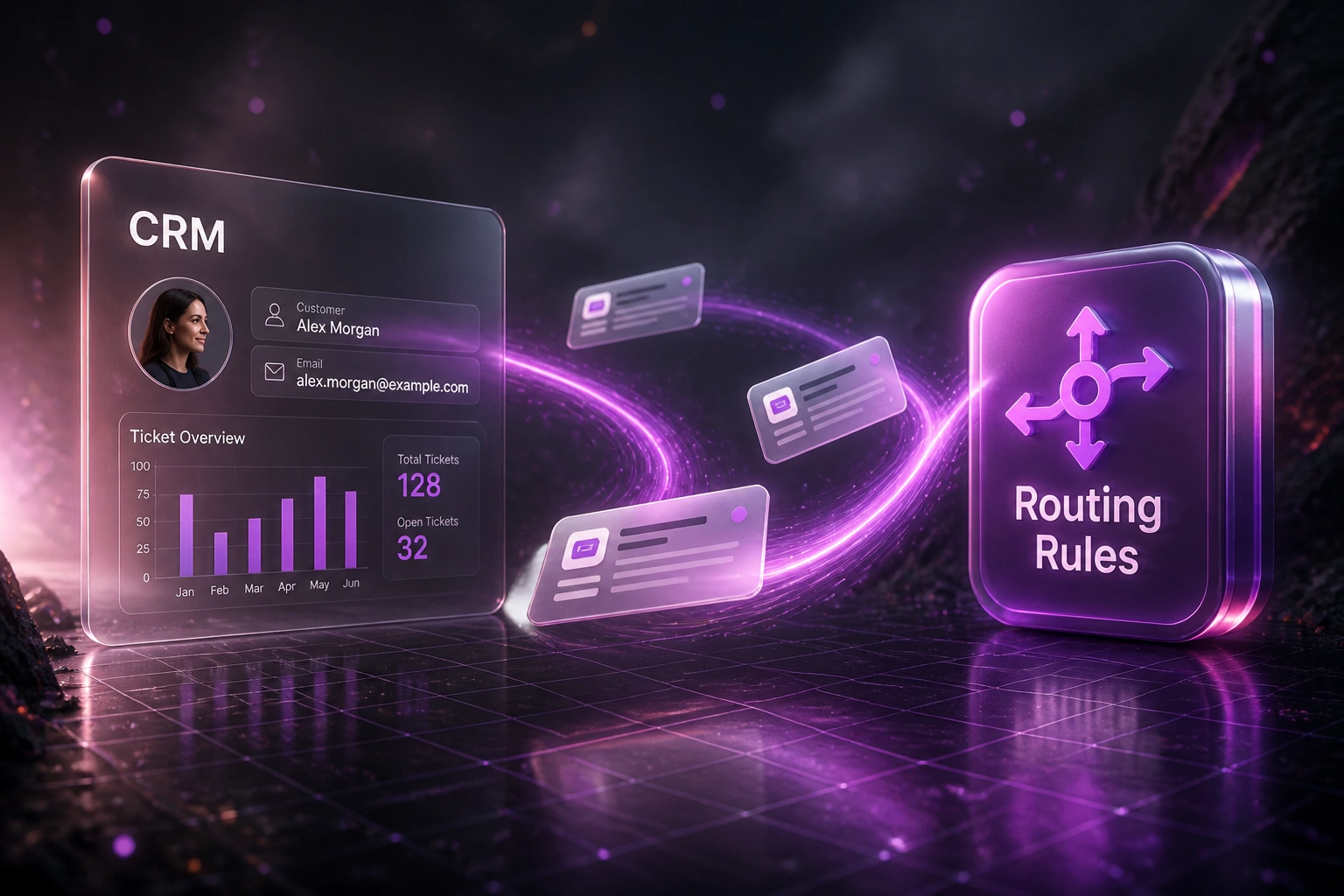
Pull account tier, product ownership, and open opportunities from your CRM so routing decisions use live customer context.
Helpdesks We've Configured Routing For
From 22% Misroutes to 4%
How a 14-person support ops team stopped ticket ping-pong and cut first response from 5.8 hours to 1.4.
The Manual Process
- Team leads triaged a shared inbox every morning by hand
- VIP complaints sat in the general queue beside password resets
- Billing tickets regularly bounced to technical agents first
- Average 2.1 reassignment hops on tickets that missed first assign
- First response averaged 5.8 hours; SLA breaches clustered on Mondays
The Rules-Based Process
- Skills, VIP tier, language, and product line evaluated on intake
- Named accounts auto-route to a dedicated priority queue
- Round-robin balances load across online specialists
- CRM ARR and product ownership fields drive the rule order
- First response at 1.4 hours; reassignment hops nearly eliminated
Before vs After Ticket Routing Rules
How It Works
From first conversation to live ticket routing rules in 2–5 weeks.
Tell Us Your Setup
Which helpdesk, how queues are structured, where tickets bounce, and which VIP or product rules matter most.
Free Scoping Call
30-minute call with your support ops or CX lead to map skills, priority tiers, VIP logic, and success metrics.
Build & Test
We configure deterministic rules, wire CRM fields into routing, and shadow live traffic for a week before cutover.
Go Live & Monitor
Switch on auto-assign with audit logs. Dashboards track misroutes, reassignment hops, FRT, and hours recovered.
Frequently Asked Questions
How is rules-based ticket routing different from AI routing?
Rules-based routing uses explicit conditions you control: skills, priority, VIP account, language, product line, and round-robin or load balance. AI routing classifies free-text intent with a model. Many teams start with deterministic rules for the decisions they already know, then add AI later for messy edge cases. We design both; this engagement specialises in transparent, auditable rules.
Will this replace our helpdesk?
No. We configure routing inside the platform you already pay for. Agents keep the same workspace, macros, and SLAs. The change is that tickets arrive in the right queue, with the right priority, on the first attempt.
What routing rules can you configure?
Typical rule sets cover skills-based assignment, priority and SLA tiers, VIP and named-account queues, language matching, product-line or brand routing, round-robin and load balancing, overflow and after-hours fallbacks, and CRM-driven fields such as ARR tier or open opportunity stage.
Which helpdesks and CRMs can you connect?
We have built routing into Zendesk, Freshdesk, Intercom, HubSpot Service Hub, Jira Service Management, Salesforce Service Cloud, and custom stacks. CRM context usually comes from HubSpot, Salesforce, Pipedrive, or Zoho so VIP and product ownership drive the rule engine.
How long does ticket routing rules setup take?
Most builds take 2–5 weeks from scoping to go-live: queue and skills mapping, rule design, CRM field wiring, parallel shadow testing, and cutover. A focused VIP-plus-skills setup on a clean Zendesk or Freshdesk taxonomy can be live in about two weeks.
How much does ticket routing rules configuration cost?
Deterministic routing into an existing helpdesk typically ranges from R20,000 to R55,000 depending on queue count, CRM field mapping, and platforms. That sits against roughly R203 of excess handling cost per misrouted ticket. Most teams processing a few thousand tickets a month recover the build within 2–3 months.
Stop Losing Hours to Misrouted Tickets
If your tickets still hop between queues before the right agent replies, you are paying a tax on every customer conversation.
Tell us which helpdesk you use, how queues are structured, and where VIP or product mismatches hurt most. We will show you exactly how deterministic ticket routing would work for your team.