Timesheet Approval Workflow: Review Hours Before They Hit Payroll
Timesheets submitted without review lead to billing errors and payroll disputes. By the time finance spots a miscoded project or inflated overtime, the pay run is done and the client invoice is already out.
We build the timesheet workflow that lets managers review, adjust, and approve hours first.
Sound Familiar?
These are the exact issues our clients faced before a proper timesheet approval workflow:
- Timesheets land in payroll or billing without a manager check, and wrong hours only surface after the pay run or the invoice
- Project managers spend Friday afternoons chasing late submissions and correcting miscoded projects by hand
- Overtime, leave, and billable flags get miscoded, so payroll corrections and client disputes follow every cycle
- Approvals stall when a manager is on leave, with no reminders or escalation, so the pay run waits
- Finance cannot prove who signed off which hours when a client or auditor asks for the trail
Time and attendance errors are the most common payroll mistake, occurring more than once per employee per year. At roughly R4.1 million in correction cost per 1,000 employees annually, unreviewed hours are not a paperwork inconvenience. They are a recurring P&L leak.
What the Timesheet Workflow Actually Does
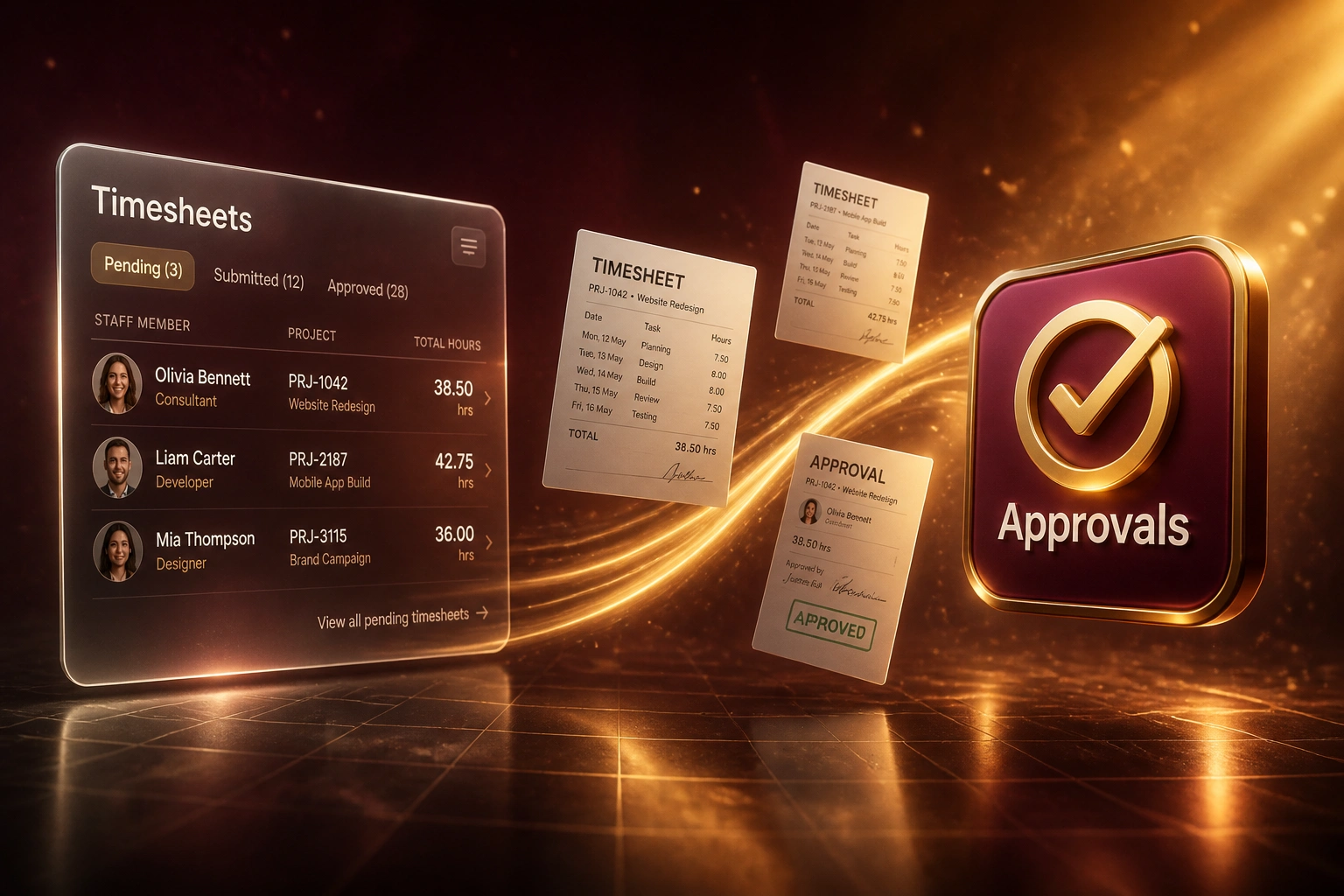
Submit → manager reviews and adjusts → approve → payroll or billing receives only clean hours.
Timesheet Submitted
Consultant submits hours in Harvest, Toggl, Clockify, or your tracker
Manager Reviews
Routed to the right PM or lead, with reminders if approval sits past SLA
Adjust & Approve
Fix project codes, overtime, or totals, then approve with a logged trail
Payroll / Billing Ready
Only approved hours reach payroll or client invoices. Unapproved stay blocked.
Everything You Need to Approve Timesheets Cleanly
Manager Review Before Processing
Submitted timesheets route to the right project manager or team lead. Nothing reaches payroll or client billing until hours are reviewed, adjusted, and approved.
Adjust and Approve in One Place
Managers can correct project codes, overtime flags, and hour totals on the timesheet itself, then approve. Consultants see the change, and the audit trail keeps both versions.
Reminders and Escalation
Pending approvals get WhatsApp, email, or Slack nudges on an SLA. If a manager does not act, the workflow escalates so the pay run never stalls in one inbox.
Payroll and Billing Gate
Only approved hours flow into SimplePay, PaySpace, Sage, Xero, or your billing stack. Unapproved entries stay blocked, which cuts the rework that follows a bad pay run.
Late Submission Chase
Staff who have not submitted get automated reminders before the cut-off. Managers stop chasing by email, and fewer timesheets arrive after payroll has already started.
Audit-Ready Approval Trail
Every review, adjustment, and sign-off is timestamped against the timesheet. When a client disputes a line or payroll asks who approved overtime, the answer is already logged.
Platforms We've Connected for Timesheet Approvals
From 9 Hours/Week of Chase to a Same-Day Approve Gate
How a 35-person professional-services firm cut timesheet disputes and stopped payroll corrections every cycle.
The Manual Process
- Six PMs spent Friday afternoons chasing late timesheets by email and Slack
- Hours often reached SimplePay without a manager check, then needed off-cycle fixes
- Client invoices disputed project codes that nobody had reviewed before billing
- When a PM was on leave, approvals sat for days and the pay run waited
- No reliable trail of who approved which overtime or leave flags
The Automated Process
- Submitted timesheets route to the right PM with reminders and escalation
- Managers adjust project codes and overtime, then approve in one screen
- Only approved hours reach payroll and draft billing. Unapproved stay blocked.
- Deputies cover leave automatically, so the cut-off no longer depends on one inbox
- Every adjustment and sign-off is timestamped for client and payroll queries
Before vs After a Timesheet Approval Workflow
How It Works
From first conversation to live timesheet approval workflow in 2–4 weeks.
Tell Us Your Setup
Which time tracker, who must approve, how payroll and billing currently receive hours, and where disputes keep appearing.
Free Scoping Call
30-minute call to map approval chains, escalation SLAs, adjustment rules, and the gate before payroll or invoices.
Build & Test
We build the timesheet approval workflow, test with real submissions, and run a parallel pay cycle so managers can compare side by side.
Go Live & Monitor
Switch off email chasing. Monitoring alerts you if approvals stall past SLA or unapproved hours try to reach payroll.
Frequently Asked Questions
How is a timesheet approval workflow different from timesheet-to-invoice automation?
Invoice automation turns approved hours into client invoices. A timesheet approval workflow sits one step earlier: managers review, adjust, and approve hours before those hours ever reach payroll or billing. You need the gate first; otherwise automation just accelerates bad data into pay runs and invoices.
Which time trackers and payroll systems can you connect?
We regularly connect Harvest, Toggl Track, Clockify, Float, and similar trackers into SimplePay, PaySpace, Sage, Xero, and QuickBooks. If your tracker and payroll or billing stack have an API, we can usually enforce the approval gate between them.
What happens when a project manager is on leave?
Delegation and escalation cover absences. You name a deputy for each approver and set an SLA (for example 24 or 48 hours). If the primary manager does not act, the workflow escalates automatically so timesheets do not block the pay run.
Can managers adjust hours, or only approve or reject?
Both. Managers can correct project codes, overtime, leave flags, and hour totals before approving. Adjustments are logged with a reason, the consultant is notified, and the original submission stays visible for audit.
Will this change how consultants enter time?
No. Teams keep logging time the way they already do. We sit after submission: the workflow routes pending timesheets, chases late ones, and holds processing until a manager signs off.
How much does a timesheet approval workflow cost?
Simple single-approver gates with reminders start from around R20,000. Multi-step chains with escalation, adjustment logging, and payroll or billing gates typically range from R30,000 to R65,000. Most professional-services firms with several managers recover that cost within one to three pay cycles against correction labour and dispute rework alone.
Stop Letting Unreviewed Hours Reach Payroll
If managers are still chasing timesheets by email and finance is still correcting pay runs after the fact, you are paying for a problem a proper timesheet approval workflow already solves.
Tell us which time tracker you use, who must approve, and where disputes keep appearing. We will show you exactly how the review, adjust, and approve gate would work for your team.