VAT201 Return Automation: Review and Submit, Stop Rebuilding Spreadsheets
Every tax period your team pulls invoices and expense claims from Xero or Sage, reconciles input and output VAT, and rebuilds VAT201 Box totals before the 25th. That monthly scramble burns accounting hours and raises the risk of a flat 10% late-payment penalty.
We auto-assemble VAT201 drafts with exception queues so controllers review and submit instead of starting from a blank spreadsheet.
Sound Familiar?
These are the exact issues our clients faced before VAT201 automation:
- Finance rebuilds VAT201 Box totals in Excel from Xero or Sage invoices every tax period
- Input VAT from expense claims and supplier bills is reconciled by hand against the control account
- Output VAT and input VAT never match the draft return on the first pass
- The scramble starts in the final week before the 25th, with overtime and weekend work
- One late payment triggers a flat 10% SARS penalty plus interest, regardless of how late
Native ledger VAT tools still leave gaps when expense claims and supplier invoices live outside one product. Sage electronic VAT201 submission is limited to Accountants Edition users on closed periods, once per period. Controllers assembling from multiple systems still rebuild the South Africa VAT return by hand.
What VAT201 Return Automation Actually Does
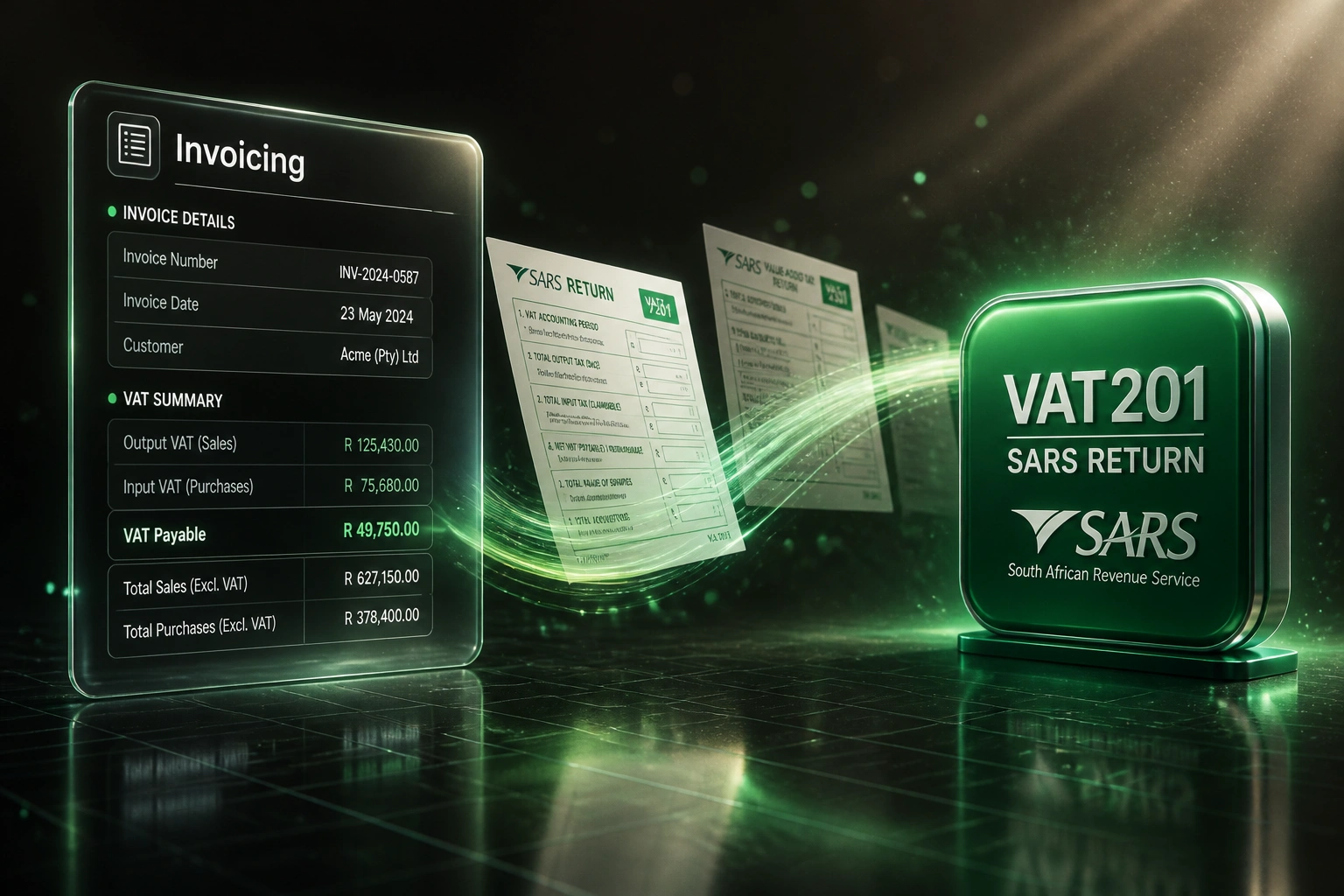
Invoices and expenses land → Box totals assemble → exceptions queue → you review and submit.
Period Closes
Invoices, credit notes, and expense claims for the tax period are locked as source data
Draft VAT201 Assembled
Output VAT, input VAT, and Box totals populate a review-ready return pack
Exceptions Queued
Missing invoices, coding gaps, and recon mismatches wait for finance, not a spreadsheet rebuild
Review and Submit
Controller approves, then files on eFiling before the 25th with confidence in the figures
Everything You Need for Reliable VAT Return Prep
Auto-Assembled VAT201 Drafts
Output VAT, input VAT, and Box totals pull from invoices and expense systems into a draft VAT return ready for review.
Input and Output VAT Reconciliation
Ledger control accounts are matched to source transactions each period, so mismatches surface before anyone opens eFiling.
Exception Queues
Missing tax invoices, zero-rated edge cases, and uncoded expenses land in a review queue instead of blocking the whole return.
Draft-to-Submit Workflow
Controllers review, adjust, and approve. Submission stays a deliberate human step, not a silent auto-file.
Multi-Source Capture
Invoicing, expense claims, and supplier bills feed one working pack, even when the data lives outside a single ledger.
Period Deadline Alerts
Reminders track Category A/B bi-monthly and monthly filers so the team reviews days before the 25th, not the night before.
Sources We've Wired into VAT201 Drafts
From 16 Hours a Period to Under 3
How a mid-size Gauteng distributor stopped rebuilding VAT201 spreadsheets and filed every return before the deadline.
The Manual Process
- Financial controller exported Xero invoices and expense claims into Excel every bi-monthly period
- 16 hours of reconciling output VAT, input VAT, and control accounts before Box totals balanced
- Two junior bookkeepers helped in the final week, at R400–R600 per hour blended cost
- One near-miss late payment on a R185,000 VAT liability would have cost a flat 10% penalty
- Weekend work became normal whenever supplier invoices arrived late
The Automated Process
- Period close triggers an auto-assembled VAT201 draft with Box totals pre-filled
- Exception queue lists missing tax invoices and coding gaps for a focused review
- Controller spends under three hours checking, adjusting, and approving
- Returns filed days before the 25th, with a clear audit trail from source to Box
- Junior bookkeepers redeployed to month-end work instead of VAT scramble
Before vs After VAT201 Automation
How It Works
From first conversation to a live VAT201 draft pipeline in 2–4 weeks.
Tell Us Your Setup
Which ledger and expense tools you use, your VAT category, and where Box totals are assembled today.
Free Scoping Call
30-minute call to map output VAT, input VAT, exception rules, and the draft-to-submit path that fits your team.
Build & Test
We build the assembly pipeline, run a full parallel period against your last VAT201, and reconcile every Box.
Go Live & Monitor
Spreadsheet rebuilds stop. Monitoring flags exceptions early so filing stays on the calendar, not a crisis.
Frequently Asked Questions
How is this different from Xero or Sage native VAT201 filing?
Xero and Sage Accountants Edition can populate and submit a VAT201 when your books live cleanly inside one product. Many controllers still assemble from invoices, expense claims, and supplier bills across tools, then rebuild Box totals in Excel. We automate that multi-source prep and exception handling so your team reviews a draft instead of rebuilding the return.
When is the VAT201 return due in South Africa?
SARS requires the VAT201 and payment on or before the 25th of the month following the tax period for EFT and bank payments, or the preceding business day if the 25th is not a business day. Vendors who file and pay via SARS eFiling may use the last business day of that month. Late payment attracts a 10% penalty plus interest.
What happens if we pay VAT late?
SARS imposes a flat 10% penalty on the outstanding amount, whether you are one day late or thirty. Interest also runs on late or underpaid VAT. From 2 March 2026 the prescribed rate is 10.25% per annum. Filing on time and paying on time remain separate obligations: a nil return still needs to be submitted.
Will the integration auto-submit to SARS without review?
No. We design for draft assembly and exception queues. A controller or practice principal reviews Box totals, clears exceptions, then submits. Human approval stays in the loop for every period.
How long does VAT201 return automation take to set up?
A standard multi-source draft assembly takes 2–4 weeks from scoping to the first parallel period. Practices with many client books, or businesses with complex zero-rated and exempt mixes, usually land closer to 4–6 weeks including reconciliation testing.
How much does VAT201 return automation cost?
Draft assembly from invoicing and expense systems typically starts from around R25,000. Multi-source reconciliation, exception queues, and multi-entity packs usually range from R35,000 to R70,000. Teams spending 10+ hours per tax period on spreadsheet prep usually see payback within 2–4 months against bookkeeper time at typical SA rates of R400–R900 per hour.
Stop Rebuilding Your VAT Return Every Period
If your controllers still assemble VAT201 figures from invoices and expense claims in Excel, you are spending bookkeeper hours on a process that should start as a draft.
Tell us which ledger and expense tools you use, your VAT category, and how long prep takes today. We will show you exactly how auto-assembled drafts and exception queues would work for your next filing.