WhatsApp to CRM Conversation Logging: Keep Every Chat on the Contact Timeline
In South Africa, WhatsApp is where deals and support actually happen. When those chats live only on phones, your CRM is missing the real customer history: lost handovers, blind coaching, and POPIA exposure when a handset walks out the door.
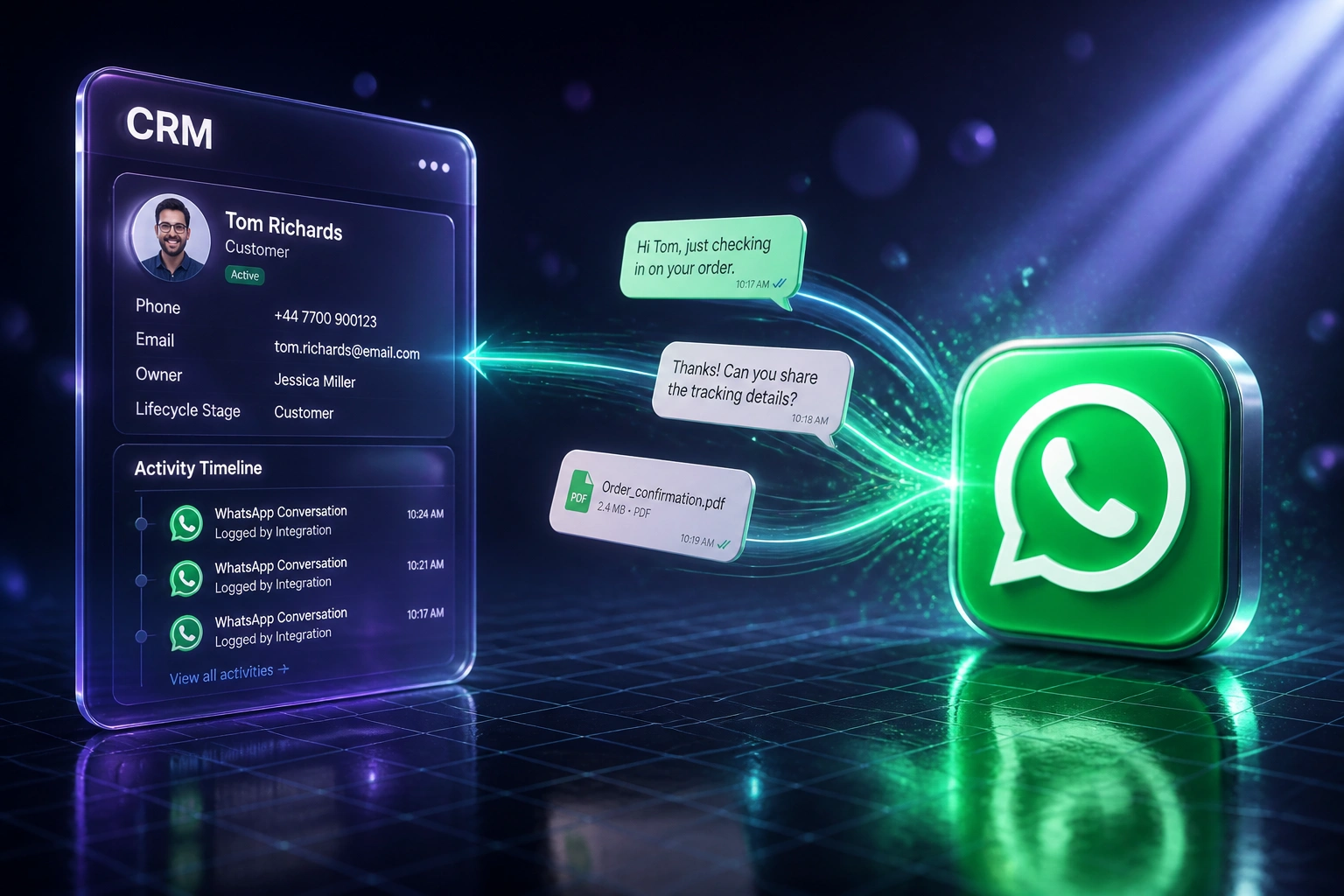
We build the WhatsApp CRM sync that logs every message against the right contact, in real time.
Sound Familiar?
These are the exact issues our clients faced before WhatsApp logging into the CRM:
- Sales and support WhatsApp chats live only on phones, so the CRM contact timeline has blanks where deals actually moved
- When a rep leaves or a phone is lost, months of customer promises, pricing, and objections vanish with the handset
- Handovers mean re-asking the customer to repeat themselves, burning goodwill and another 90 seconds of live agent time per context reset
- Managers coach and forecast from incomplete notes, because reps manually log only 30–50% of sales activity
- POPIA expects documented processing of personal information: chats stranded on personal devices are an uncontrolled retention risk
Each context reset costs about 90 seconds of live agent time, and industry research puts context-loss rates near 43% on fragmented journeys. On WhatsApp, that reset happens every time a new owner opens a blank CRM record while the real chat history sits on someone else's phone.
What WhatsApp Logging Actually Does
Message arrives → matched to contact → written to the timeline → visible to the next owner. No copying chats into notes.
Message Hits WhatsApp
Customer texts your business number, or an agent replies from the shared inbox
Webhook Fires Instantly
Meta Cloud API pushes the message event to the integration in real time
Matched to CRM Contact
Phone number links the chat to the lead, customer, deal, or ticket
Timeline Stays Complete
Anyone on the account opens the contact and sees the full conversation history
Everything You Need for Reliable Conversation History CRM Sync
Real-Time Message Logging
Every inbound and outbound WhatsApp message lands on the right CRM contact within seconds, with timestamps, direction, and media links.
Contact Matching by Phone
Messages match existing leads and customers on mobile number. Unknown numbers create or update a lead so nothing floats unattached.
Deal & Ticket Timeline Sync
Conversation history attaches to open deals and support tickets, so sales and service see the same WhatsApp thread without digging through phones.
Outbound Echo Capture
Replies sent from a shared inbox or WhatsApp Business app companion devices are echoed into the CRM, not only customer inbound messages.
Handover-Ready History
New owners open a contact and see the full chat trail. No more "what did you promise them last week?" Slack archaeology.
Retention-Aware Storage
Messages live in your CRM under your retention rules, so conversation history CRM records support coaching, disputes, and POPIA access requests.
CRMs We've Connected for WhatsApp Logging
From 25-Minute Handovers to a Two-Minute Brief
How a Johannesburg B2B sales team of 14 stopped losing WhatsApp deals when reps left, and put conversation history back inside the CRM.
Phone-Only WhatsApp History
- Eight salespeople ran customer chats from Business app phones with no CRM trail
- When a mid-level rep resigned, three live deals had pricing and objections only on that handset
- Handovers took 20–25 minutes of verbal re-briefing, and customers still had to re-explain themselves
- Managers estimated less than half of WhatsApp touches ever appeared as CRM notes
- Support opened tickets with blank context even after weeks of sales messaging
Logged Against Every Contact
- Cloud API plus CRM logging writes every inbound and outbound message to the contact timeline
- New owners open the deal and read the thread before the first call
- Handover briefs dropped to about two minutes: confirm next step, not reconstruct history
- Support sees the same WhatsApp trail sales used, so customers are not asked twice
- Retention sits under CRM policy instead of personal phone storage
Before vs After WhatsApp CRM Sync
How It Works
From first conversation to live WhatsApp logging in 2–4 weeks.
Tell Us Your Setup
Which CRM, how WhatsApp is used today (personal phones vs Business API), and where conversation history goes missing.
Free Scoping Call
30-minute call to map phone matching, deal association rules, inbox ownership, and what must appear on the contact timeline.
Build & Test
We wire Meta Cloud API webhooks to your CRM, backfill where possible, and parallel-test logging against live chats for a week.
Go Live & Monitor
Switch off phone-only history. Monitoring catches failed syncs, unmatched numbers, and gaps before customers feel them.
Frequently Asked Questions
How does WhatsApp CRM sync actually log conversations?
Meta Cloud API webhooks push inbound messages and delivery status to our integration in real time. We match the sender phone to a CRM contact, write the message to the activity timeline, and attach it to the open deal or ticket when one exists. Outbound messages from your shared inbox or linked Business app devices are captured the same way, so the conversation history CRM record stays complete on both sides.
Will this work if we still use the WhatsApp Business app on phones?
Partial logging is possible with Meta coexistence and message-echo webhooks, but phone-only setups still leave gaps when staff text from personal numbers. Most sales directors move to Cloud API or a BSP shared inbox so every agent reply is captured. We scope both paths and recommend the one that closes your blind spots without freezing the team mid-week.
Which CRMs can receive WhatsApp conversation logging?
We have logged WhatsApp threads into HubSpot, Pipedrive, Salesforce, Zoho CRM, Monday.com, Freshsales, and custom CRMs. If your CRM accepts activities or notes via API, we can write conversation history against the contact.
How does this help with POPIA?
POPIA section 14 requires you to retain personal information only as long as needed for a lawful purpose, and to document how you process it. Chats sitting on personal phones are hard to inventory, hard to delete on schedule, and easy to lose when a handset fails. Centralised WhatsApp logging puts conversation records under your CRM retention policy, supports access requests, and reduces the risk of informal retention on devices you do not control.
Will logging slow down our sales team?
No. Agents keep chatting in the inbox they already use. The integration writes to the CRM behind the scenes. Teams usually reclaim time because handovers no longer need a 20–25 minute verbal re-brief, and managers stop chasing missing notes.
How much does WhatsApp to CRM conversation logging cost?
A focused one-way logging integration starts from around R15,000. Builds with deal association, unmatched-number routing, media storage, and dual-inbox capture typically run R25,000–R60,000. Most mid-size sales teams that stop re-asking customers and recover even a few hours of handover time each week see payback inside 2–3 months.
Stop Losing WhatsApp History Outside the CRM
If your best customer conversations still live on phones, you are one resignation or lost handset away from blank deal records and angry re-asks.
Tell us which CRM you run, how your team uses WhatsApp today, and where handovers hurt most. We will show you exactly how conversation logging would write every message to the right contact.