WhatsApp Multi-Agent Inbox: Shared WhatsApp Without the Chaos
Your customer-service or sales ops team shares one WhatsApp Business number. Multiple phones or one logged-in handset means missed messages, two agents replying the same customer, and no ownership. A proper WhatsApp team inbox assigns conversations, shows who is typing, and tracks first-response time.
We build the multi-agent WhatsApp setup that makes replies faster, collisions rare, and SLAs measurable.
Sound Familiar?
These are the exact issues our clients faced before a multi-agent inbox:
- One WhatsApp Business number sits on a single phone or a handful of linked devices, so messages pile up when that handset is offline
- Two agents reply to the same customer with conflicting answers because nobody can see who is already typing
- Nobody owns a conversation, so first-response times stretch past 10 minutes while the customer messages a competitor
- Managers cannot measure who replied, how long it took, or which chats breached SLA
- Handoffs mean repeating the whole story: the next agent has no assignment history, internal notes, or ownership trail
The WhatsApp Business app was never built for a desk of agents. Scaling past one or two people forces WhatsApp Business API plus a shared inbox. Past the 24-hour customer reply window, unreplied chats also become structurally harder to reopen without approved templates.
What the Multi-Agent WhatsApp Inbox Actually Does
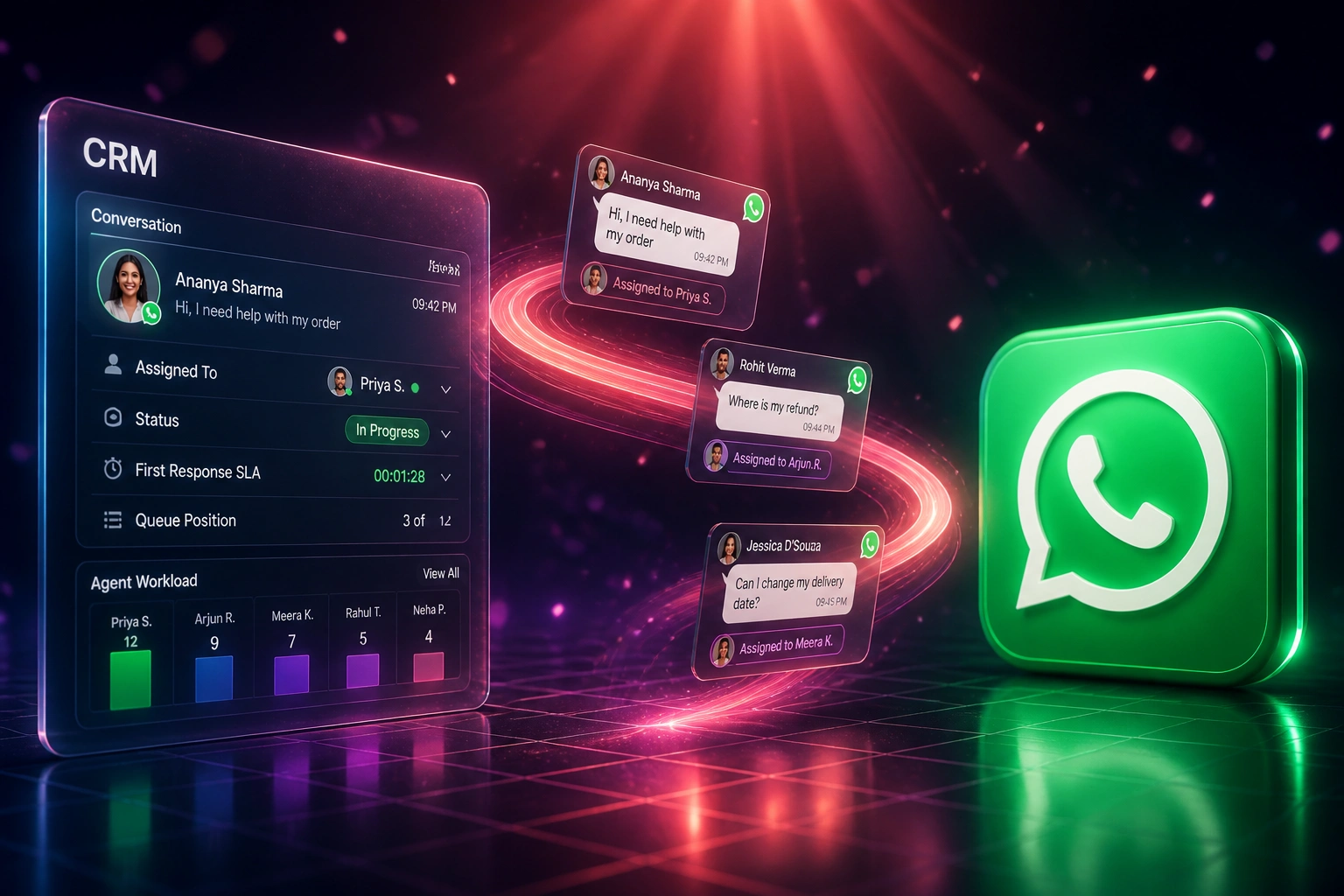
Message arrives → assigned to one owner → collision locked → SLA clock running. No shared phone chaos.
Customer Messages the Number
Inbound WhatsApp lands in the shared team inbox, not on one person's phone
Chat Is Assigned
Round-robin, least-busy, or skill rules give one agent clear ownership
Collision Locked
Presence and typing indicators stop a second agent from double-replying
SLA Measured
First-response and resolution times feed the ops dashboard your manager actually needs
Everything You Need for a Reliable WhatsApp Team Inbox
Conversation Assignment
Every inbound chat gets an owner: round-robin, least-busy, or skill-based routing so your shared WhatsApp queue never sits unclaimed.
Collision Prevention
Presence and typing indicators stop two agents from answering the same customer. One lock, one owner, one clear reply.
First-Response SLA Timers
Live clocks on every open chat, with alerts before the SLA breaches, so your multi-agent WhatsApp desk stays measurable.
Internal Notes & Handoffs
Private notes and @mentions keep context inside the thread. Shift changes and escalations transfer ownership without making the customer repeat themselves.
Agent Workload Visibility
See open chats per agent, backlog depth, and who is available. Balance the queue instead of guessing from a shared phone.
WhatsApp Business API Inbox
Move off the single-device Business app onto Cloud API plus a team inbox: unlimited agent seats, roles, and reporting on one number.
Inboxes and Platforms We've Wired for Shared WhatsApp
From 47-Minute First Response to Under 3 Minutes
How a six-agent Cape Town support desk stopped double-replies on one WhatsApp number and made SLA compliance measurable.
The Shared-Phone Process
- Six agents shared one WhatsApp Business number across a primary phone and linked devices
- Average first response sat near 47 minutes during peak hours
- Roughly eight double-replies a week: conflicting answers, angry follow-ups
- Overnight and lunch gaps left chats unanswered until someone next opened the phone
- Manager had no report of who owned which chat or who breached SLA
The Multi-Agent Inbox
- Cloud API plus shared inbox: each agent logs in, every chat has one owner
- First response under three minutes on covered hours, with SLA alerts at two minutes
- Collision indicators cut contradictory double-replies to near zero
- Shift handoffs use internal notes; customers stop repeating themselves
- Ops dashboard shows backlog, workload, and SLA compliance by agent
Before vs After a Shared WhatsApp Team Inbox
How It Works
From first conversation to a live multi-agent WhatsApp inbox in 2–4 weeks.
Tell Us Your Setup
How many agents share the number today, Business app vs API, peak volume, and which SLA you need to hit.
Free Scoping Call
30-minute call to map routing rules, departments, collision rules, and what "on time" means for first response.
Build & Test
We connect Meta Cloud API to your team inbox, configure assignment and SLA timers, and parallel-test with live traffic for a week.
Go Live & Monitor
Retire the shared phone. Dashboards track first-response, collisions, and backlog so ops can coach from real numbers.
Frequently Asked Questions
Why can't we just keep using the WhatsApp Business app with linked devices?
The free WhatsApp Business app supports one primary phone plus up to four linked devices (five simultaneous users). Meta Verified raises that to ten linked devices and adds manual chat assignment, but still no automated routing, no per-agent analytics, and no real collision controls. Once more than a couple of people live on the number, most CS and sales ops teams move to WhatsApp Business API plus a multi-agent inbox.
What is a WhatsApp team inbox / multi-agent WhatsApp setup?
Your business number runs on the WhatsApp Business API. Agents log into a shared inbox with their own accounts. Conversations are assigned, presence shows who is typing, internal notes stay private, and managers see first-response and resolution times. Customers still message the same number; your team finally works it like a proper queue.
How does collision prevention work?
When an agent opens or starts typing in a chat, the inbox shows presence to everyone else and typically locks or warns before a second reply goes out. That stops the classic shared-WhatsApp failure: two agents giving contradictory answers to the same customer at the same time.
What first-response SLA should we target on WhatsApp?
Freshworks' 2025 messaging benchmarks put WhatsApp trendsetters at about 18 seconds first response, performers near two minutes, and aspirants over twelve minutes. Messaging customers expect minutes, not email-style hours. We usually start teams on a five-minute first-response SLA with alerts at three minutes, then tighten once assignment and coverage are stable.
Will this disrupt our agents mid-week?
No. We run the API inbox in parallel with the Business app where coexistence allows, train on assignment and notes, then switch ownership once the team is comfortable. Agents keep chatting; they stop fighting over one phone.
How much does a multi-agent WhatsApp inbox cost?
A focused Cloud API plus shared-inbox setup with assignment and SLA timers starts from around R15,000. Builds with skill-based routing, CRM context, departments, and reporting typically run R25,000–R60,000. Teams recovering even a few hours a week of collision cleanup and missed-lead salvage usually see payback inside 2–3 months.
Stop Sharing One Phone for Your Whole WhatsApp Desk
If multiple staff are fighting over one WhatsApp Business number, you are paying for missed messages, double-replies, and SLAs you cannot prove.
Tell us how many agents share the number, whether you are still on the Business app, and what first-response target you need. We will show you exactly how a multi-agent inbox would work for your team.