WhatsApp Template Message Management: Approved Templates That Actually Send
Business-initiated WhatsApp needs pre-approved message templates. When Meta rejects them, or when nobody knows which version is live, your order confirmations and payment reminders never leave the building.
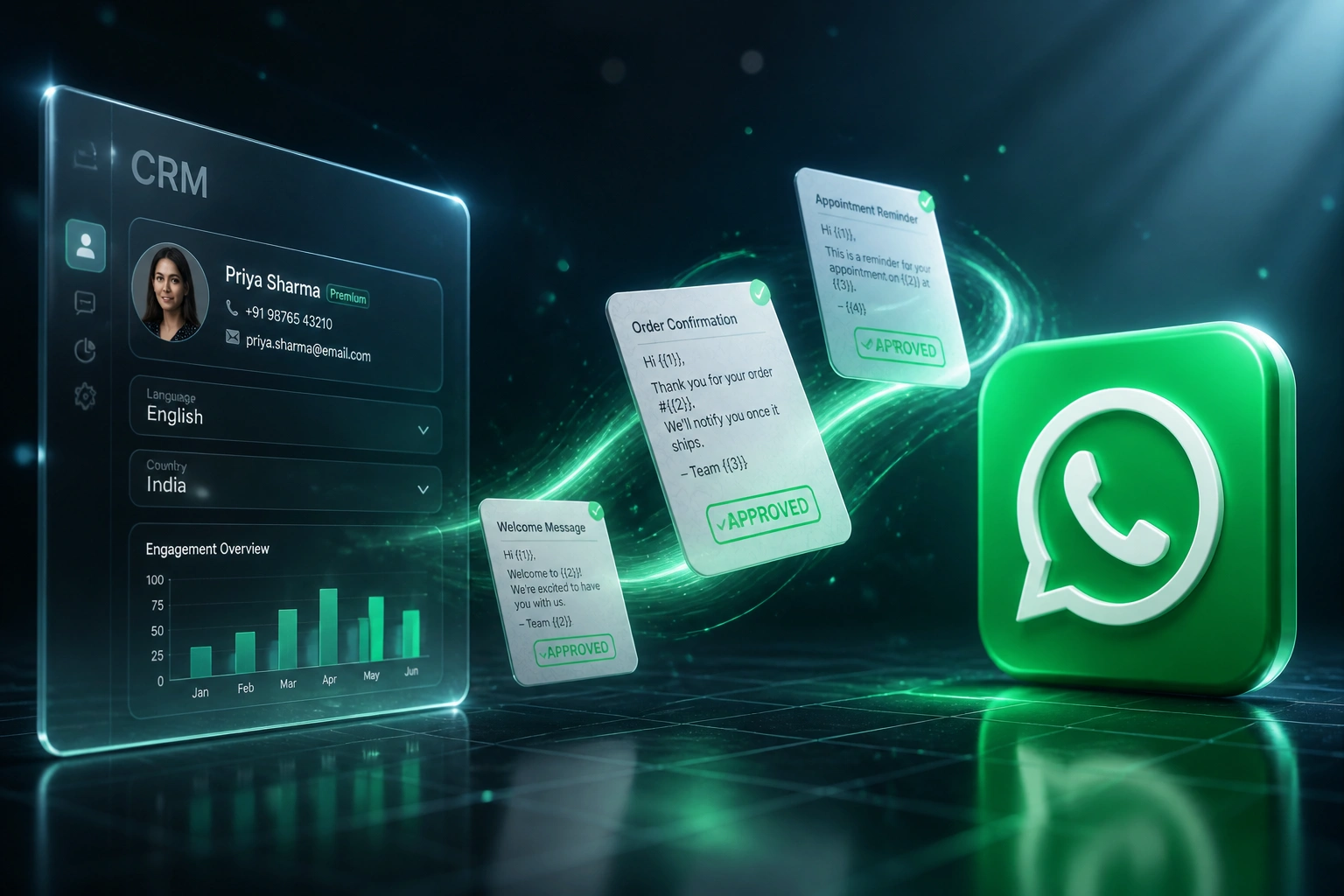
We build the management layer that creates, submits, tracks approval, and fires templates from CRM events.
Sound Familiar?
These are the exact issues our clients faced before a proper WhatsApp template management system:
- Order confirmations, payment reminders, and appointment messages sit blocked because Meta rejected the WhatsApp Business templates
- Marketing ops rewrites and resubmits the same message templates in Meta Business Suite with no shared library or version history
- Nobody knows which templates are Approved, Rejected, or In Review without opening Business Manager by hand
- Utility templates get reclassified as Marketing, so Meta bills roughly five times more per South African message
- CRM events fire, but WhatsApp never sends, because there is no map from deal stage or order status to an approved template
Since April 2025 Meta can automatically reclassify a template if the content does not match the category you submitted. A Utility order update that Meta treats as Marketing is approved at the marketing price (~R0.63 vs ~R0.13 in South Africa), and from 1 October 2026 in-window utility and service messages are planned to become chargeable too.
What WhatsApp Template Management Actually Does
Draft → Meta approval → CRM trigger → customer message. No spreadsheet of statuses, no Friday-afternoon Business Suite scramble.
Draft & Categorise
Ops writes the WhatsApp Business template as Utility, Marketing, or Authentication with real sample values
Submit to Meta
Template goes for review; status syncs as In Review, Approved, or Rejected with the reason attached
Map CRM Events
Approved templates bind to order confirmation, payment reminder, appointment, and renewal triggers
Send Reliably
CRM event fires → only APPROVED templates send, with version control and delivery logged back
Everything You Need for Dependable Message Templates
Template Library & Versioning
Create WhatsApp message templates once, store every revision, and keep Marketing, Utility, and Authentication variants in one governed library.
Meta Approval Tracking
Submit templates for review and see Approved, Rejected, or In Review status without living inside Meta Business Suite all day.
Rejection Recovery Workflow
Capture Meta's rejection reason, route the fix to marketing ops, and resubmit with sample values so the next review has a better shot.
CRM Event Triggers
Map approved templates to order confirmation, payment reminder, appointment, and renewal events so WhatsApp fires when the CRM does.
Category Cost Control
Flag Utility vs Marketing vs Authentication before submit, so a miscategorised template does not quietly bill at the higher marketing rate.
Send Quality Guardrails
Only APPROVED templates can leave the system. Paused or rejected versions stay locked until Meta clears them again.
Platforms We've Wired for Template Management
From 5-Day Rejection Cycles to Same-Day Fixes
How a Johannesburg retailer's marketing ops team stopped losing outbound WhatsApp to Meta template walls and started firing CRM events reliably.
The Manual Process
- Templates drafted in Google Docs, then pasted into Meta Business Suite by whoever was free
- Roughly one in three first submissions rejected for formatting or category mismatch
- Each rejection added 3–7 days of rewrite, resubmit, and waiting for Meta
- No single view of which WhatsApp Business templates were Approved vs stuck In Review
- Order and payment events in the CRM had no reliable link to an approved message template
The Managed Process
- Template library with versions, sample values, and Utility / Marketing / Authentication labels
- Meta status synced live: Approved, Rejected, or In Review with the reason attached
- Rejection fixes routed to ops the same day instead of disappearing into inbox threads
- 12 CRM-triggered templates live for orders, payments, appointments, and renewals
- Only APPROVED templates can send, so paused or rejected versions never leak out
Before vs After Template Management
How It Works
From first conversation to live template management in 2–4 weeks.
Tell Us Your Setup
Which CRM events need WhatsApp, how many templates you already run, and where Meta rejections are blocking outbound.
Free Scoping Call
30-minute call to map template categories, approval workflow, CRM triggers, and a phased go-live plan.
Build & Test
We build the template library, wire Meta status sync, map CRM events, and parallel-test with live sample sends.
Go Live & Monitor
Switch off spreadsheet tracking. Monitoring keeps approvals, categories, and send quality healthy as volume grows.
Frequently Asked Questions
How long does WhatsApp template approval take?
Meta's review can take up to 24 hours, and flagged templates can stretch to 48 hours. Most Utility and Authentication templates clear in minutes to a couple of hours. Marketing templates often take longer during peak periods. We design and submit with sample values so fewer messages land in manual review.
Why do WhatsApp Business templates get rejected?
Industry partners report roughly one in three templates rejected on first review. Common causes include variables at the start or end of the body, category mismatch (promotional language inside a Utility template), shortened URLs, missing sample values, duplicates, and Commerce Policy issues. A management layer surfaces the rejection reason and guides the rewrite before you resubmit.
What do WhatsApp template messages cost in South Africa?
Meta bills per delivered template in USD. At about R16.50 per dollar, marketing messages to South African numbers cost roughly R0.63 each, while Utility and Authentication sit around R0.13 (plus 15% VAT on Meta fees). Utility messages inside the 24-hour customer service window are free today. From 1 October 2026 Meta plans to charge in-window utility and service messages, so category control matters even more.
How is this different from WhatsApp Business API setup or broadcast messaging?
API integration connects your number and inbox. Broadcast messaging is bulk campaign sending. This page is the operational layer in between: creating message templates, submitting them to Meta, tracking approval status, versioning, and firing the right approved template when a CRM event happens.
Will this disrupt our current Meta Business Suite process?
No. We design the management system to sit on top of your WhatsApp Business Account. Your team still owns the brand voice and opt-ins. What changes is the workflow: create once, track status centrally, map to CRM triggers, and stop chasing approvals in a browser tab.
How much does WhatsApp template message management cost?
A focused template library with Meta status sync and a handful of CRM triggers starts from around R15,000. Broader builds with versioning, rejection workflows, multi-brand libraries, and reporting typically range from R25,000 to R60,000, plus Meta's per-message fees. Teams that recover even a few rejection cycles a month usually see ROI within 2–3 months.
Stop Losing Days to Template Rejections
If Meta approval walls and Business Suite guesswork are blocking business-initiated WhatsApp, you are spending money on a channel you cannot operate reliably.
Tell us which CRM events need message templates, how many templates you already run, and where rejections hurt most. We will show you exactly how a management layer would work for your team.