WooCommerce Inventory Integration: Stop Selling Stock You Do Not Have
Your warehouse knows what is on the shelf. Your WooCommerce storefront still shows yesterday's numbers because stock is updated by hand or a nightly CSV. Customers buy phantom inventory, then you cancel, refund, and apologise.
We build the live WooCommerce inventory sync that keeps WordPress stock accurate.
Sound Familiar?
These are the exact issues our WooCommerce clients faced before live inventory sync:
- WooCommerce still shows units that left the warehouse hours ago, so customers buy phantom stock
- Nightly CSV or hand edits leave a 4–24 hour window where available-to-sell is already wrong
- Takealot or retail sales do not update WordPress stock until someone notices the mismatch
- Oversell cancellations trigger refunds, apology vouchers, and one-star reviews during peak
- Ops spends 5–10 hours a week reconciling warehouse sheets against what the storefront sold overnight
WooCommerce HPOS is now the default for modern stores, and older stock plugins often break or silently mis-report during HPOS migrations and PHP upgrades. South African festive and Black Friday peaks amplify every lag in your WooCommerce inventory sync. A purpose-built warehouse link is the reliable path before peak demand hits.
What WooCommerce Inventory Sync Actually Does
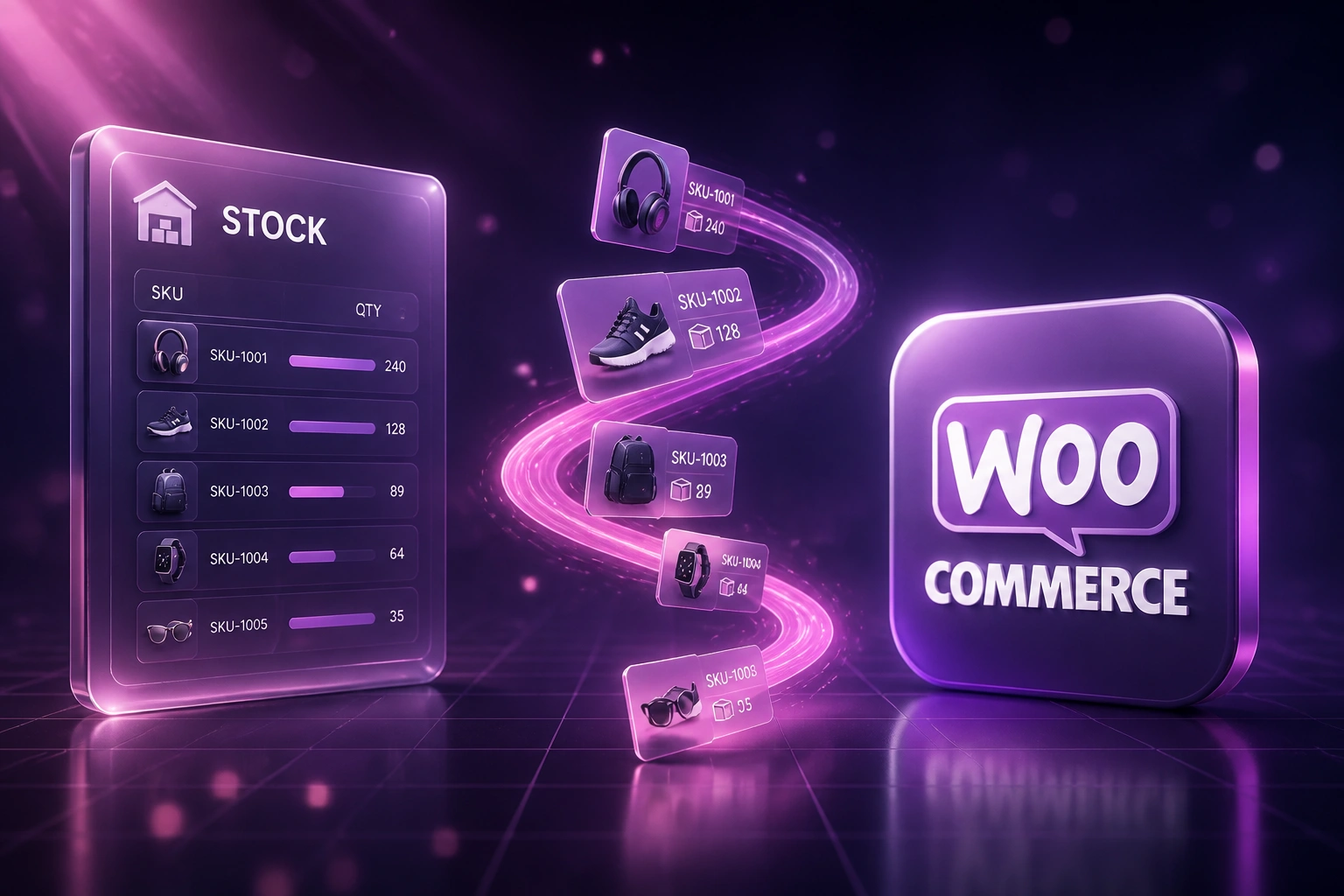
Warehouse stock moves → WooCommerce updates → customers only buy what you can ship. No hand editing WordPress stock.
Stock Moves in WMS
A pick, receive, adjustment, or retail sale updates the warehouse or ERP quantity
Available-to-Sell Calculated
Buffers, reserved checkout holds, and channel allocations produce the true sellable quantity
WooCommerce Stock Updated
WordPress product and variation quantities update within seconds, not after tonight's CSV
Storefront Stays Honest
Customers only see what you can fulfil. Oversells and phantom backorders drop sharply
Everything You Need for Reliable WooCommerce Stock Accuracy
Live WooCommerce Inventory Sync
Warehouse picks, receives, and adjustments push straight into WooCommerce stock quantities so WordPress available-to-sell stays honest through the day.
Oversell Protection
Safety buffers and sub-minute decrements close the gap that nightly CSV leaves open during morning peaks, flash sales, and festive demand.
Multi-Channel Stock Alignment
When Takealot or a retail till consumes a unit, WooCommerce reflects it before another customer checks out on the WordPress storefront.
WMS and ERP Connectors
Sage, Pastel, NetSuite, or a custom warehouse database becomes the source of truth. WooCommerce stops being a second, stale stock book.
Low-Stock and Drift Alerts
Ops sees SKUs approaching zero and silent sync failures before customers hit a dead product page or you oversell the last unit.
SKU and Variation Mapping
Parent products, variations, and warehouse SKUs map cleanly so size/colour stock never drifts out of sync with the physical shelf.
Systems We've Connected to WooCommerce Stock
From 7 Hours/Week of Stock Fixes to Under 1
How a Gauteng WooCommerce retailer selling online and on Takealot cut oversell cancellations by 94% once warehouse stock pushed live to WordPress.
The Manual Process
- Ops exported warehouse quantities each evening and imported a CSV into WooCommerce
- Takealot and walk-in sales overnight left WordPress showing phantom stock by 09:00
- Black Friday week produced a spike of oversell cancellations and apology vouchers
- Staff spent mornings matching refund tickets to SKUs that had already left the shelf
- Variation sizes drifted because parent and child stock were edited by hand
The Automated Process
- Warehouse picks and receives update WooCommerce quantities within seconds
- Safety buffers stop the last units selling on WordPress when Takealot still holds demand
- Oversell cancellations dropped by 94% in the first peak after go-live
- Ops reviews exception alerts instead of rebuilding CSV files every night
- Variation stock stays mapped to warehouse SKUs without hand edits
Before vs After WooCommerce Inventory Sync
How It Works
From first conversation to live WooCommerce inventory sync in 2–4 weeks.
Tell Us Your Setup
Which WMS or ERP holds stock, how WooCommerce is updated today, and where oversells or phantom stock hit hardest.
Free Scoping Call
30-minute call to map SKUs, buffers, channels, and the lag that costs you refunds during peak.
Build & Test
We build the WooCommerce inventory sync, test with live SKUs, and run parallel against your nightly CSV.
Go Live & Monitor
Switch off hand edits and overnight files. Monitoring keeps WordPress stock honest as warehouse stock moves.
Frequently Asked Questions
How long does a WooCommerce inventory integration take to set up?
A standard warehouse-to-WooCommerce stock sync takes 2–4 weeks from scoping to go-live. Simple one-way quantity pushes can be live within a week. Multi-channel setups with Takealot, retail POS, and custom buffers typically take 4–6 weeks.
Which warehouse and ERP systems can feed WooCommerce stock?
We have connected Sage, Pastel, NetSuite, custom warehouse databases, retail POS systems, and Takealot Seller Portal. If a system can expose on-hand quantities and sales or pick events, we can push accurate available-to-sell into WooCommerce.
Will this disrupt our warehouse or WordPress workflows?
No. We design the sync to sit behind your existing pick, pack, receive, and WooCommerce admin processes. Your team keeps using the same tools. We run parallel testing against your current CSV or manual updates before switching them off.
How does live sync stop overselling on the WooCommerce storefront?
Nightly files and hand edits are already stale by breakfast. Sub-minute decrements close that window. We also set safety buffers per SKU so WooCommerce marks items unavailable before physical stock hits zero during dual-channel peaks.
What about WooCommerce HPOS and plugin upgrades?
High-Performance Order Storage is the default path for modern WooCommerce stores, and older stock plugins often break or silently mis-report during HPOS migrations and PHP upgrades. A purpose-built sync uses the supported WooCommerce APIs so stock updates keep working when WordPress and WooCommerce versions move on.
How much does WooCommerce inventory integration cost?
Simple one-way warehouse-to-WooCommerce stock pushes start from around R15,000. Bidirectional sync with Takealot, POS, and custom buffers typically ranges from R25,000 to R60,000. Most stores with recurring oversells see ROI within 2–3 months from avoided cancellations and recovered staff time.
Stop Selling Phantom Inventory on WooCommerce
If your team still pushes nightly CSVs or edits stock by hand, customers are buying units that left the warehouse hours ago.
Tell us which WMS or ERP holds your stock, how WooCommerce is updated today, and where oversells hurt most. We'll show you exactly how live inventory sync would work for your storefront.