Xero South Africa and CRM Integration for Local Businesses
You are already on Xero ZA. Sales closes in the CRM. Finance still re-types ZAR invoices, chases missing VAT numbers, and wonders why off-the-shelf global connectors keep failing SARS tax invoice rules and local bank feeds.
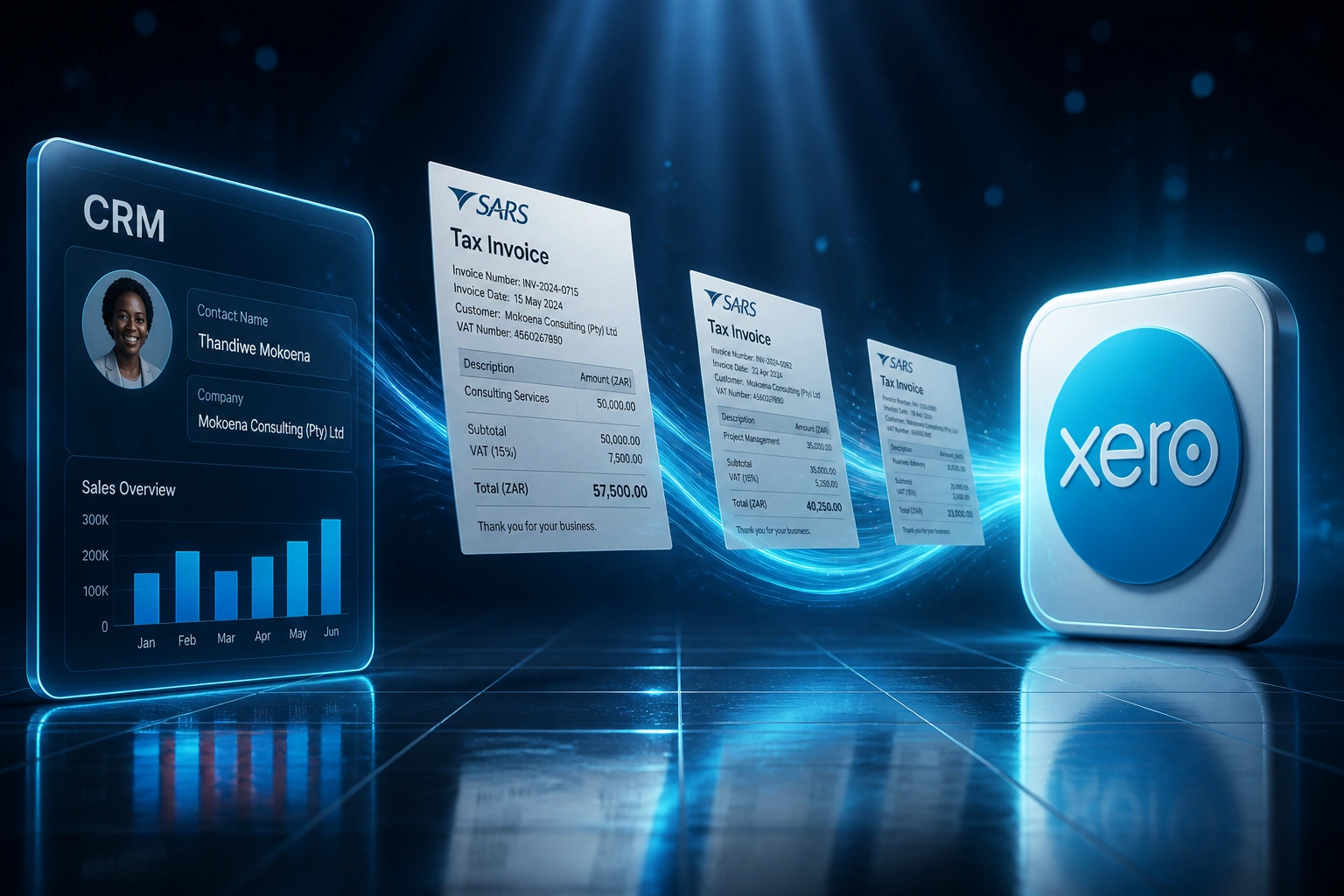
We build CRM-to-Xero integration that respects South African rules: ZAR, 15% VAT, and SARS-compliant tax invoices.
Sound Familiar?
These are the Xero ZA headaches South African finance leads bring to us:
- Won deals sit in the CRM while finance re-keys ZAR invoices into Xero ZA by hand
- Tax invoices miss buyer VAT numbers, addresses, or the words Tax Invoice that SARS requires
- Global connectors default to foreign currency or generic tax codes instead of ZAR at 15% VAT
- FNB, Standard Bank, Absa, or Nedbank feeds arrive in Xero, but CRM payments never match cleanly
- Month-end reconciliation burns evenings because sales totals and Xero ZA never agree
Global marketplace connectors were not built for Xero ZA. Missing buyer VAT numbers, wrong currency defaults, and weak bank-feed matching leave you with non-compliant tax invoices and a reconciliation mess against FNB, Standard Bank, Absa, or Nedbank.
What Xero ZA CRM Integration Actually Does
Deal closes → SARS-ready ZAR tax invoice in Xero → bank feed reconciles → sales sees Paid.
Deal Closes in CRM
Sales marks Won in HubSpot, Pipedrive, or your CRM with ZAR totals and buyer VAT details
Tax Invoice in Xero ZA
Section 20 fields, 15% VAT, and Rand line items mapped automatically
Bank Feed Matches
Client pays → Xero ZA and CRM payment status stay aligned with SA bank feeds
Month-End Settles
Revenue in CRM matches Xero ZA, because the handoff never left the systems
Built for Xero ZA, Not a Generic Global Template
SARS-Ready Tax Invoices
Closed deals create Xero ZA drafts with Tax Invoice wording, supplier VAT number, buyer details, serial number, and the value, 15% VAT, and consideration split.
ZAR as Base Currency
South African deals post in Rand with Xero ZA tax rates and account codes. No USD leftovers from a global connector template.
Local Bank Feed Alignment
Payment status syncs so FNB, Standard Bank, Absa, and Nedbank bank feeds reconcile against the same invoices your CRM already knows.
Full vs Abridged Logic
Supplies over R5,000 force a full tax invoice with recipient name, address, and VAT number. Smaller deals use the abridged field set.
Bidirectional Contact Sync
Client records stay aligned across CRM and Xero ZA, including VAT numbers and billing addresses that Section 20 expects.
ZA Field Mapping
CRM products map to Xero ZA account codes, tracking categories, and the correct 15% or zero-rated tax treatment for SA supplies.
CRMs We've Integrated with Xero ZA
From 8 Hours/Week to 1 Hour/Week on Xero ZA
How a Johannesburg professional services firm stopped re-keying HubSpot deals into Xero South Africa and started issuing SARS-ready ZAR tax invoices the same day.
The Manual Process
- Bookkeeper copied every closed HubSpot deal into Xero ZA by hand
- 35–50 minutes per deal: ZAR lines, 15% VAT, buyer VAT number, payment terms
- One in five tax invoices bounced back for missing Section 20 fields
- Average 4 business days from deal close to invoice sent
- FNB bank feed arrived daily, but CRM payment status lagged for weeks
The Automated Process
- Deal closes → draft tax invoice appears in Xero ZA within seconds
- Finance reviews SARS fields and approves with one click
- Buyer VAT number, Tax Invoice wording, and ZAR totals pulled from the CRM
- Same-day invoicing, inside the 21-day SARS window every time
- Payment status visible in HubSpot when the FNB feed clears the invoice
Before vs After Xero ZA Integration
How It Works
From first conversation to live Xero ZA sync in 2–4 weeks.
Tell Us Your Xero ZA Setup
Which CRM, how you invoice in ZAR, which SA banks you reconcile, and where SARS fields keep falling short.
Free Scoping Call
30-minute call to map deal-to-invoice flow, Section 20 fields, and bank-feed reconciliation gaps.
Build & Test
We build the sync, test with live ZAR deals, and run parallel so every draft tax invoice is checked before go-live.
Go Live & Monitor
Switch off re-keying. Monitoring catches missing VAT numbers and sync failures before clients or SARS notice.
Frequently Asked Questions
How is Xero South Africa CRM integration different from a global Xero connector?
Off-the-shelf global connectors often assume foreign tax templates, miss buyer VAT numbers, skip Tax Invoice wording, or leave ZAR deals in the wrong currency. A Xero ZA integration maps Section 20 fields, posts Rand as base currency at 15% VAT where required, and aligns payment status with local bank feeds from FNB, Standard Bank, Absa, and Nedbank.
What SARS tax invoice fields does the sync include?
For supplies over R5,000, drafts carry the words Tax Invoice (or VAT Invoice / Invoice), your name, address and VAT number, the recipient's name, address and VAT number where they are a vendor, a serial number and date, description and quantity, plus the value, the 15% tax amount, and the consideration. Abridged rules apply under R5,000.
Which CRMs can connect to Xero ZA?
We have built Xero integrations with HubSpot, Pipedrive, Salesforce, Zoho CRM, Monday.com, Freshsales, and custom CRMs. If your CRM has an API, we can connect it to your Xero South Africa organisation.
Will this work with our South African bank feeds?
Yes. Xero ZA already pulls transactions from major SA banks. The integration keeps CRM payment status aligned with those invoices so reconciliation against FNB, Standard Bank, Absa, or Nedbank feeds is matching work, not detective work.
What happens if our tax invoices stay non-compliant?
Customers cannot claim input tax without a valid tax invoice, which delays payment and damages trust. On your side, incomplete or wrong VAT treatment can lead SARS to disallow inputs, levy a 10% late-payment penalty on additional VAT, charge interest, and in some cases apply understatement penalties. Automation closes the field gaps that create that exposure.
How much does Xero ZA CRM integration cost?
Simple one-way ZAR invoice syncs start from around R18,000. Bidirectional setups with SARS field validation and payment sync typically range from R28,000 to R65,000. Most SA teams processing 20+ tax invoices a month see ROI within 2–4 months against manual re-keying and rework.
Stop Re-Keying Deals into Xero ZA
If your South African team is still copying CRM deals into Xero by hand, you are paying for a problem global connectors never solved properly for ZAR and SARS.
Tell us which CRM you run, how your Xero South Africa billing works, and which bank feeds you reconcile. We will show you exactly how automated, SARS-ready invoicing would work for your business.