Accept In-Person and Online Payments With Yoco: Automate the Rest
Your Yoco card machine and Yoco Online are taking payments cleanly. The problem starts after: someone retypes every tap into the CRM, marks invoices paid by hand, and reconciles two channels in a spreadsheet every Friday.
We build the Yoco integration that writes payments into CRM, accounting, and stock automatically.
Sound Familiar?
These are the exact issues South African SMEs faced before Yoco integration:
- Card-machine taps and Yoco Online orders get retyped into the CRM by hand
- Xero or Sage invoices sit unpaid until someone matches the settlement report
- Stock counts drift because POS sales never decrement inventory automatically
- Refunds and tip adjustments create mismatches that take hours to untangle
- Month-end reconciliation across in-store and online channels takes 2–3 days
Growing past one channel breaks the spreadsheet. Once you add Yoco Online alongside card machines, settlement timing, fees (online runs ~0.5% higher), and refunds diverge. Manual matching that worked at R30k/month collapses at R100k+.
What Yoco Integration Actually Does
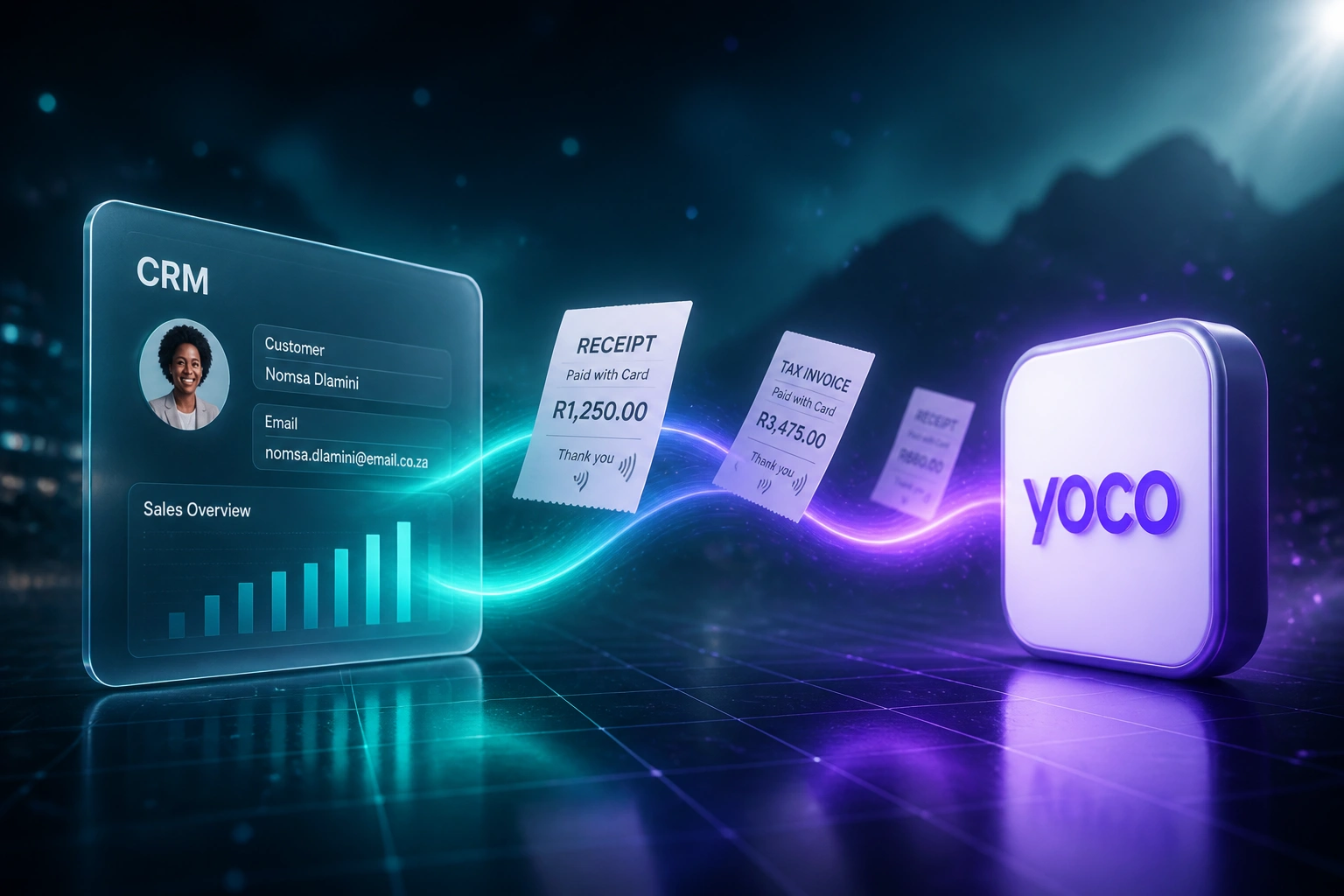
Payment taken → CRM updated → invoice marked paid → stock adjusted. No human copying between systems.
Payment Taken on Yoco
Card tap in-store or Online checkout succeeds; Yoco webhook fires with the authoritative result
CRM Deal Updated
Customer, amount, channel, and status land on the right CRM deal or order record
Invoice Marked Paid
Matching Xero or Sage invoice flips to paid; refunds reverse cleanly when they land
Stock & Reconciled
Inventory decrements; month-end three-way match is already done
Everything You Need for Reliable Yoco Payments Sync
Card Machine & Online Capture
Every Yoco card-machine tap and Yoco Online payment writes into your CRM as a closed deal or paid order, with amount, channel, and reference intact.
Invoice Marked Paid
Matching Xero or Sage invoices flip to paid the moment Yoco confirms settlement. No more hunting bank statements at month-end.
Stock Decrement
POS and online sales reduce inventory in your stock system automatically, so sell-outs and overselling stop being a surprise.
CRM Deal Sync
Customer, amount, and payment status land on the right CRM record. Sales and ops see who paid without asking finance.
Refund & Exception Handling
Refunds, failed charges, and tip adjustments sync cleanly. Your team only reviews the handful of exceptions that need a human eye.
Automated Reconciliation
Three-way matching across Yoco settlements, CRM deals, and accounting invoices. Month-end drops from days to hours.
Platforms We've Wired Into Yoco Integrations
From 10 Hours/Week to Under 2
How a Cape Town retail and services SME stopped retyping Yoco payments and closed month-end three days faster.
The Manual Process
- Ops lead exported Yoco App sales and typed amounts into Pipedrive deals
- Finance matched Online settlements to Xero invoices in a spreadsheet
- Stock counts lagged 1–2 days behind in-store card-machine sales
- Refunds and tip adjustments created weekly mismatch piles
- Month-end three-way recon took 2–3 full days
The Automated Process
- Every card tap and Online payment updates Pipedrive within seconds
- Matching Xero invoices mark paid from the Yoco webhook
- Stock decrements on sale; sell-outs surface the same day
- Refunds reverse CRM, invoice, and stock without a chase
- Ops reviews a short exception queue instead of every transaction
Before vs After Yoco Integration
How It Works
From first conversation to live Yoco integration in 2–4 weeks.
Tell Us Your Setup
Which Yoco hardware and Online channels you use, which CRM and accounting stack, and where stock lives.
Free Scoping Call
30-minute call to map in-store vs online payment flows, identify mismatch hotspots, and design the sync.
Build & Test
We wire Yoco webhooks into CRM, accounting, and stock, then run parallel for a week against live settlements.
Go Live & Monitor
Switch off spreadsheet logging. Monitoring and alerts keep dual-channel reconciliation clean.
Frequently Asked Questions
Does this cover both Yoco card machines and Yoco Online?
Yes. We integrate in-person card-machine payments and Yoco Online (including Checkout API and payment links) into one flow. Both channels write to the same CRM, accounting, and stock systems so dual-channel businesses stop reconciling two separate worlds.
Which CRMs and accounting systems can you connect?
We've connected Yoco to HubSpot, Pipedrive, Salesforce, Zoho CRM, Xero, Sage, and custom systems. If your tools have an API, we can wire payment events into them. Stock systems and Shopify are common add-ons for retail clients.
Will this disrupt till or online checkout workflows?
No. Staff keep using the same Yoco card machines and Online checkout. The automation runs behind the scenes: payment confirmed → CRM updated → invoice marked paid → stock decremented. We run parallel testing before switching off manual logging.
How do you handle refunds and failed payments?
Refunds and failed charges come through Yoco webhooks and reverse or flag the matching CRM deal, invoice, and stock movement. Tip adjustments and partial refunds are handled as exceptions so finance is not left chasing mismatches weeks later.
How long does a Yoco payment integration take?
A standard dual-channel sync (card machine + Online into CRM and accounting) takes 2–4 weeks from scoping to go-live. Adding stock decrement and custom matching rules usually lands closer to 4–6 weeks.
How much does Yoco payment integration cost?
Simple one-way payment-to-CRM syncs start from around R15,000. Full dual-channel setups with accounting mark-paid, stock decrement, and reconciliation typically range from R25,000 to R60,000. Most retailers processing 50+ Yoco payments a day see ROI within 2–3 months.
Stop Retyping Every Yoco Payment
If your team is still logging card-machine taps and Online orders by hand, you are paying for a problem that Yoco webhooks and a proper integration already solve.
Tell us which Yoco hardware and Online tools you use, which CRM and accounting stack you run, and where stock lives. We will show you exactly how dual-channel automation would work for your business.