Zoho CRM to Salesforce Migration: Enterprise Upgrade Path
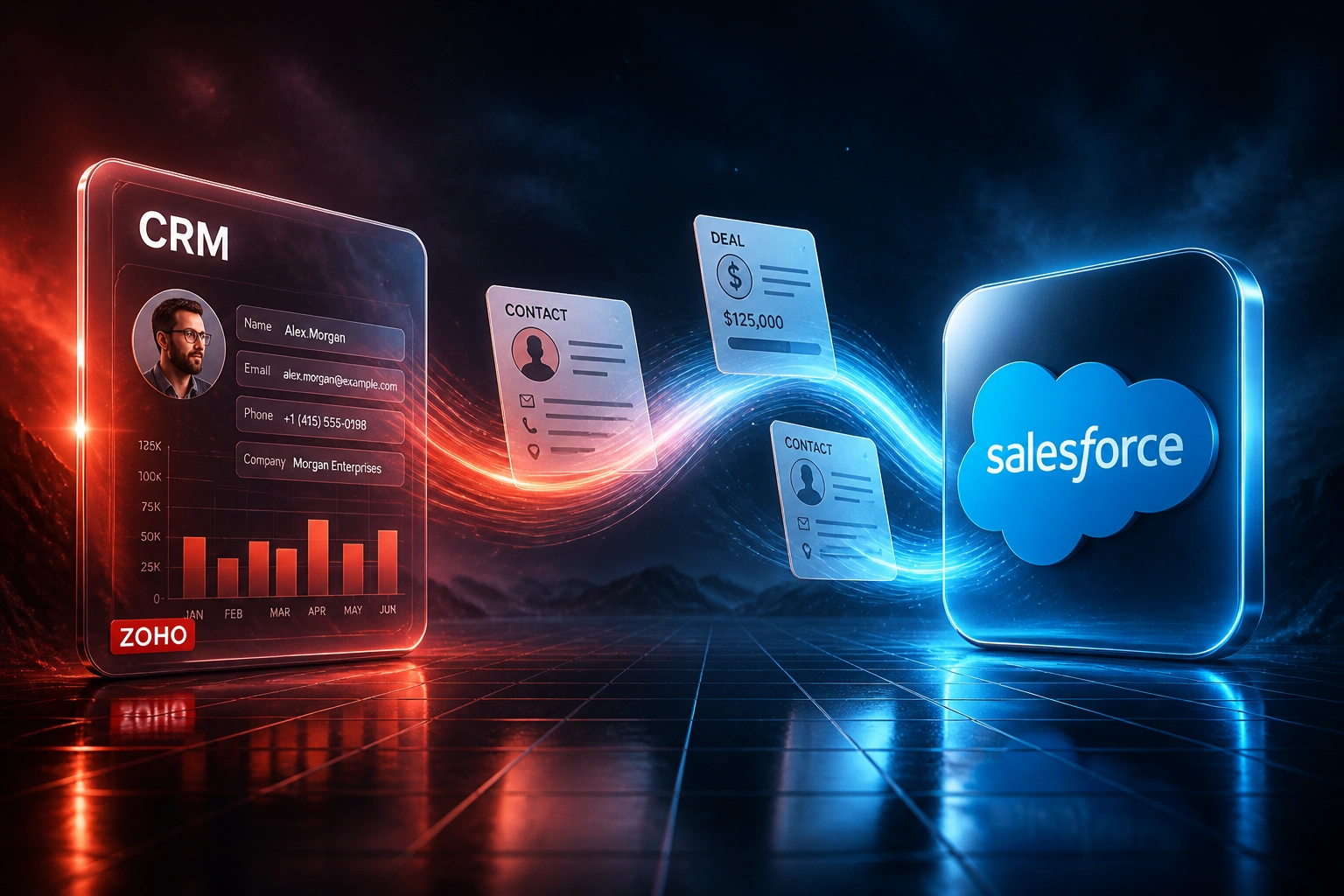
Your team has outgrown Zoho. Dual-system weeks, orphaned deal links, and Blueprints that will not survive a CSV dump are burning ops time while competitors already run Salesforce. A zoho salesforce migration is not a file export: it is a CRM upgrade that remaps modules and rebuilds automations.
We migrate pipeline history and rebuild Zoho automations as Salesforce-native Flows so reps never lose a deal stage or follow-up.
Sound Familiar?
These are the exact issues our clients faced before a Zoho to Salesforce CRM upgrade:
- Zoho modules (Deals, Accounts, custom modules) do not map 1:1 onto Salesforce objects, so a CSV dump orphans pipeline links
- Blueprints, Workflow Rules, and Zoho Flow automations cannot migrate programmatically and must be rebuilt as Salesforce Flows
- CRM Plus suite entanglement means Desk, Campaigns, and Books stay behind when sales moves, unless you plan the cut deliberately
- Zoho Enterprise caps concurrent API calls at 20 per org, so bulk extraction and dual-running integrations throttle at scale
- Attachments and notes use a different storage model than Salesforce Files, so contracts and proposals vanish if you only migrate rows
Zoho Blueprints, Workflow Rules, and custom functions cannot migrate programmatically. Industry research puts 83% of data migrations as failing or blowing budget and timeline. Mid-market unplanned downtime averages about 18 hours and can cost around R776,000. A managed zoho to salesforce plan with sandbox rehearsal is how you avoid becoming that statistic.
What a Zoho to Salesforce Migration Actually Does
Audit Zoho → map modules to objects → rebuild Blueprints as Flows → cut over with pipeline intact.
Zoho Org Audit
Modules, Blueprints, Workflow Rules, CRM Plus apps, and the gaps driving the CRM upgrade
Module Mapping
Accounts → Accounts, Deals → Opportunities, custom modules → custom objects with Record Types
Automation Rebuild
Blueprints and Workflow Rules rebuilt as Salesforce Flows so stage gates still fire
Cutover Live
Sandbox validated, Zoho retired at renewal, Salesforce becomes the single sales system of record
Everything You Need for a Reliable CRM Upgrade
Module-to-Object Mapping
Zoho Leads, Accounts, Contacts, and Deals map onto Salesforce Leads, Accounts, Contacts, and Opportunities, with Record Types for each sales motion you actually run.
Relationship Rebuild
Deal-to-contact, account, and activity links are re-linked by Salesforce ID after load. Flat CSV orphans do not hollow out your pipeline.
Blueprint and Workflow Rebuild
Zoho Blueprints, Workflow Rules, and custom functions become Salesforce Flows and approval processes, so stage gates and follow-ups survive cutover.
Custom Module Preservation
Zoho custom modules land as Salesforce custom objects with field types, lookups, and related lists redesigned for how your team sells.
Attachments and Files Intact
Contracts, proposals, and notes move into Salesforce Files (ContentVersion), not a row-only export that drops the binaries.
CRM Plus Untangling
We scope which Zoho Desk, Campaigns, and Books links stay, sync, or retire so sales can live in Salesforce without stranding support history.
What We Migrate and Rebuild
From Dual-System Pain to Salesforce in 8 Weeks
How a 35-person Cape Town distributor remapped Zoho modules onto Salesforce objects without losing pipeline history or Blueprint stage gates.
Zoho at the Ceiling
- CRM Plus kept Desk and Campaigns entangled while sales needed Salesforce reporting
- Four active Blueprints drove deal stages that a CSV export would have dropped
- Ops spent 10+ hours a week dual-entering deals across Zoho and a trial Salesforce org
- API concurrency at Enterprise (20) throttled nightly sync jobs during peak months
- Attachments for signed contracts sat outside any flat export path
Salesforce Sales Cloud Live
- Deals → Opportunities, custom modules → custom objects, Record Types per product line
- Blueprints rebuilt as Salesforce Flows so stage gates and tasks still fired
- Relationships and Files validated in sandbox before production cutover
- CRM Plus apps scoped: Desk stayed temporarily, sales worked only in Salesforce
- Zoho CRM seats cancelled at renewal; dual-running stopped in week eight
Before vs After Zoho to Salesforce Migration
How It Works
From first conversation to live Salesforce cutover in a planned 2 to 14 week programme.
Audit Your Zoho Org
Modules, custom fields, Blueprints, Workflow Rules, CRM Plus apps in play, and the scale gaps driving the CRM upgrade.
Design the Salesforce Model
30-minute call to map objects, rebuild automation targets, and fix a quote for migration plus cutover.
Migrate and Validate
We extract via API where CSVs fall short, remap modules, rebuild relationships, and run a sandbox load until spot checks pass.
Cut Over and Retire Zoho
Team trains on Salesforce, Zoho seats cancel at renewal, and ops stops babysitting a dual-system week.
Frequently Asked Questions
When does a Zoho CRM to Salesforce migration make sense?
When you have outgrown Zoho's module model, Blueprint-driven processes, or CRM Plus suite boundaries and need Salesforce reporting depth, AppExchange (7,000+ packages), multi-cloud consolidation, or enterprise sharing. Zoho Enterprise also caps concurrent API calls at 20 per org, which throttles heavy integrations at scale. If a clean Professional or Enterprise Zoho setup still covers how you sell, stay. If every growth step means another custom module workaround or another dual-app sync, scale up to Salesforce.
Will we lose deals, activities, and attachments?
Not when the migration is planned properly. Zoho Deals linked to Contacts, Accounts, and Activities must be re-linked by Salesforce ID after insert. Attachments need a Files (ContentVersion) path, not a CSV-only export. We run a trial sandbox load with record-count and relationship checks before any production cutover.
How long does a Zoho to Salesforce migration take?
A standard sales org under 500,000 records typically takes 2 to 6 weeks. Enterprise orgs with custom modules, multi-currency, and heavy activity history take 6 to 14 weeks. Blueprint complexity is the biggest variable: every Blueprint needs an explicit Flow or approval rebuild. We confirm a timeline after the audit and mapping step.
How do Zoho modules map onto Salesforce objects?
Zoho Accounts become Salesforce Accounts. Contacts stay Contacts under an Account. Deals (historically Potentials) become Opportunities. Leads map to Leads. Tasks, Calls, and Events become Tasks and Events with WhoId and WhatId resolved. Custom modules become custom objects. We sign off a field-level mapping spreadsheet before any full import runs.
How much does a Zoho to Salesforce migration cost?
Focused mid-market migrations with modules, relationships, Blueprint rebuilds, and cutover support typically land between R85,000 and R250,000. Managed specialists often start near R198,000 (about $12,000 at roughly R16.50 to the dollar) for a single-system move up to around a million records. Heavier custom modules, CRM Plus untangling, and multi-integration rebuilds push higher. Most clients see payback inside 12 months once dual-system overhead and Zoho workarounds stop.
What happens to Zoho Blueprints and Workflow Rules?
They do not import. Zoho Blueprints, Workflow Rules, and Deluge custom functions must be rebuilt as Salesforce Flows, approval processes, or Apex where needed. We inventory active automation first, retire what is obsolete, and rebuild only the stage gates and follow-ups your reps still rely on, so cutover does not drop a deal stage or reminder.
Stop Burning Weeks on Zoho Dual-System Pain
If module mapping, Blueprint rebuilds, and CRM Plus entanglement are slowing your zoho to salesforce decision, a managed migration recovers that time and preserves the pipeline history your forecasts depend on.
Tell us your Zoho edition, how many custom modules and Blueprints you run, and which Salesforce capabilities you need first. We will show you the object map, the automation rebuild plan, and a realistic cutover timeline.